

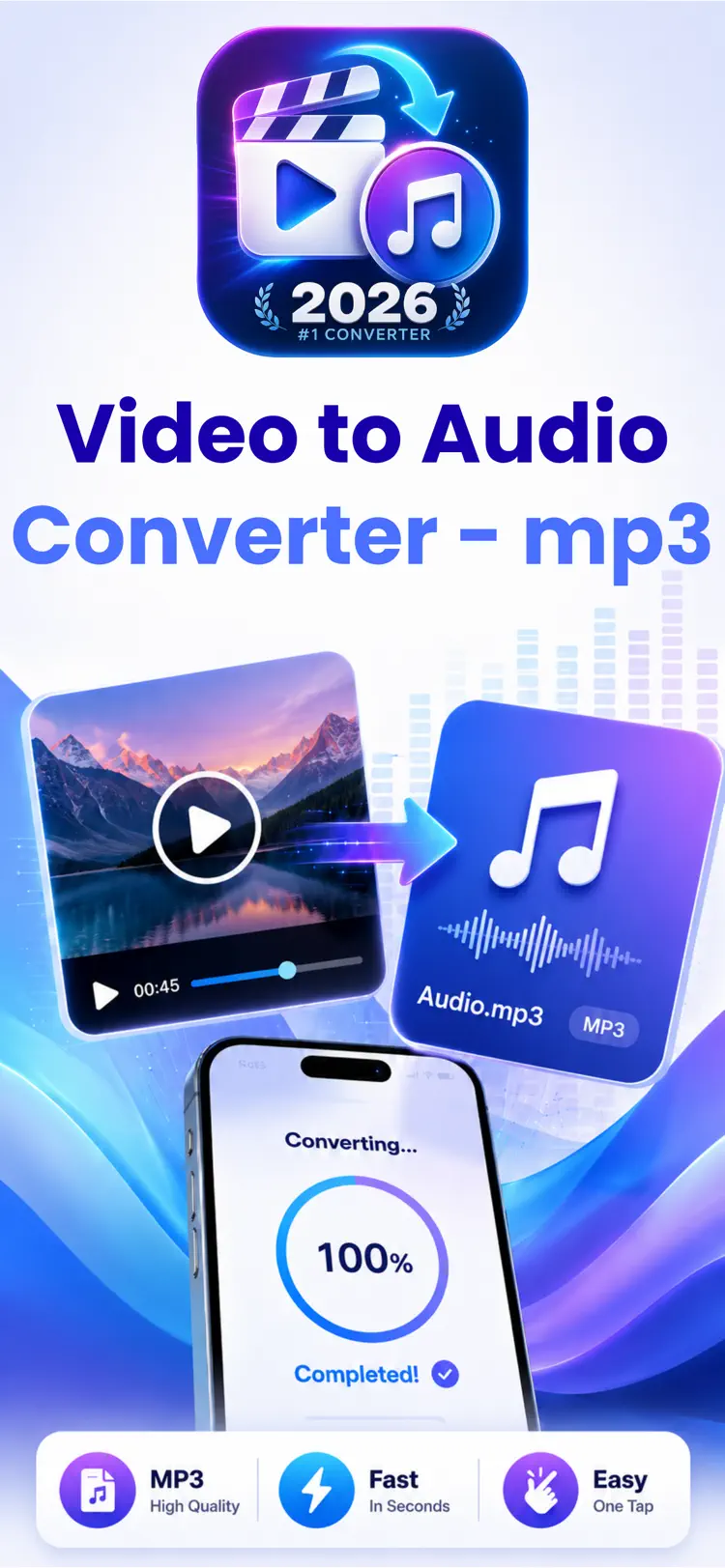
Video to MP3 for iPhone and Android
Extract clear, high-quality audio from clips, lectures, interviews and concerts in one tap. Everything converts on your device, so nothing gets uploaded anywhere.
Available on the App Store and Google Play. The feature descriptions and screenshots below refer to the iPhone app; check Google Play for Android-specific details. Features and compatibility can vary by platform.
Why people use Video to MP3
One focused job — getting the audio out of a video — done fast and without the usual junk.
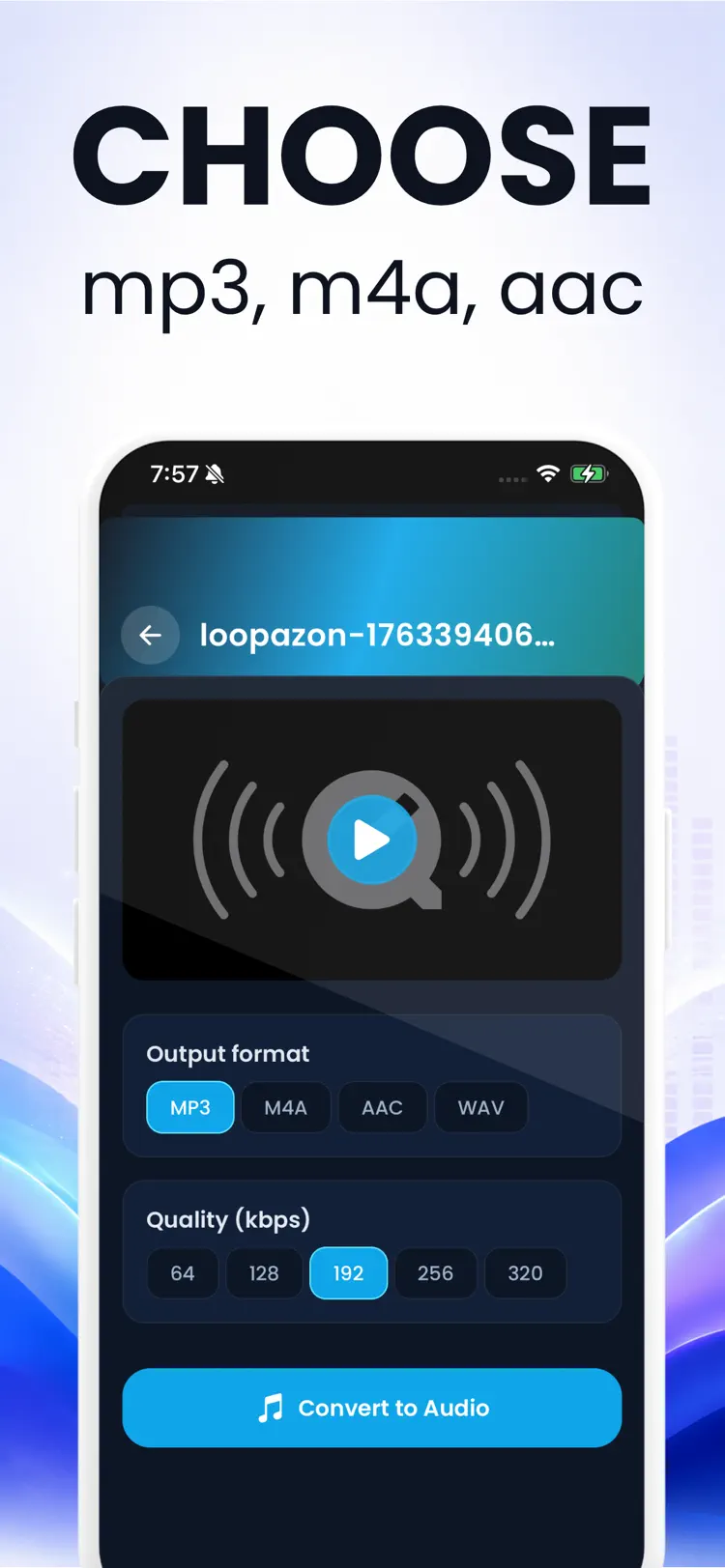
Every common format
Export MP3 for compatibility, WAV for editing, or M4A/AAC for the smallest files at high quality.
Trim before you save
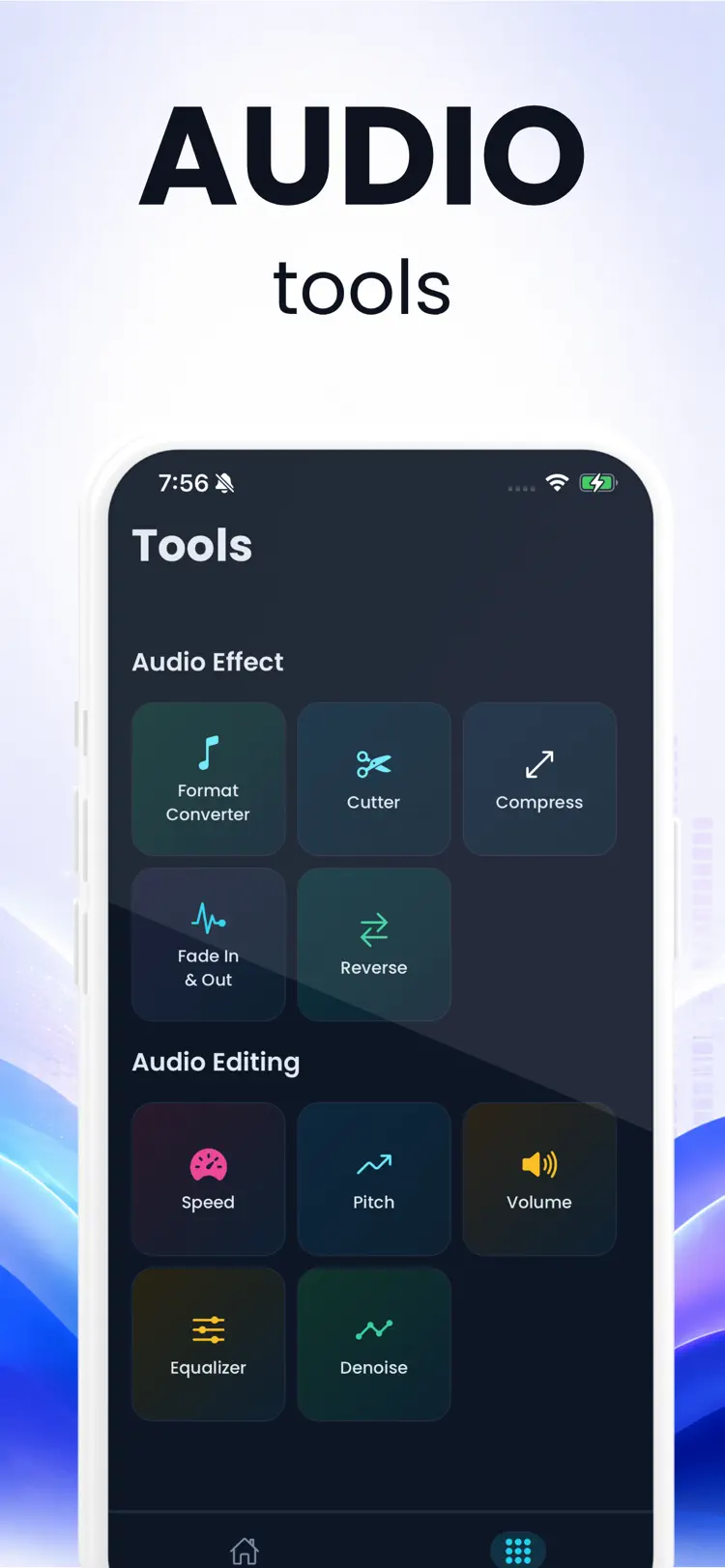
Cut silence, intros or unwanted sections so the file you keep is exactly the part you need.
Batch conversion
Queue several videos and convert them in one go instead of repeating the process file by file.
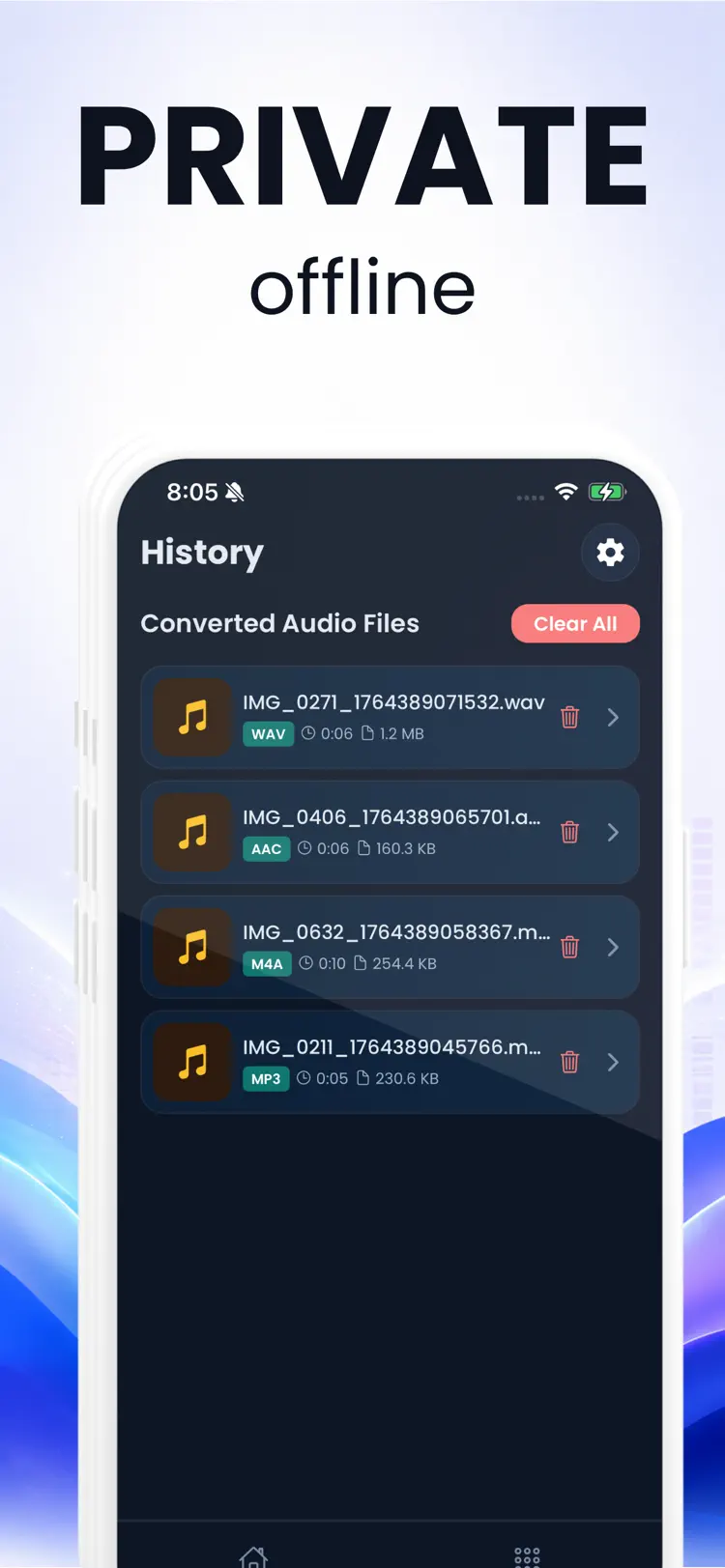
Works completely offline
Conversion runs on the phone itself. No uploads, no waiting on servers, and it works in airplane mode.
Private by design
Your videos never leave your device and no account is required.
Save anywhere
Send the audio to the Files app, AirDrop it, or share it straight into any other app.
How it works
From video to audio file in under a minute.
Pick a video
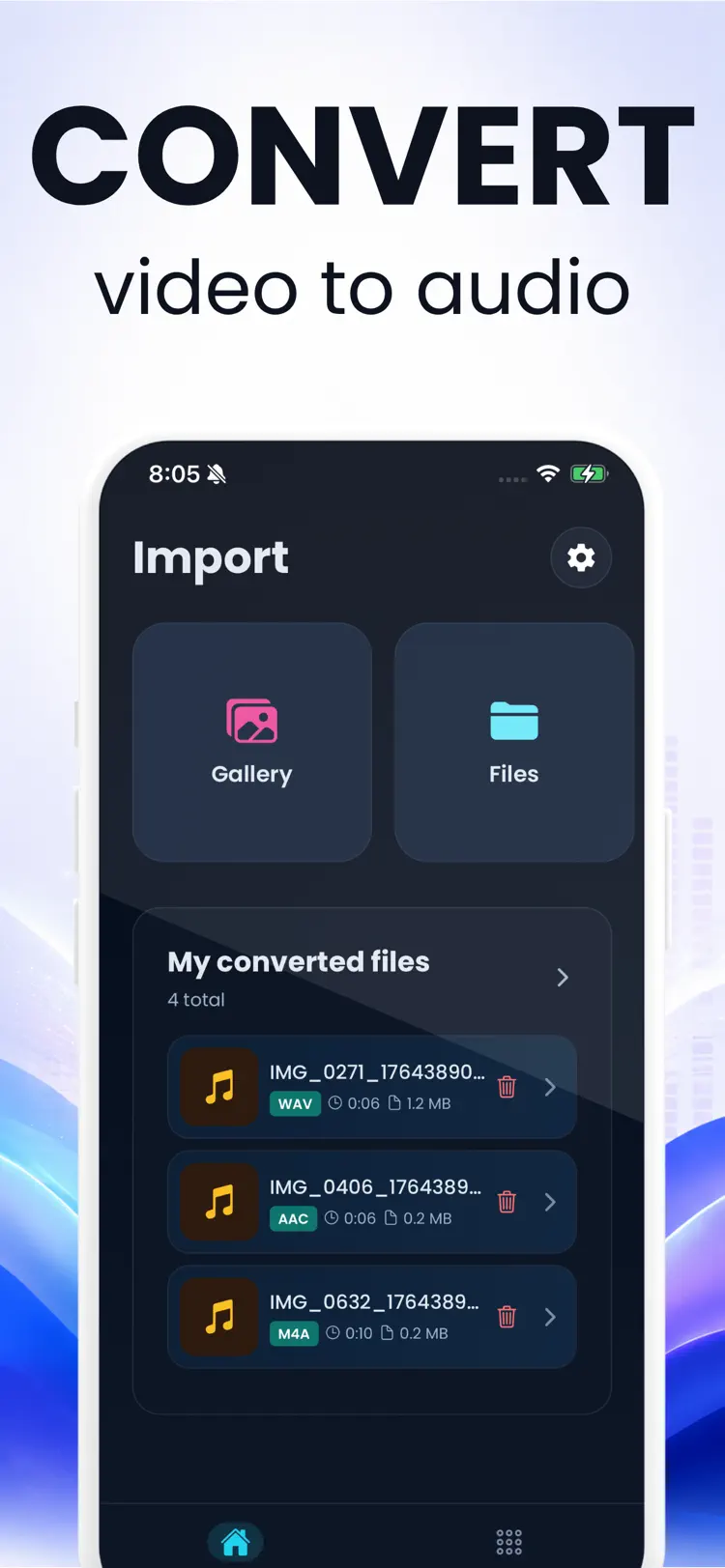
Choose any video from your photo library, the Files app, or cloud storage.
Choose format and trim
Select MP3, WAV, M4A or AAC, and optionally trim the audio to just the part you want.
Convert and share
Tap convert — the audio file is ready to save to Files, AirDrop, or share to any app in seconds.
Frequently asked questions
Quick answers about features, pricing, compatibility, and privacy.
Is the app free?
How do I convert a video to MP3 on iPhone?
Can I extract audio from a video I recorded myself?
Does the iPhone Shortcuts app do the same thing?
Can I use the extracted audio as a ringtone?
Are my videos uploaded to a server?
Is Video to MP3 available for both iPhone and Android?
Try Video to MP3 on iPhone or Android
Choose your platform for current features, compatibility, pricing, and privacy disclosures on the official store listing.