
Open and extract ZIP files on your iPhone
ZIP File Opener is a simple and private archive tool for iPhone. Open compressed files, preview archive contents, extract files, and create new archives directly on your device.
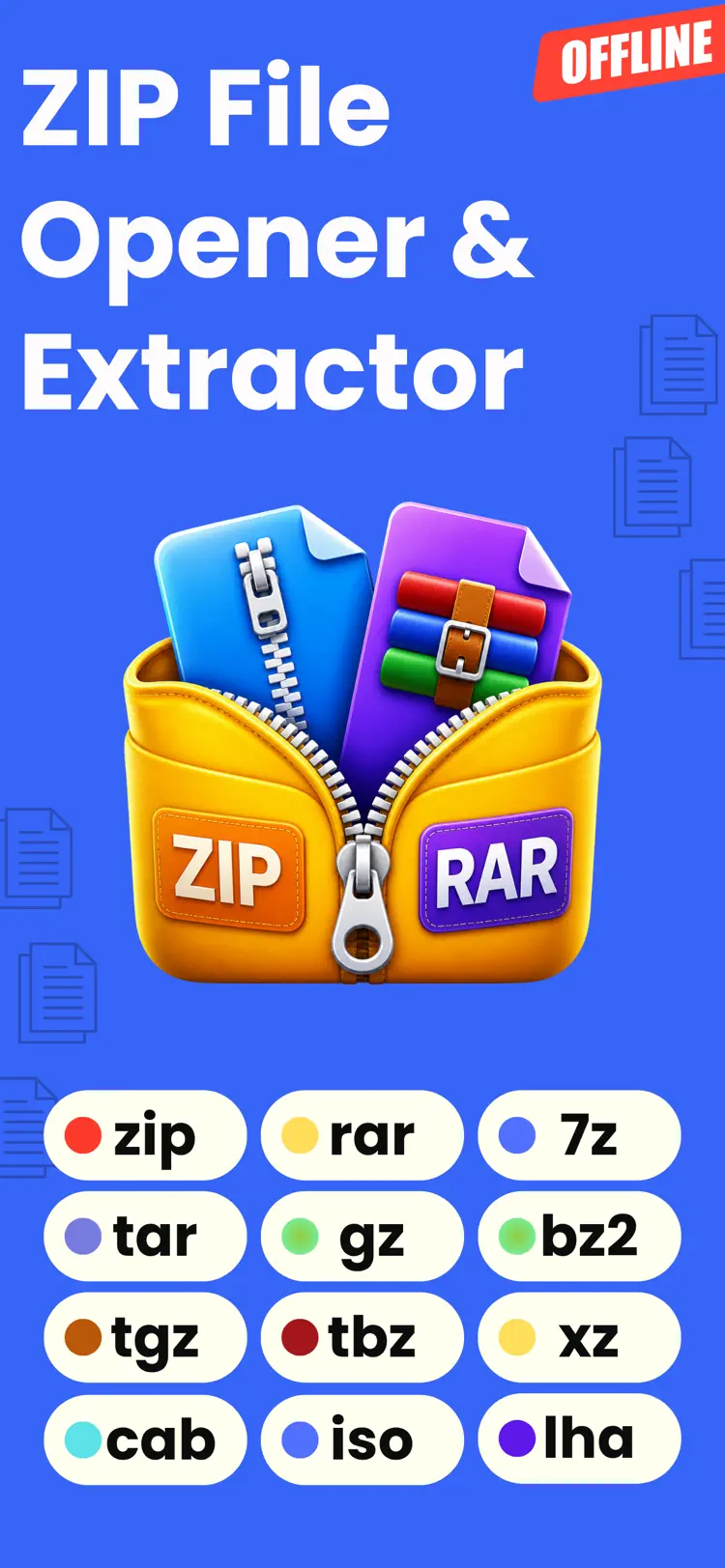
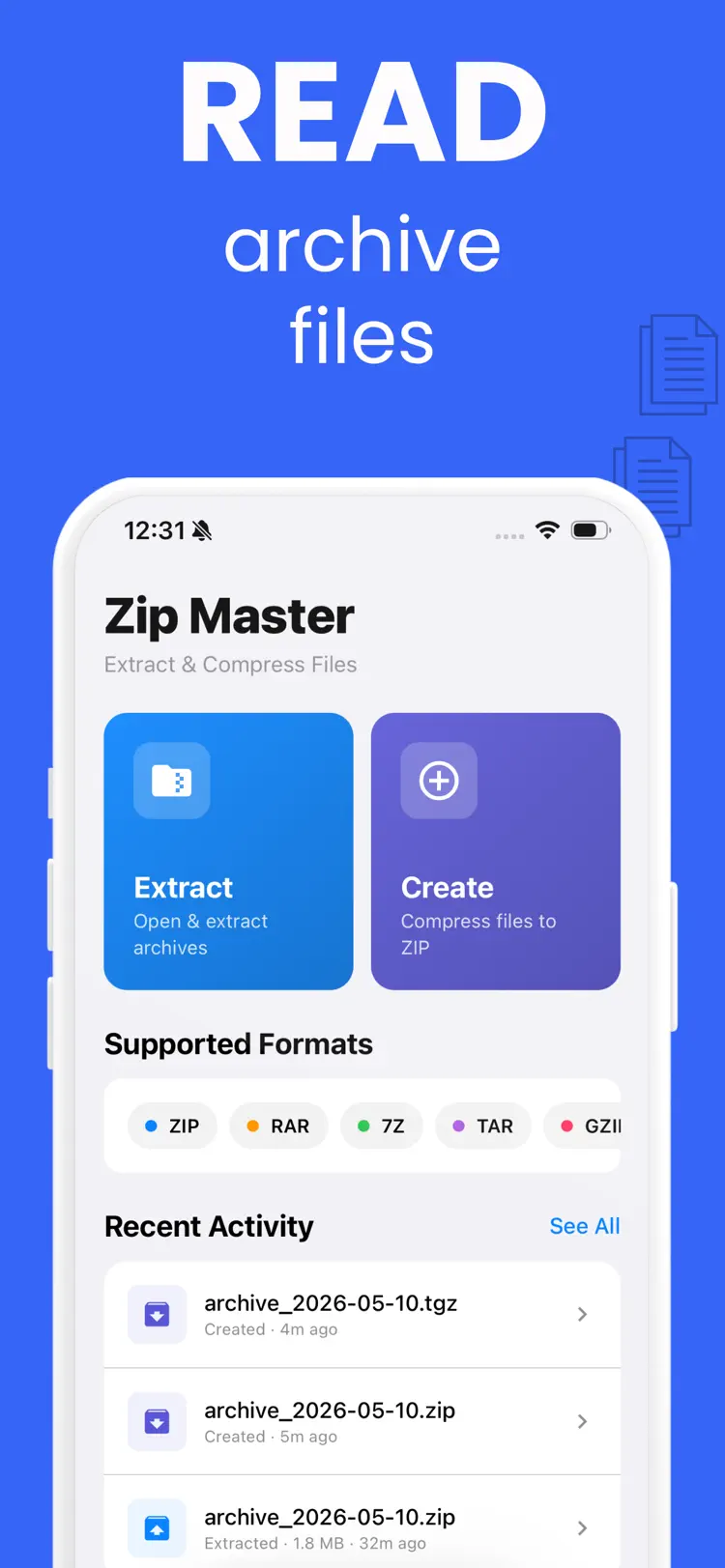
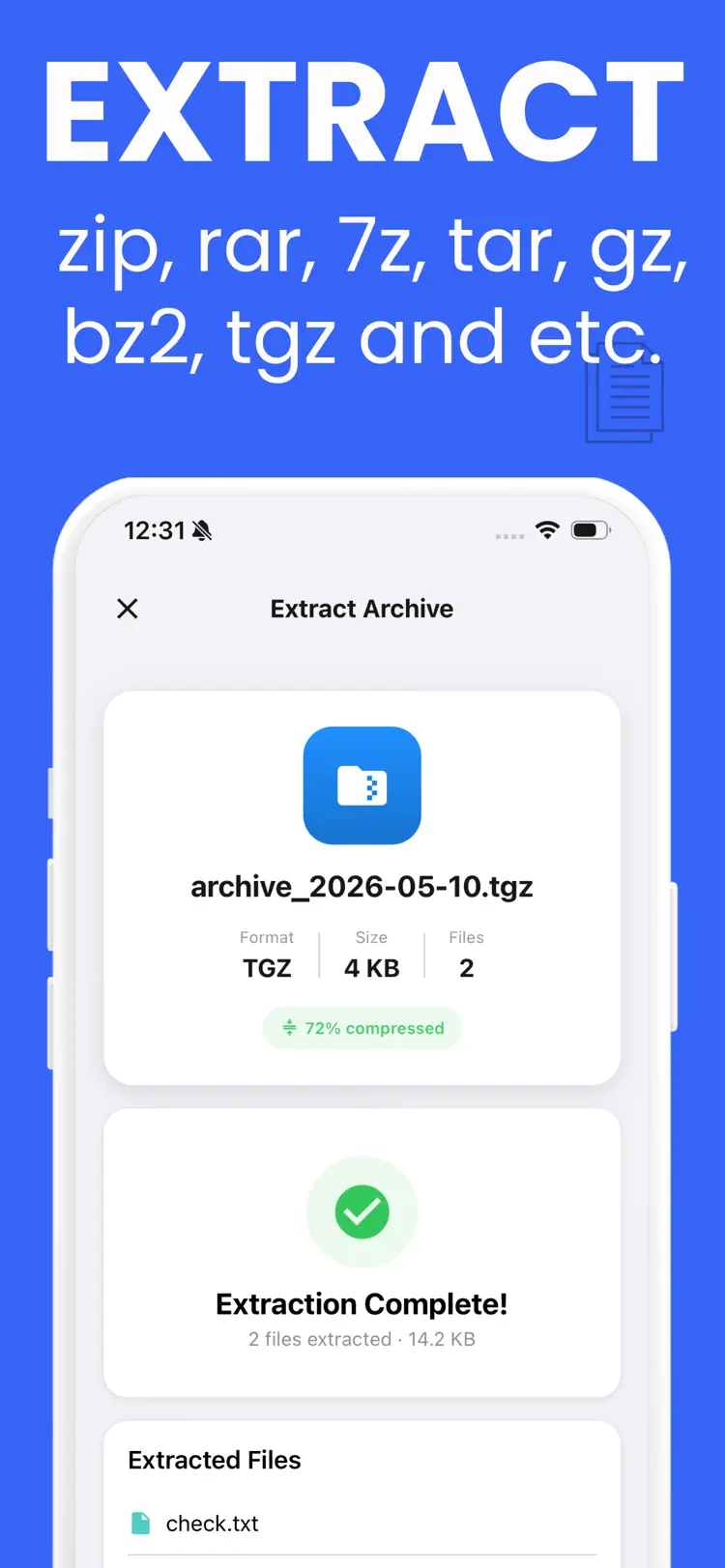
Why people use ZIP File Opener
Highlights taken from the app's current App Store listing.
Main features
Open ZIP archives
Extract files from supported archives
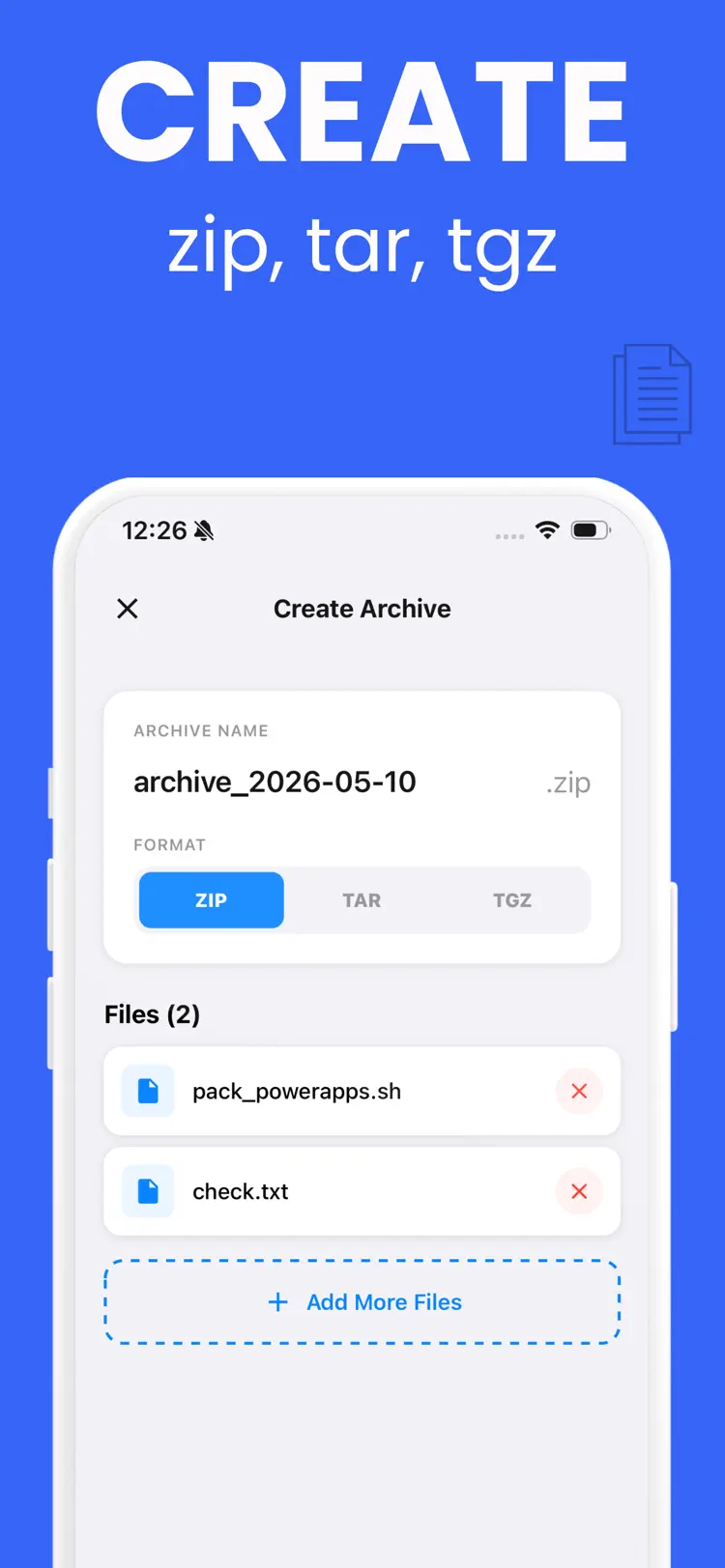
Create ZIP archives
Create TAR archives
Create TGZ archives
How it works
How to open and extract ZIP files in three steps.
Open the app
Start with a ZIP archive.
Choose the right tool
Follow the on-screen options and preview any change before applying it.
Finish and share
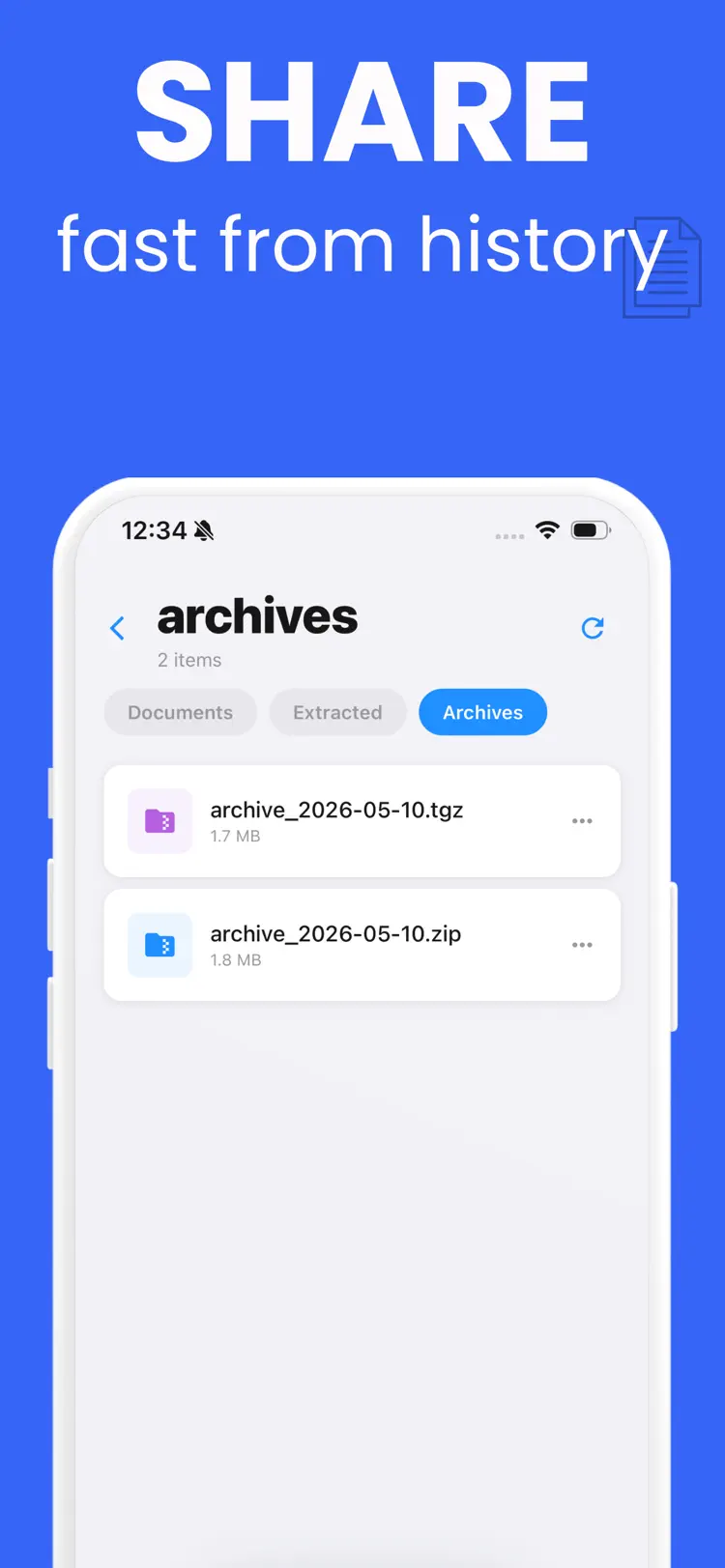
Save the result or continue through the iPhone share sheet.
Frequently asked questions
Quick answers about features, pricing, compatibility, and privacy.
What does ZIP File Opener do?
ZIP File Opener is a simple and private archive tool for iPhone. Open compressed files, preview archive contents, extract files, and create new archives directly on your device.
Is ZIP File Opener free?
The current App Store listing shows Free. Check the listing before downloading for current in-app purchases, subscriptions, or premium options.
Which iPhone version does ZIP File Opener support?
The app is available through Apple's App Store. The current listing requires iOS 15.1 or later. Compatibility can change with later releases, so confirm it on the current listing.
How does ZIP File Opener handle privacy?
Review the App Privacy section on the official App Store listing for the developer's current data-handling disclosures before installing.
When was ZIP File Opener last updated?
The catalog snapshot shows version 1.0, updated May 11, 2026. Open the App Store listing for the newest release notes.
Try ZIP File Opener on iPhone
Open the official App Store listing for the latest features, compatibility, pricing, and privacy details.