
Write on and prepare PDF documents on iPhone and Android
Write on PDF makes document work effortless. Import any PDF or image, fill forms, add signatures, stamps, and watermarks, and print or share instantly. Create blank pages or templates, type and edit text with ease, and keep annotations…
Available on the App Store and Google Play. The feature descriptions and screenshots below refer to the iPhone app; check Google Play for Android-specific details. Features and compatibility can vary by platform.

Why people use Write on PDF
Highlights taken from the app's current App Store listing.
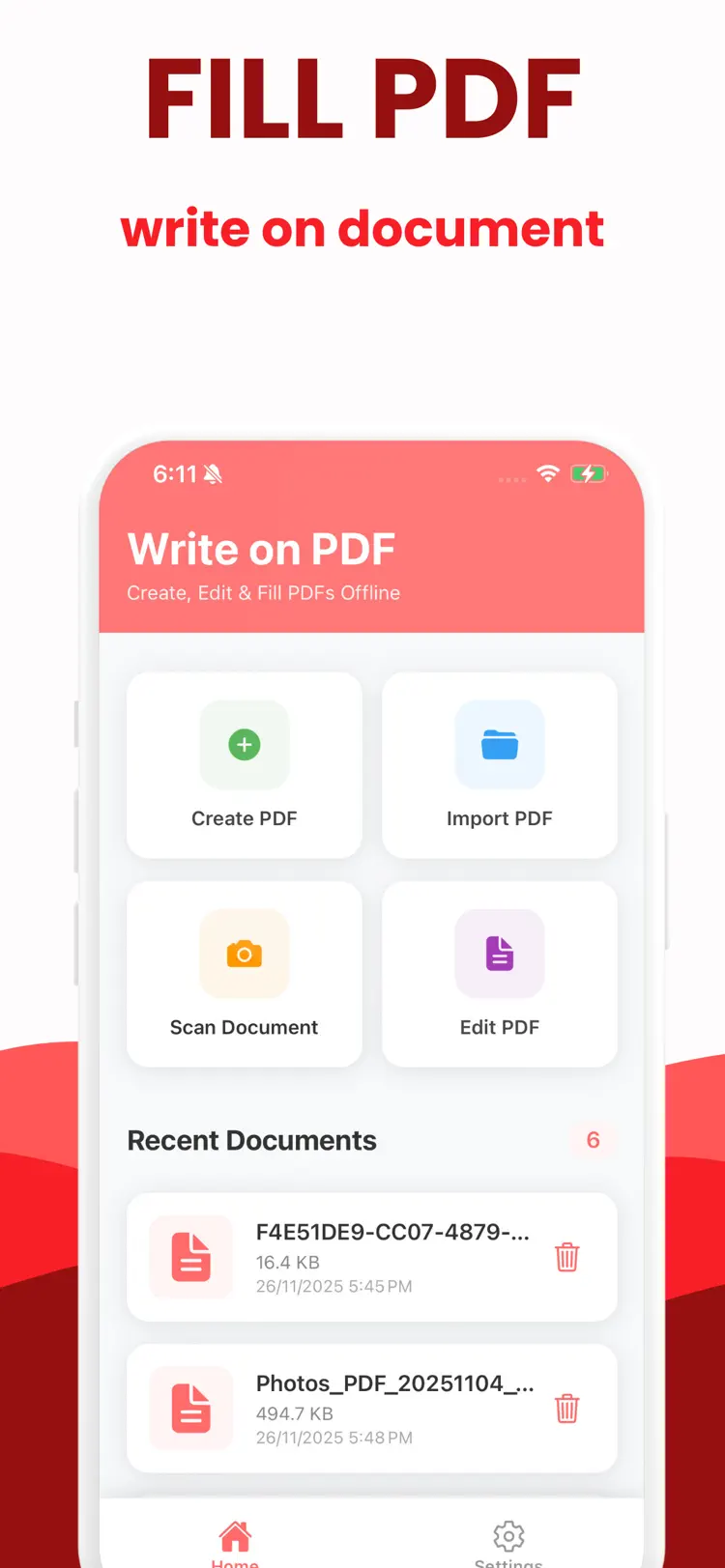
Import PDFs and images
Import PDFs and images, or start from a blank page
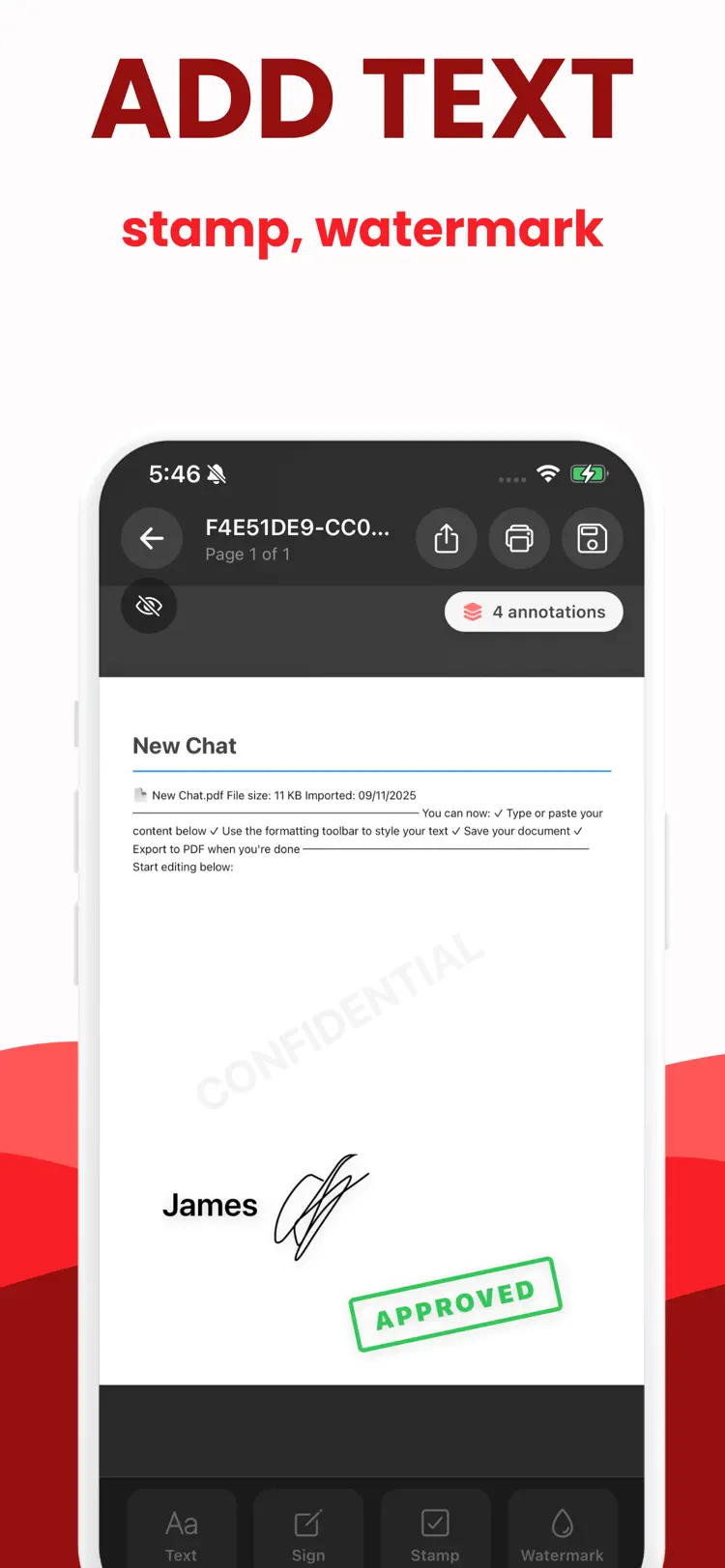
Type, edit, highlight, draw, and add
Type, edit, highlight, draw, and add stamps or watermarks
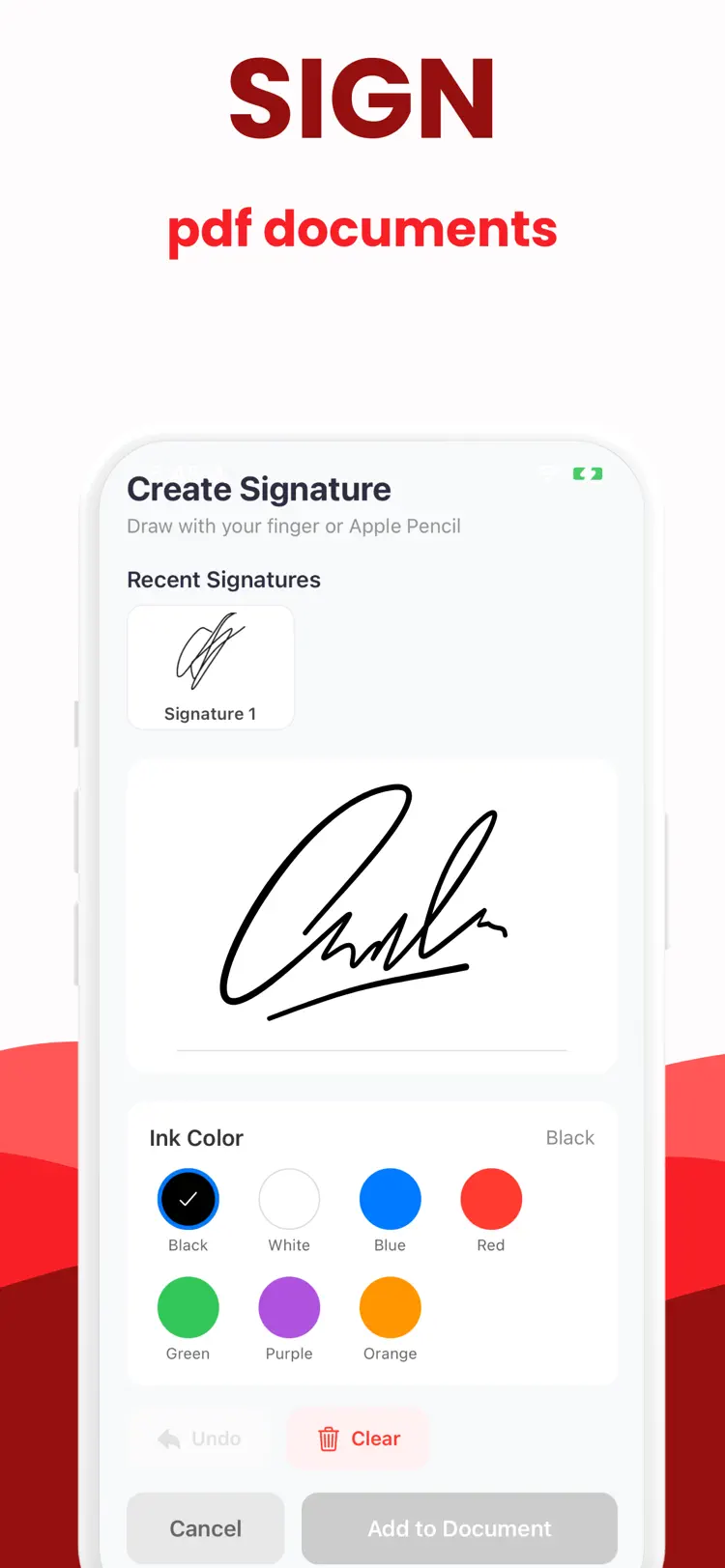
Save reusable signatures; sign and send in seconds
Fill forms neatly with guided text entry
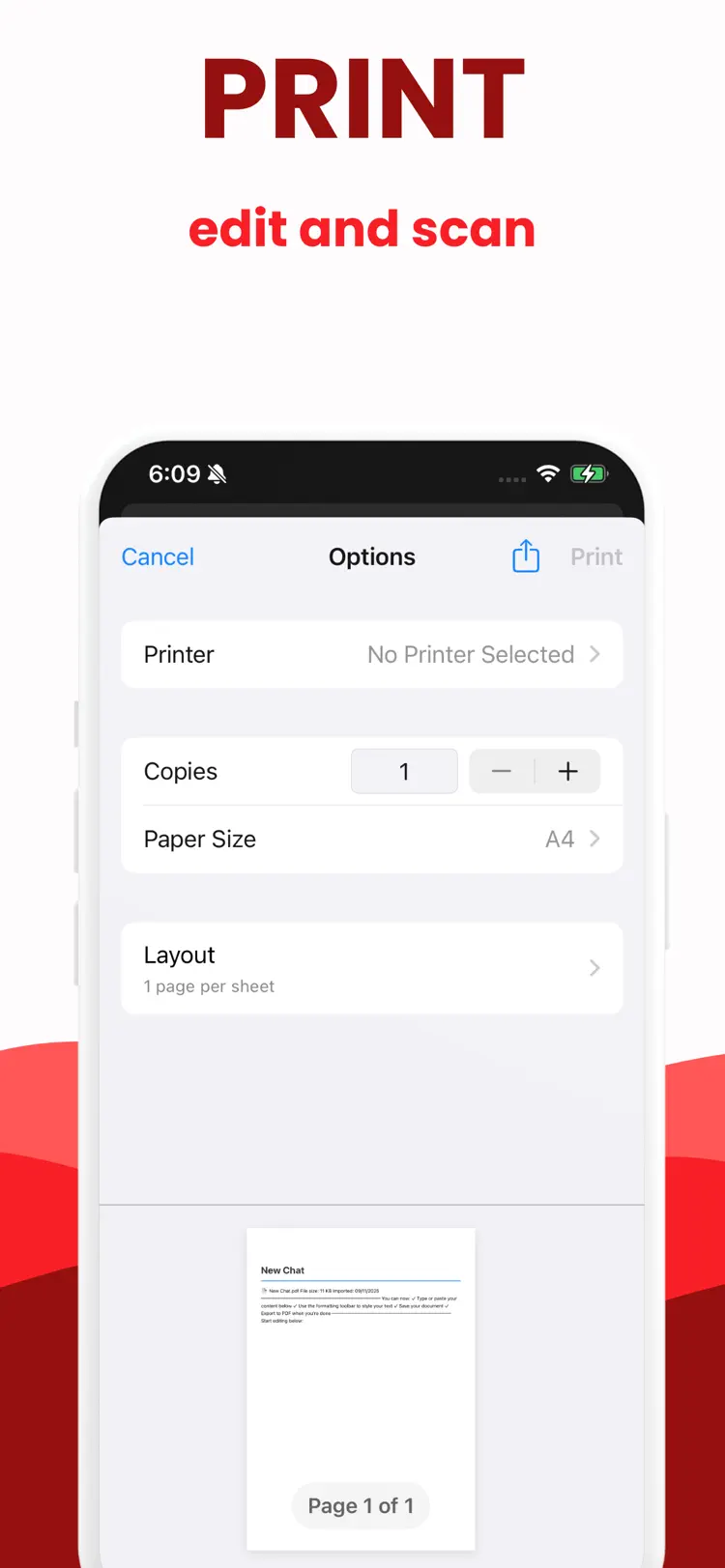
Print, export, or share without losing quality
Manage documents offline with quick autosave
How it works
How to write on and prepare PDF documents in three steps.
Start a document
Import or enter a PDF document.
Review the details
Arrange the content and use the available formatting or document tools.
Export the result
Save the finished document and share it through the iPhone share sheet.
Frequently asked questions
Quick answers about features, pricing, compatibility, and privacy.
What does Write on PDF do?
Is Write on PDF free?
Which iPhone version does Write on PDF support?
How does Write on PDF handle privacy?
When was Write on PDF last updated?
Is Write on PDF available for both iPhone and Android?
Try Write on PDF on iPhone or Android
Choose your platform for current features, compatibility, pricing, and privacy disclosures on the official store listing.