
Word to PDF for iPhone and Android
Turn any .doc or .docx into a clean, shareable PDF in a few taps. Keeps the original layout and fonts. Import from Files, email or cloud drives — no computer required.
Available on the App Store and Google Play. The feature descriptions and screenshots below refer to the iPhone app; check Google Play for Android-specific details. Features and compatibility can vary by platform.
Why people use Word to PDF
For the moment a professor, employer or client asks for “a PDF, not a Word file” — and you're not at a computer.
Keeps your formatting
Layout, fonts and spacing carry over so the PDF looks like the document you wrote.
.doc and .docx
Handles both the modern .docx and legacy .doc formats.
Import from anywhere
Pull documents from the Files app, email attachments, iCloud Drive, Google Drive and more.
Share instantly
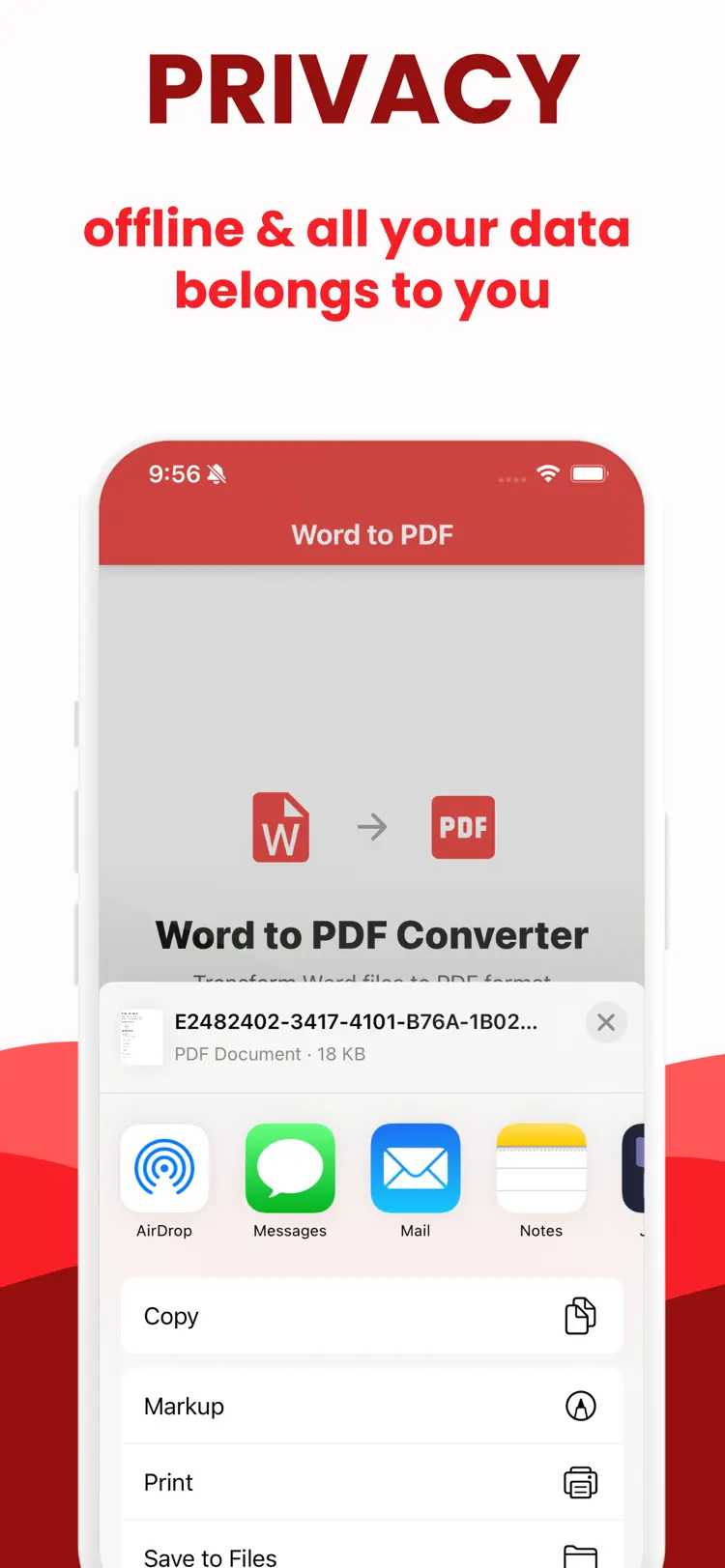
Send the PDF via Mail, Messages, AirDrop or into any other app.
No account, no computer
Everything happens on your iPhone or iPad — no sign-up, no desktop needed.
Built for real documents
Resumes, contracts, homework, invoices and reports come out clean and professional.
How it works
Word file to PDF in three taps.
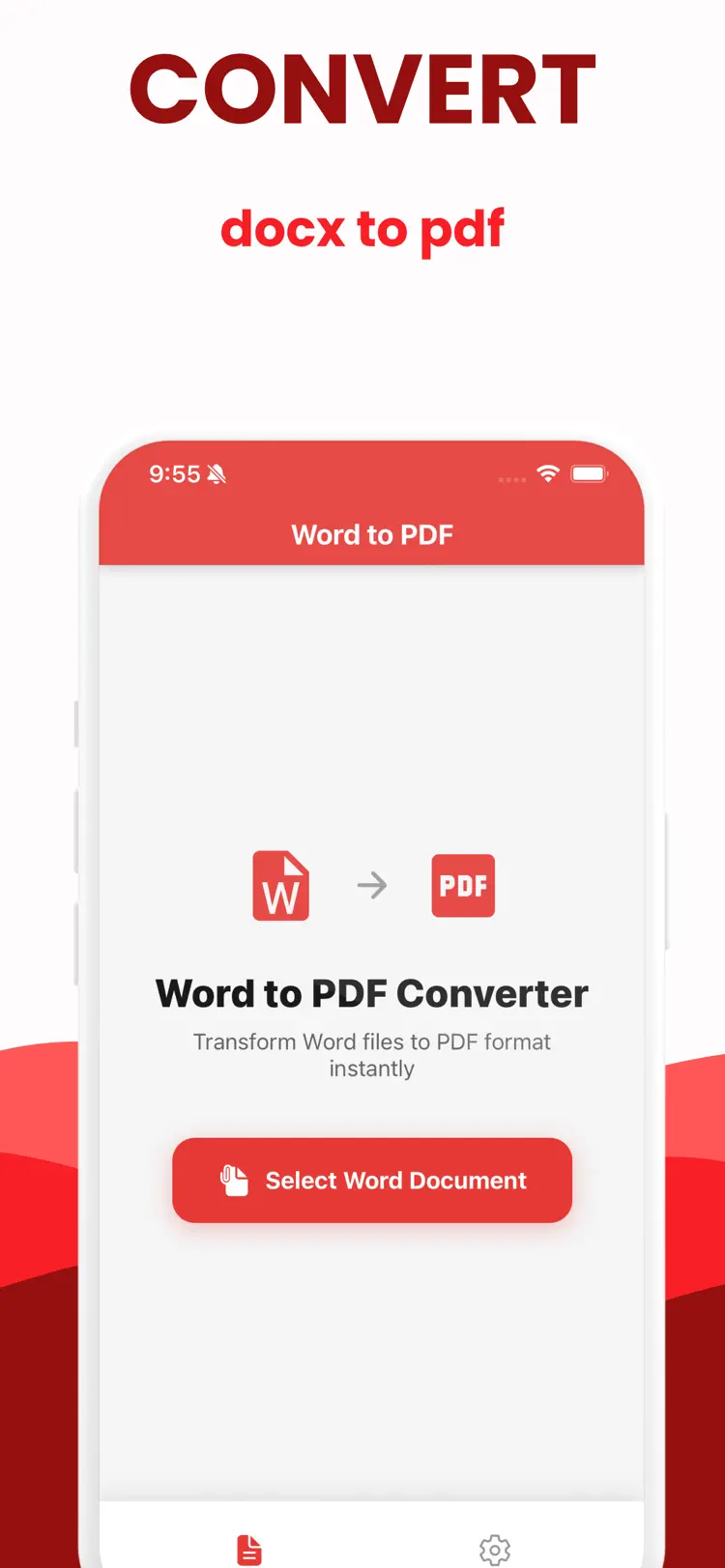
Import your document
Open a .doc or .docx from Files, email or a cloud drive.
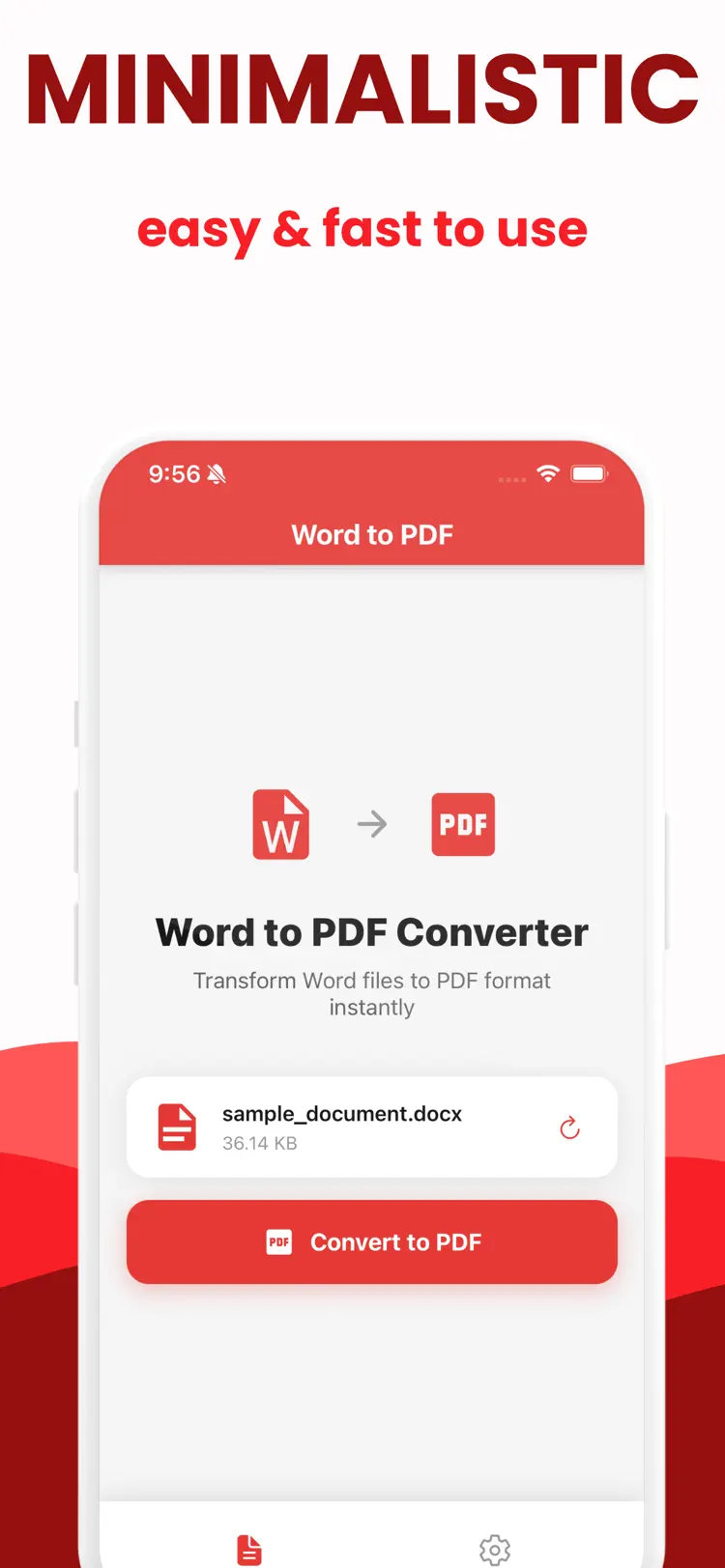
Tap convert
The app renders it to PDF while preserving the original layout and fonts.
Share or save
Send the PDF by Mail, Messages or AirDrop, or save it to Files.
Guides & how-tos
Straight answers to the questions people actually search for — including when the built-in iPhone tools are enough and when the app is the better choice.
How to Convert Word to PDF on iPhone (Free, 2026)
Every free way to convert a Word document to PDF on iPhone: a converter app, the Files/Quick Look route, and the Microsoft Word app — with the catches of each.
Read the guide →Convert DOCX to PDF Without Microsoft Word
No Word app or Microsoft 365? Convert .docx to PDF on iPhone anyway — on-device, no subscription, no uploading your document to a random website.
Read the guide →Convert Word to PDF on iPhone Without Printing
The iOS Print-to-PDF trick works but mangles formatting. Here are cleaner ways to convert Word to PDF on iPhone that keep your layout intact.
Read the guide →How to Convert Word to PDF on iPad
Convert .doc and .docx to PDF on iPad without a computer: converter app, the share sheet, and Files. Keeps layout and fonts — ideal for students and work.
Read the guide →Frequently asked questions
Quick answers about features, pricing, compatibility, and privacy.
How do I convert Word to PDF on iPhone?
Do I need Microsoft Word or a subscription?
Will my formatting stay the same?
Isn't there a way without printing?
Does it work on iPad too?
Is it free?
Is Word to PDF available for both iPhone and Android?
Try Word to PDF on iPhone or Android
Choose your platform for current features, compatibility, pricing, and privacy disclosures on the official store listing.