

Edit photos and manage watermarks on your iPhone
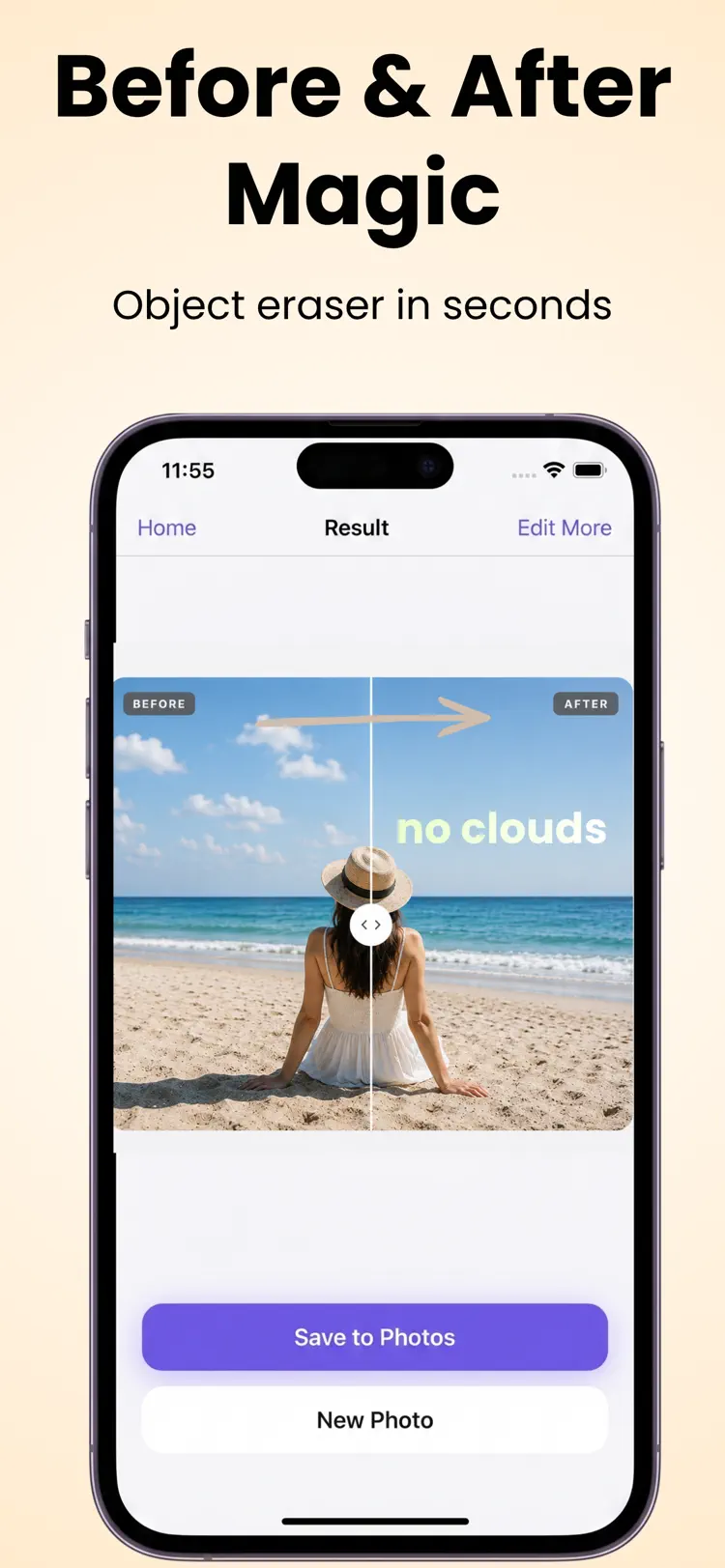
Add your own watermarks, text, and logos to any photo — or erase unwanted objects with a single brushstroke. Watermark Maker uses state-of-the-art AI to deliver professional results in seconds.
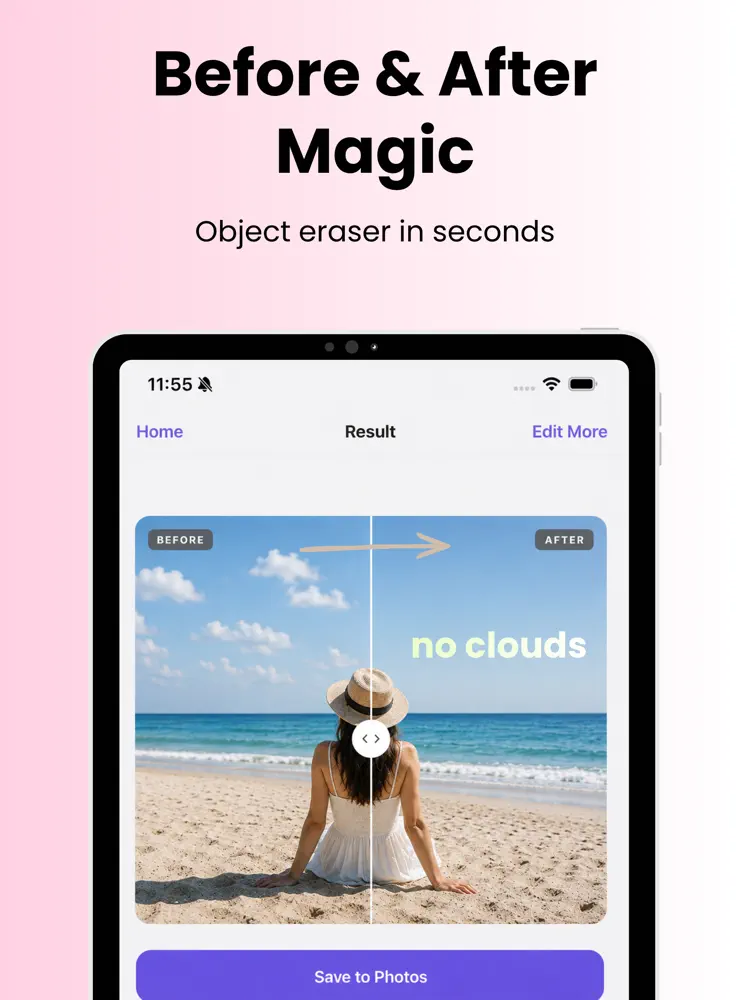
Why people use Watermark Maker
Highlights taken from the app's current App Store listing.
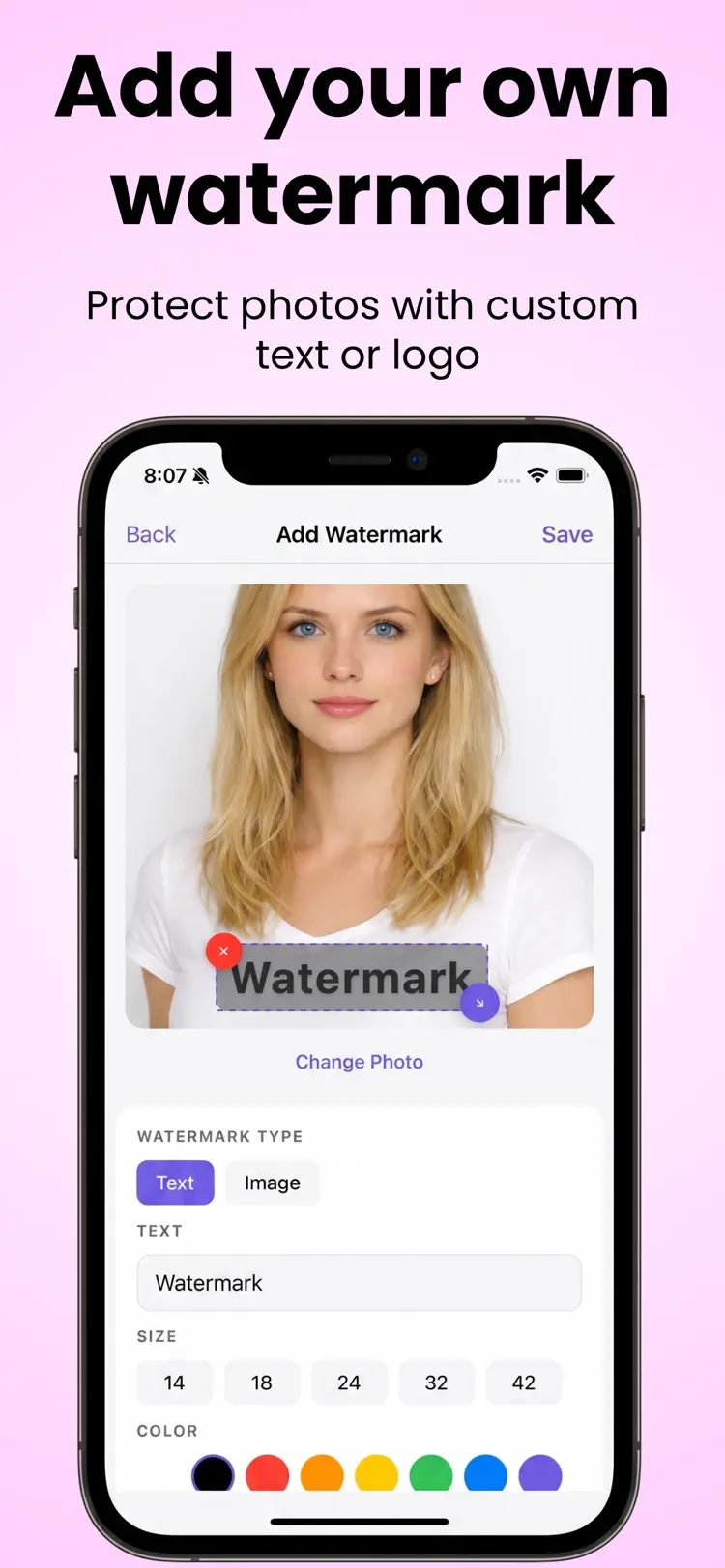
Add your own watermarks
Add your own watermarks, text, and logos to any photo — or erase
unwanted objects with a single brushstroke
unwanted objects with a single brushstroke. Watermark Maker uses
Stamp your own branding onto any
Stamp your own branding onto any photo. Layer custom text, choose
fonts and colors
fonts and colors, or import your own logo, then position, resize,
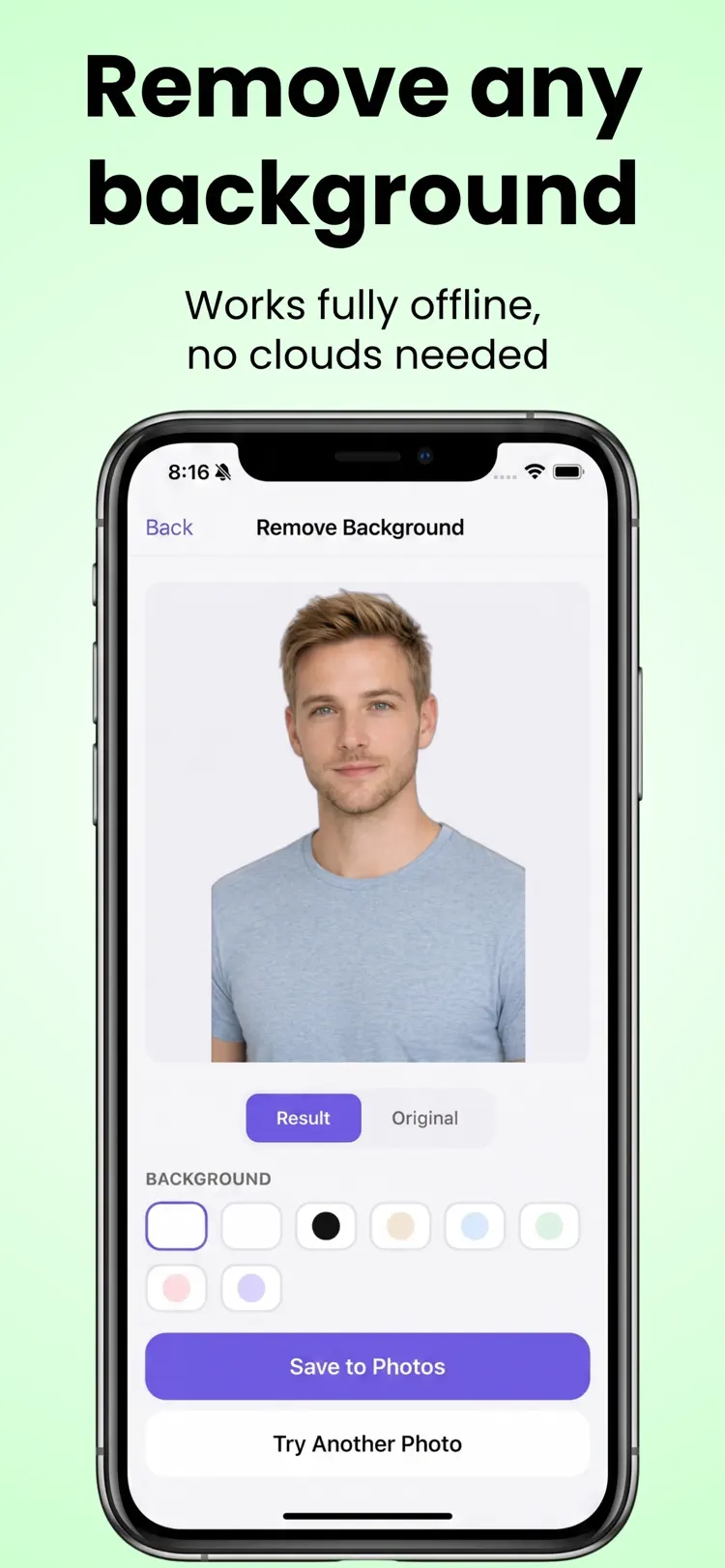
Paint over any unwanted element
a person, object, sticker, stamp,
or background distraction
and AI fills it in naturally. No
How it works
How to edit photos and manage watermarks in three steps.
Choose a photo
Take or select a photo from your library.
Apply the tools
Use the available controls and preview the result before you finish.
Save or share
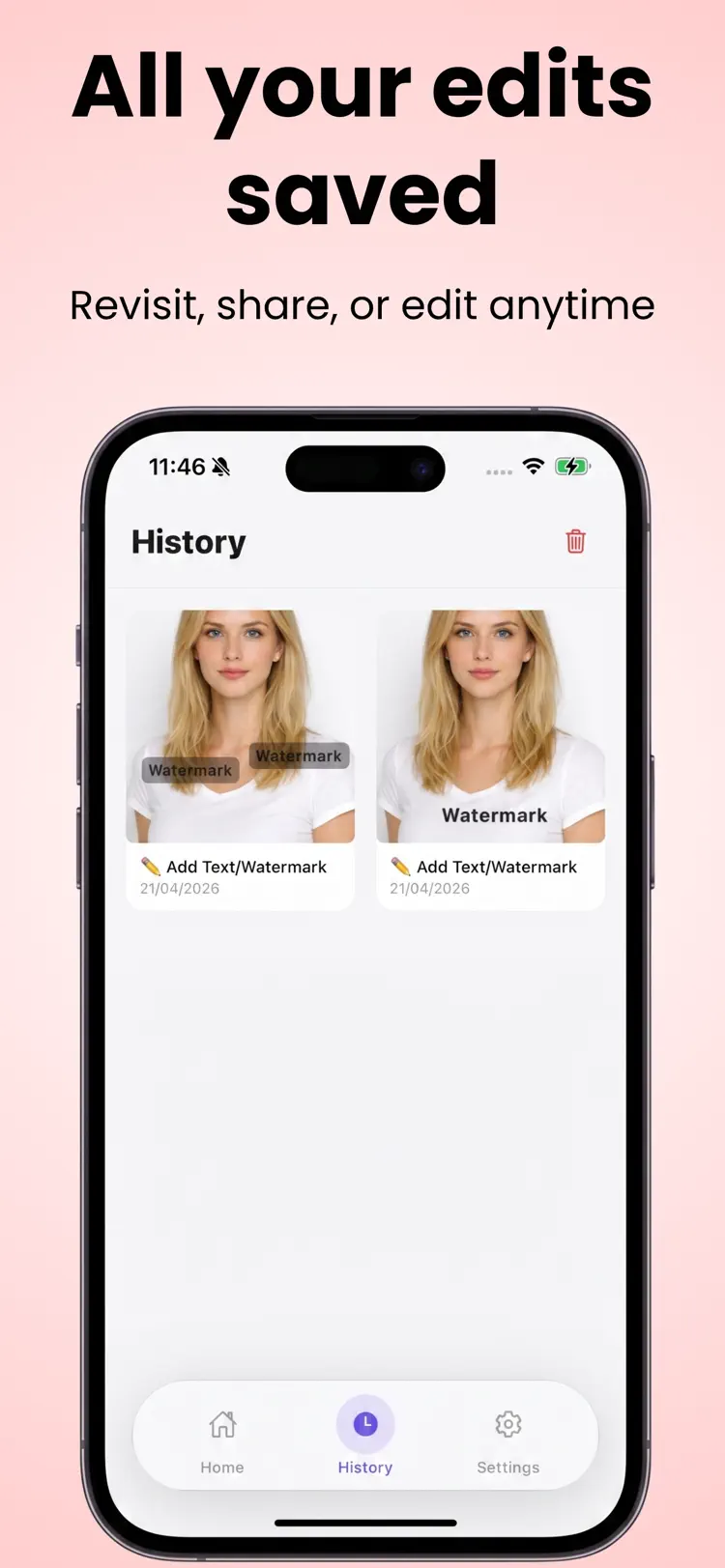
Export the finished image while keeping the original available in your library.
Frequently asked questions
Quick answers about features, pricing, compatibility, and privacy.
What does Watermark Maker do?
Is Watermark Maker free?
Which iPhone version does Watermark Maker support?
How does Watermark Maker handle privacy?
When was Watermark Maker last updated?
Try Watermark Maker on iPhone
Open the official App Store listing for the latest features, compatibility, pricing, and privacy details.