

Remove vocals and create karaoke tracks on your iPhone
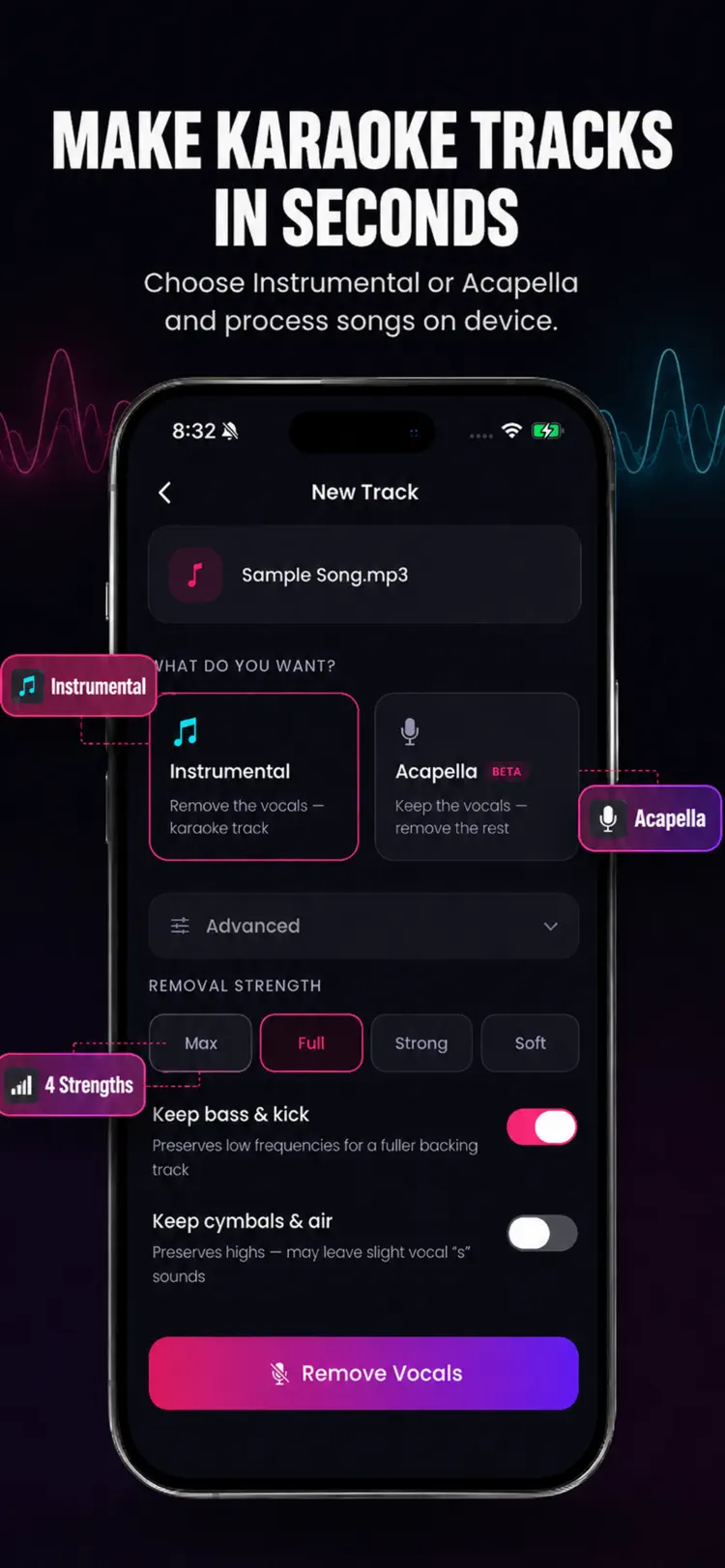
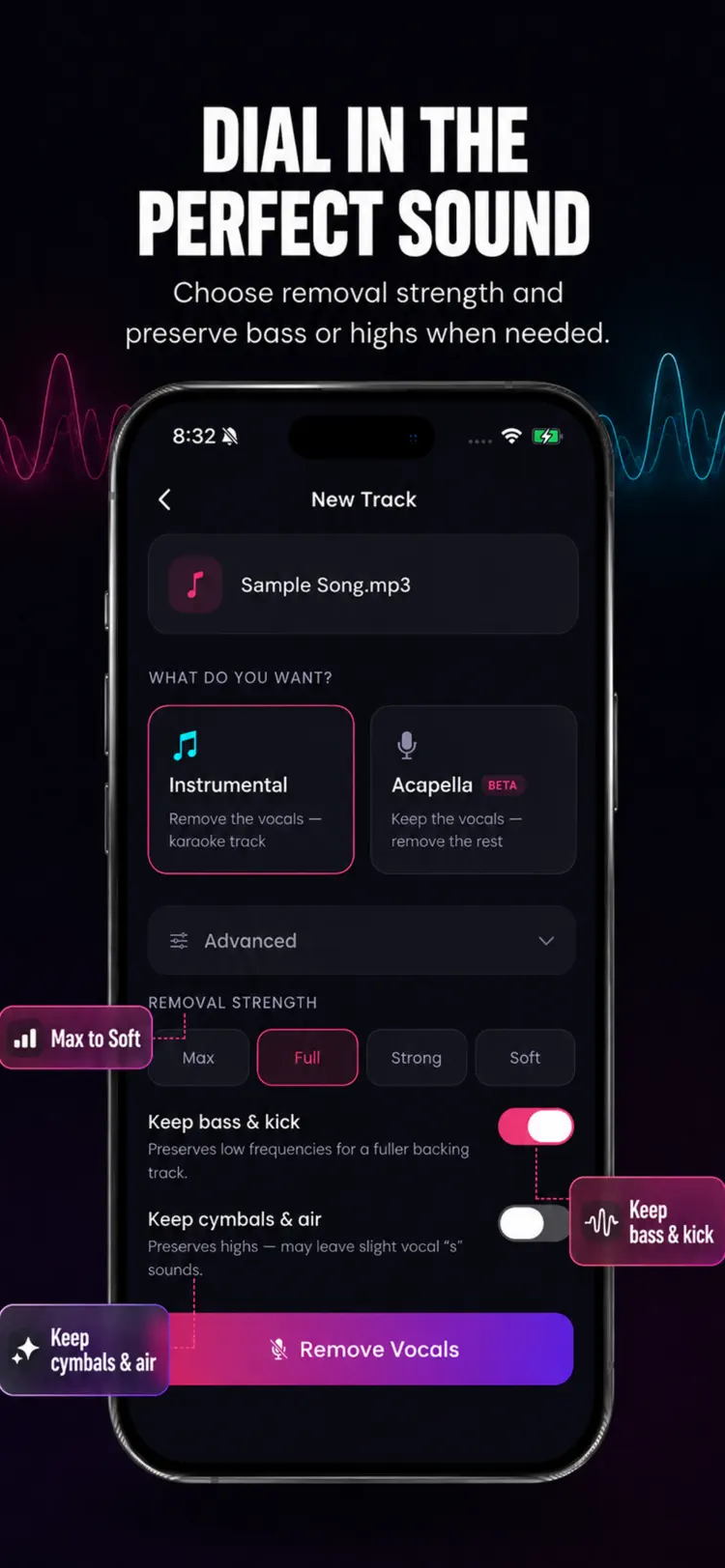
Turn stereo songs into karaoke instrumentals or acapella tracks in seconds with Vocal Remover. Choose a song, select Instrumental or Acapella, and hear the result directly on your iPhone or iPad. Make Instrumentals Reduce center panned…
Also available for Android through the official Google Play listing. Features and compatibility can vary by platform.
Why people use Vocal Remover
Highlights taken from the app's current App Store listing.
Make Instrumentals
Create Acapellas
Isolate center panned vocals and reduce the surrounding music. Use Acapella mode for vocal practice, remix ideas, and close listening.
Private On Device Processing
Your music stays on your device. Vocal Remover does not upload songs to a server and does not require an account. The core audio processing works offline.
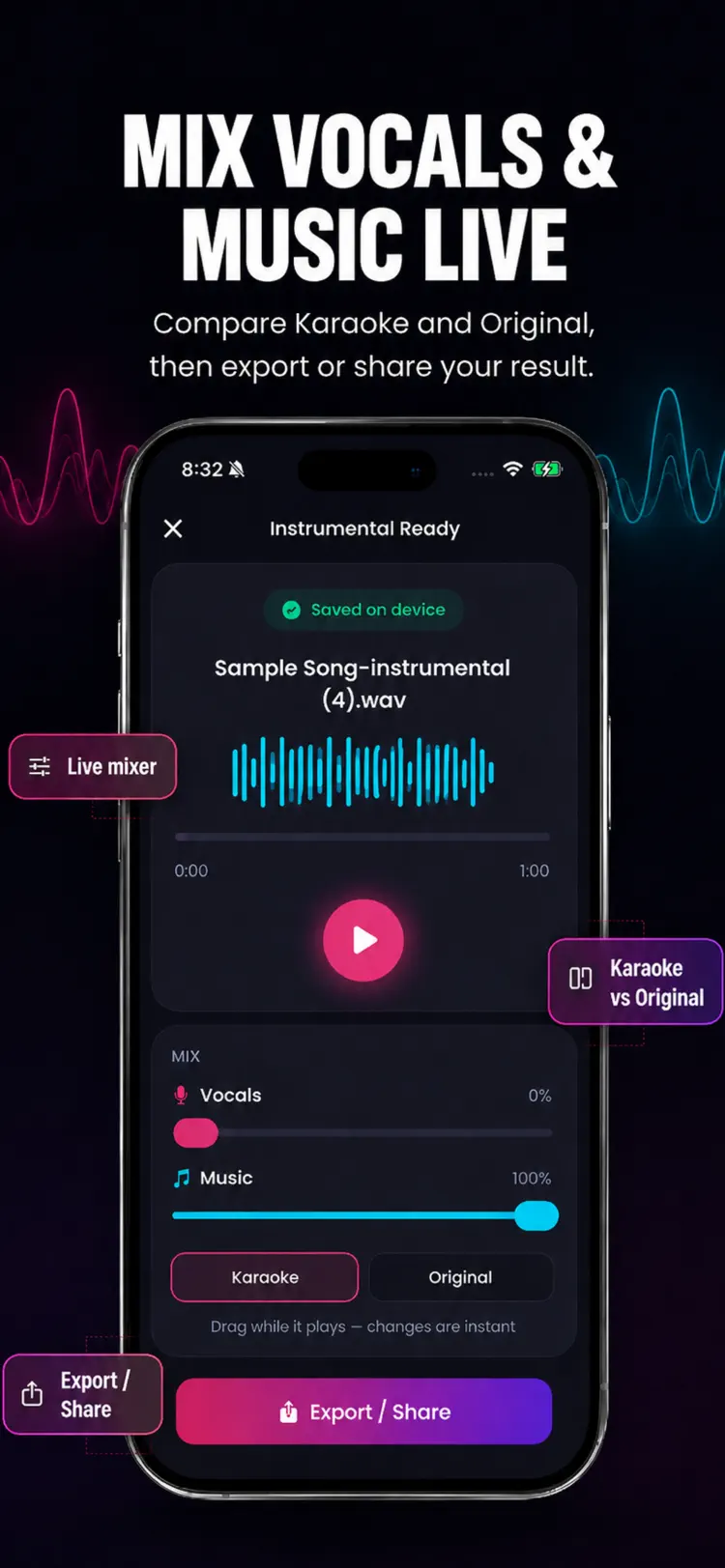
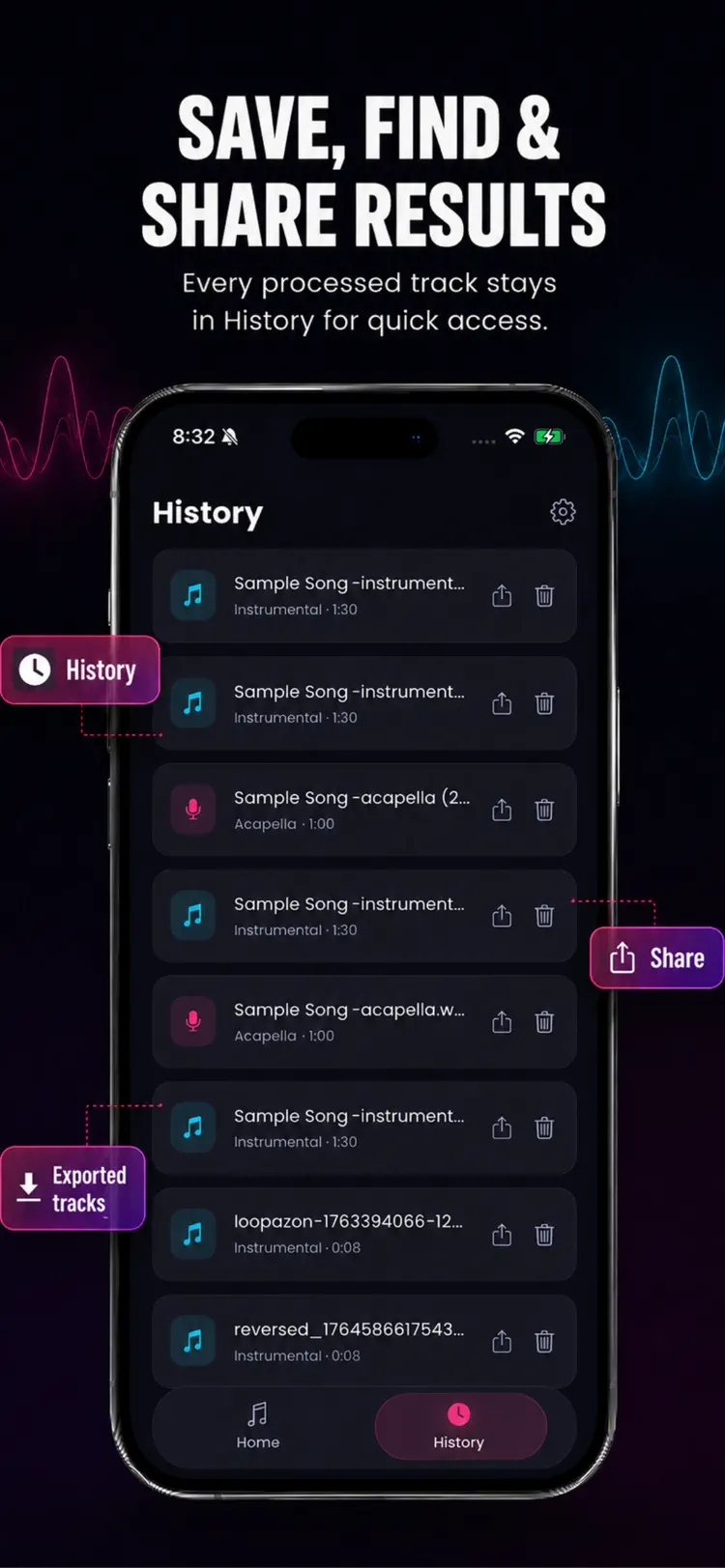
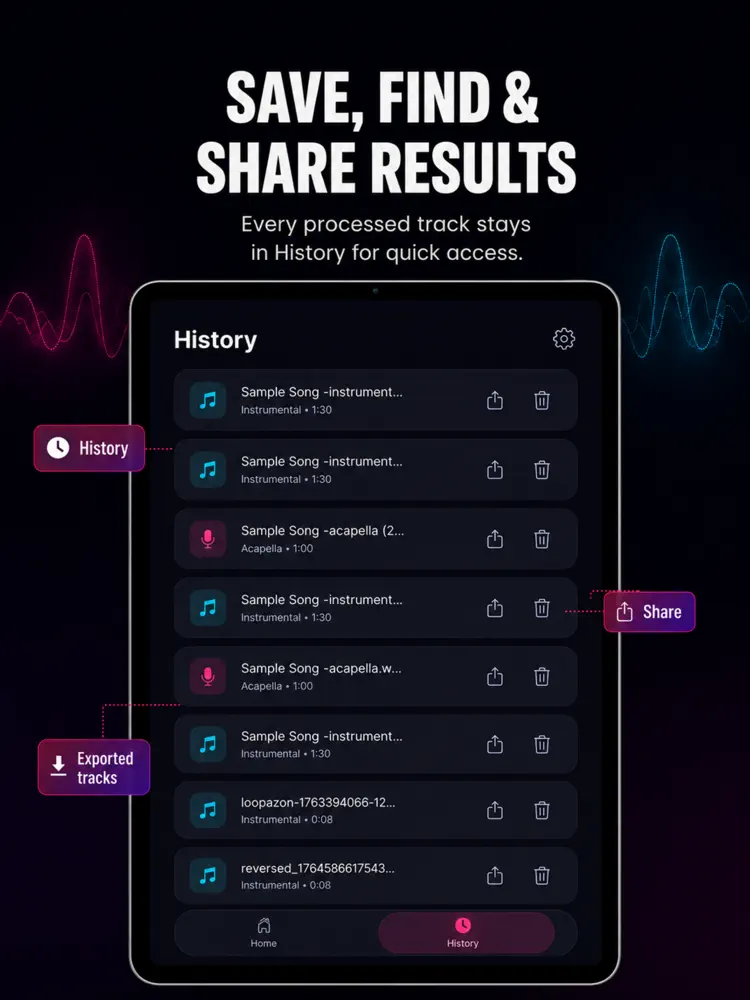
Compare, Save, and Share
Pro Tools
Vocal Remover Pro unlocks unlimited Instrumental and Acapella processing, video import and export, and a live Vocals and Music mixer. Your first full track is free.
Designed for Real Songs
Process stereo MP3, M4A, and WAV files up to 15 minutes. There are no short preview exports and no watermark.
How it works
How to remove vocals and create karaoke tracks in three steps.
Choose the audio setup
Select a song or audio file and connect the headphones or speaker you plan to use.
Adjust carefully
Start at a moderate level, then change the available sound controls gradually.
Listen and save
Preview the result, protect your hearing, and save or share when the sound is right.
Frequently asked questions
Quick answers — each one links to a full guide when there's more to know.
What does Vocal Remover do?
Is Vocal Remover free?
Which iPhone version does Vocal Remover support?
How does Vocal Remover handle privacy?
When was Vocal Remover last updated?
Try Vocal Remover on iPhone
Open the official App Store listing for the latest features, compatibility, pricing, and privacy details.