AppsOverflow
Video to mp3: Media Converter icon

Convert audio and media files on your iPhone

Video to MP3 is a fast and simple video to audio converter built for anyone who wants to extract audio from video files in just a few taps. Whether you want music from a video, audio from a recording, or sound from a saved clip, Video to…
★ 5 ratingFreeiPhoneOfficial App Store listing
Download on the App Store
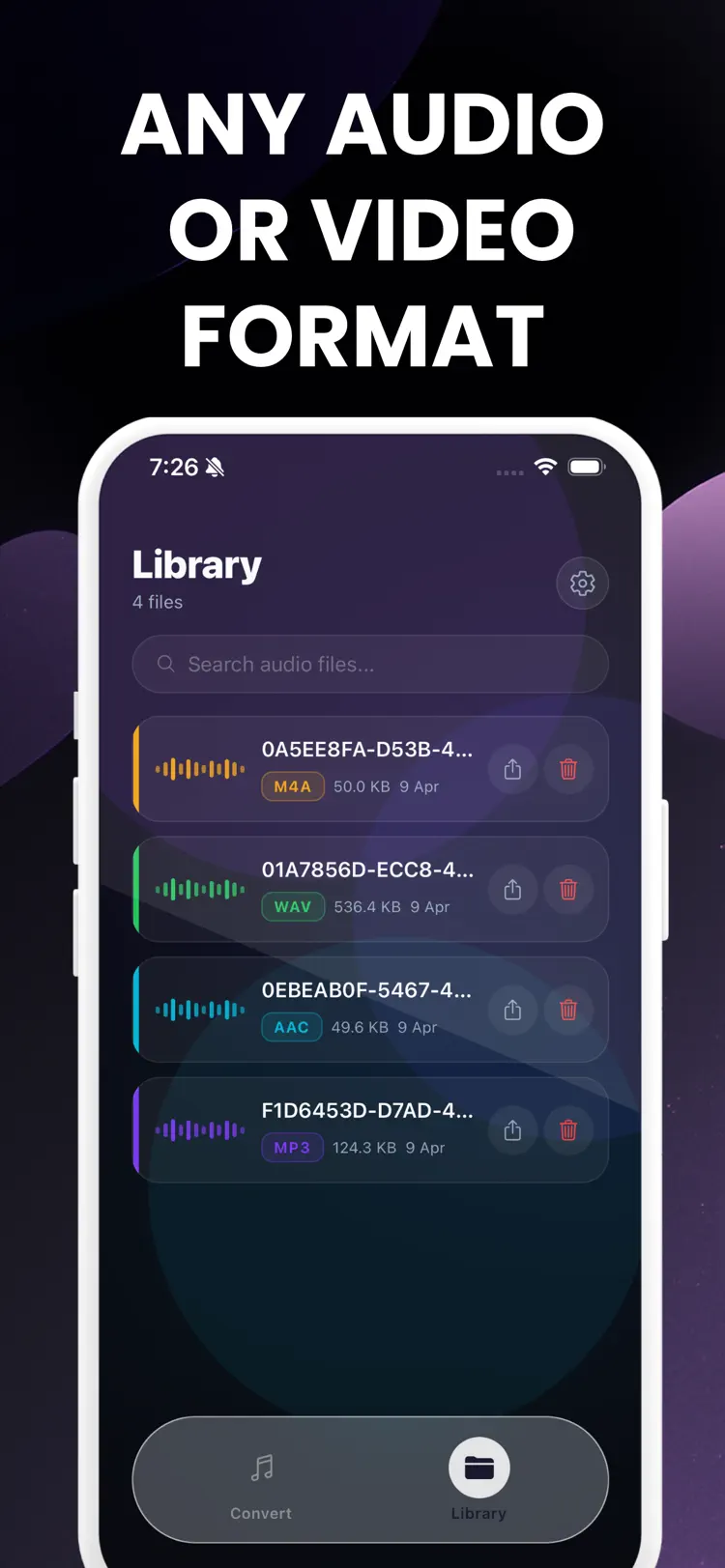
Video to mp3: Media Converter iPhone app screen for convert audio and media files Video to mp3: Media Converter main tools and options on iPhone Video to mp3: Media Converter workflow and result preview

Why people use Video to mp3

Highlights taken from the app's current App Store listing.

Convert video to audio in seconds

Convert video to audio in seconds

Export to MP3

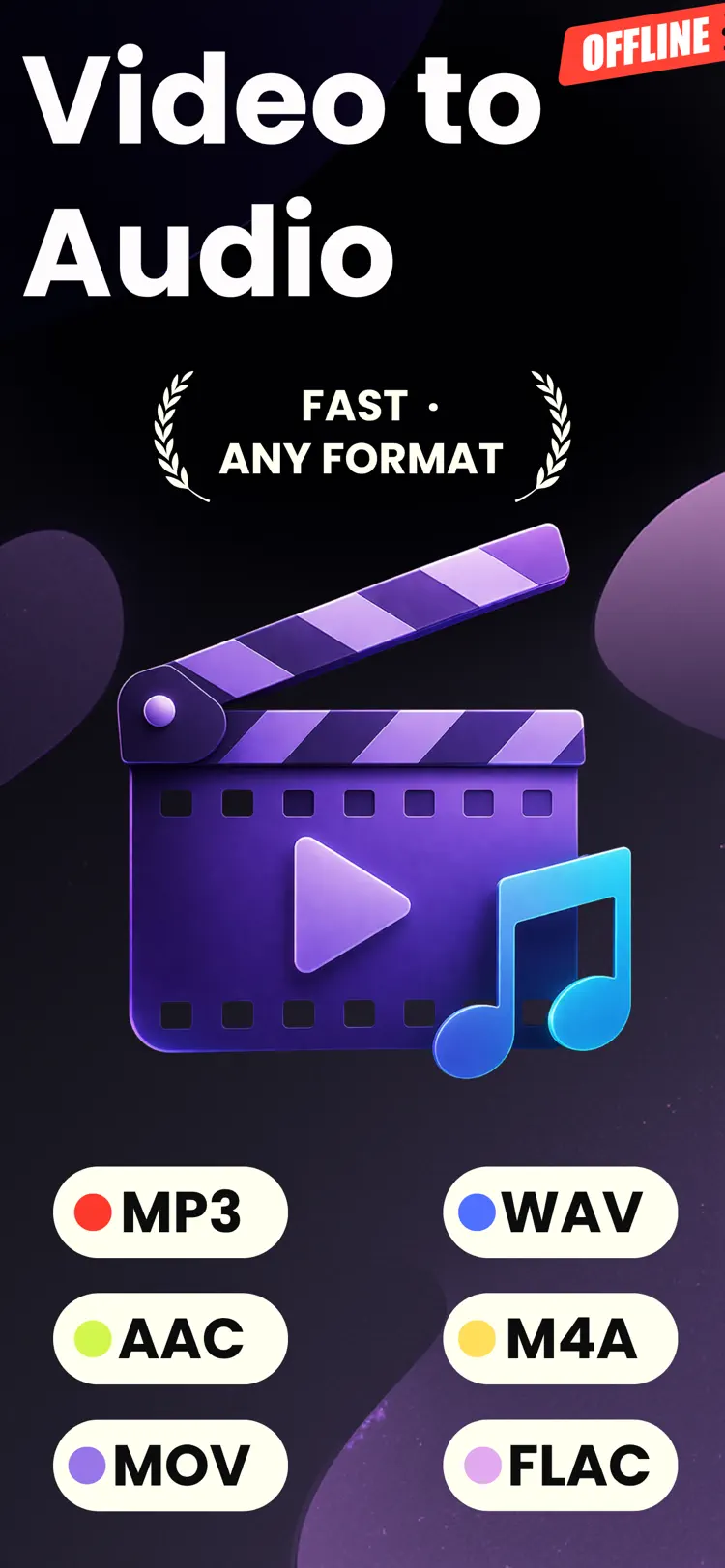
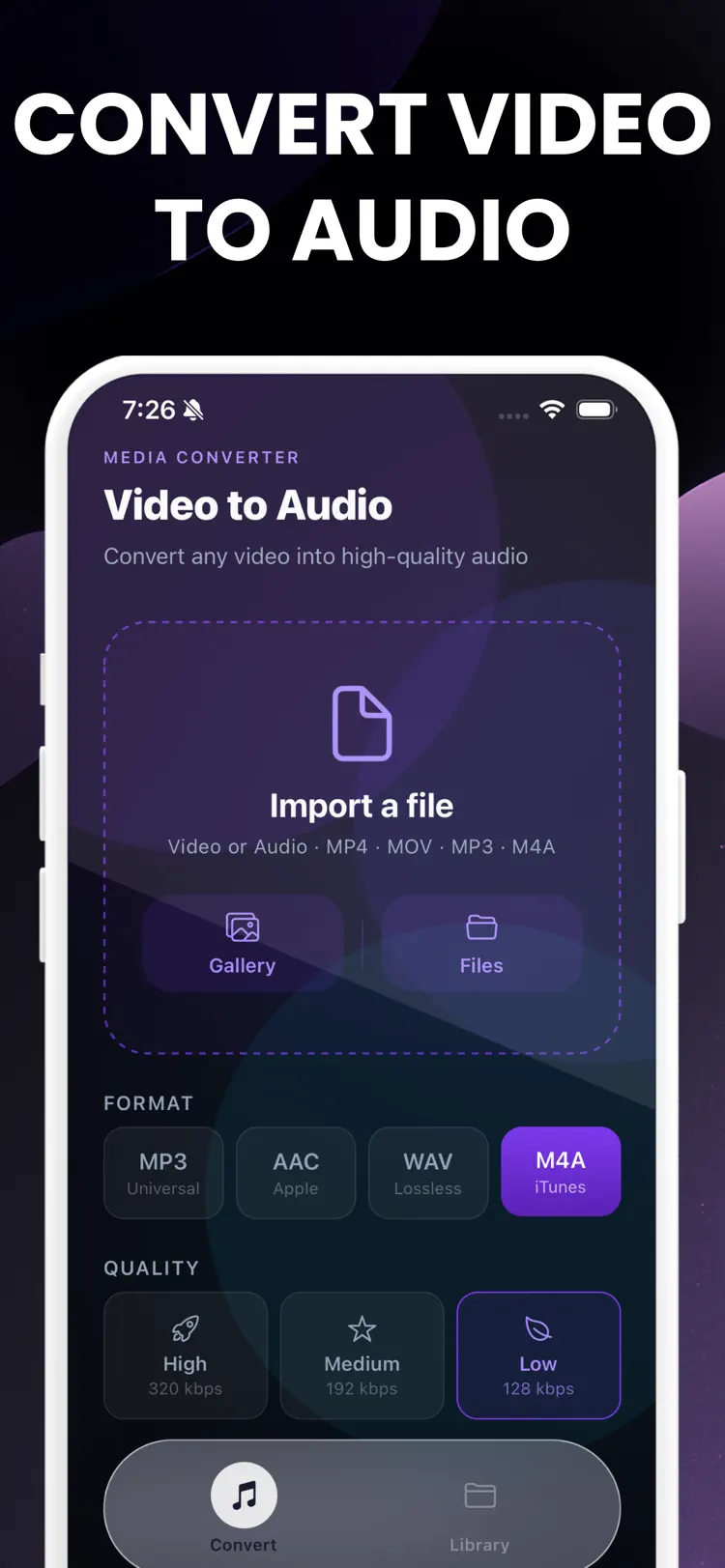
Export to MP3, AAC, WAV, and M4A

Choose high

Choose high, medium, or low audio quality

Import videos from Photos or Files

Import videos from Photos or Files

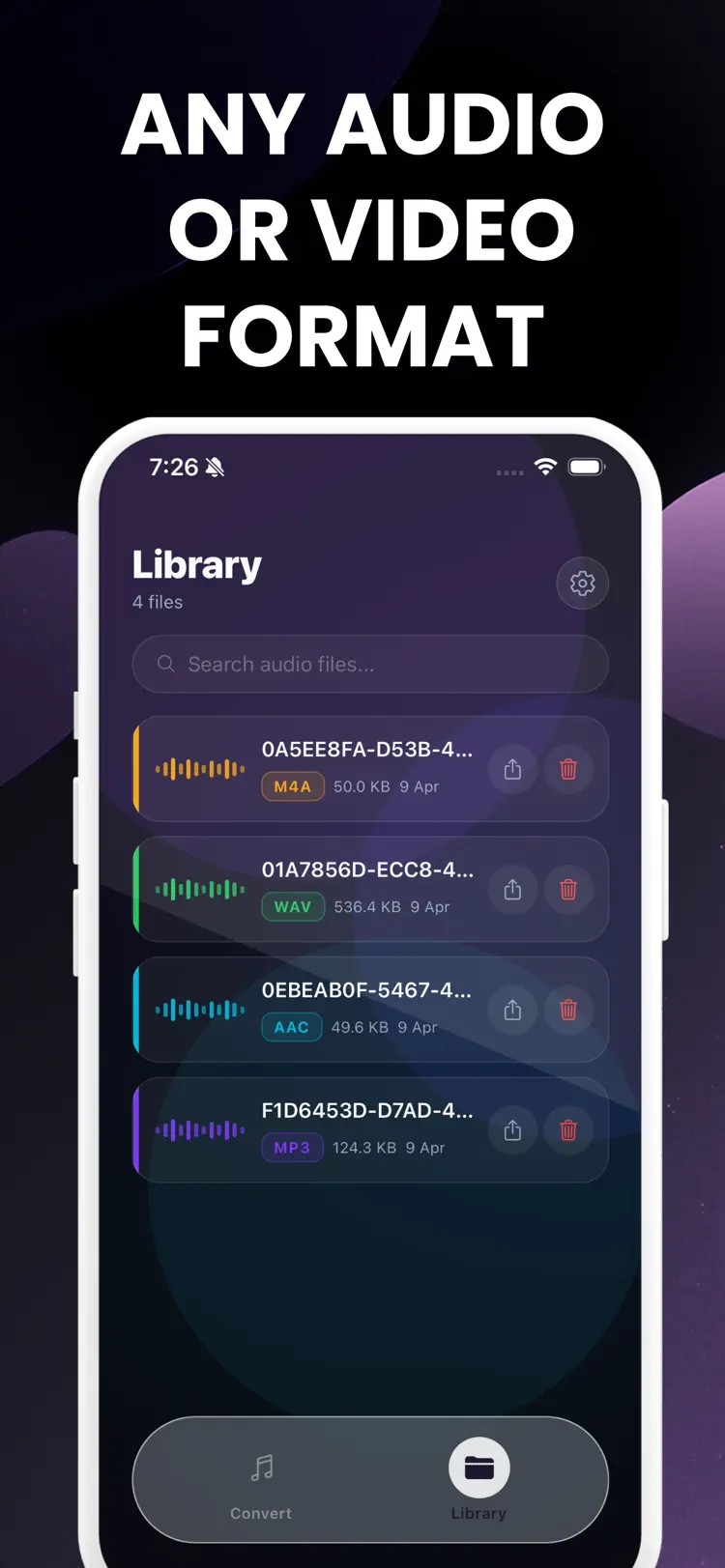
Save converted audio in a built in library

Save converted audio in a built in library

Search your saved audio files anytime

Search your saved audio files anytime

How it works

A simple starting workflow for convert audio and media files.

  1. Choose the source

    Select a media file from your iPhone.

  2. Set the output

    Review the available format, quality, size, and editing options for your result.

  3. Convert and save

    Create the new file, then save it to Files or share it with another app.

Frequently asked questions

Quick answers — each one links to a full guide when there's more to know.

What does Video to mp3 do?
Video to MP3 is a fast and simple video to audio converter built for anyone who wants to extract audio from video files in just a few taps. Whether you want music from a video, audio from a recording, or sound from a saved clip, Video to…
Is Video to mp3 free?
The current App Store listing shows Free. Check the listing before downloading for current in-app purchases, subscriptions, or premium options.
Which iPhone version does Video to mp3 support?
The app is available through Apple's App Store. The current listing requires iOS 15.1 or later. Compatibility can change with later releases, so confirm it on the current listing.
How does Video to mp3 handle privacy?
Review the App Privacy section on the official App Store listing for the developer's current data-handling disclosures before installing.
When was Video to mp3 last updated?
The catalog snapshot shows version 1.0, updated April 10, 2026. Open the App Store listing for the newest release notes.

Try Video to mp3 on iPhone

Open the official App Store listing for the latest features, compatibility, pricing, and privacy details.

Download on the App Store