

Discover personality strengths and explore matching careers on your iPhone
Discover the strengths that set you apart and explore career paths aligned with how you naturally think, work, and connect.
Also available for Android through the official Google Play listing. Features and compatibility can vary by platform.
Why people use Personality Tests
Highlights taken from the app's current App Store listing.
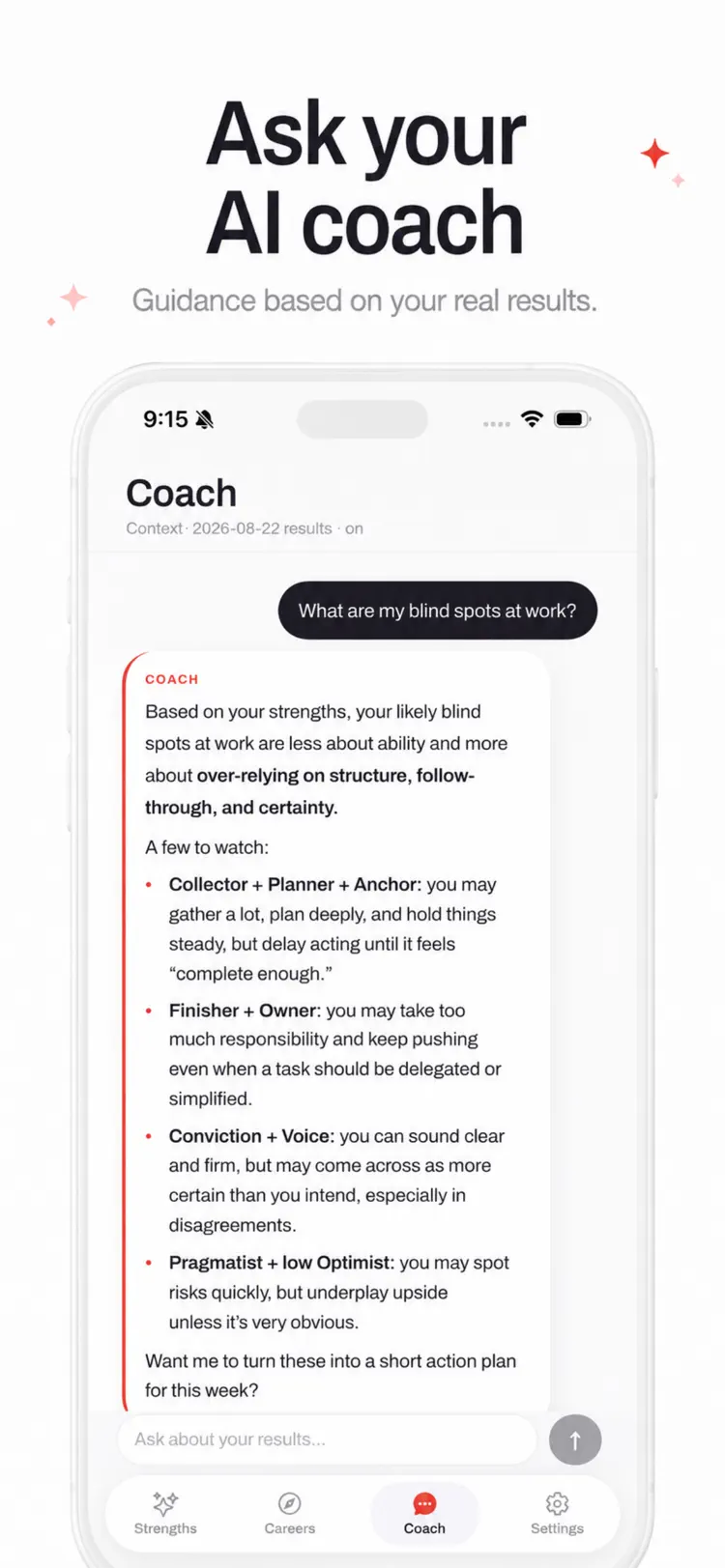
Truepath combines a personality test
Truepath combines a personality test, strengths assessment, career test, and personal AI coach in one clear journey from self discovery to practical direction.
Whether you are choosing your first career
Whether you are choosing your first career, considering a change, or looking for personal growth, Truepath gives you a useful place to start.
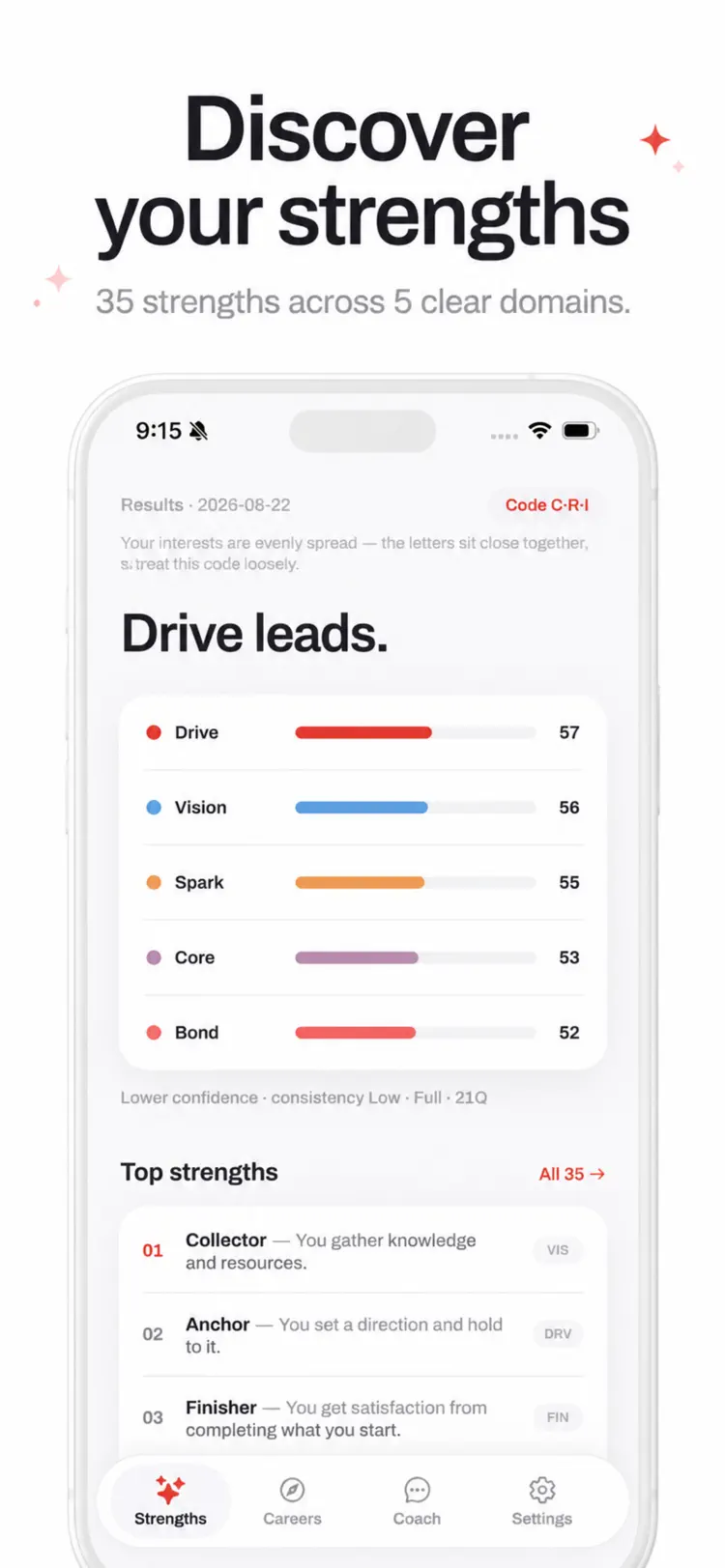
See all 35 strengths ranked across
See all 35 strengths ranked across five domains: Drive, Spark, Bond, Vision, and Core.
Learn what each strength means
Learn what each strength means, how to use it, and what to watch for.
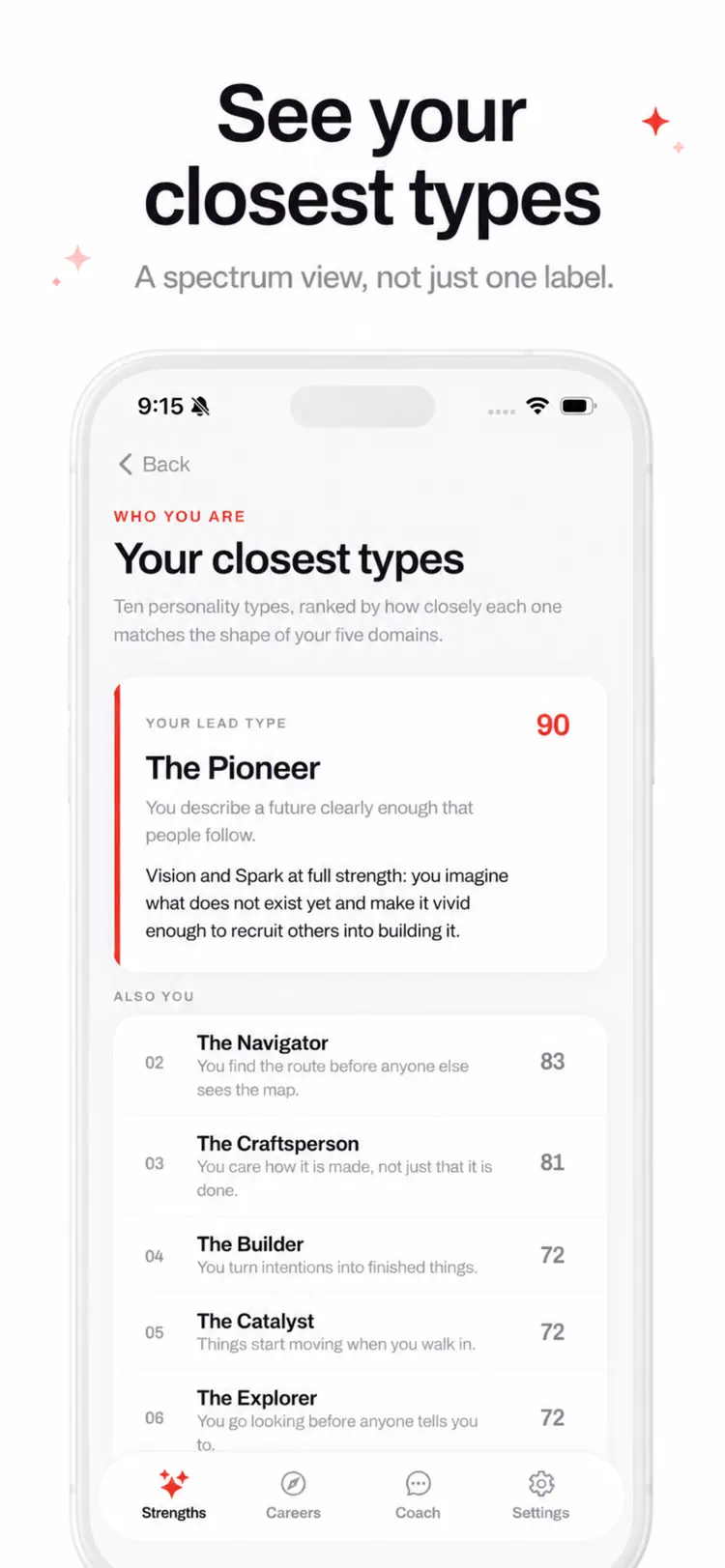
Explore your 10 closest personality types
Explore your 10 closest personality types as a spectrum, so you get a nuanced profile instead of being placed in a single box.
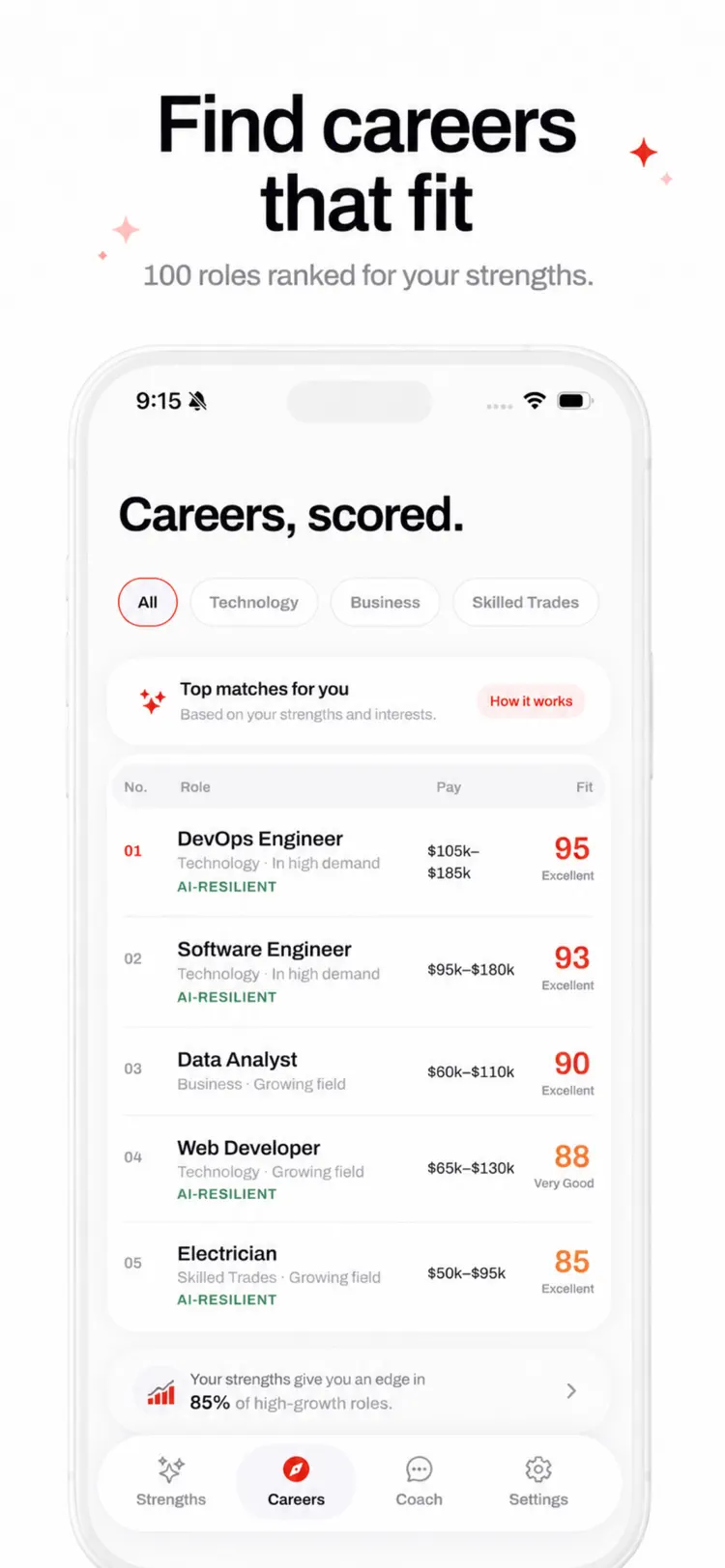
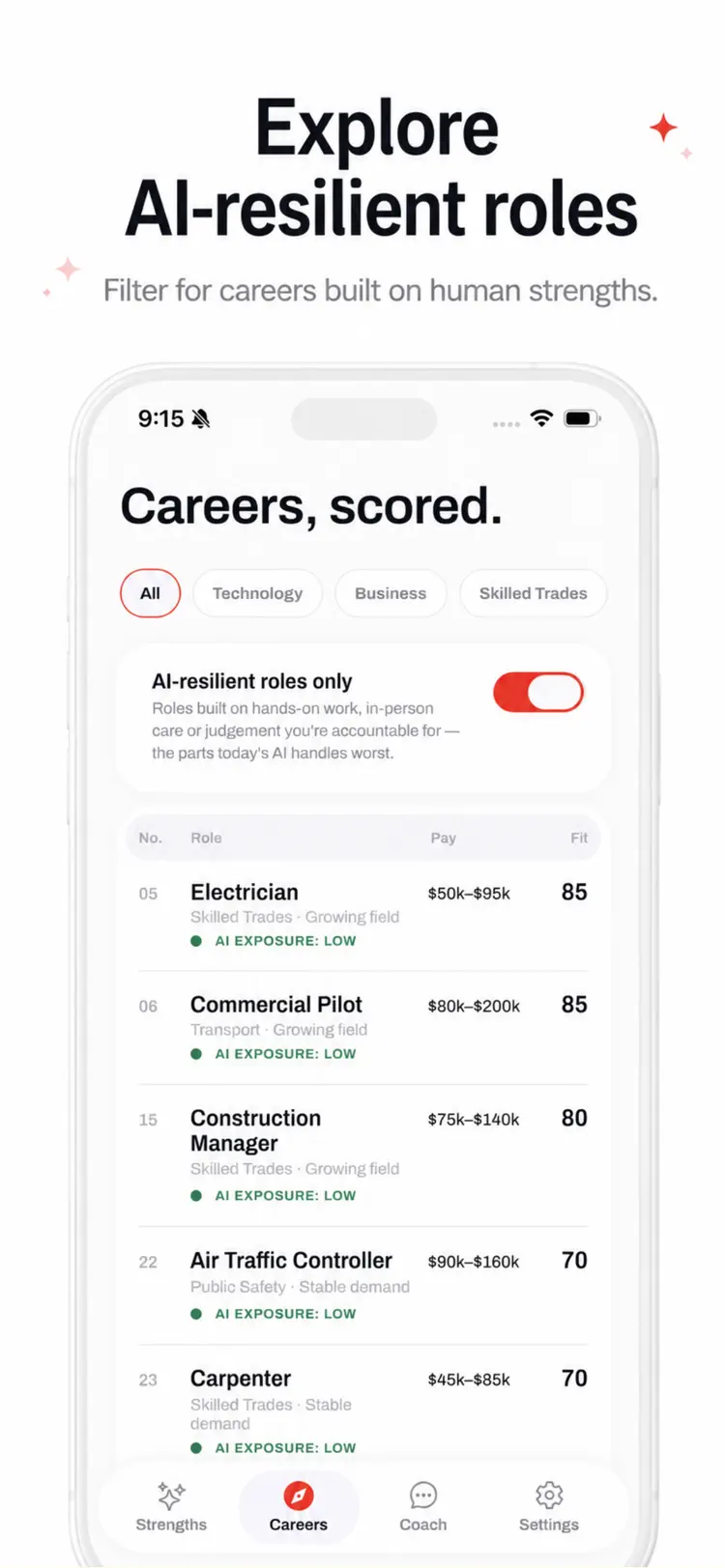
Receive your three letter Holland career
Receive your three letter Holland career code and explore 100 roles ranked for your interests and strengths.
How it works
How to discover personality strengths and explore matching careers in three steps.
Open the app
Start with your assessment answers and career interests.
Choose the right tool
Follow the on-screen options and preview any change before applying it.
Finish and share
Save the result or continue through the iPhone share sheet.
Frequently asked questions
Quick answers — each one links to a full guide when there's more to know.
What does Personality Tests do?
Is Personality Tests free?
Which iPhone version does Personality Tests support?
How does Personality Tests handle privacy?
When was Personality Tests last updated?
Try Personality Tests on iPhone
Open the official App Store listing for the latest features, compatibility, pricing, and privacy details.