
Transcribe speech, audio, and video on iPhone and Android
Speech to Text is a fast and reliable voice to text app that converts speech into clear text in real time. Record your voice and watch your words appear instantly, or import an audio file on iOS and transcribe it in seconds.
Available on the App Store and Google Play. The feature descriptions and screenshots below refer to the iPhone app; check Google Play for Android-specific details. Features and compatibility can vary by platform.
Why people use Transcribe Speech to Text Note
Highlights taken from the app's current App Store listing.
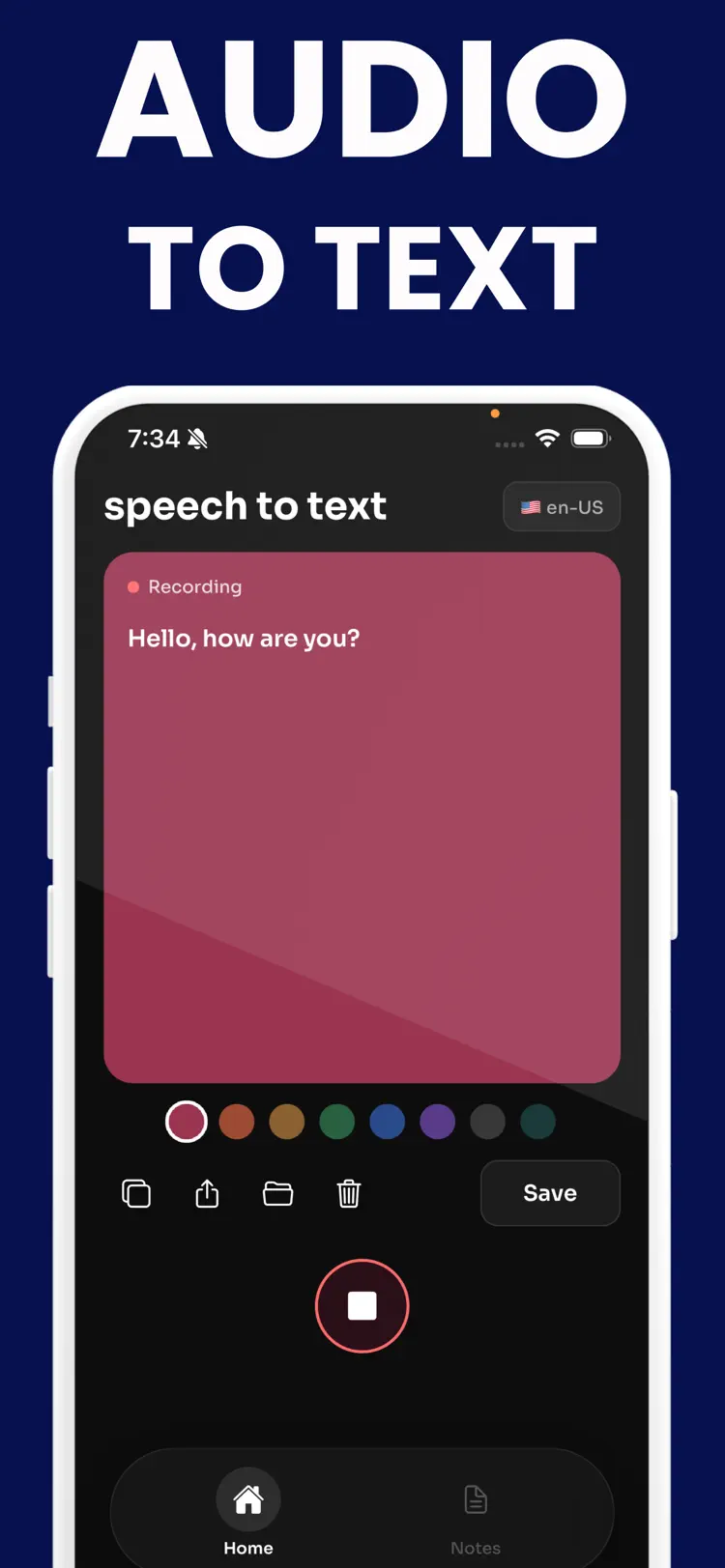
Record your voice and watch your
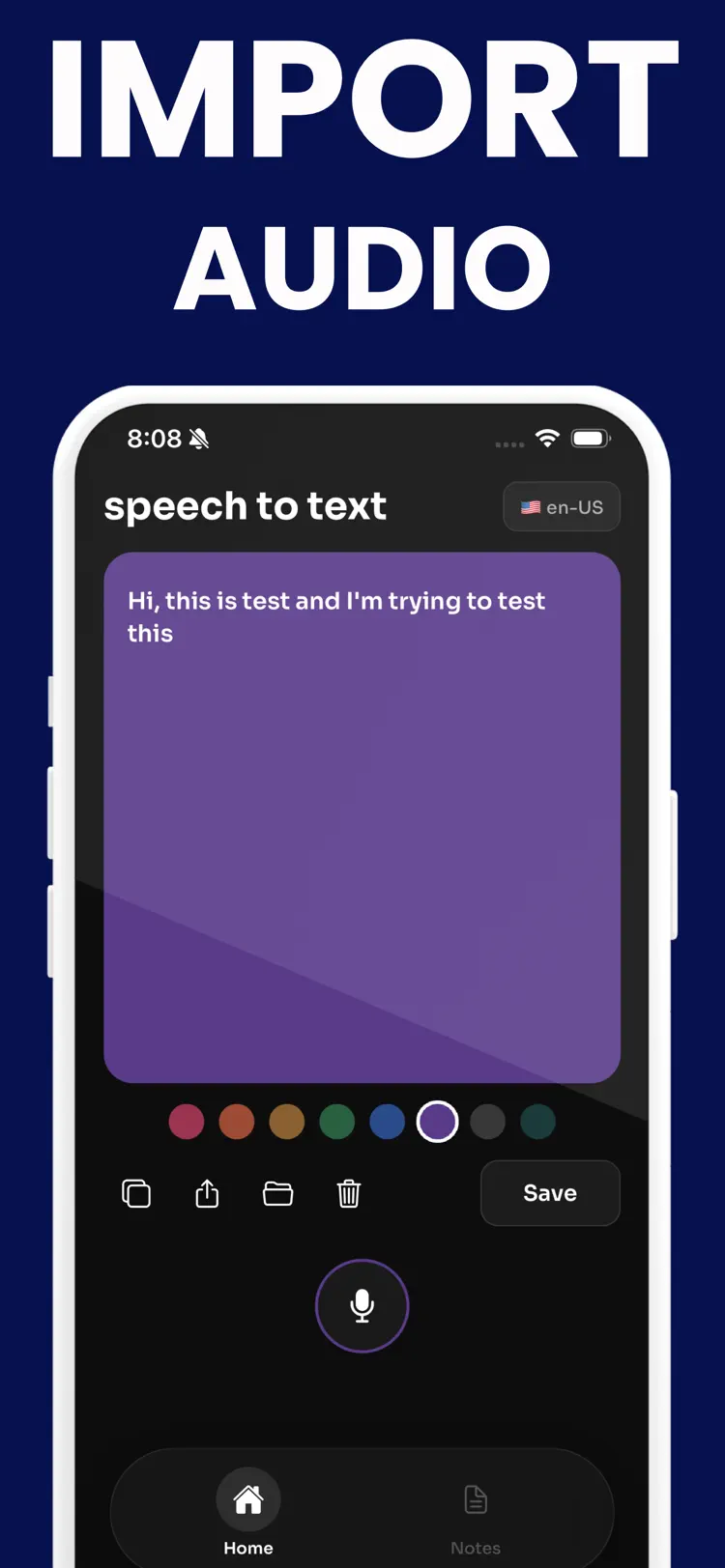
Record your voice and watch your words appear instantly, or import an audio file on iOS and transcribe it in seconds.
Built for students
Built for students, professionals, creators, and everyday users, Speech to Text helps you capture ideas before they are lost.
Use it for meeting notes
Use it for meeting notes, lecture notes, interviews, reminders, journals, and daily planning.
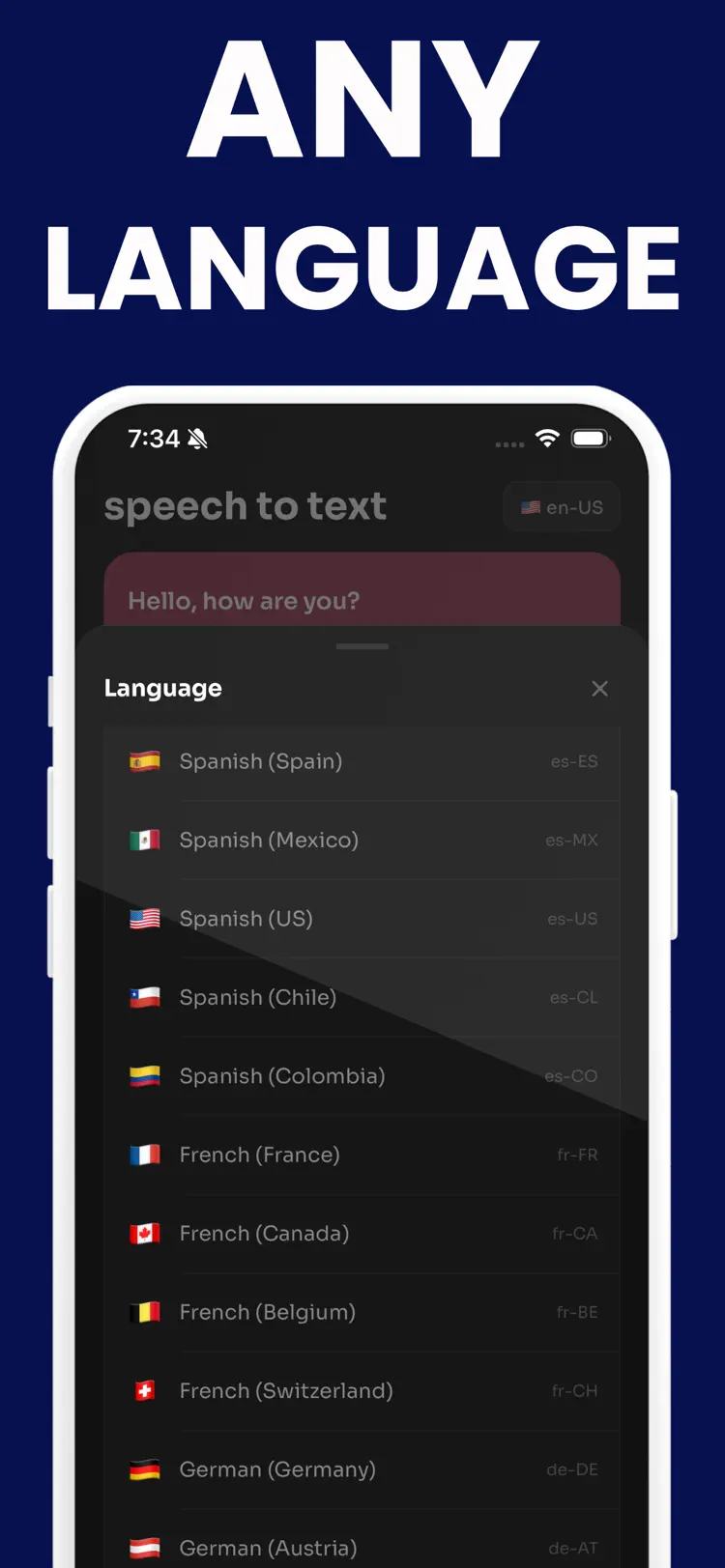
Choose from more than 90 languages
Choose from more than 90 languages and dialects to transcribe in your preferred language.
Edit your transcript before saving
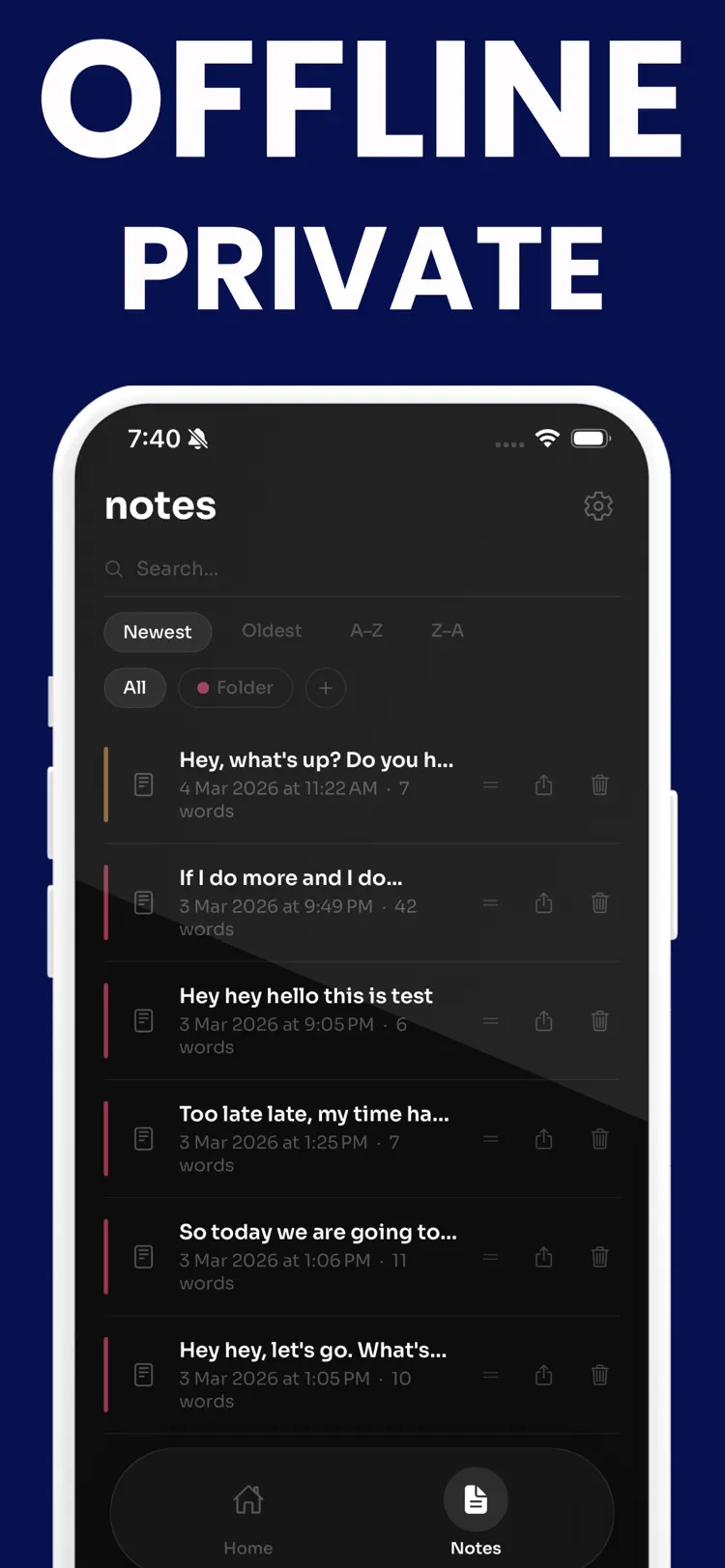
Edit your transcript before saving, organize notes with custom color folders, search and sort your note history, and share your text in one tap.
Speech to Text keeps everything simple.
How it works
How to transcribe speech, audio, and video in three steps.
Provide the input
Add a recording or live speech with enough detail for a useful result.
Generate the result
Choose the relevant tool or style and let the app process your request.
Review and refine
Treat generated output as a starting point, then edit or verify it before relying on it.
Frequently asked questions
Quick answers about features, pricing, compatibility, and privacy.
What does Transcribe Speech to Text Note do?
Is Transcribe Speech to Text Note free?
Which iPhone version does Transcribe Speech to Text Note support?
How does Transcribe Speech to Text Note handle privacy?
When was Transcribe Speech to Text Note last updated?
Is Transcribe Speech to Text Note available for both iPhone and Android?
Try Transcribe Speech to Text Note on iPhone or Android
Choose your platform for current features, compatibility, pricing, and privacy disclosures on the official store listing.