
Add timestamps and dates to photos on iPhone and Android
Timestamp Camera is a date stamp camera and photo timestamp app that helps you add date, time, and location stamps to photos in seconds. Capture a new photo or choose one from your gallery, then create a clean timestamp that fits the look…
Available on the App Store and Google Play. The feature descriptions and screenshots below refer to the iPhone app; check Google Play for Android-specific details. Features and compatibility can vary by platform.
Why people use Timestamp Camera
Highlights taken from the app's current App Store listing.
$19.99 per year (Save 90%)
$3.99 per week with a 3-day free trial
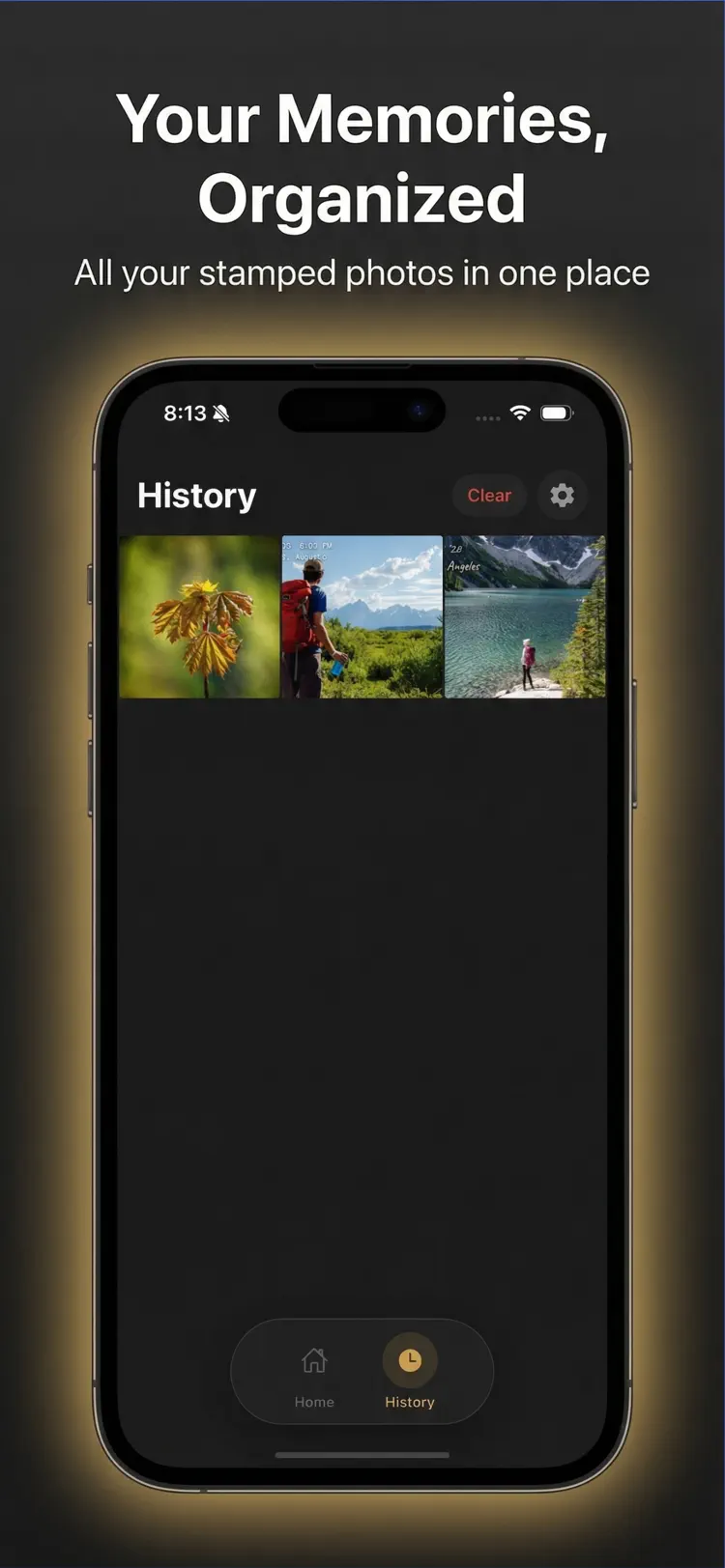
Capture a new photo or choose one from your gallery
Capture a new photo or choose one from your gallery, then create a clean timestamp that fits the look of your image.
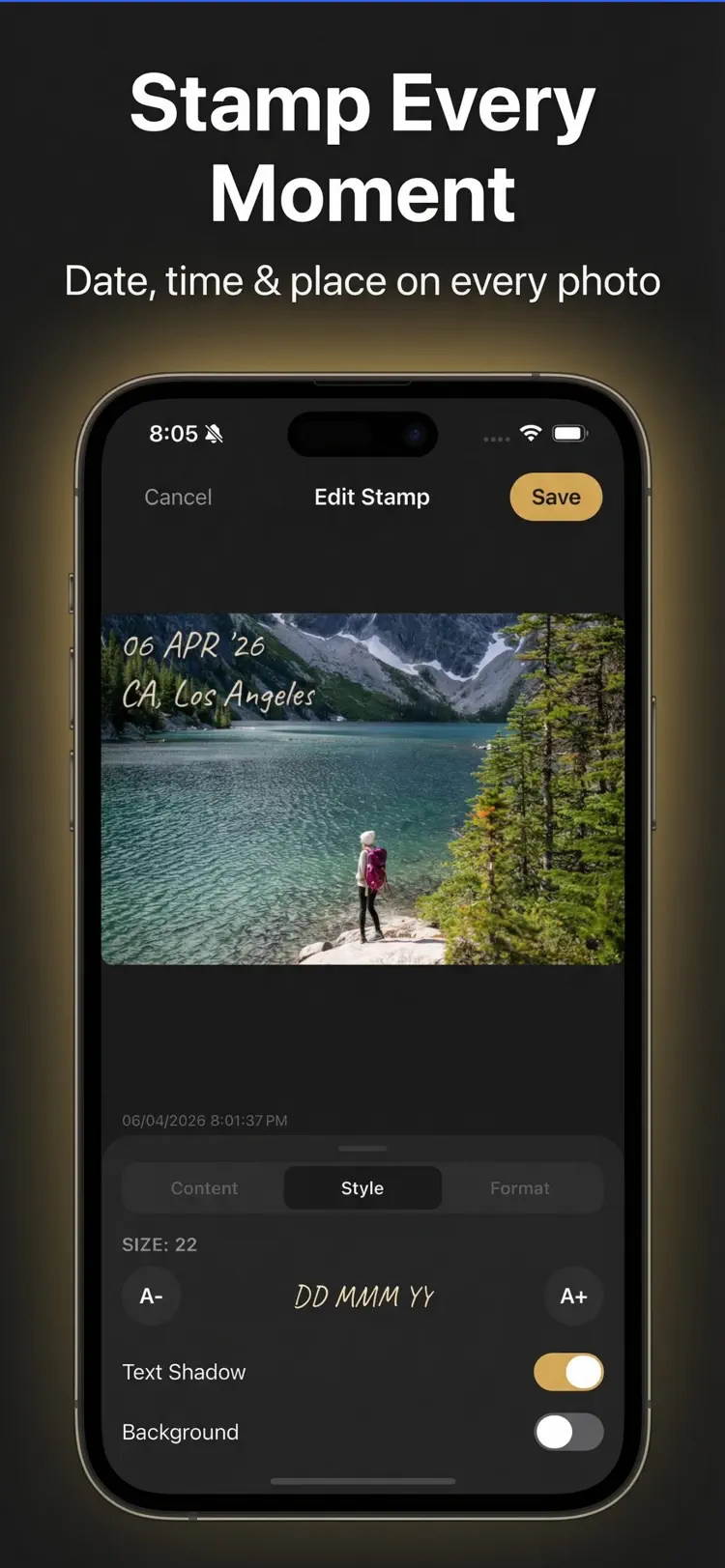
With Timestamp Camera you can add date stamps
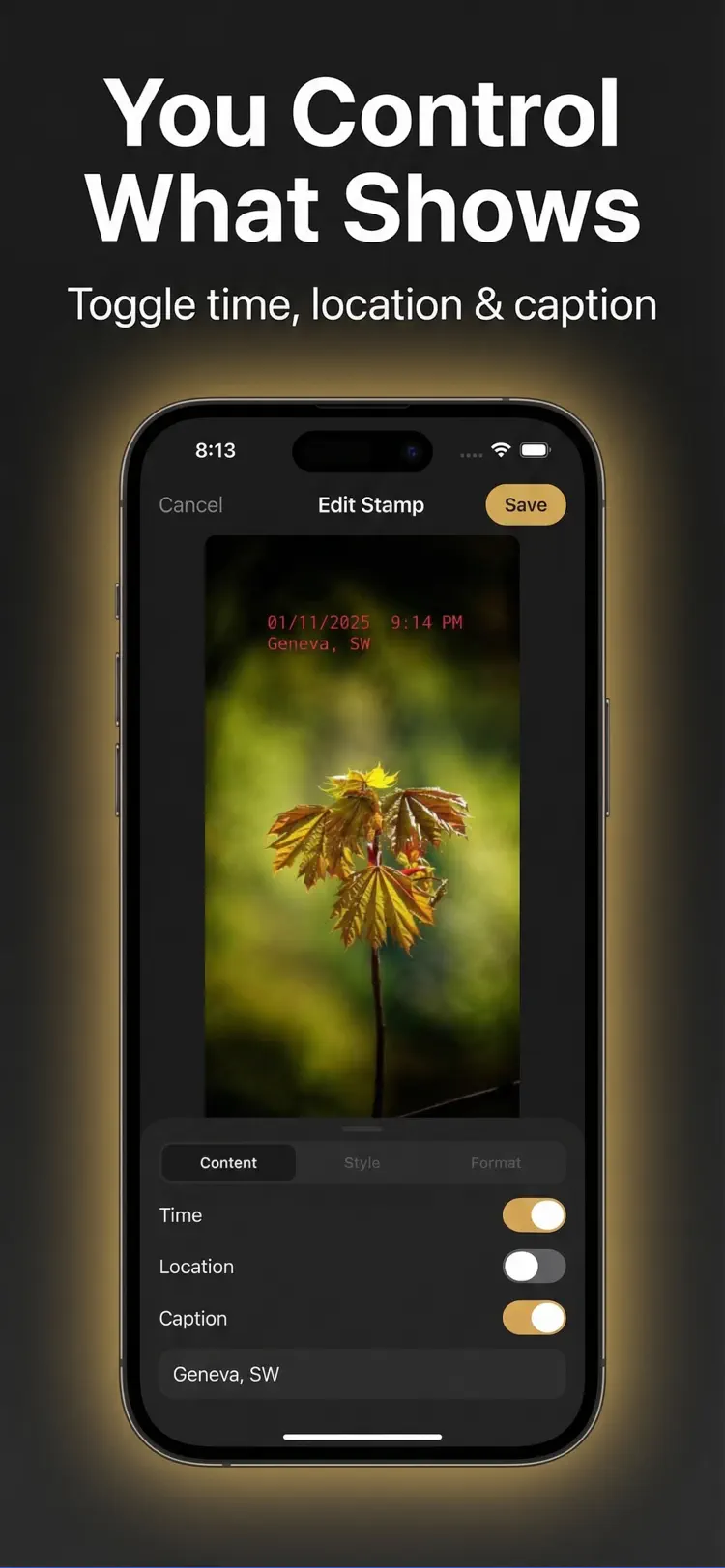
With Timestamp Camera you can add date stamps, time stamps, and location stamps to your pictures with a simple editing flow.
Move the stamp anywhere on the photo
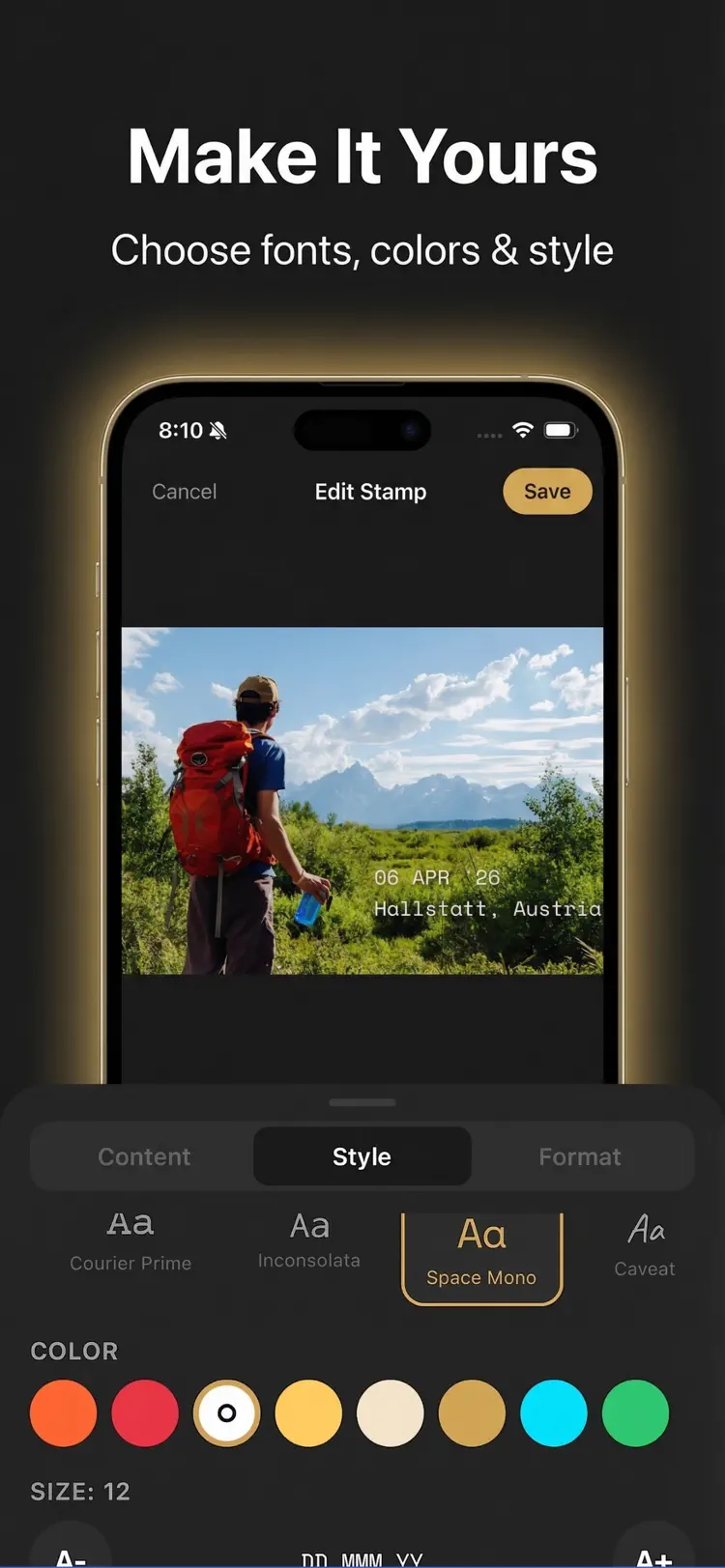
Move the stamp anywhere on the photo, resize it, and customize the style to match your scene.
Choose from multiple date formats and time formats.
How it works
How to add timestamps and dates to photos in three steps.
Choose a photo
Take or select a new or existing photo from your library.
Apply the tools
Use the available controls and preview the result before you finish.
Save or share
Export the finished image while keeping the original available in your library.
Frequently asked questions
Quick answers about features, pricing, compatibility, and privacy.
What does Timestamp Camera do?
Is Timestamp Camera free?
Which iPhone version does Timestamp Camera support?
How does Timestamp Camera handle privacy?
When was Timestamp Camera last updated?
Is Timestamp Camera available for both iPhone and Android?
Try Timestamp Camera on iPhone or Android
Choose your platform for current features, compatibility, pricing, and privacy disclosures on the official store listing.