

Turn typed text into realistic handwriting on iPhone and Android
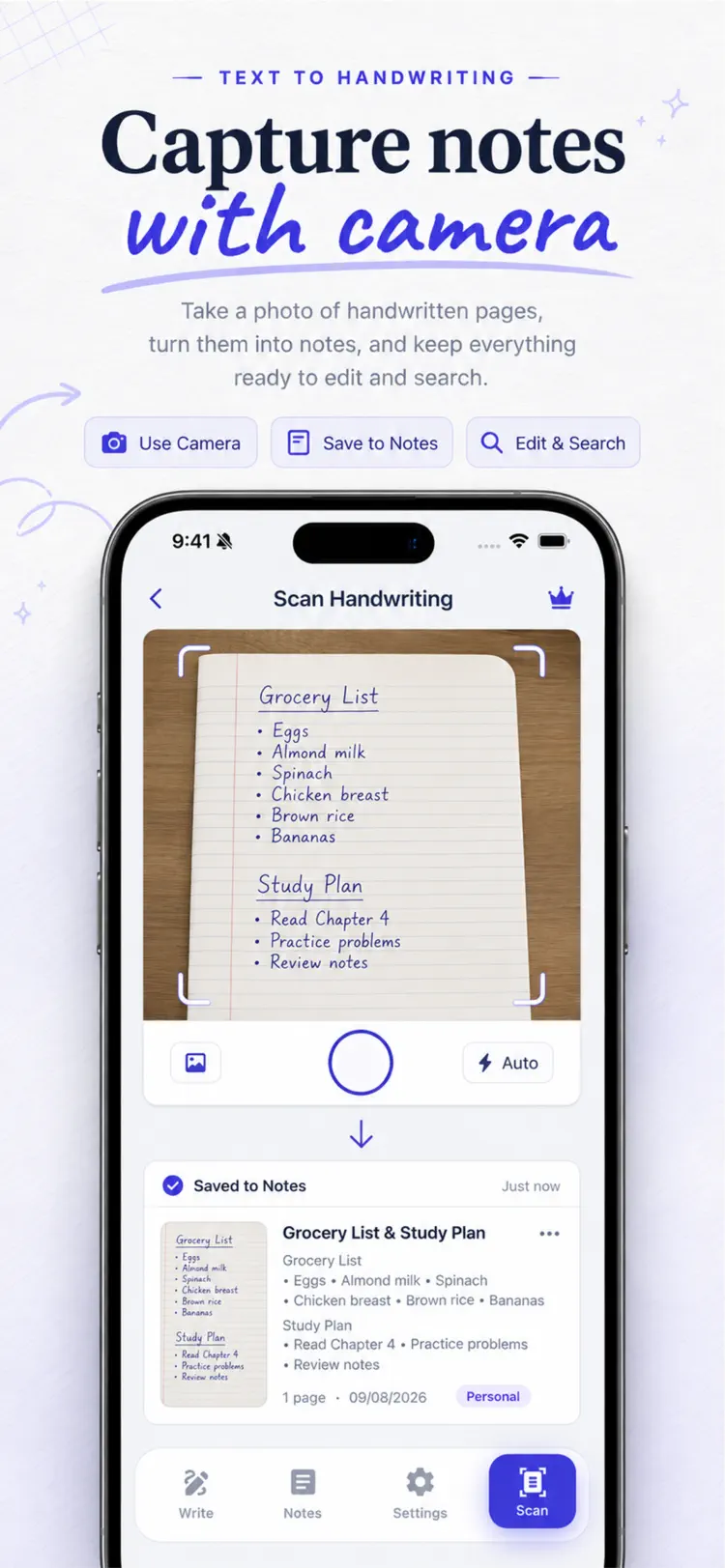
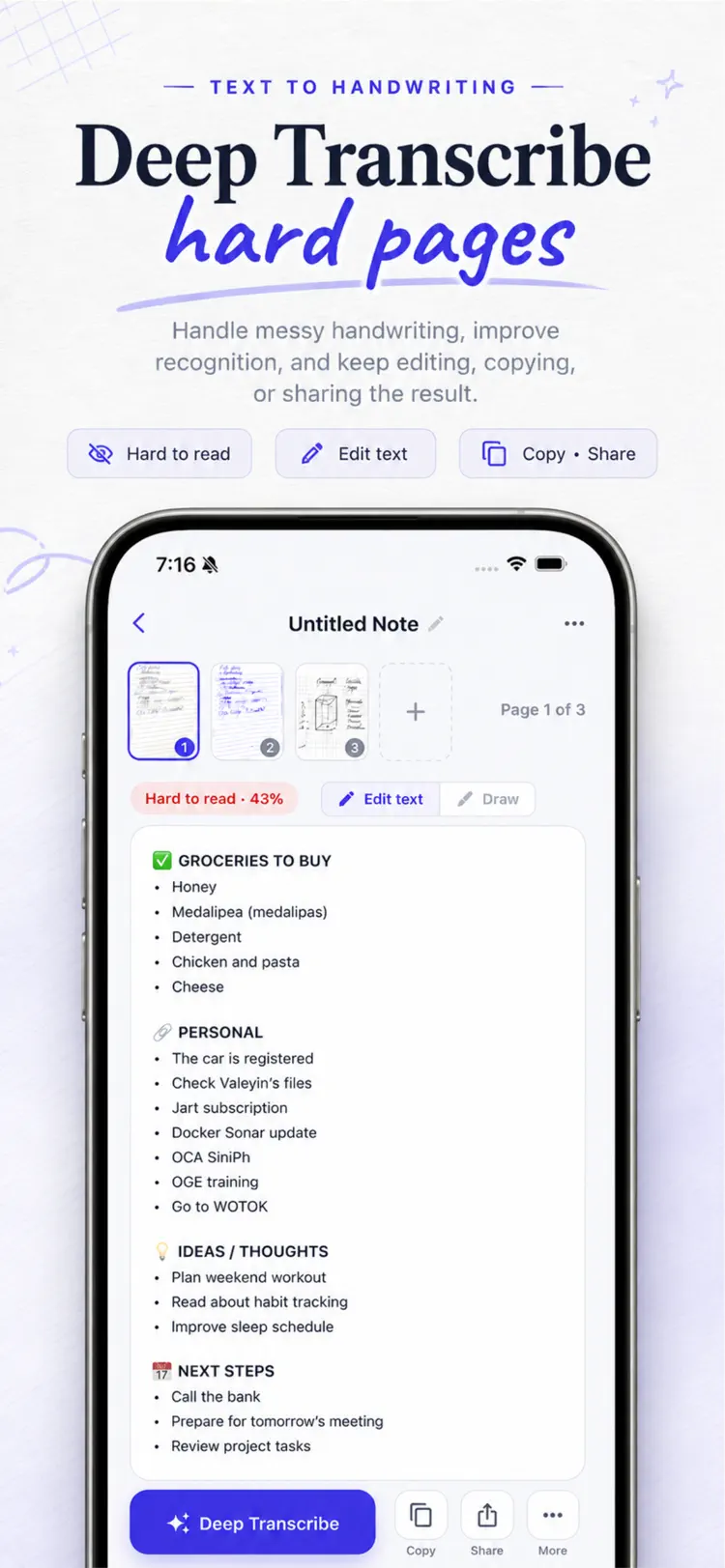
Turn typed text into handwriting style PDFs, or scan handwritten pages back into editable text. Text To Handwriting brings both directions together in one simple workspace.
Available on the App Store and Google Play. The feature descriptions and screenshots below refer to the iPhone app; check Google Play for Android-specific details. Features and compatibility can vary by platform.
Why people use Text To Handwriting AI Convert
Highlights taken from the app's current App Store listing.
Text To Handwriting brings both directions
Text To Handwriting brings both directions together in one simple workspace.
Type or paste your text
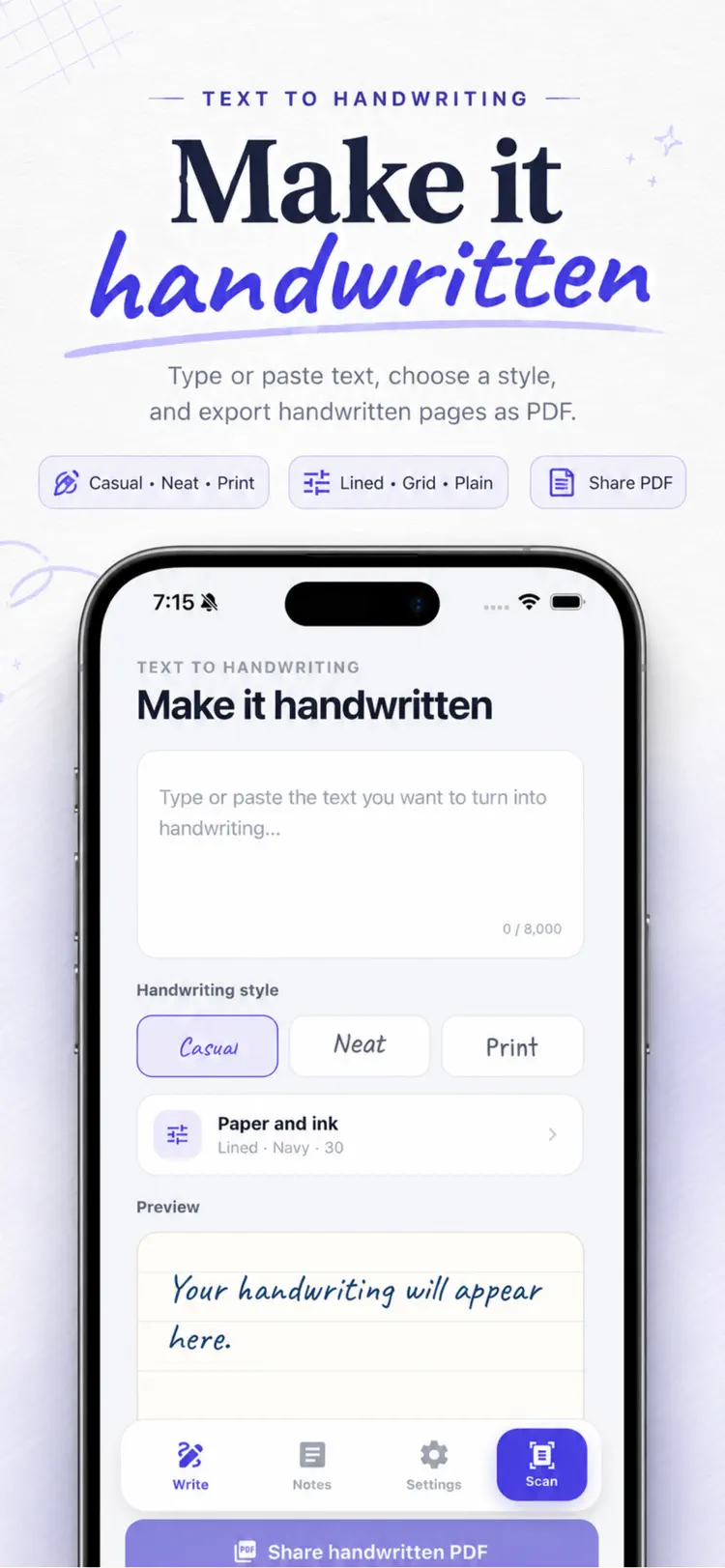
Type or paste your text and see it in a handwriting style instantly.
Choose casual
Choose casual, neat, or print lettering.
Select lined
Select lined, grid, or plain paper, adjust the writing size, and use navy, black, or blue ink.
Preview every change
Preview every change, then share it as an A4 PDF.
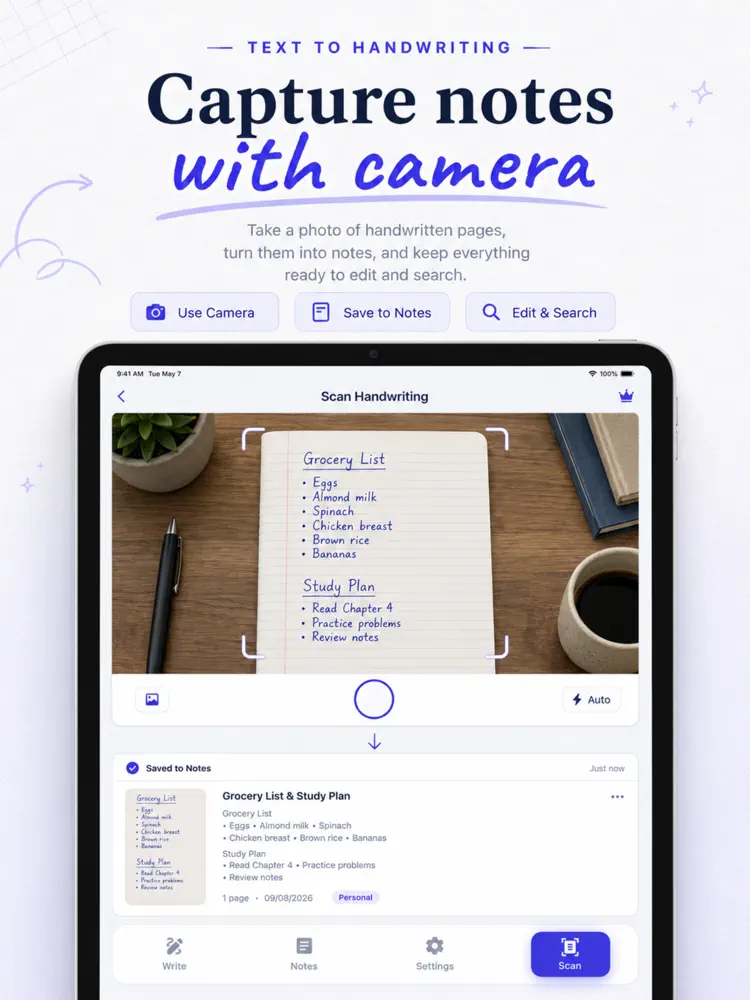
Use the document camera
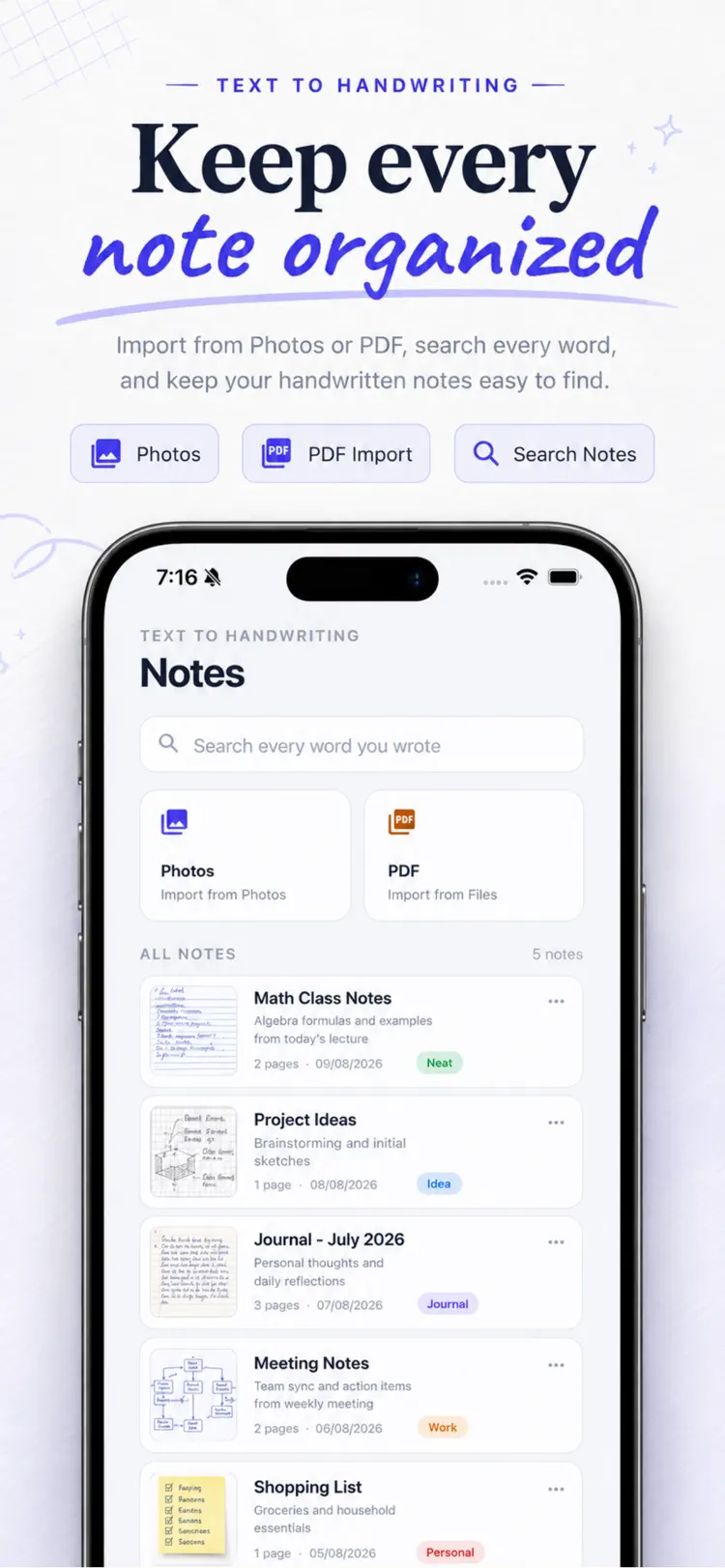
Use the document camera, choose images from Photos, or import a PDF.
How it works
How to turn typed text into realistic handwriting in three steps.
Start a document
Import or enter text or a document.
Review the details
Arrange the content and use the available formatting or document tools.
Export the result
Save the finished document and share it through the iPhone share sheet.
Frequently asked questions
Quick answers about features, pricing, compatibility, and privacy.
What does Text To Handwriting AI Convert do?
Is Text To Handwriting AI Convert free?
Which iPhone version does Text To Handwriting AI Convert support?
How does Text To Handwriting AI Convert handle privacy?
When was Text To Handwriting AI Convert last updated?
Is Text To Handwriting AI Convert available for both iPhone and Android?
Try Text To Handwriting AI Convert on iPhone or Android
Choose your platform for current features, compatibility, pricing, and privacy disclosures on the official store listing.