

Amplify sound and adjust listening levels on iPhone and Android
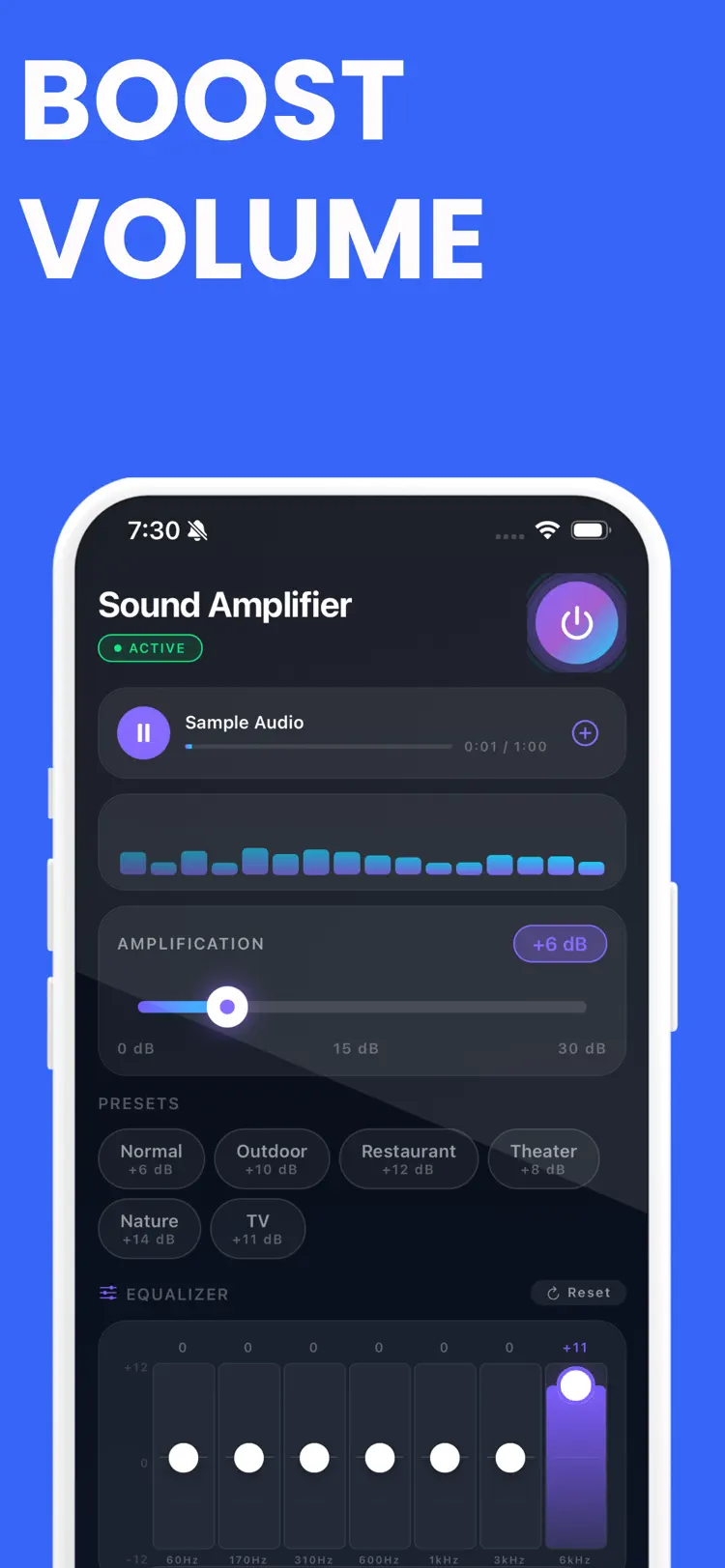
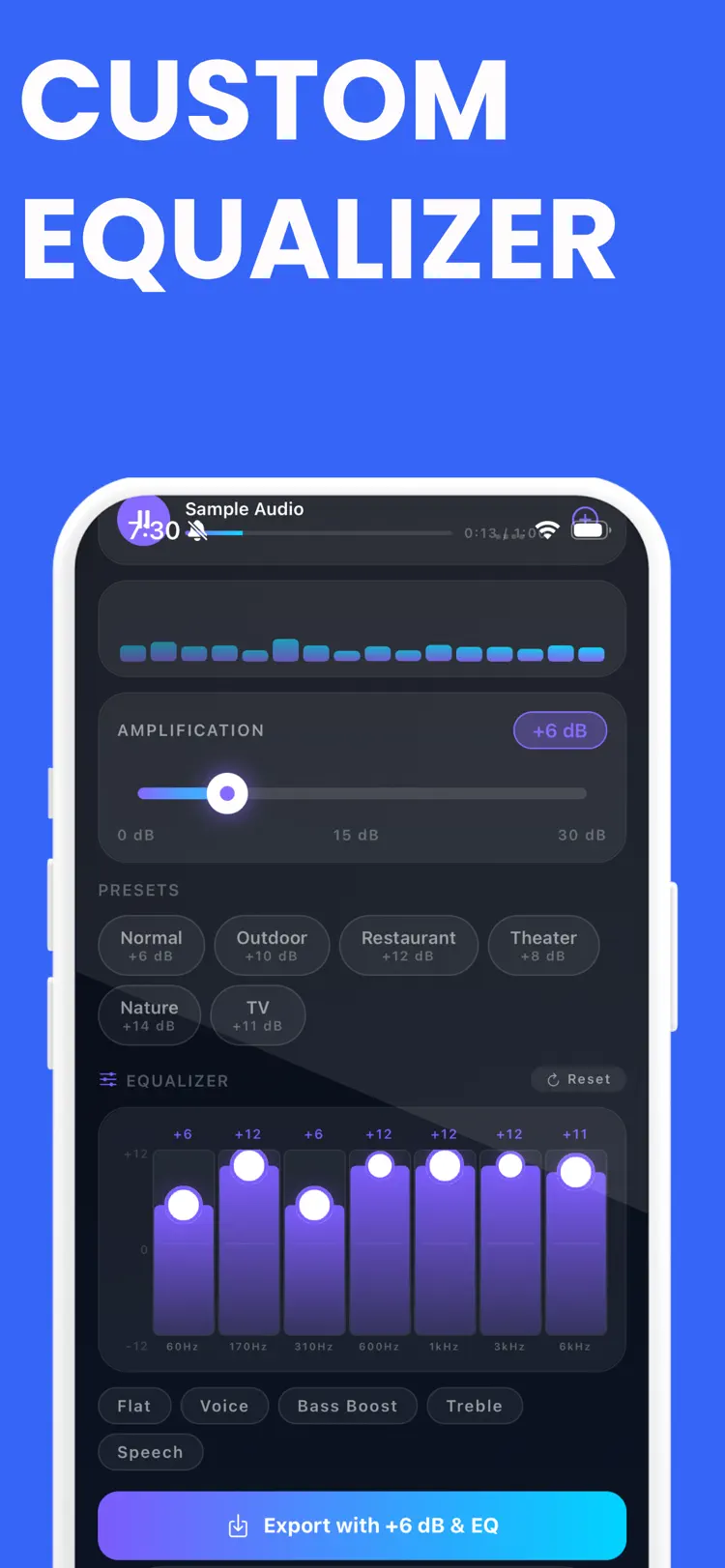
Sound Amplifier is a simple sound amplifier and audio booster for adjusting gain, shaping tone with a 7 band equalizer, and exporting enhanced audio in seconds. Import audio files, choose a preset, fine tune your sound, and save processed…
Available on the App Store and Google Play. The feature descriptions and screenshots below refer to the iPhone app; check Google Play for Android-specific details. Features and compatibility can vary by platform.
Why people use Sound Amplifier
Highlights taken from the app's current App Store listing.
Import audio files
Import audio files, choose a preset, fine tune your sound, and save processed WAV files from one clean interface.
You can import audio files
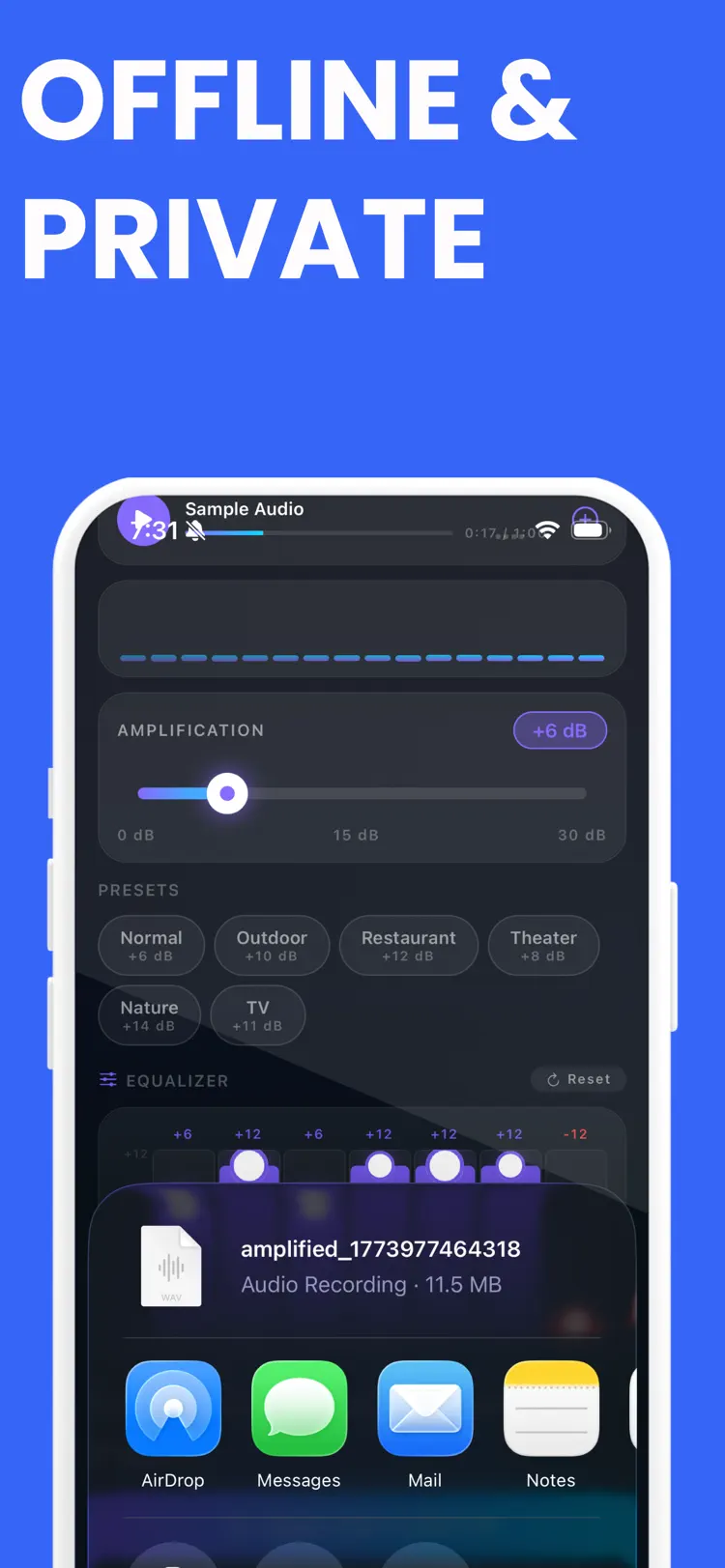
You can import audio files, process them with your preferred settings, export enhanced audio as WAV, and share it quickly.
A dedicated history tab also makes
A dedicated history tab also makes it easy to review previous exports and keep track of your processed files.
Premium removes export limits.
How it works
How to amplify sound and adjust listening levels in three steps.
Choose the audio setup
Select an audio source and connect the headphones or speaker you plan to use.
Adjust carefully
Start at a moderate level, then change the available sound controls gradually.
Listen and save
Preview the result, protect your hearing, and save or share when the sound is right.
Frequently asked questions
Quick answers about features, pricing, compatibility, and privacy.
What does Sound Amplifier do?
Is Sound Amplifier free?
Which iPhone version does Sound Amplifier support?
How does Sound Amplifier handle privacy?
When was Sound Amplifier last updated?
Is Sound Amplifier available for both iPhone and Android?
Try Sound Amplifier on iPhone or Android
Choose your platform for current features, compatibility, pricing, and privacy disclosures on the official store listing.