
Record and reverse audio on your iPhone
Transform your voice and sounds with the power of reverse audio. Record any sound and instantly play it backwards to create fascinating effects. Whether you want to experiment with reverse singing, say words backwards, or just have fun…

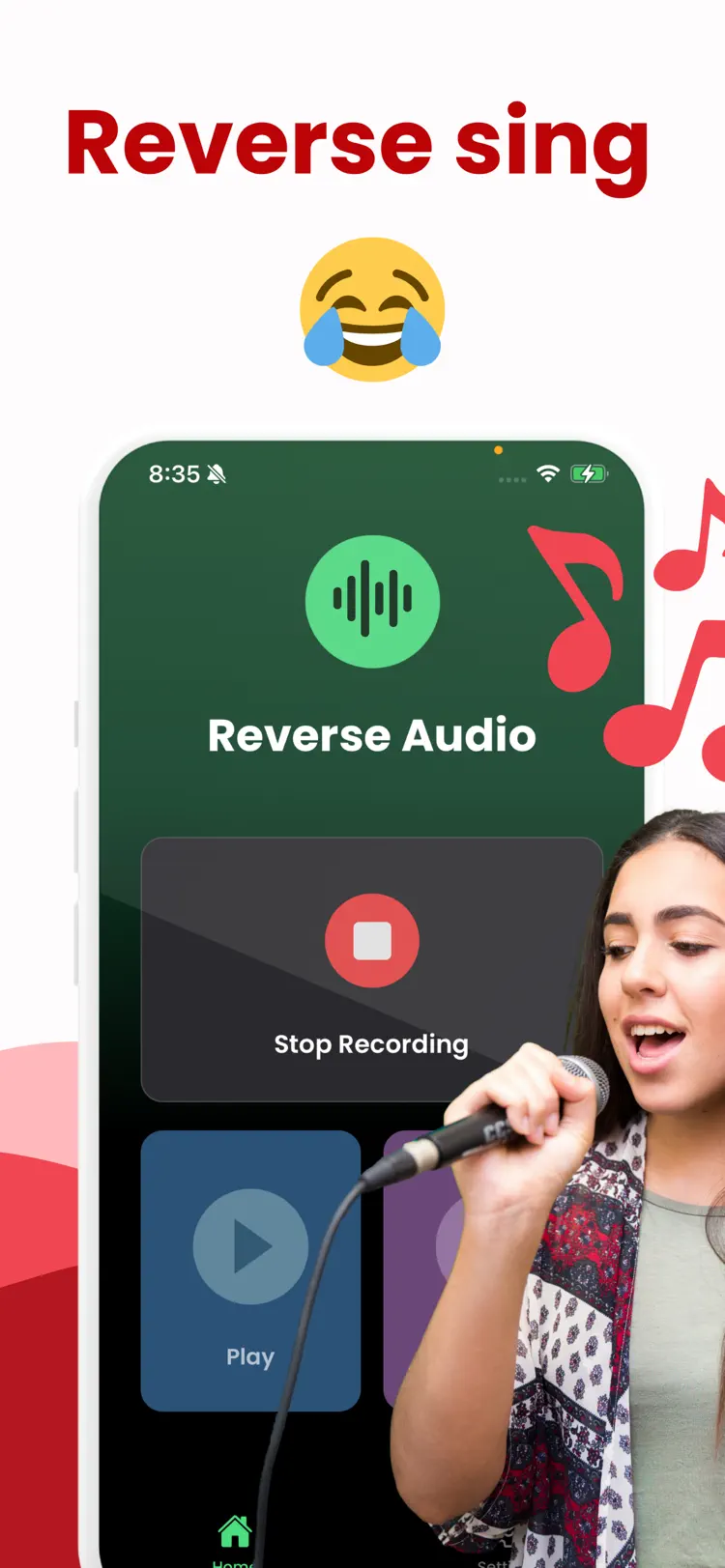
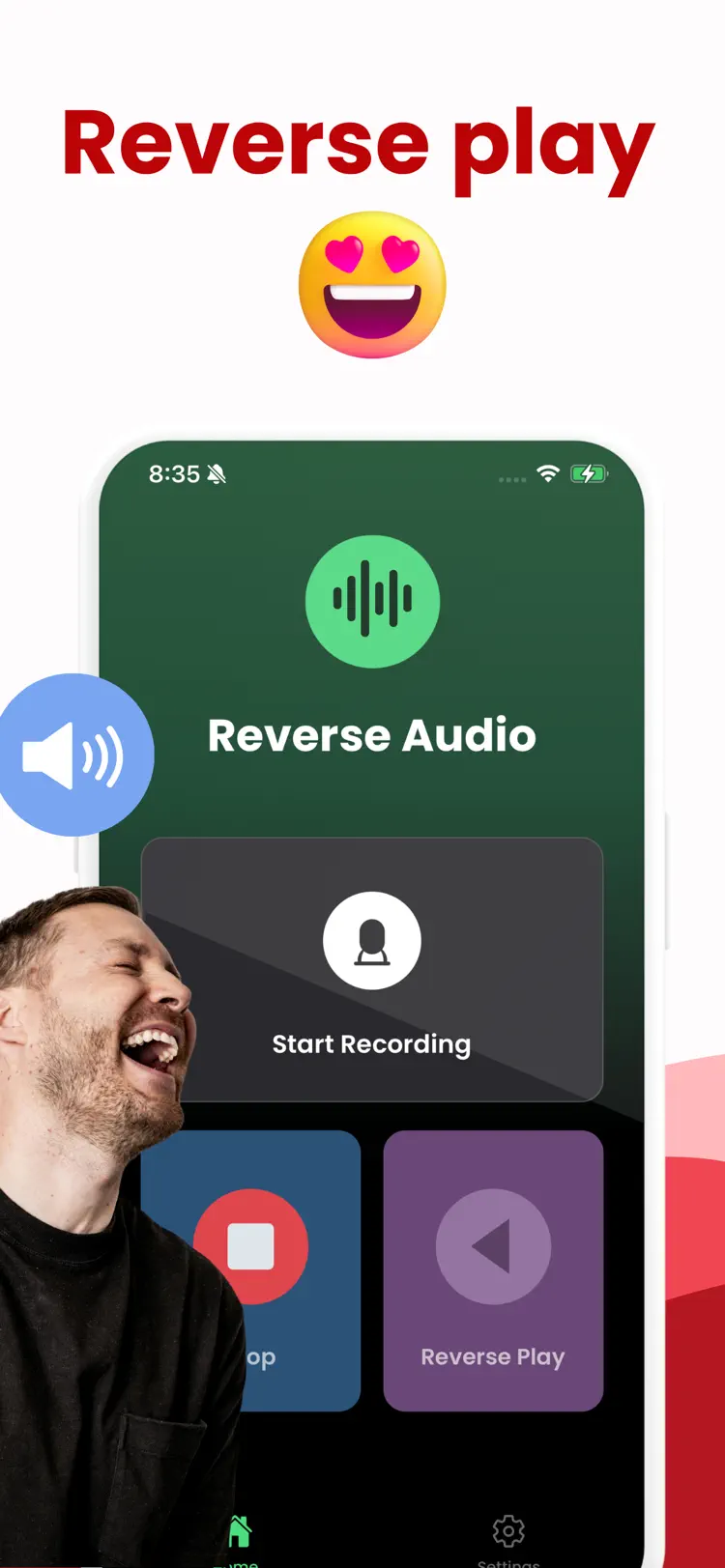
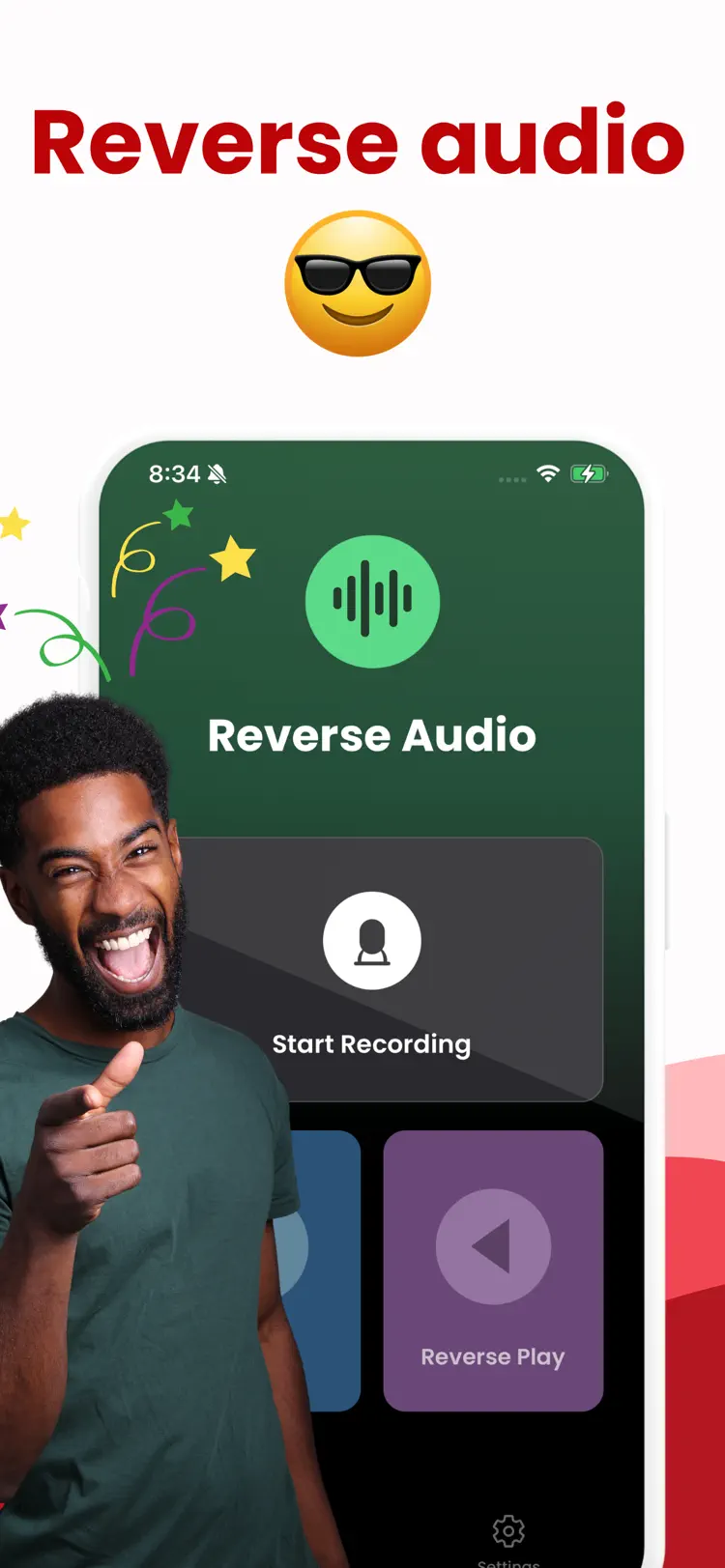
Why people use Reverse Sing
Highlights taken from the app's current App Store listing.
Audio Reverse
Record and Play Backwards
Record in High Quality
One-tap recording with clear
One-tap recording with clear, professional audio capture
Works perfectly with mic to speaker setup
High-quality WAV recording for detailed sound
Minimal, intuitive interface designed for simplicity
How it works
How to record and reverse audio in three steps.
Choose the audio setup
Select a voice or audio recording and connect the headphones or speaker you plan to use.
Adjust carefully
Start at a moderate level, then change the available sound controls gradually.
Listen and save
Preview the result, protect your hearing, and save or share when the sound is right.
Frequently asked questions
Quick answers about features, pricing, compatibility, and privacy.
What does Reverse Sing do?
Is Reverse Sing free?
Which iPhone version does Reverse Sing support?
How does Reverse Sing handle privacy?
When was Reverse Sing last updated?
Try Reverse Sing on iPhone
Open the official App Store listing for the latest features, compatibility, pricing, and privacy details.