
Create and organize receipts on iPhone and Android
Receipt Maker is the fast, reliable way to create professional receipts on iPhone and iPad. Save time with reusable businesses and clients, tap-to-add items, automatic totals, and share-ready previews. Key features:
Available on the App Store and Google Play. The feature descriptions and screenshots below refer to the iPhone app; check Google Play for Android-specific details. Features and compatibility can vary by platform.


Why people use Receipt Maker
Highlights taken from the app's current App Store listing.
Quick setup
pick a business profile, client, and date, then add line items in seconds.
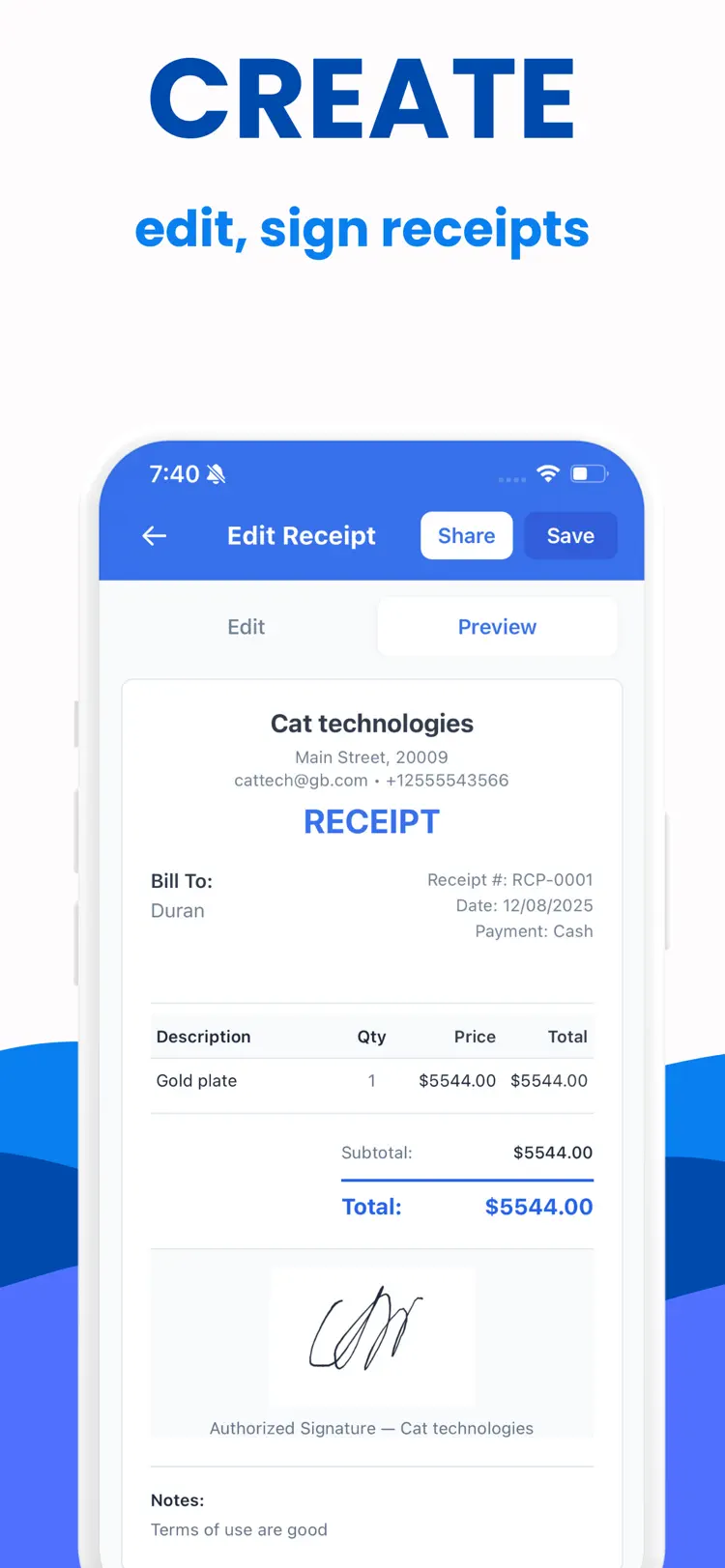
Professional output
themes, logos, signatures (typed or drawn), and receipt numbers with custom prefixes.
Smart defaults
prefill currency, tax, payment method, and notes to stay consistent.
Saved contacts
store businesses and clients for instant reuse.
Flexible payments
track cash, card, bank transfer, or custom methods.
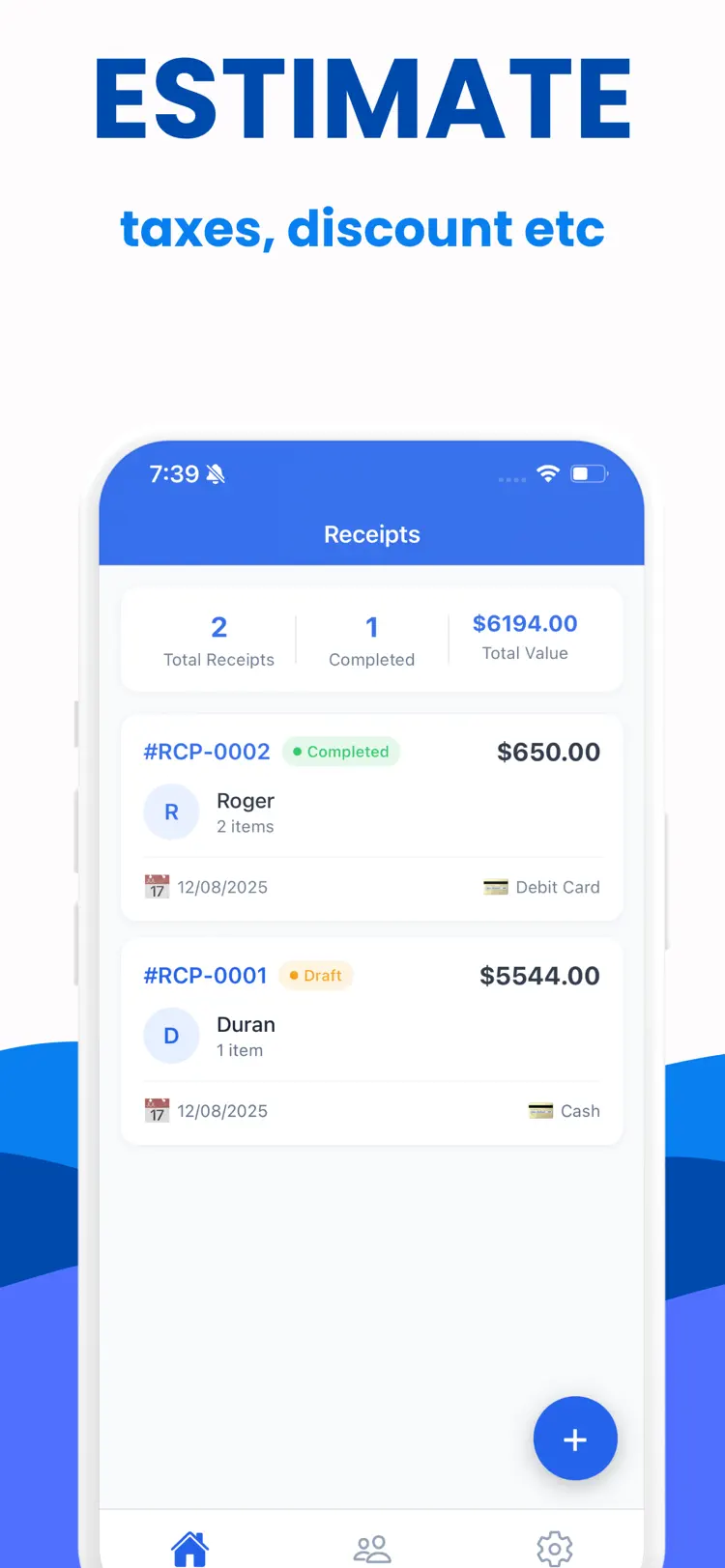
Clear summaries
live subtotal, discount, shipping, tax, and grand total calculations.
How it works
How to create and organize receipts in three steps.
Start a document
Import or enter receipt details.
Review the details
Arrange the content and use the available formatting or document tools.
Export the result
Save the finished document and share it through the iPhone share sheet.
Frequently asked questions
Quick answers about features, pricing, compatibility, and privacy.
What does Receipt Maker do?
Is Receipt Maker free?
Which iPhone version does Receipt Maker support?
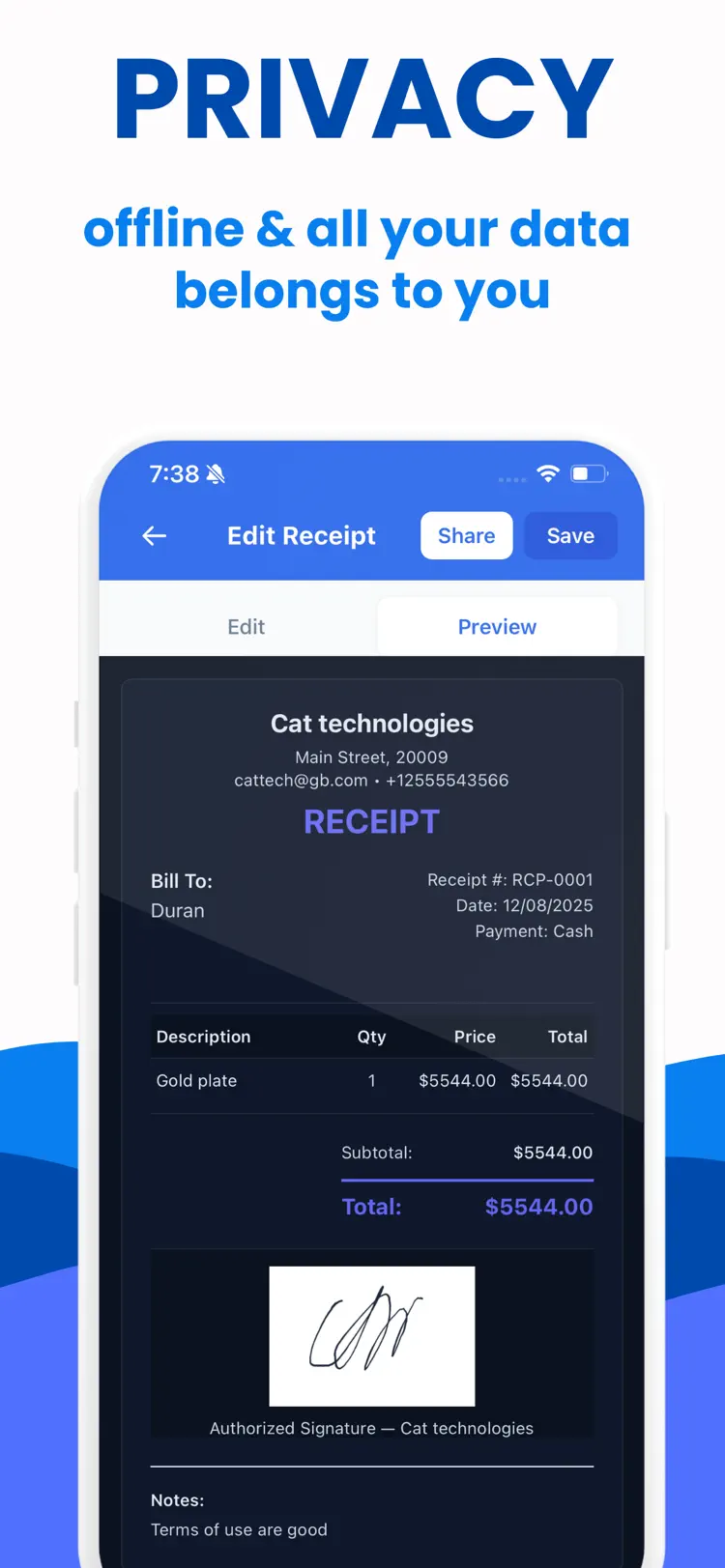
How does Receipt Maker handle privacy?
When was Receipt Maker last updated?
Is Receipt Maker available for both iPhone and Android?
Try Receipt Maker on iPhone or Android
Choose your platform for current features, compatibility, pricing, and privacy disclosures on the official store listing.