

Plan focused Pomodoro sessions on iPhone and Android
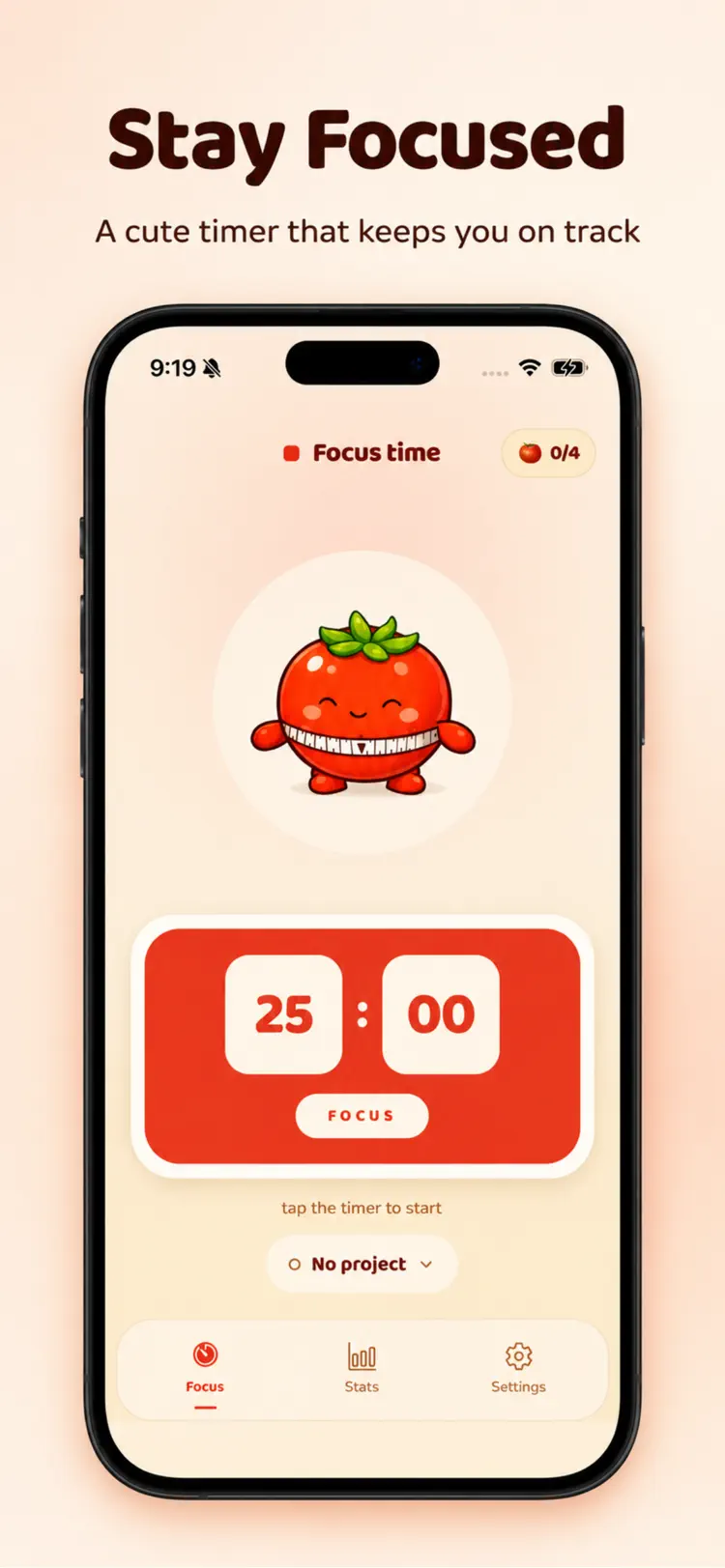
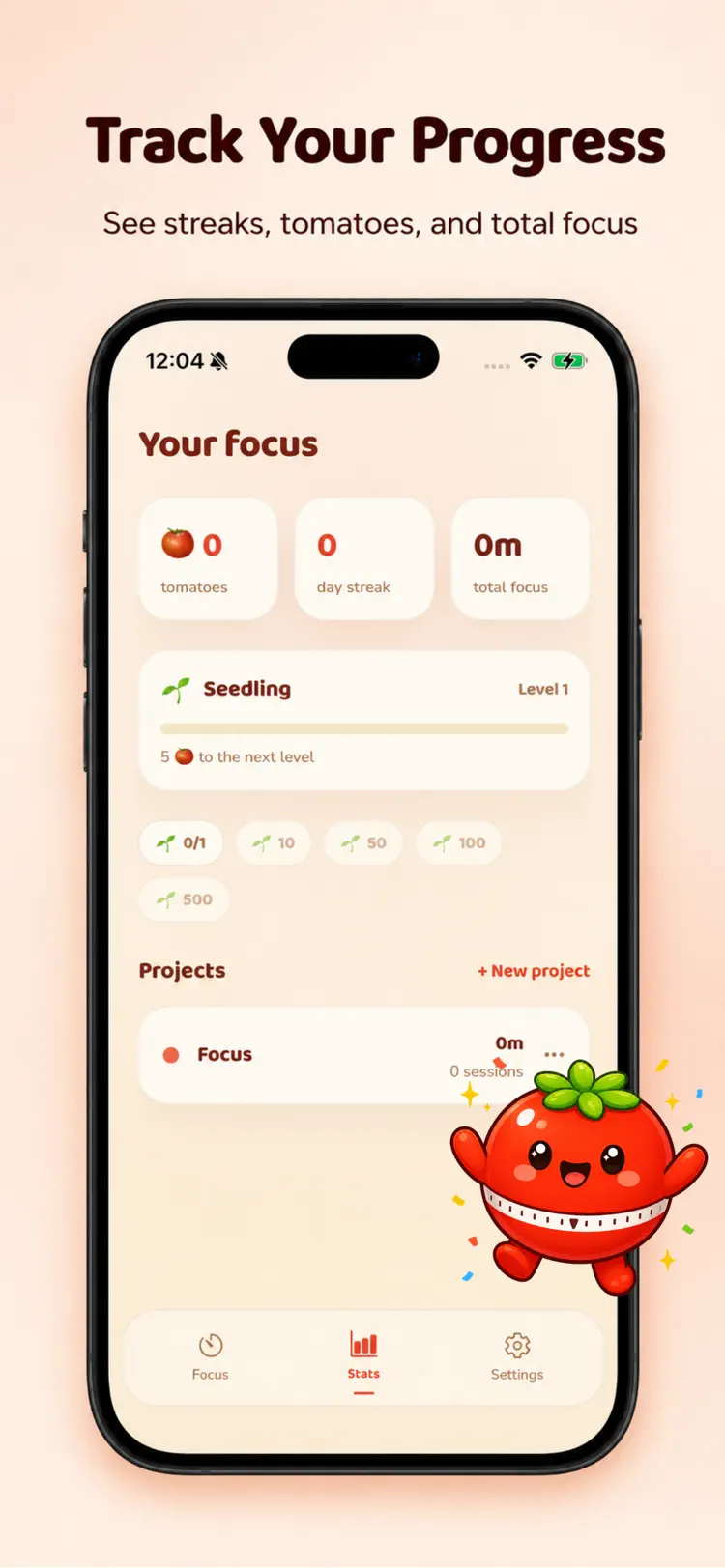
Pomodoro Timer turns focus into something you can see. Set the timer, get to work, and every session you finish plants a tomato in your garden. Stay consistent and watch your harvest, your streak, and your progress grow day after day.
Available on the App Store and Google Play. The feature descriptions and screenshots below refer to the iPhone app; check Google Play for Android-specific details. Features and compatibility can vary by platform.
Why people use Pomodoro Timer
Highlights taken from the app's current App Store listing.
Classic Pomodoro technique
focused work sessions with short and long breaks
Adjustable focus and break lengths that
Adjustable focus and break lengths that match the way you work
Auto start breaks so you never lose your rhythm
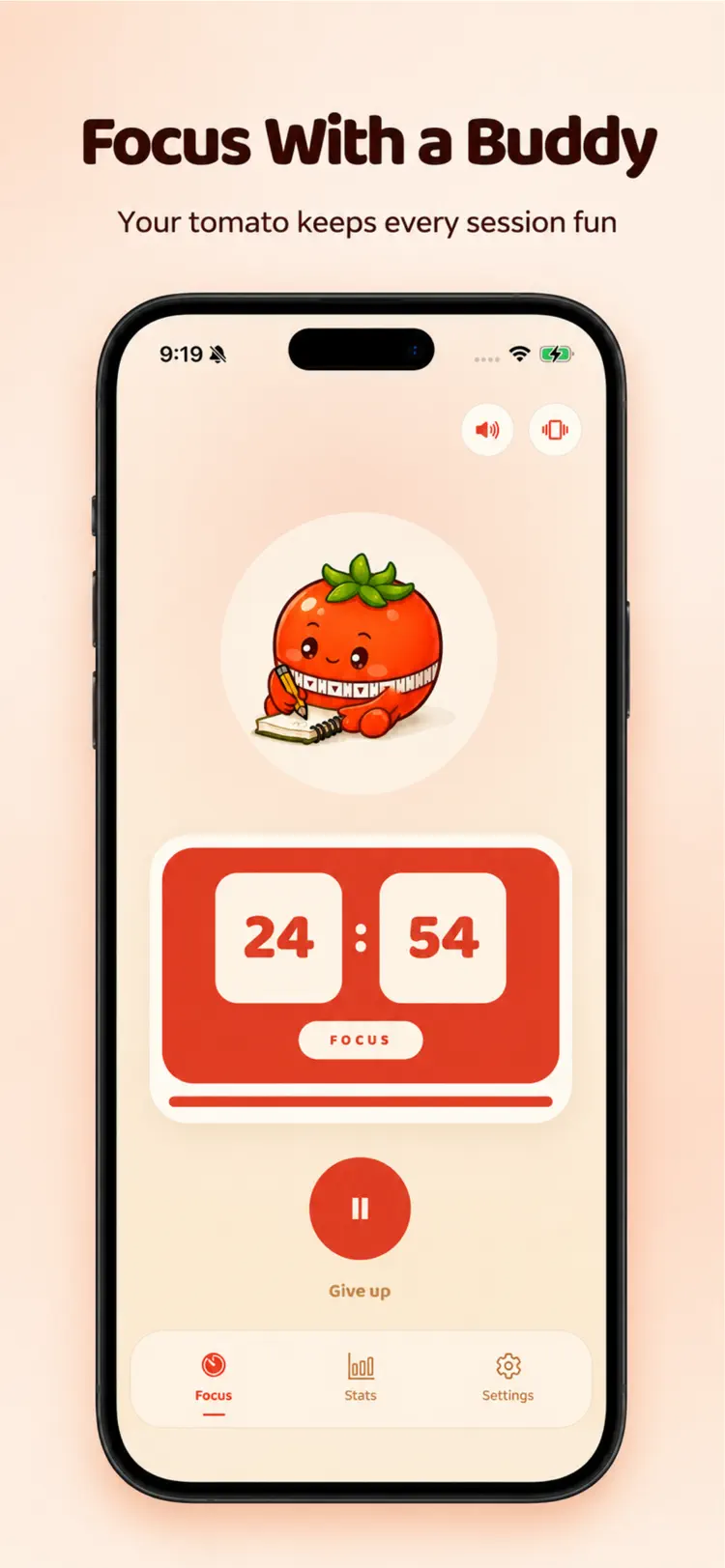
Gentle chimes and soft haptics mark
Gentle chimes and soft haptics mark the end of every session
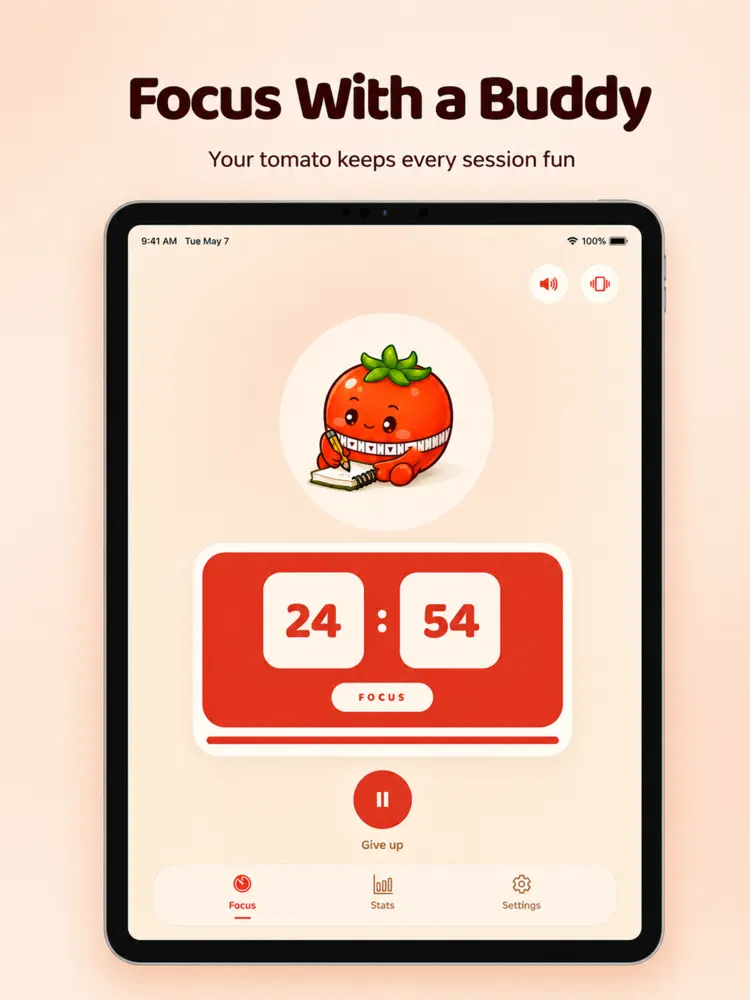
A calm, cozy design with Pomo
A calm, cozy design with Pomo, your tomato companion who cheers you on
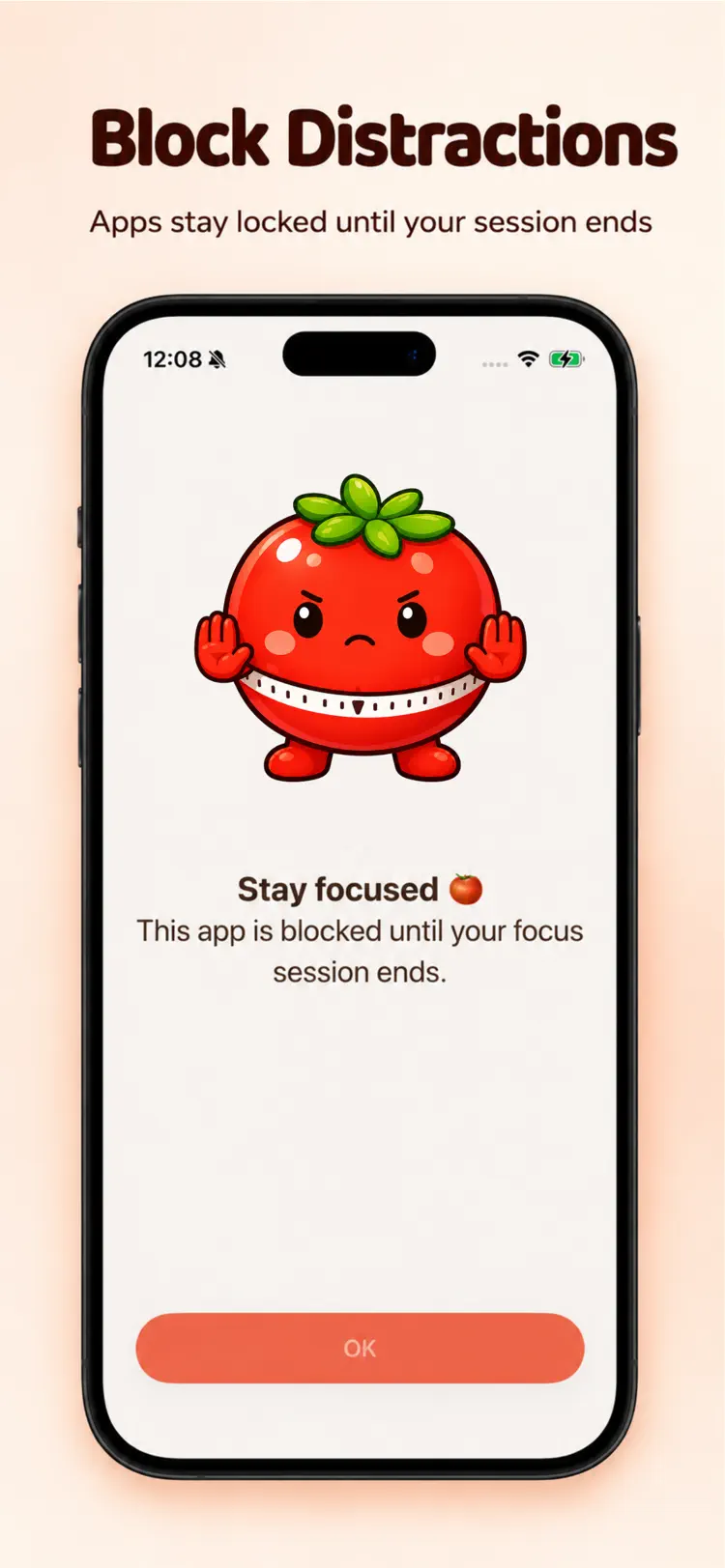
Block social media
Block social media, games, and any other distracting apps during focus
How it works
How to plan focused Pomodoro sessions in three steps.
Choose a focus plan
Set a focus duration and break schedule.
Start the timer
Work until the focus interval ends, then use the scheduled break before the next session.
Review the routine
Adjust future focus and break lengths based on what helps you stay consistent.
Frequently asked questions
Quick answers about features, pricing, compatibility, and privacy.
What does Pomodoro Timer do?
Is Pomodoro Timer free?
Which iPhone version does Pomodoro Timer support?
How does Pomodoro Timer handle privacy?
When was Pomodoro Timer last updated?
Is Pomodoro Timer available for both iPhone and Android?
Try Pomodoro Timer on iPhone or Android
Choose your platform for current features, compatibility, pricing, and privacy disclosures on the official store listing.