
Convert photos and images to PDF on your iPhone
Create PDFs from photos, scans, and files in seconds. Merge pages, set size and layout, save or share fast, and keep every conversion on your device.
Why people use Photos to PDF Converter
Highlights taken from the app's current App Store listing.
App Store description
Main features
Photo to PDF in seconds
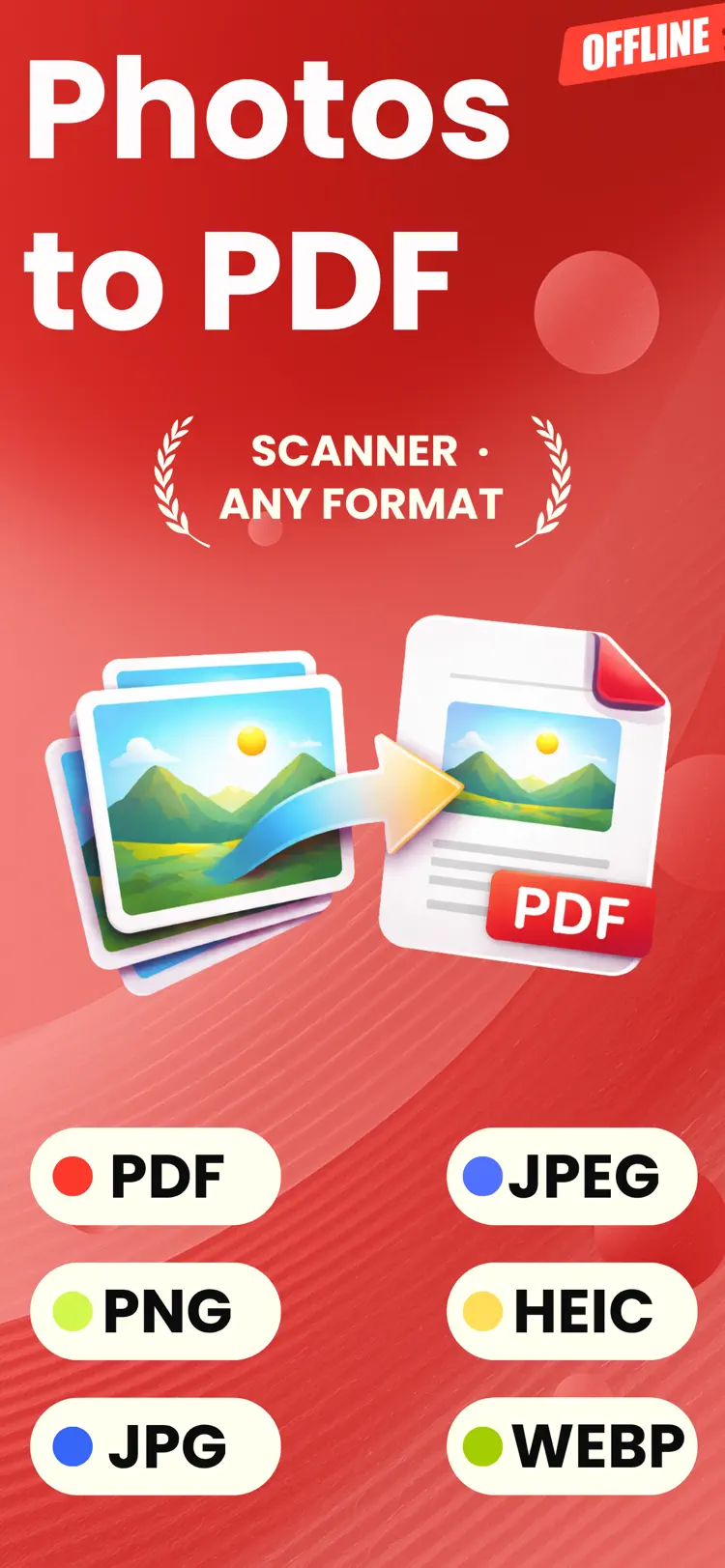
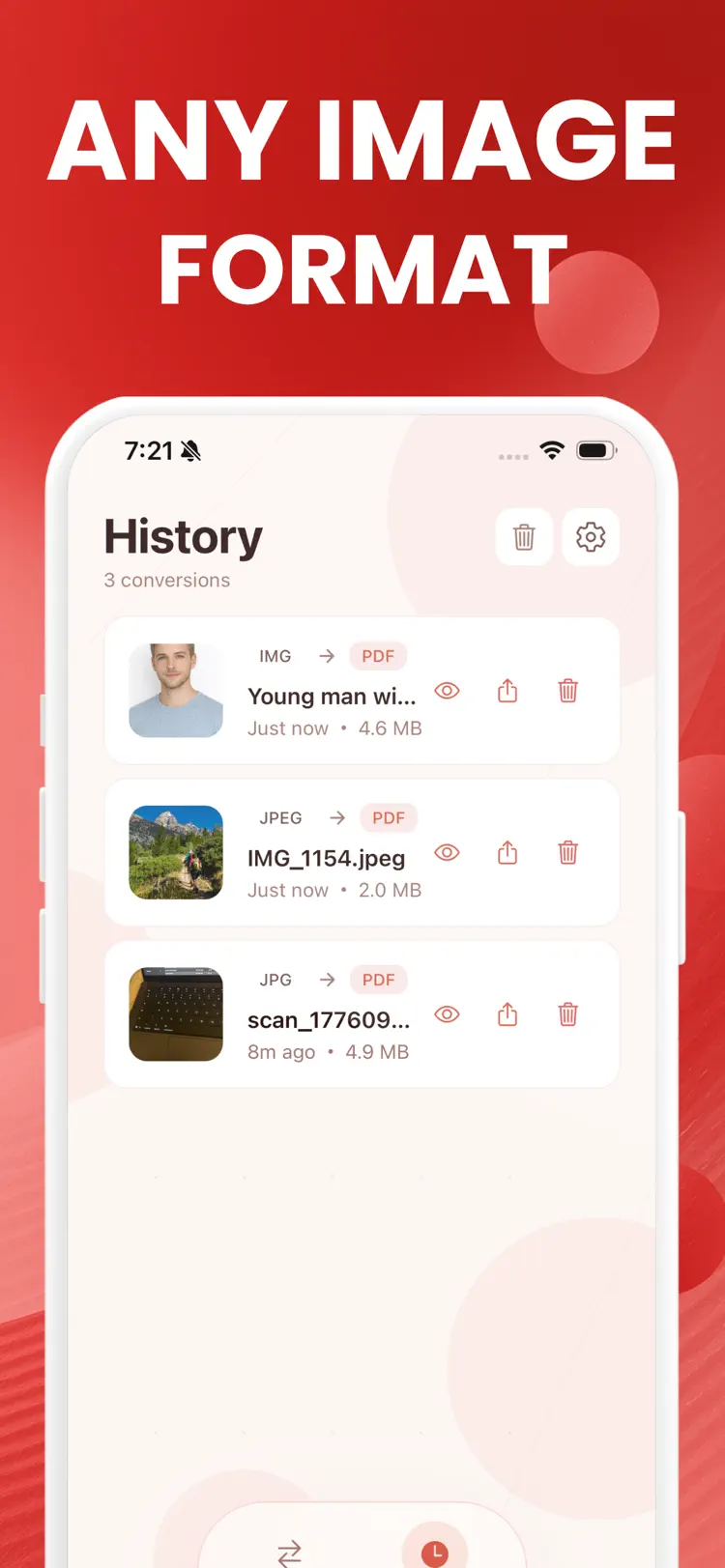
Convert JPG, JPEG, PNG, WEBP, BMP, HEIC, and HEIF images into high quality PDF files.
Merge to PDF
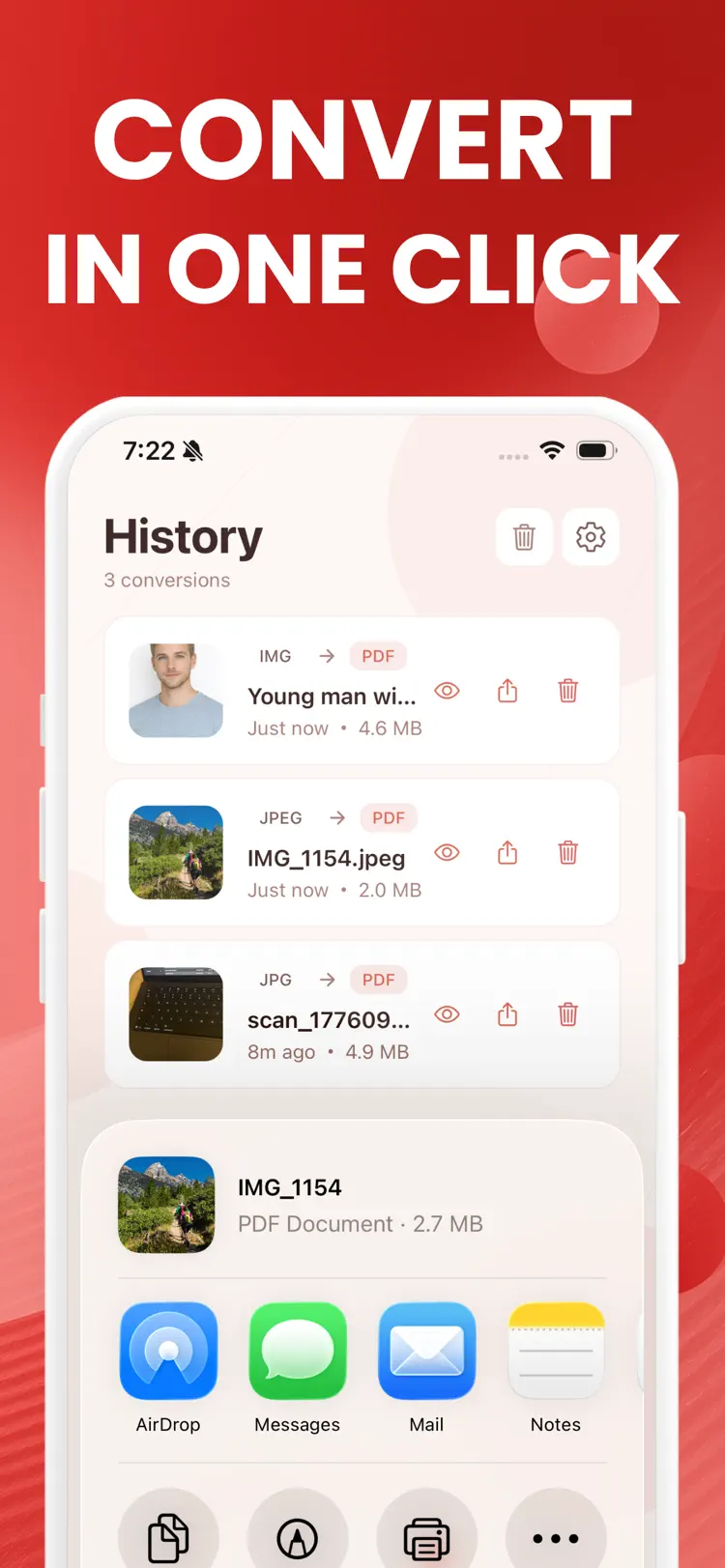
Combine multiple photos, scans, and supported files into one PDF for easier sharing, printing, and storage.
Separate PDFs
Select multiple files and export each one as its own PDF.
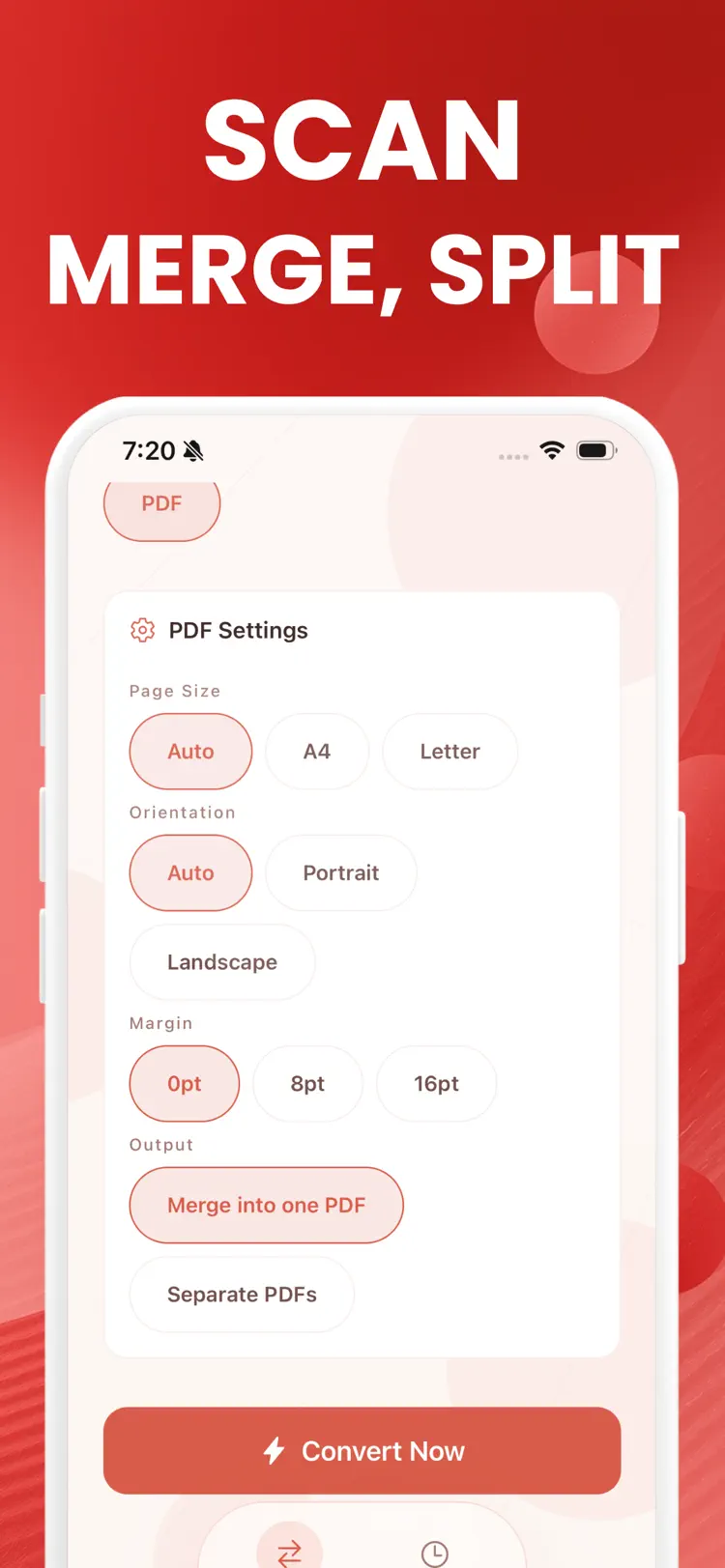
Flexible PDF settings
Choose page size, orientation, and margins before you export.
How it works
How to convert photos and images to PDF in three steps.
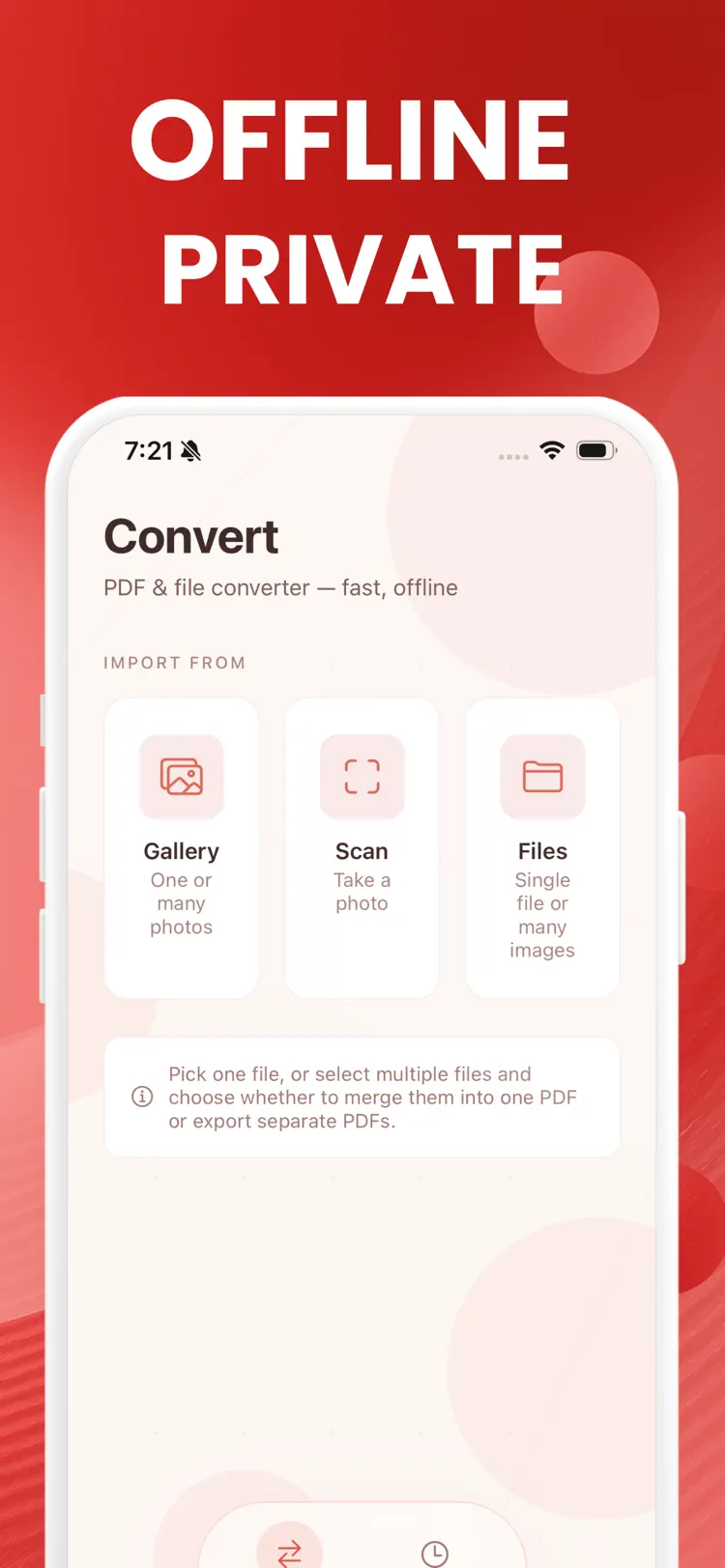
Choose the source
Select one or more images from your iPhone.
Set the output
Review the available format, quality, size, and editing options for your result.
Convert and save
Create the new file, then save it to Files or share it with another app.
Frequently asked questions
Quick answers about features, pricing, compatibility, and privacy.
What does Photos to PDF Converter do?
Is Photos to PDF Converter free?
Which iPhone version does Photos to PDF Converter support?
How does Photos to PDF Converter handle privacy?
When was Photos to PDF Converter last updated?
Try Photos to PDF Converter on iPhone
Open the official App Store listing for the latest features, compatibility, pricing, and privacy details.