
Scan documents into PDF files on your iPhone
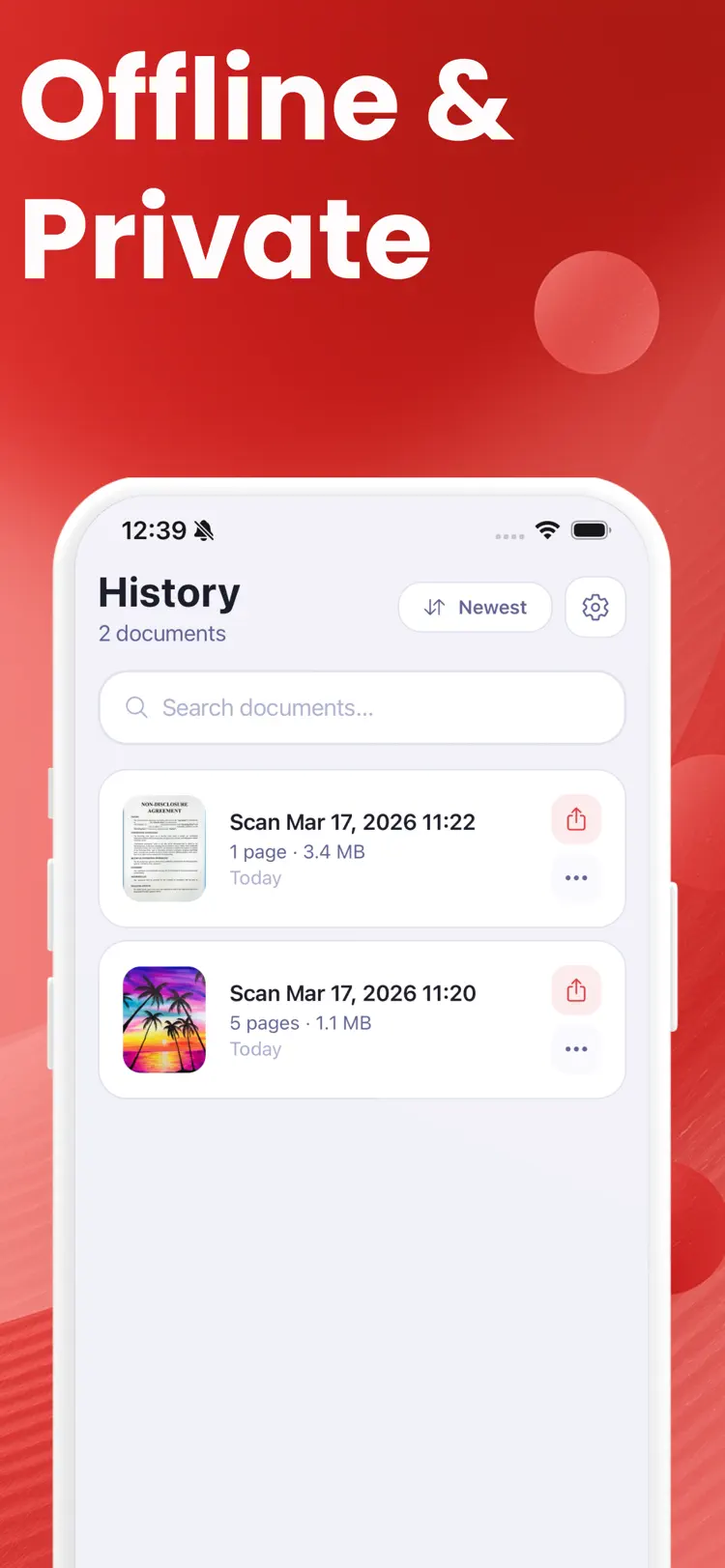
Turn your phone into a powerful portable scanner. PDF Scanner lets you digitize paper documents, receipts, contracts, notes, and more in just a few taps. Create clean, professional PDF files instantly - no bulky equipment or internet…
Why people use PDF Scanner
Highlights taken from the app's current App Store listing.
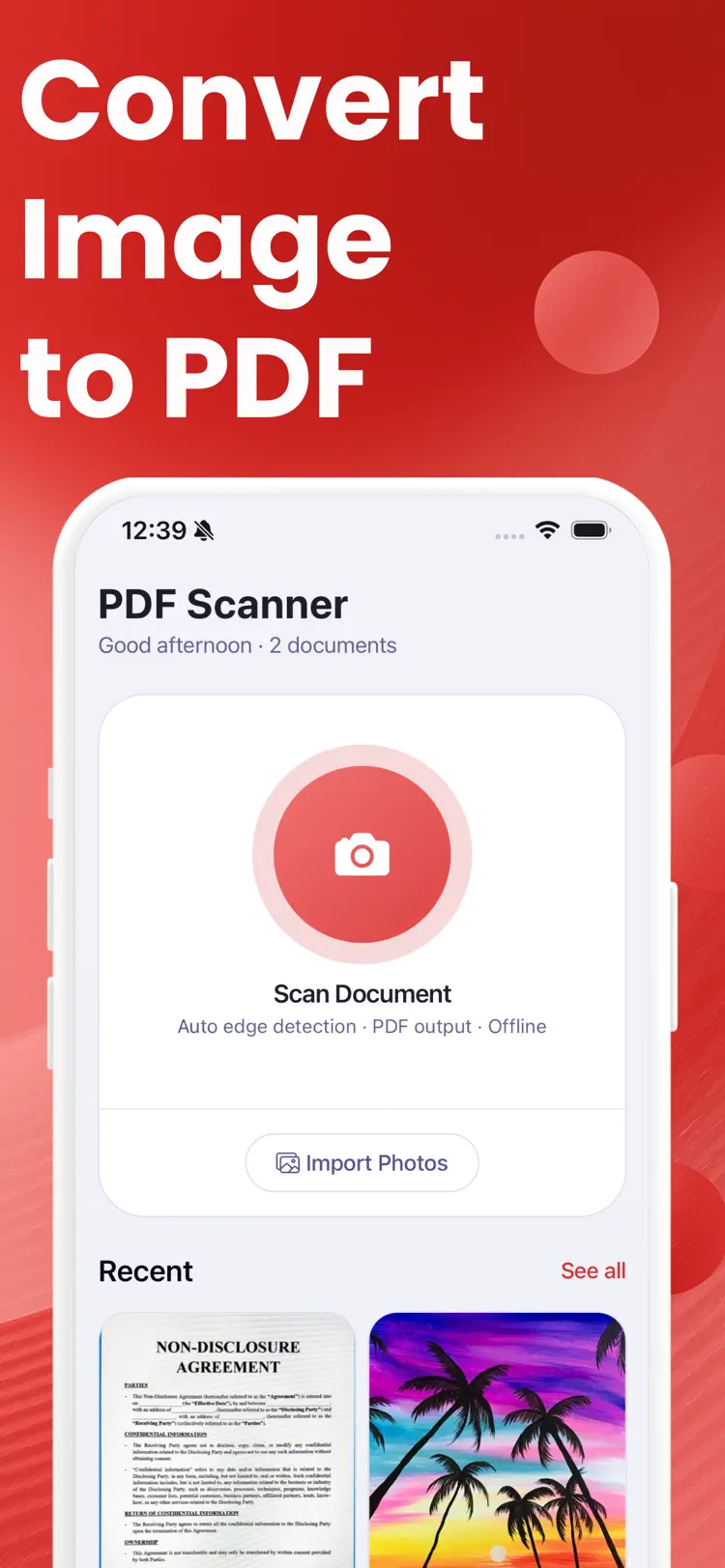
PDF Scanner lets you digitize paper documents
PDF Scanner lets you digitize paper documents, receipts, contracts, notes, and more in just a few taps.
Create clean
Create clean, professional PDF files instantly - no bulky equipment or internet connection required.
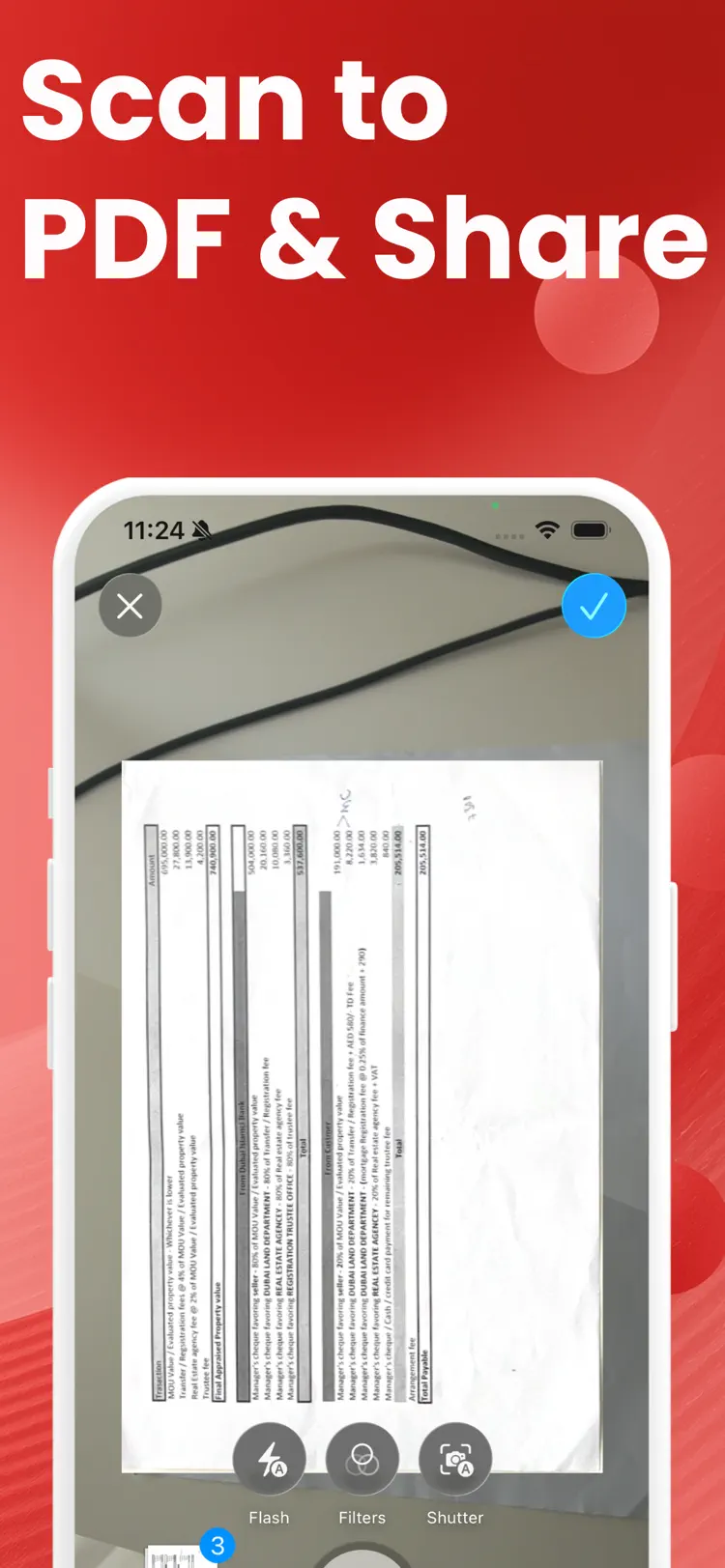
Point your camera at any document
Point your camera at any document and let the app do the rest.
The built-in smart scanner automatically…
The built-in smart scanner automatically detects document edges, adjusts the perspective, and crops the image for a clean, professional result.
Every scan is captured at full
Every scan is captured at full quality so your PDFs look sharp and readable.
Scan documents directly with your camera
Scan documents directly with your camera for instant results.
How it works
How to scan documents into PDF files in three steps.
Add a clear image
Take or choose a paper document in good, even light.
Run the scan
Keep the subject centered and let the app process the visible details.
Review the result
Check the result and supporting information before saving or sharing it.
Frequently asked questions
Quick answers about features, pricing, compatibility, and privacy.
What does PDF Scanner do?
Is PDF Scanner free?
Which iPhone version does PDF Scanner support?
How does PDF Scanner handle privacy?
When was PDF Scanner last updated?
Try PDF Scanner on iPhone
Open the official App Store listing for the latest features, compatibility, pricing, and privacy details.