
Create and edit PDF documents on your iPhone
Turn text into professional PDFs in seconds. Text to PDF: PDF Maker & Edit is the fast, reliable PDF maker and editor for converting notes and documents into clean, shareable PDFs you can save, print, and send anywhere.
Why people use PDF Maker & Edit
Highlights taken from the app's current App Store listing.
Instant text to PDF conversion with consistent
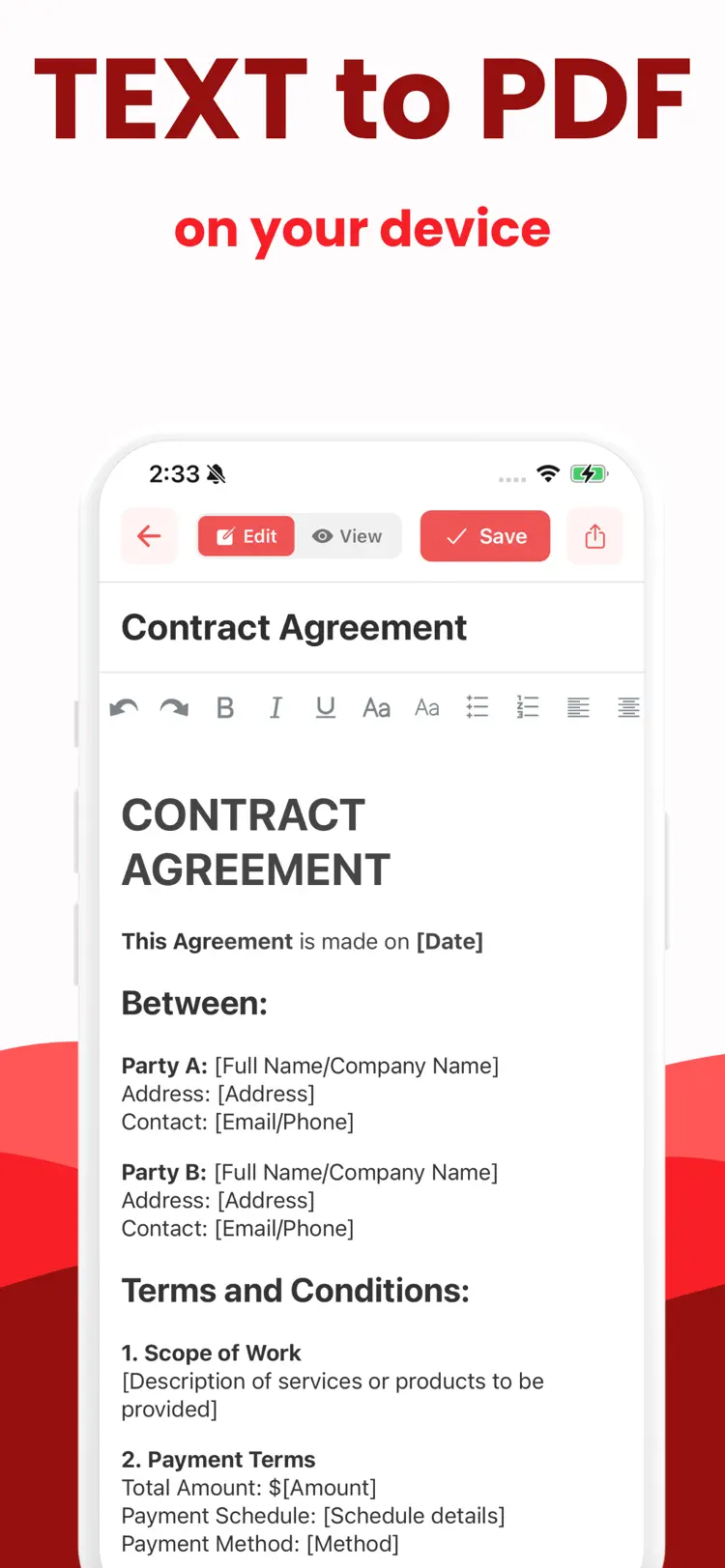
Instant text to PDF conversion with consistent, polished formatting
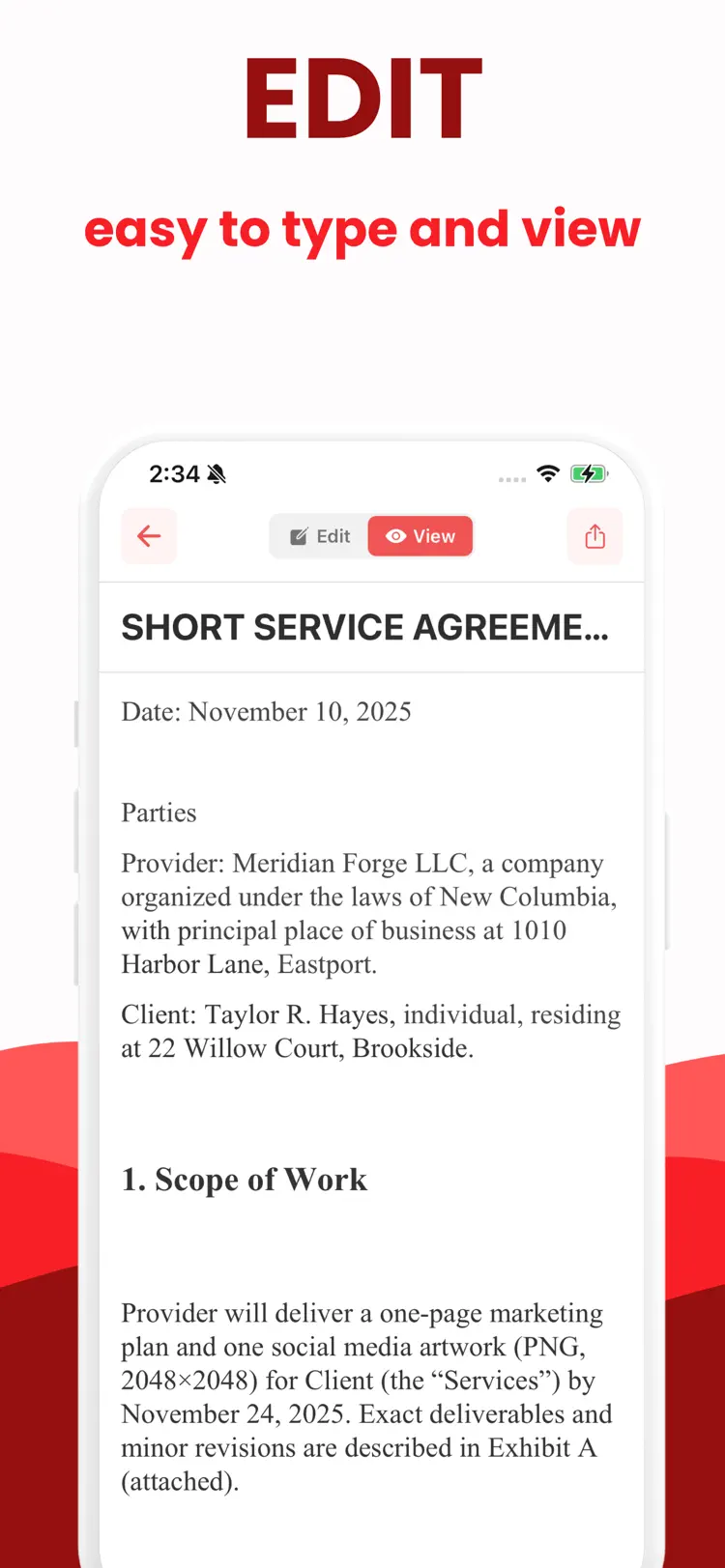
Simple editor to write or paste text before export
Page setup controls
page size (A4, Letter), orientation, margins
Typography options
fonts, sizes, alignment, line spacing
Headers, footers, and page numbers
Headers, footers, and page numbers for a professional look
Preview before you export to ensure
Preview before you export to ensure everything is perfect
How it works
How to create and edit PDF documents in three steps.
Start a document
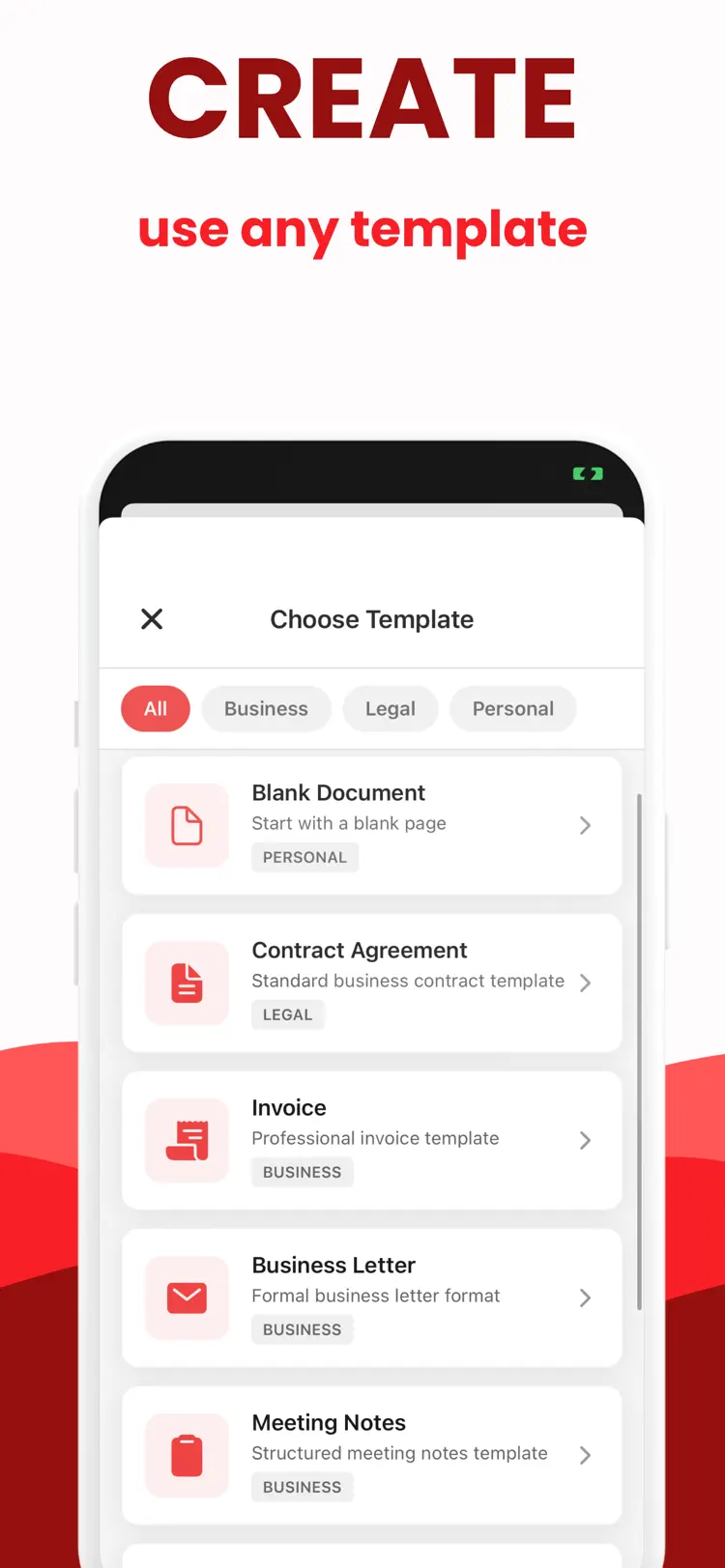
Import or enter text, images, or a document.
Review the details
Arrange the content and use the available formatting or document tools.
Export the result
Save the finished document and share it through the iPhone share sheet.
Frequently asked questions
Quick answers about features, pricing, compatibility, and privacy.
What does PDF Maker & Edit do?
Is PDF Maker & Edit free?
Which iPhone version does PDF Maker & Edit support?
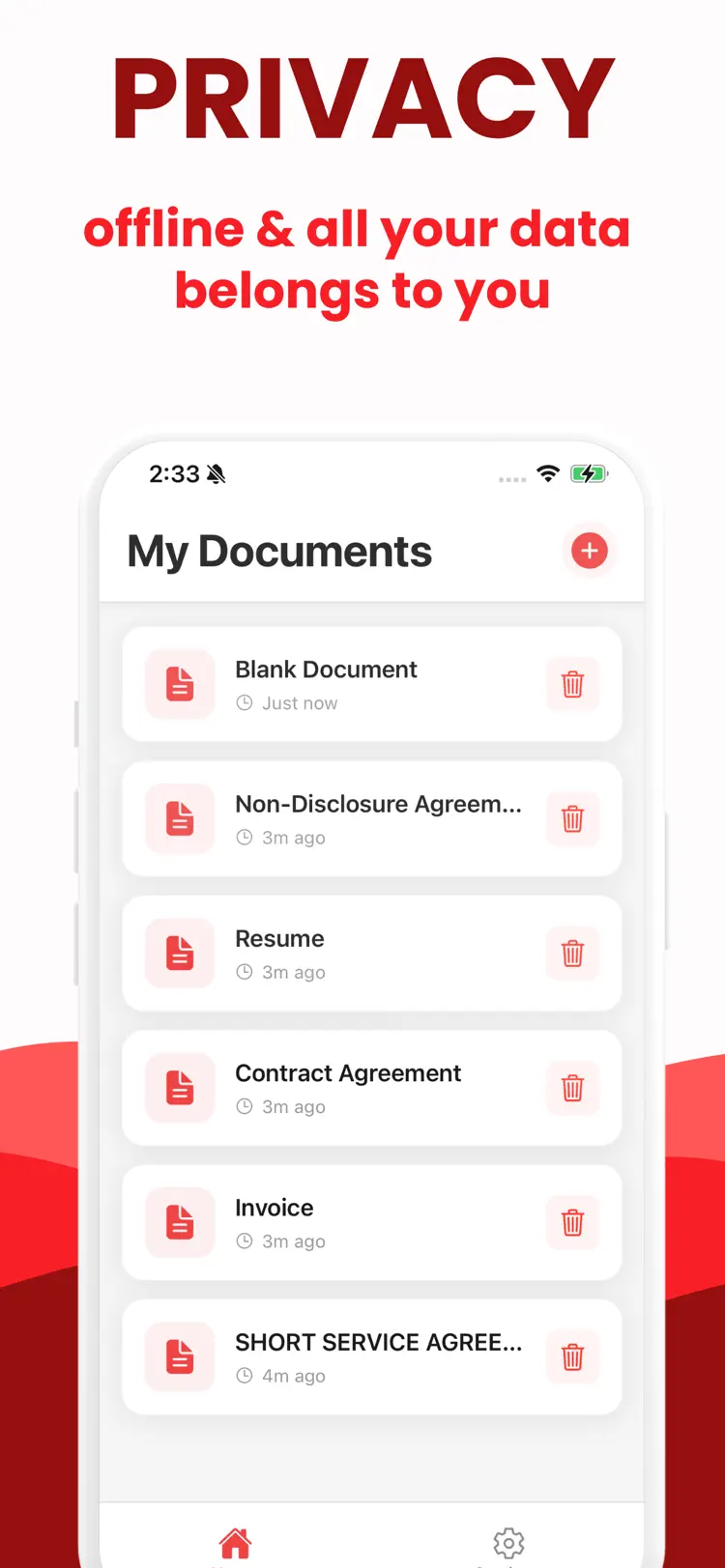
How does PDF Maker & Edit handle privacy?
When was PDF Maker & Edit last updated?
Try PDF Maker & Edit on iPhone
Open the official App Store listing for the latest features, compatibility, pricing, and privacy details.