
Convert files to and from PDF on your iPhone
PDF Converter turns any document or photo into a clean, shareable PDF in seconds. Scan with your camera or import files, then convert, merge, sign, compress, and share instantly. Keep every document organized, searchable, and ready to send.
Why people use PDF Converter
Highlights taken from the app's current App Store listing.
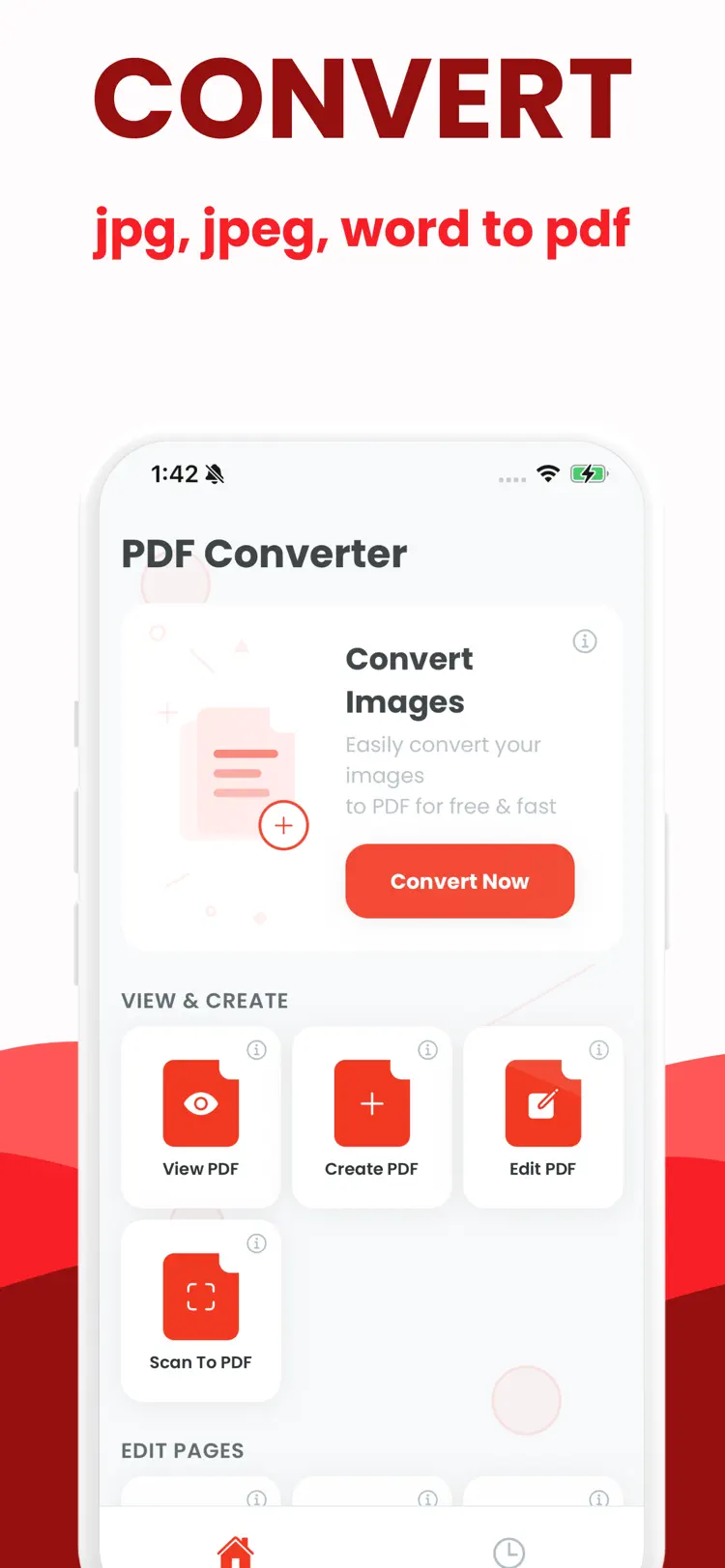
One-tap PDF conversion
photos, Word, Excel, PowerPoint, images, Notes exports
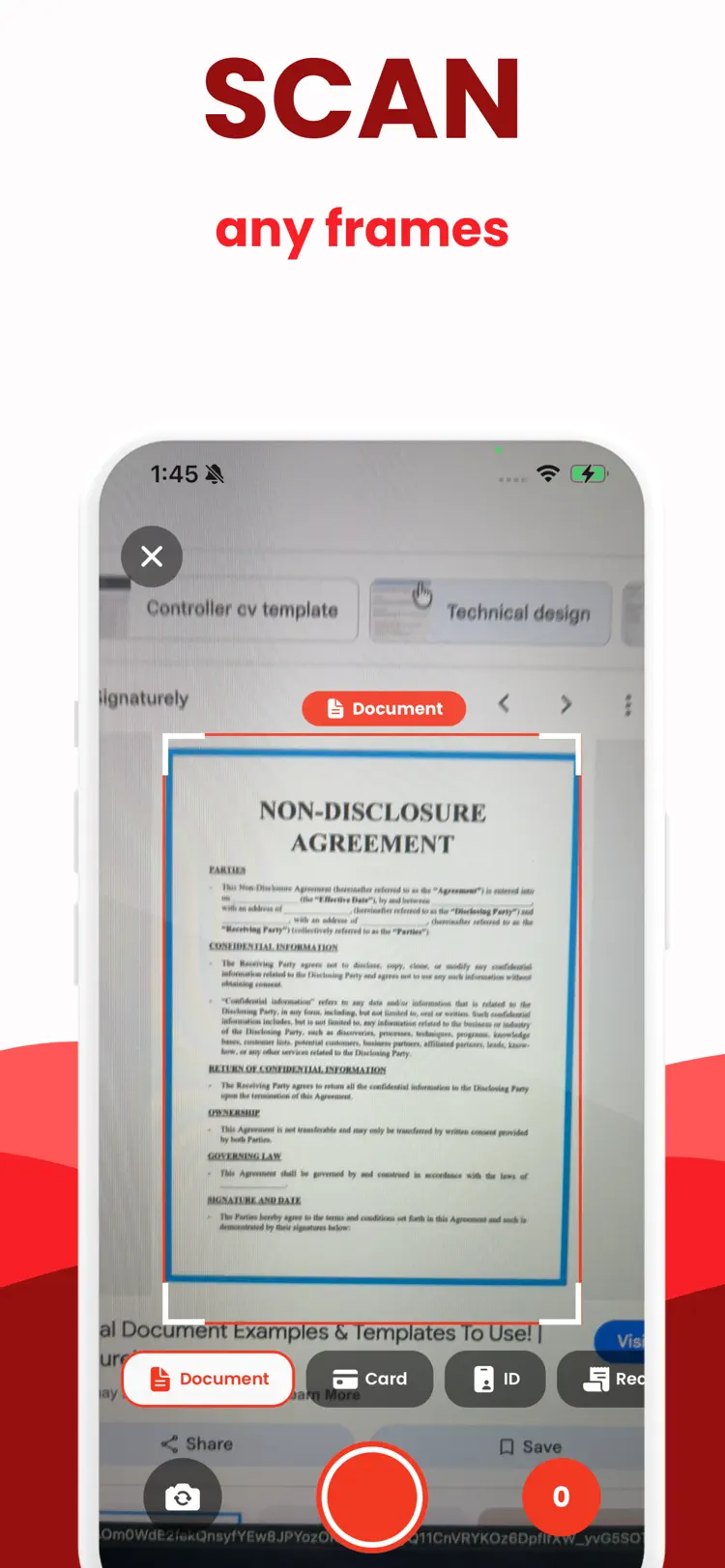
Camera scanner
auto-crop, edge detection, perspective fix, clear text output
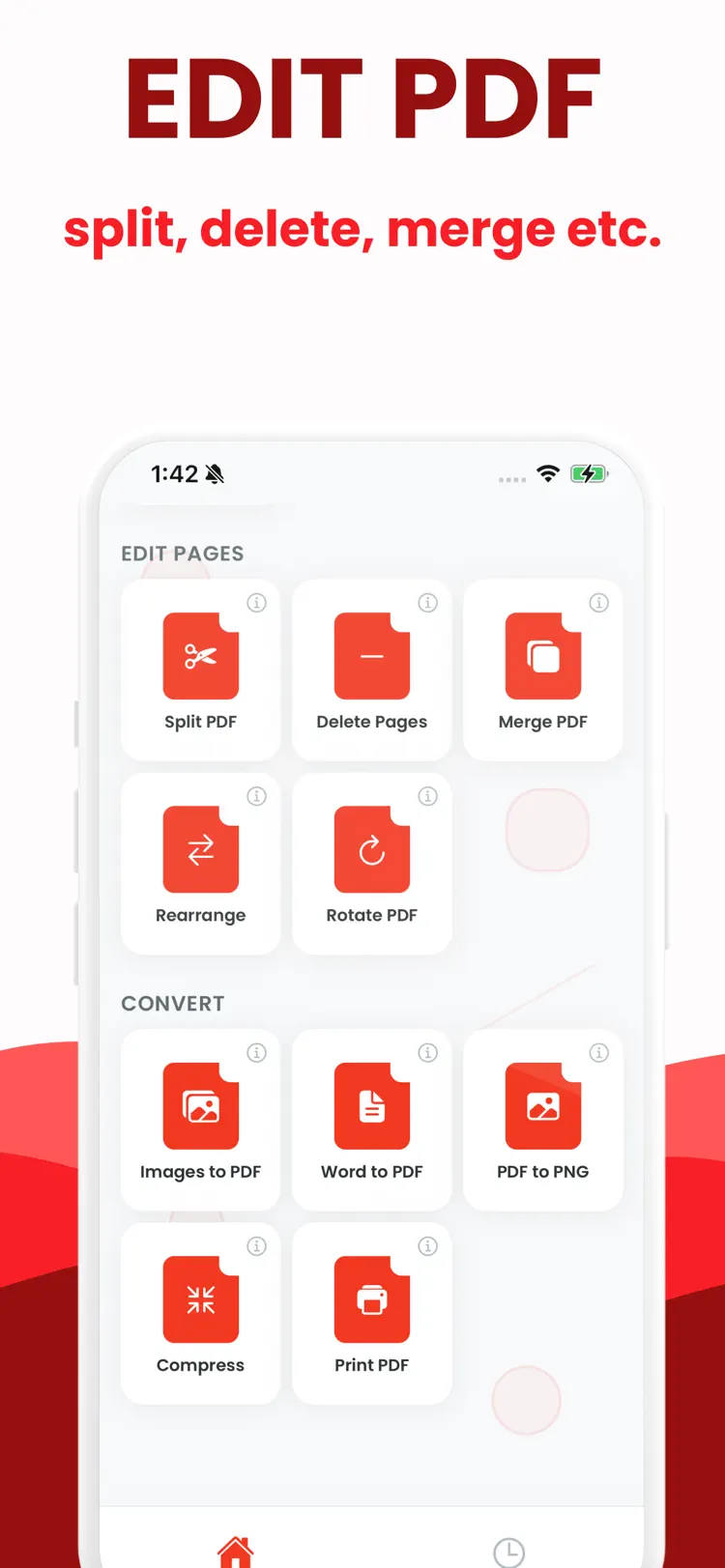
Merge & reorder
combine pages or multiple files into one PDF
Sign & fill
add signatures and text fields to forms and contracts
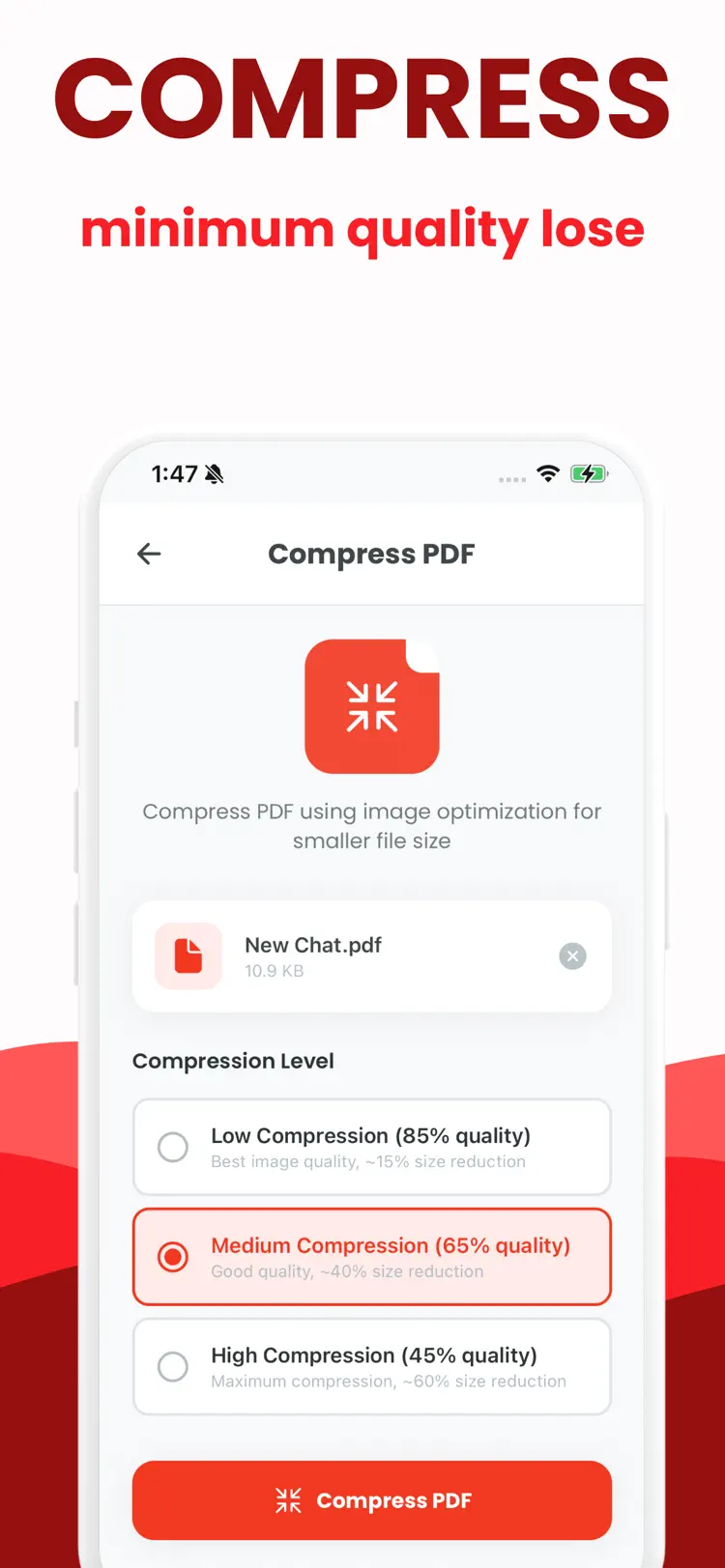
Compress & optimize
reduce file size while keeping clarity
OCR search
extract and search text from scans (if supported on device)
How it works
How to convert files to and from PDF in three steps.
Choose the source
Select a document or file from your iPhone.
Set the output
Review the available format, quality, size, and editing options for your result.
Convert and save
Create the new file, then save it to Files or share it with another app.
Frequently asked questions
Quick answers about features, pricing, compatibility, and privacy.
What does PDF Converter do?
Is PDF Converter free?
Which iPhone version does PDF Converter support?
How does PDF Converter handle privacy?
When was PDF Converter last updated?
Try PDF Converter on iPhone
Open the official App Store listing for the latest features, compatibility, pricing, and privacy details.