

Make passport and ID photos on iPhone and Android
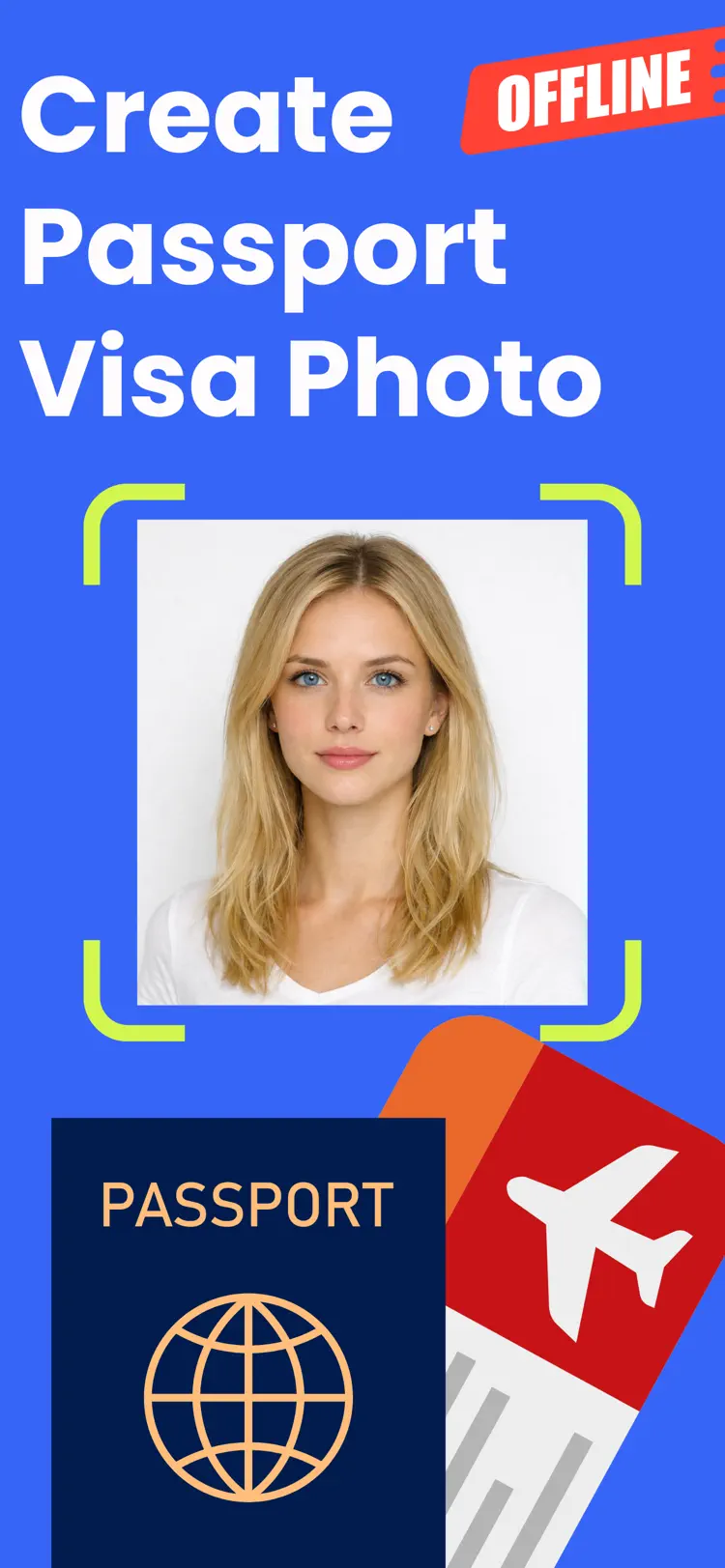
Passport Photo is a fast passport photo maker for passport, visa, and ID applications. Take a new photo or import one from your gallery, then edit and export a print ready result in minutes.
Available on the App Store and Google Play. The feature descriptions and screenshots below refer to the iPhone app; check Google Play for Android-specific details. Features and compatibility can vary by platform.
Why people use Passport Photo
Highlights taken from the app's current App Store listing.
Take a new photo or import one from your gallery
Take a new photo or import one from your gallery, then edit and export a print ready result in minutes.
The app helps you create compliant
The app helps you create compliant photos with an easy step by step flow.
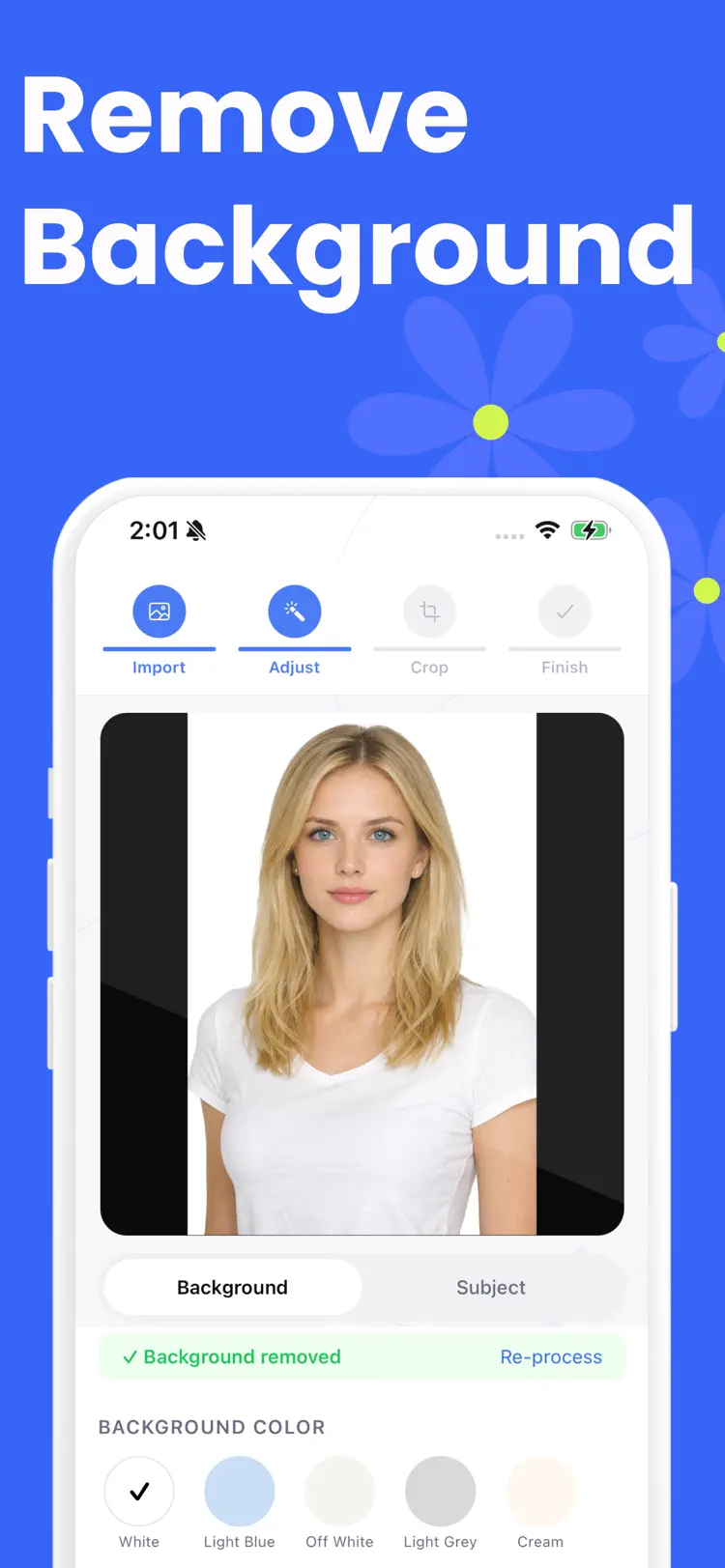
Remove background with AI
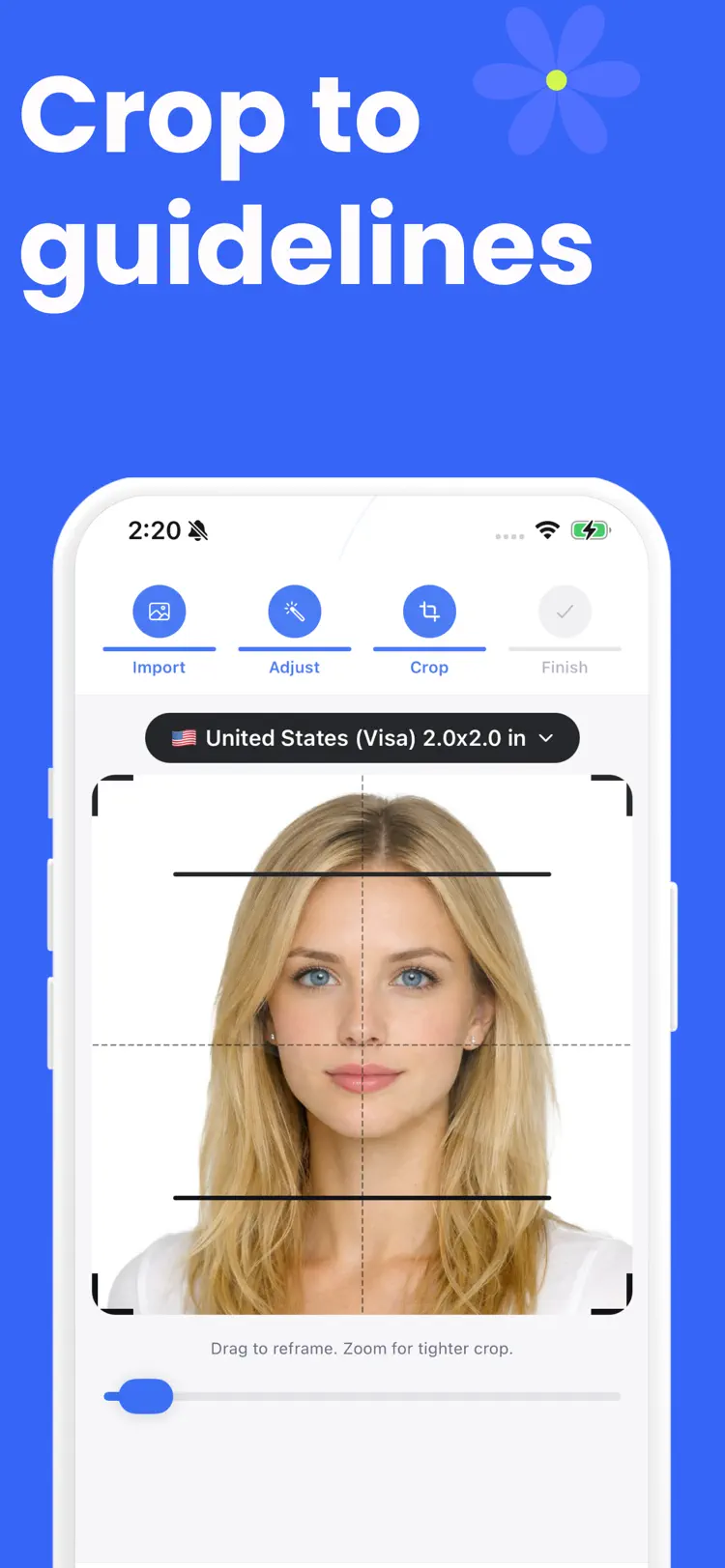
Remove background with AI, set a clean background color, adjust brightness and tone, and fine tune your crop before export.
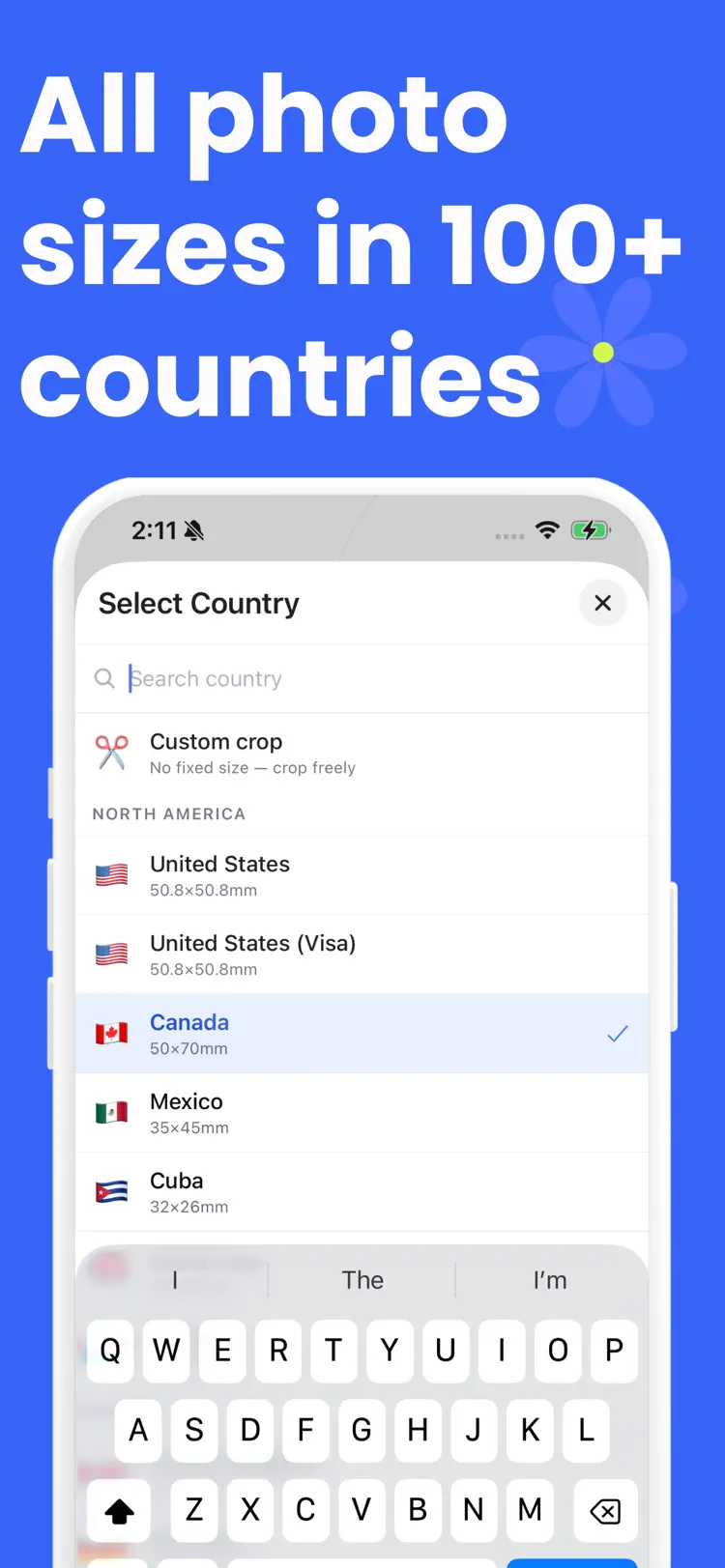
You can choose from more than
You can choose from more than 80 built in country and visa formats, or use a custom crop when needed.
Passport Photo includes practical tools
Passport Photo includes practical tools for real world use.
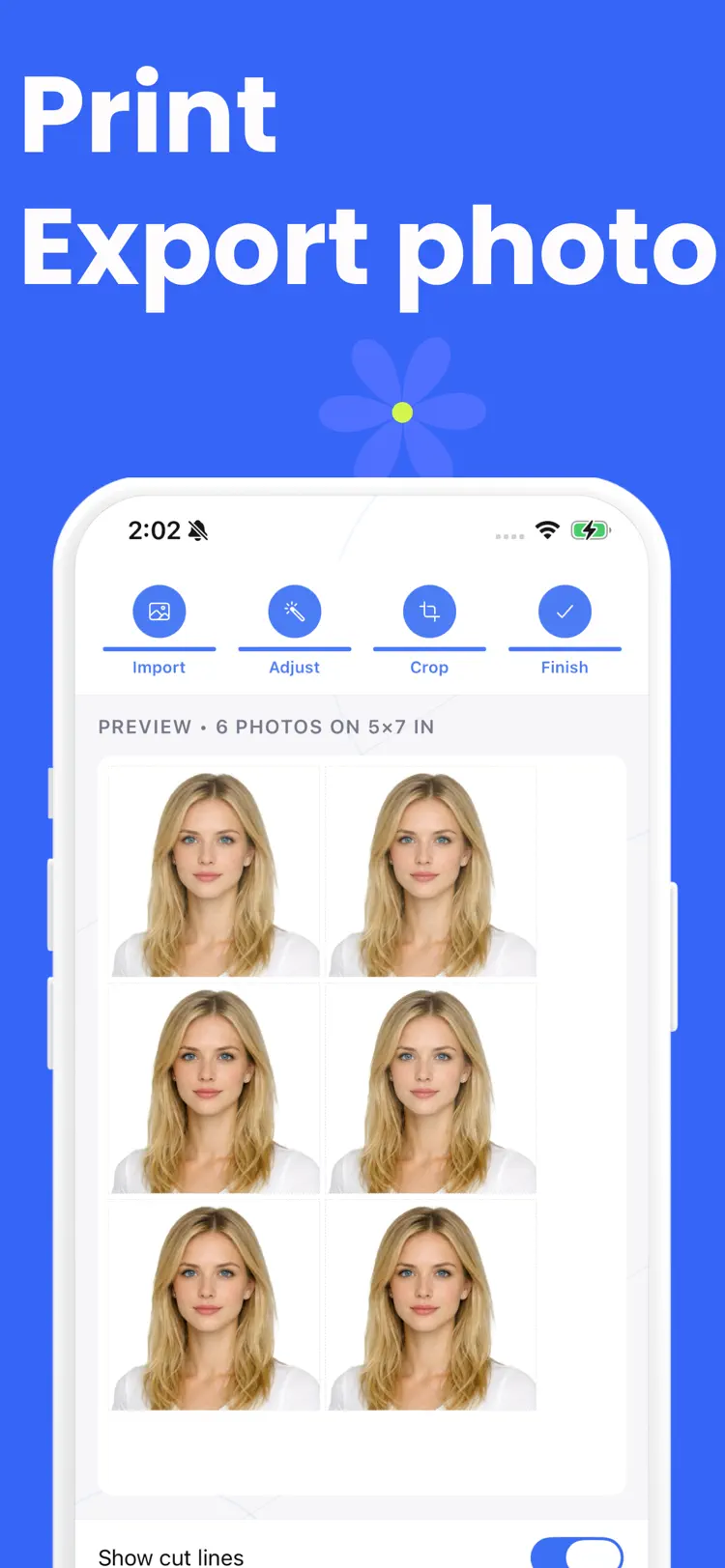
Generate print sheets in common paper sizes
Generate print sheets in common paper sizes, add optional cut lines, save your result to Photos, share it for printing, and access previous exports in your history.
How it works
How to make passport and ID photos in three steps.
Choose a photo
Take or select a portrait photo from your library.
Apply the tools
Use the available controls and preview the result before you finish.
Save or share
Export the finished image while keeping the original available in your library.
Frequently asked questions
Quick answers about features, pricing, compatibility, and privacy.
What does Passport Photo do?
Is Passport Photo free?
Which iPhone version does Passport Photo support?
How does Passport Photo handle privacy?
When was Passport Photo last updated?
Is Passport Photo available for both iPhone and Android?
Try Passport Photo on iPhone or Android
Choose your platform for current features, compatibility, pricing, and privacy disclosures on the official store listing.