
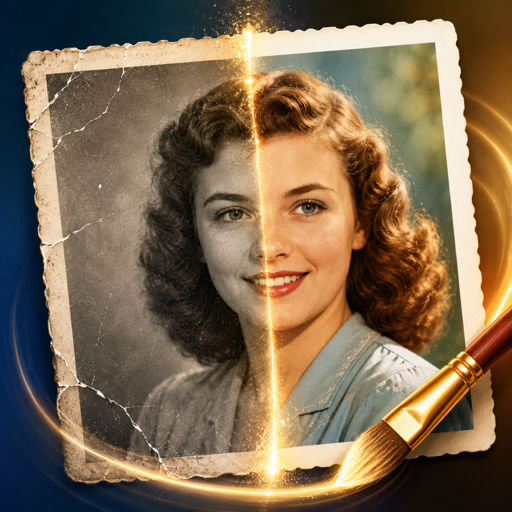
Restore old and damaged photos on your iPhone
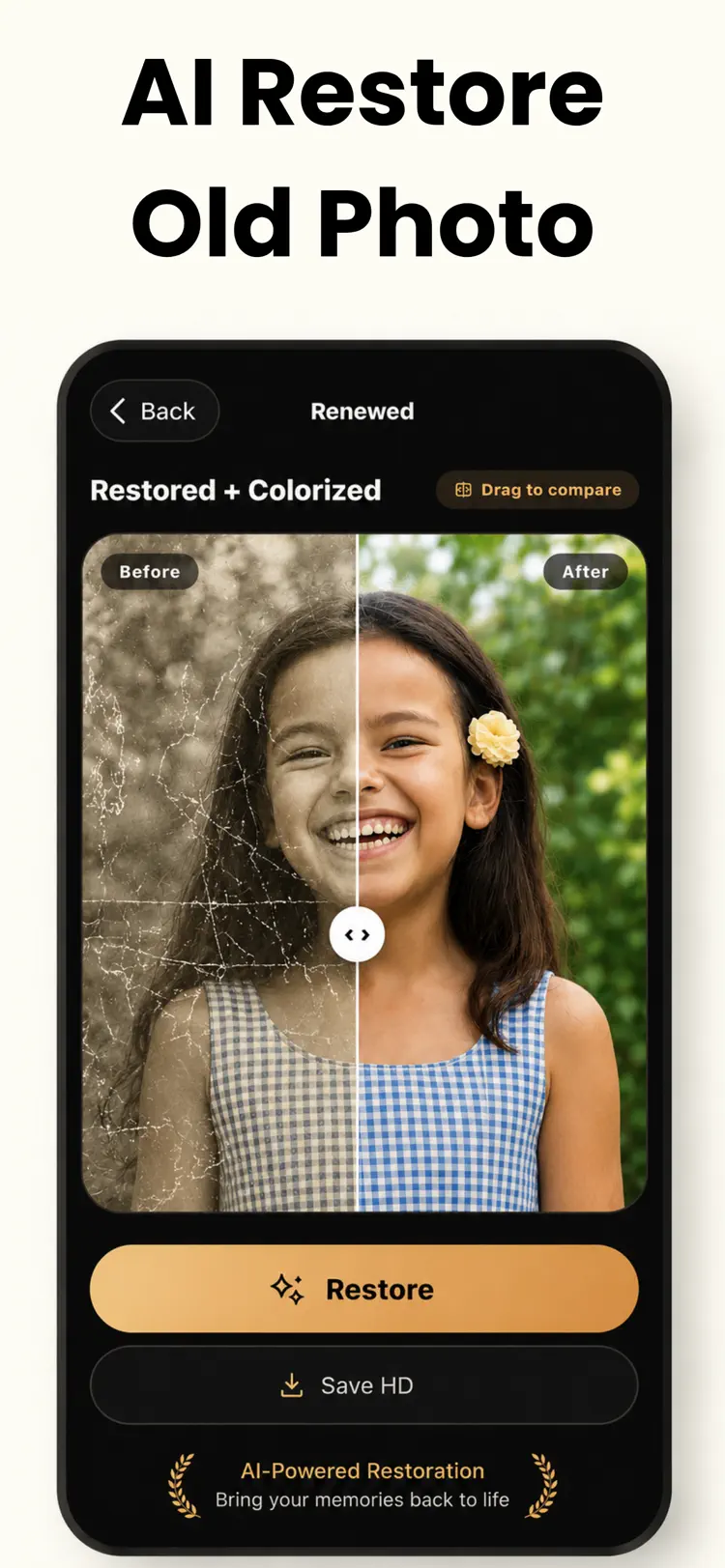
Repair AI restores old, faded, scratched, torn, and black and white photos into clear, colorful pictures in seconds. Powered by advanced AI, it brings back the family memories you thought were lost forever.
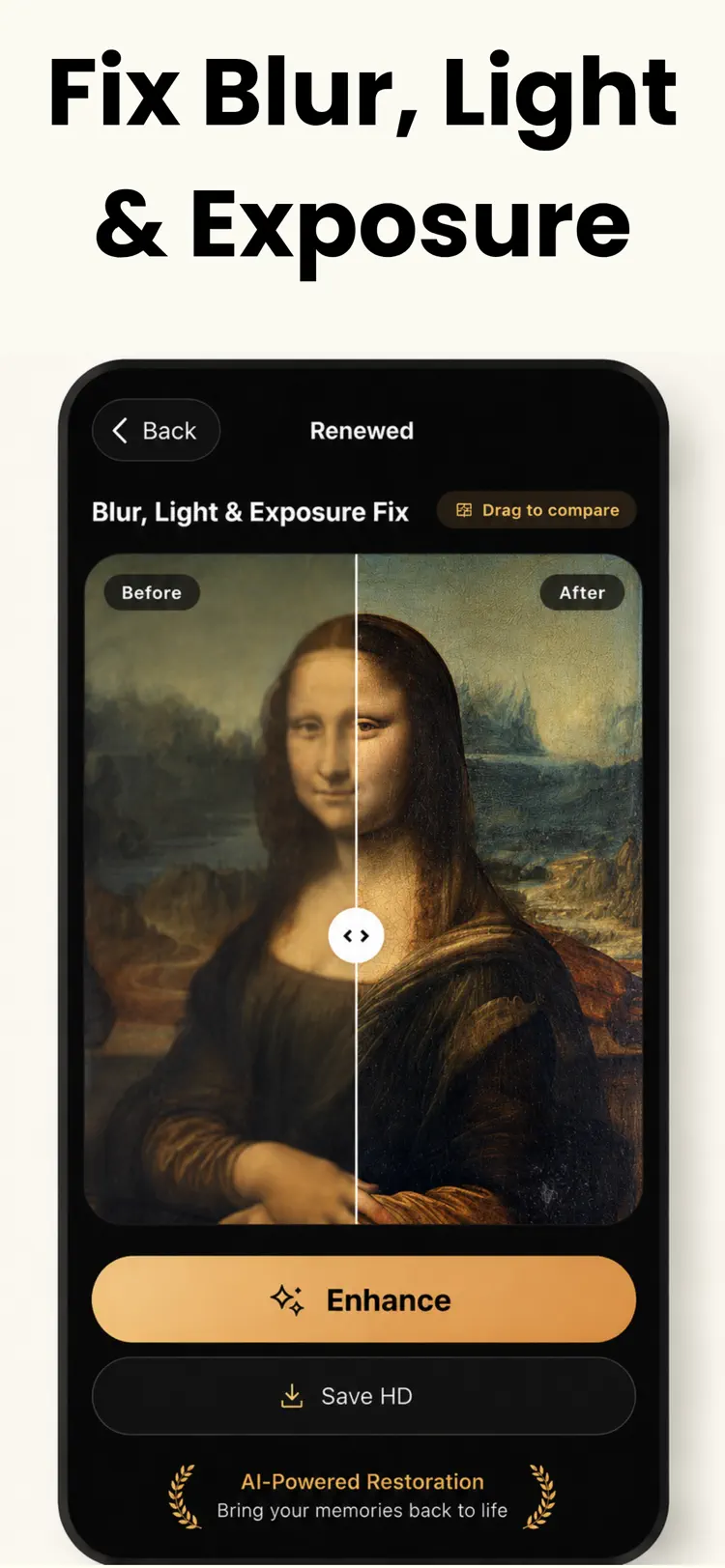
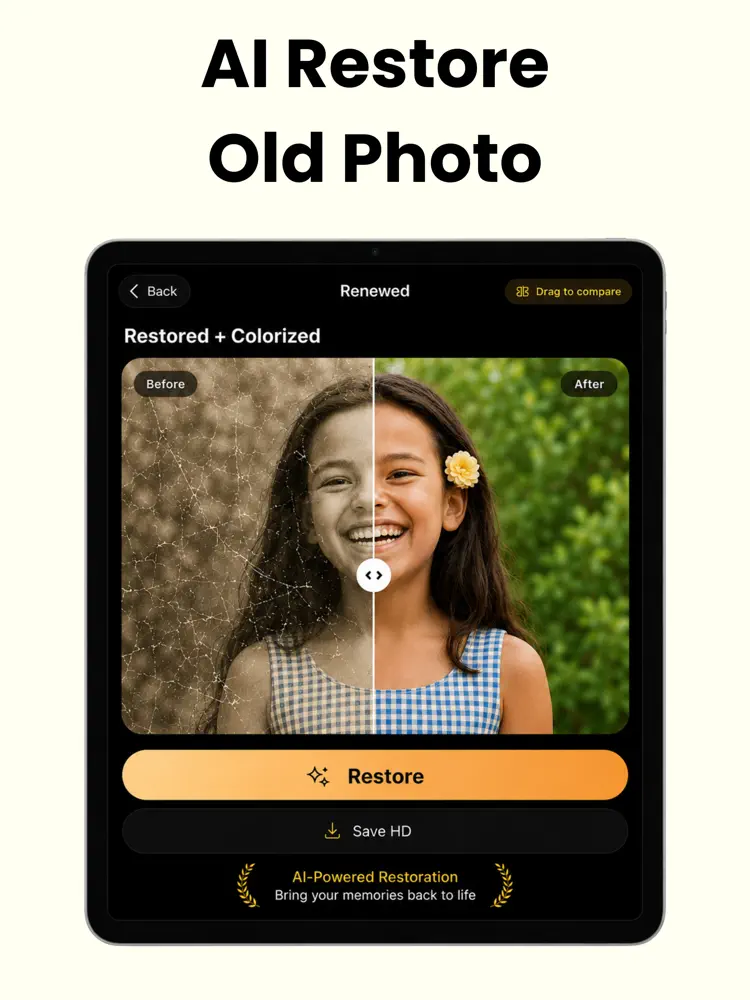
Why people use Old Photo Restore Repair AI
Highlights taken from the app's current App Store listing.
Restore old and damaged photos automatically
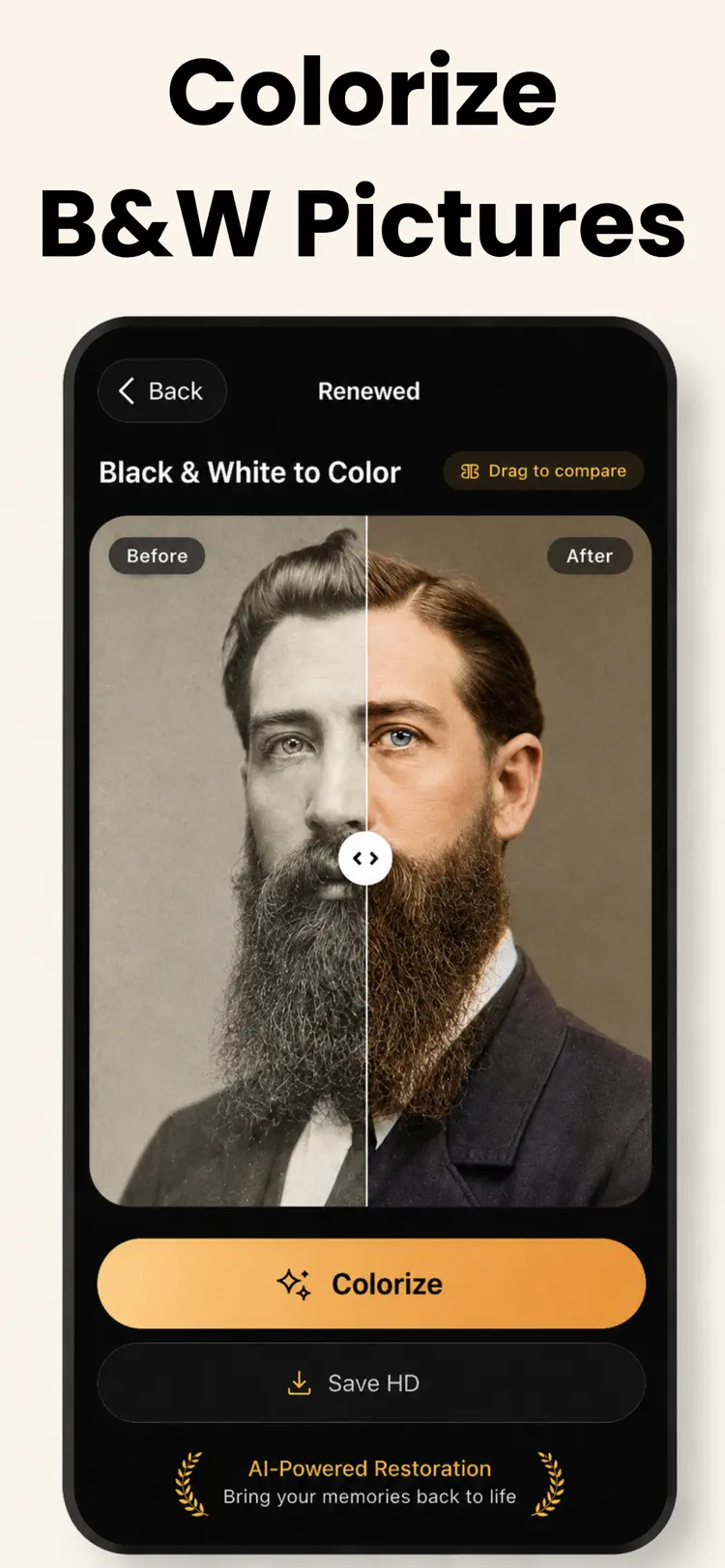
Colorize black and white pictures with realistic
Colorize black and white pictures with realistic, lifelike color
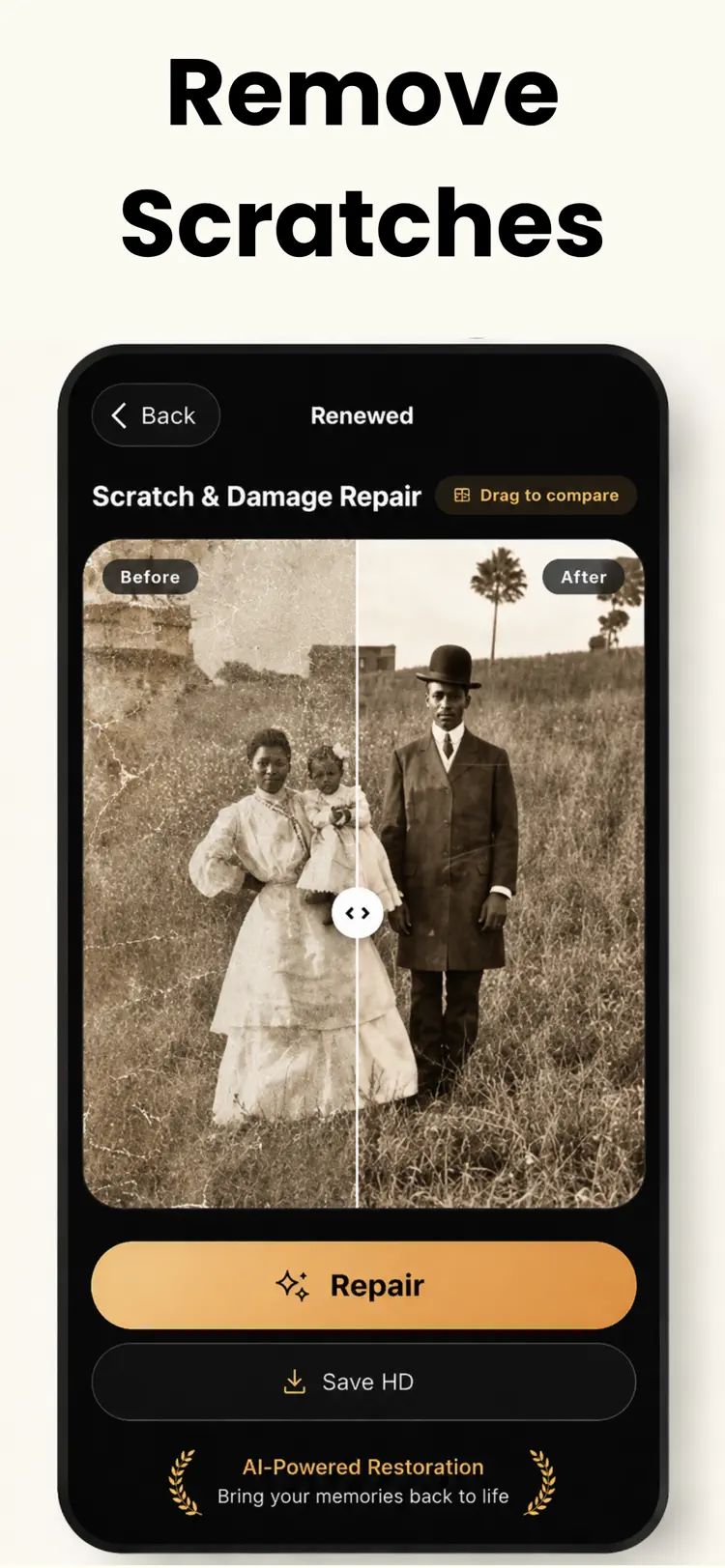
Repair scratches
Repair scratches, tears, creases, and stains
Sharpen blurry and out-of-focus shots
Enhance clarity and fine detail
Revive faces and expressions
How it works
How to restore old and damaged photos in three steps.
Choose a photo
Take or select an old photo from your library.
Apply the tools
Use the available controls and preview the result before you finish.
Save or share
Export the finished image while keeping the original available in your library.
Frequently asked questions
Quick answers about features, pricing, compatibility, and privacy.
What does Old Photo Restore Repair AI do?
Is Old Photo Restore Repair AI free?
Which iPhone version does Old Photo Restore Repair AI support?
How does Old Photo Restore Repair AI handle privacy?
When was Old Photo Restore Repair AI last updated?
Try Old Photo Restore Repair AI on iPhone
Open the official App Store listing for the latest features, compatibility, pricing, and privacy details.