
Convert MOV videos to MP4 on iPhone and Android
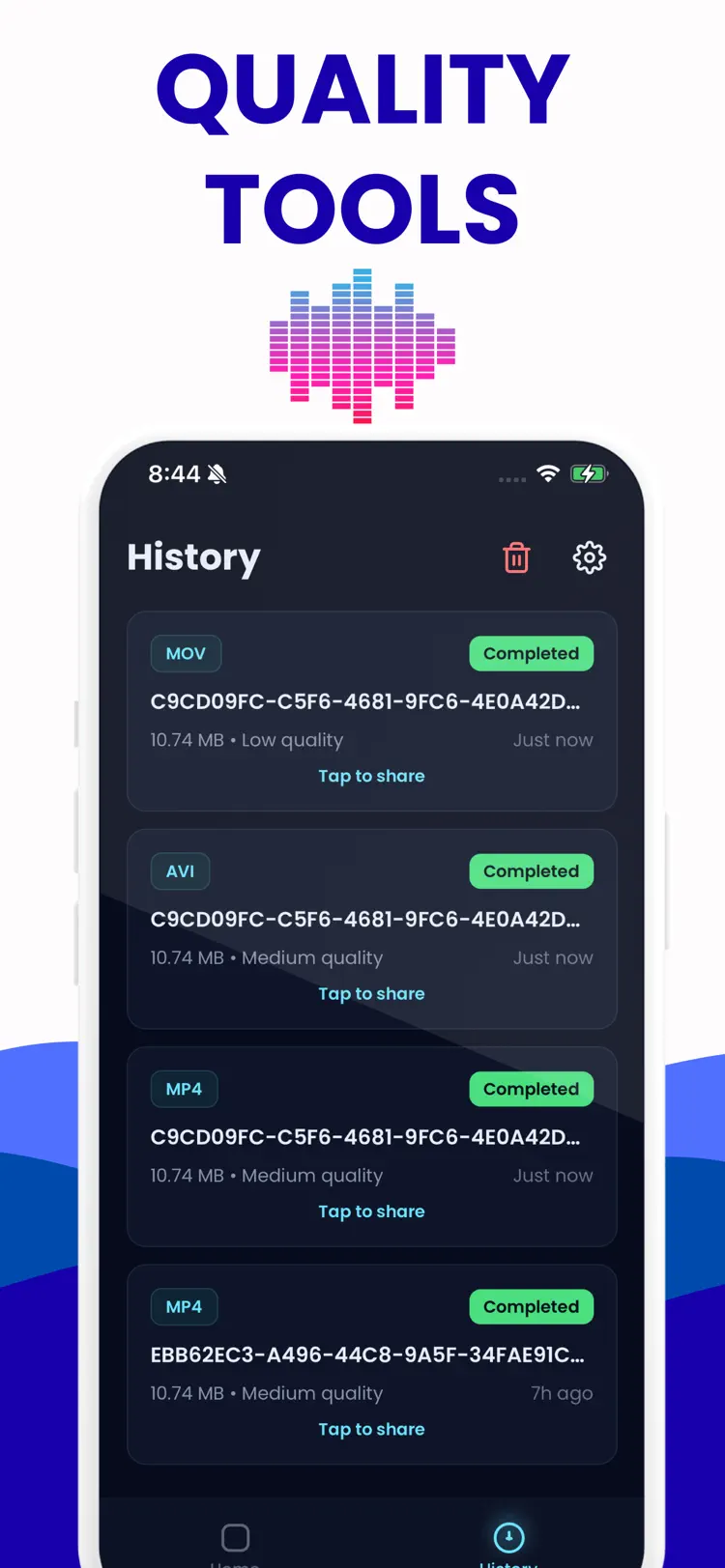
Video Converter is the fastest and most private way to change video formats on iPhone and iPad. Convert MP4 to MOV, MOV to AVI, MKV to MP4, and more in seconds, without uploading a single file to any server.
Available on the App Store and Google Play. The feature descriptions and screenshots below refer to the iPhone app; check Google Play for Android-specific details. Features and compatibility can vary by platform.
Why people use MOV to MP4
Highlights taken from the app's current App Store listing.
Convert MP4 to MOV
Convert MP4 to MOV, MOV to AVI, MKV to MP4, and more in seconds, without uploading a single file to any server.
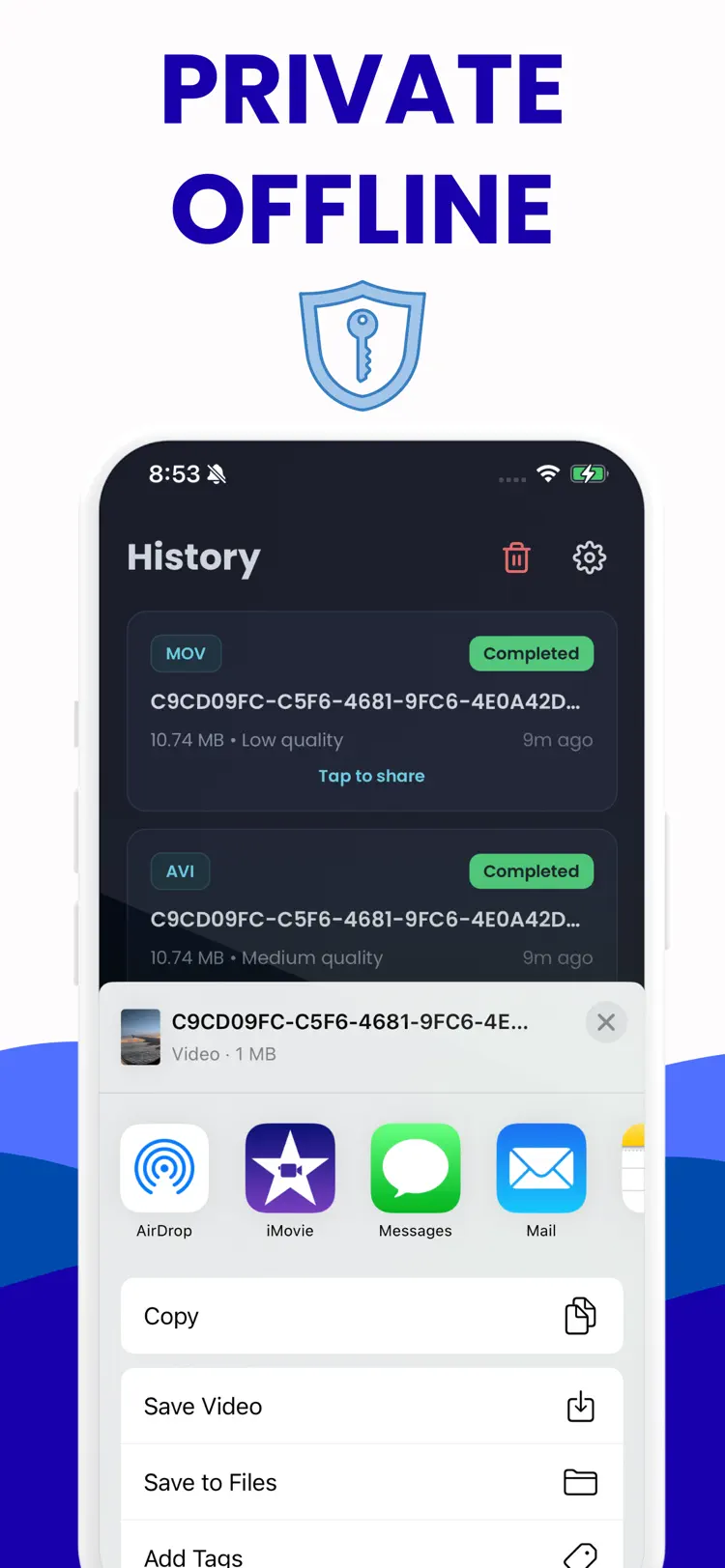
Everything happens on your device.
Your videos never leave your hands.
Video Converter supports all major video
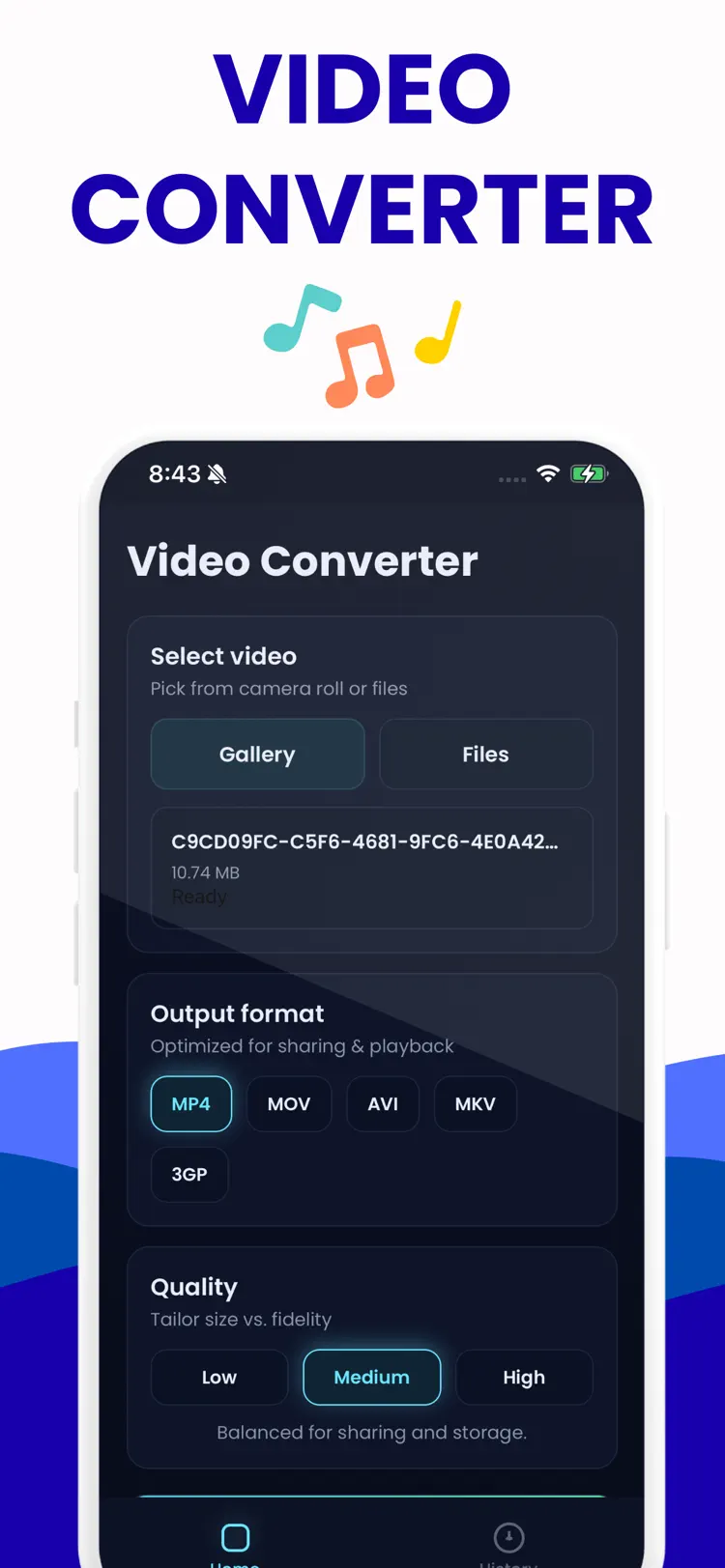
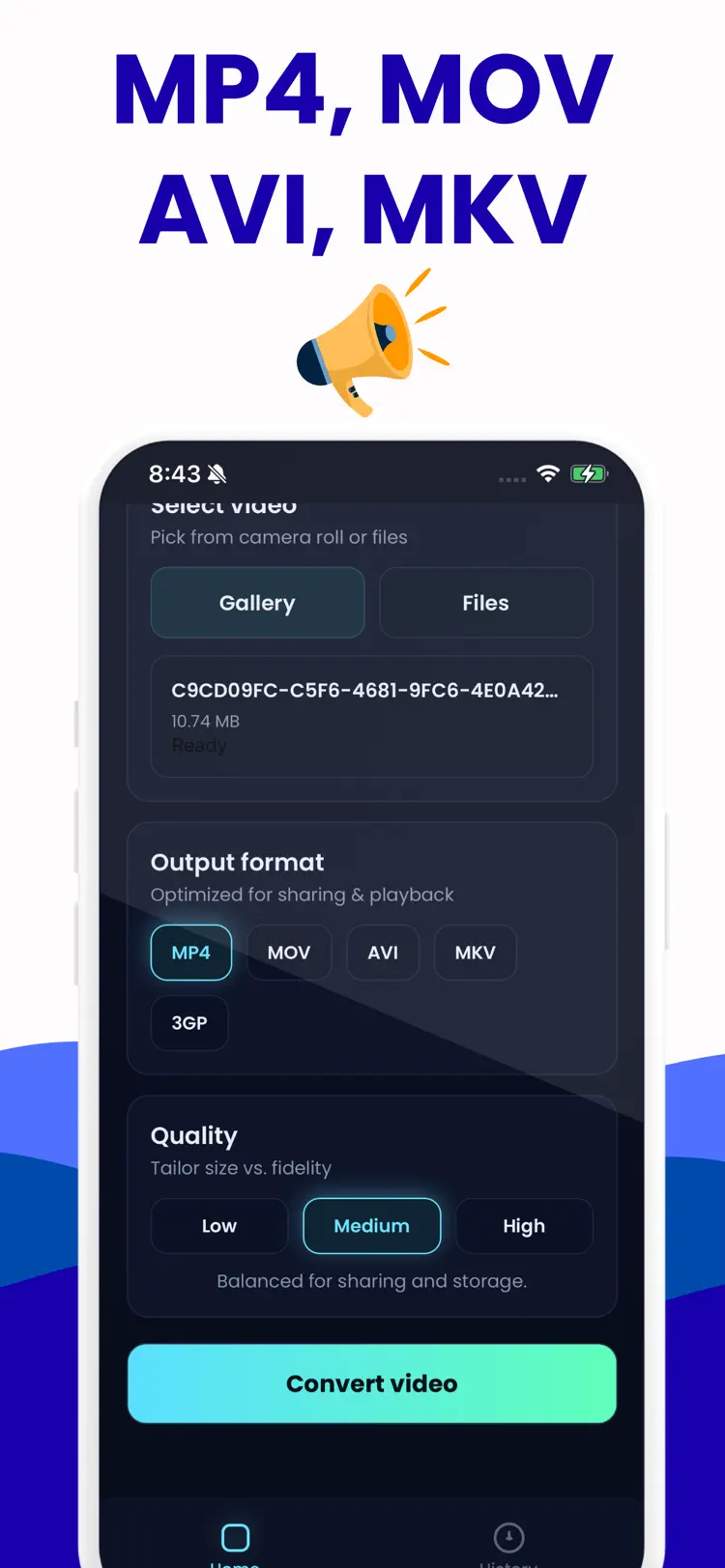
Video Converter supports all major video formats: MP4, MOV, AVI, MKV, and 3GP.
Whether you are preparing a clip for YouTube
Whether you are preparing a clip for YouTube, Instagram, WhatsApp, a desktop player, or an older device, you will find the right format here.
If a video does not play somewhere
If a video does not play somewhere, Video Converter fixes that in two taps.
How it works
How to convert MOV videos to MP4 in three steps.
Choose the source
Select a MOV video from your iPhone.
Set the output
Review the available format, quality, size, and editing options for your result.
Convert and save
Create the new file, then save it to Files or share it with another app.
Frequently asked questions
Quick answers about features, pricing, compatibility, and privacy.
What does MOV to MP4 do?
Is MOV to MP4 free?
Which iPhone version does MOV to MP4 support?
How does MOV to MP4 handle privacy?
When was MOV to MP4 last updated?
Is MOV to MP4 available for both iPhone and Android?
Try MOV to MP4 on iPhone or Android
Choose your platform for current features, compatibility, pricing, and privacy disclosures on the official store listing.