
Merge, combine, and split PDF files on your iPhone
Merge PDF is the fastest way to combine, split, rotate and organize PDF files directly on your iPhone or iPad. Every operation happens on your device, with no internet connection required and no files ever uploaded to a server.

Why people use Merge PDF
Highlights taken from the app's current App Store listing.
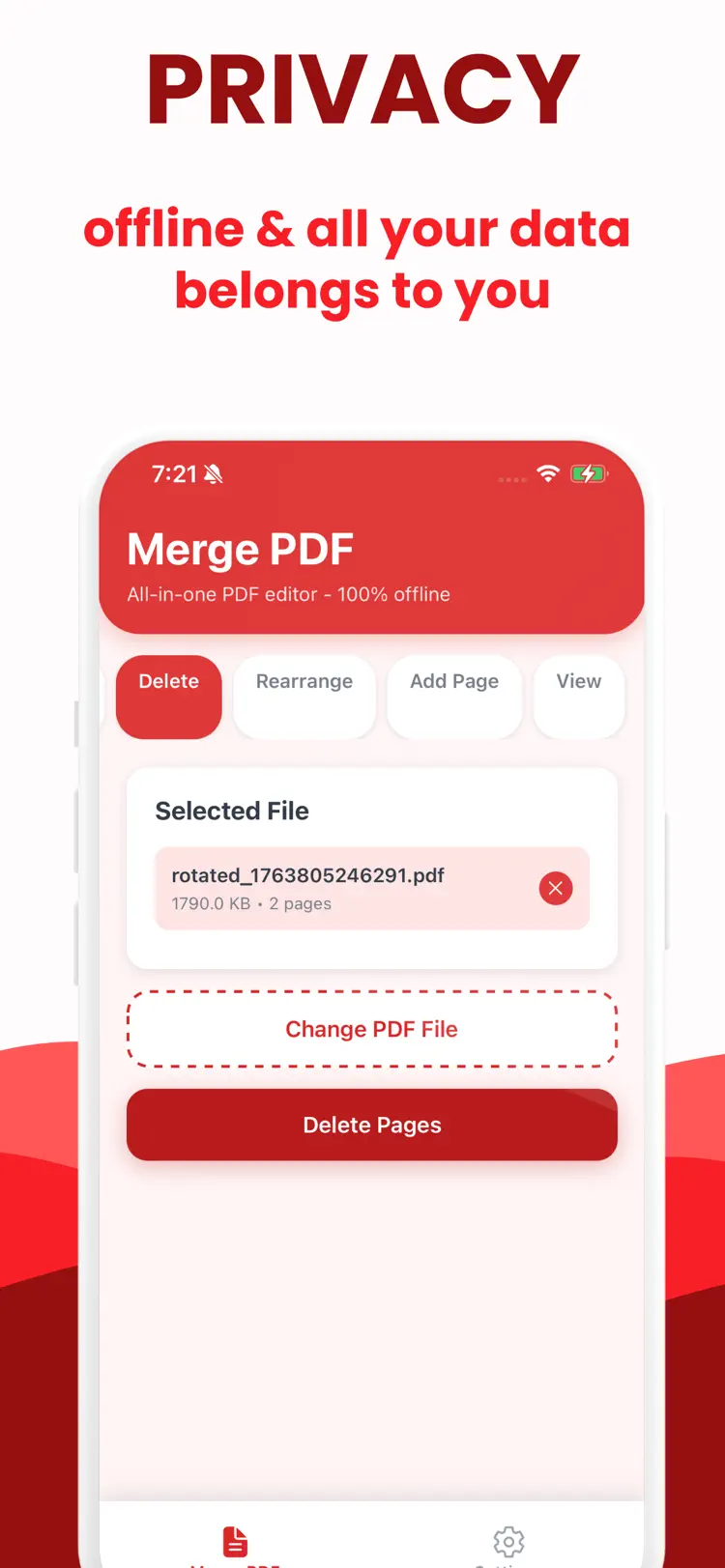
Every operation happens on your device
Every operation happens on your device, with no internet connection required and no files ever uploaded to a server.
Select any number of PDF files
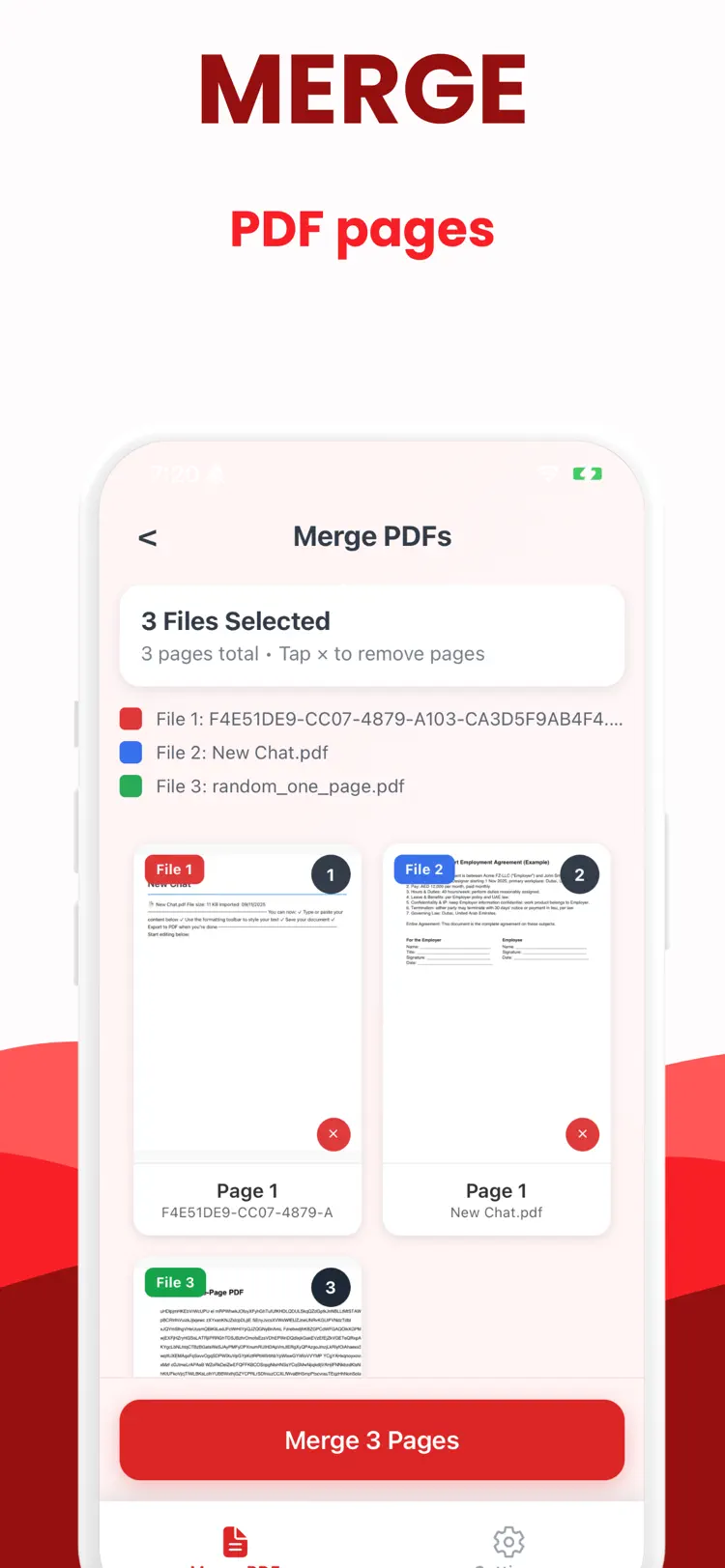
Select any number of PDF files from your device and combine them into a single document in seconds.
Drag them into the exact order
Drag them into the exact order you want before merging.
The original files are never modified.
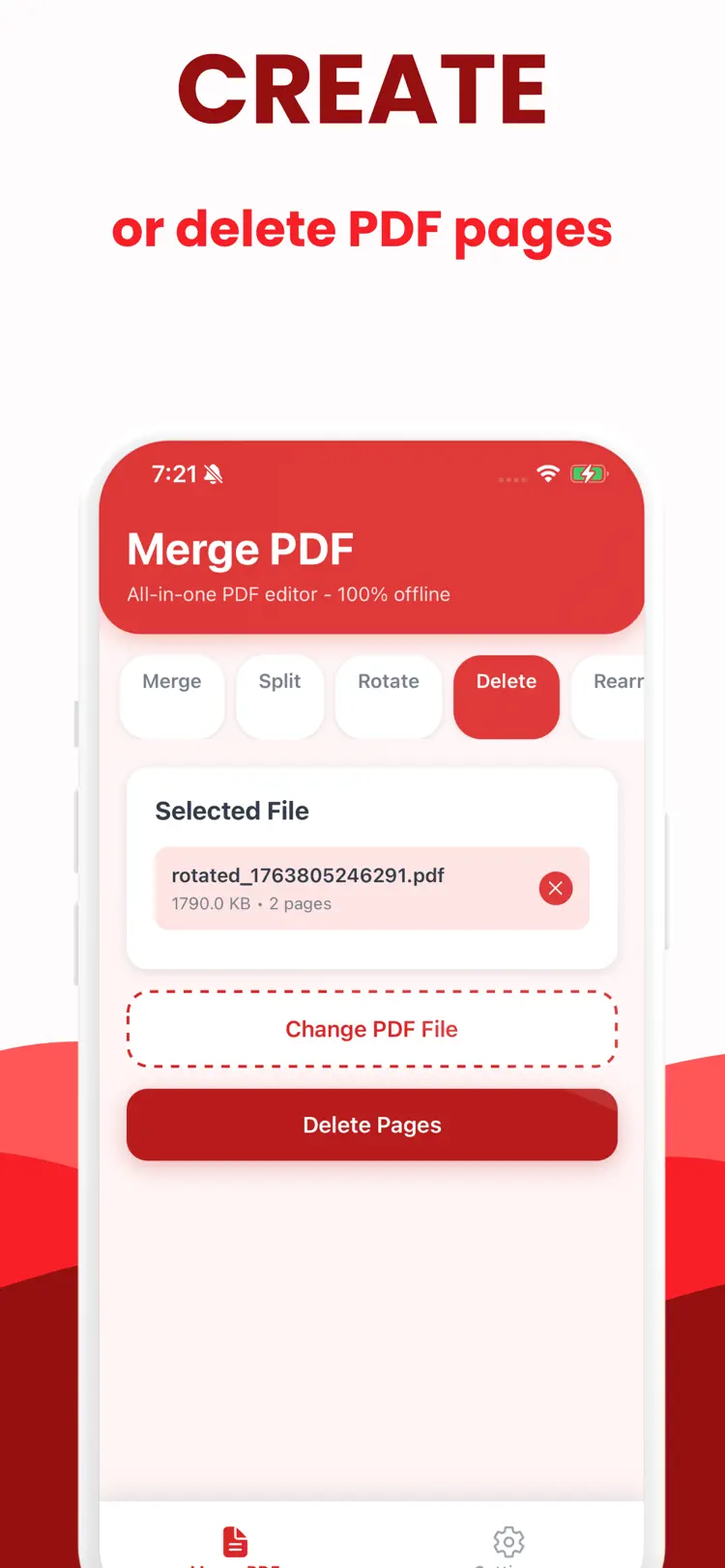
Divide any PDF into separate documents
Divide any PDF into separate documents by choosing exact page numbers where the split should happen.
Or split a file into any
Or split a file into any number of equal parts automatically.
How it works
How to merge, combine, and split PDF files in three steps.
Start a document
Import or enter PDF files.
Review the details
Arrange the content and use the available formatting or document tools.
Export the result
Save the finished document and share it through the iPhone share sheet.
Frequently asked questions
Quick answers about features, pricing, compatibility, and privacy.
What does Merge PDF do?
Is Merge PDF free?
Which iPhone version does Merge PDF support?
How does Merge PDF handle privacy?
When was Merge PDF last updated?
Try Merge PDF on iPhone
Open the official App Store listing for the latest features, compatibility, pricing, and privacy details.