

Convert audio and media files on iPhone and Android
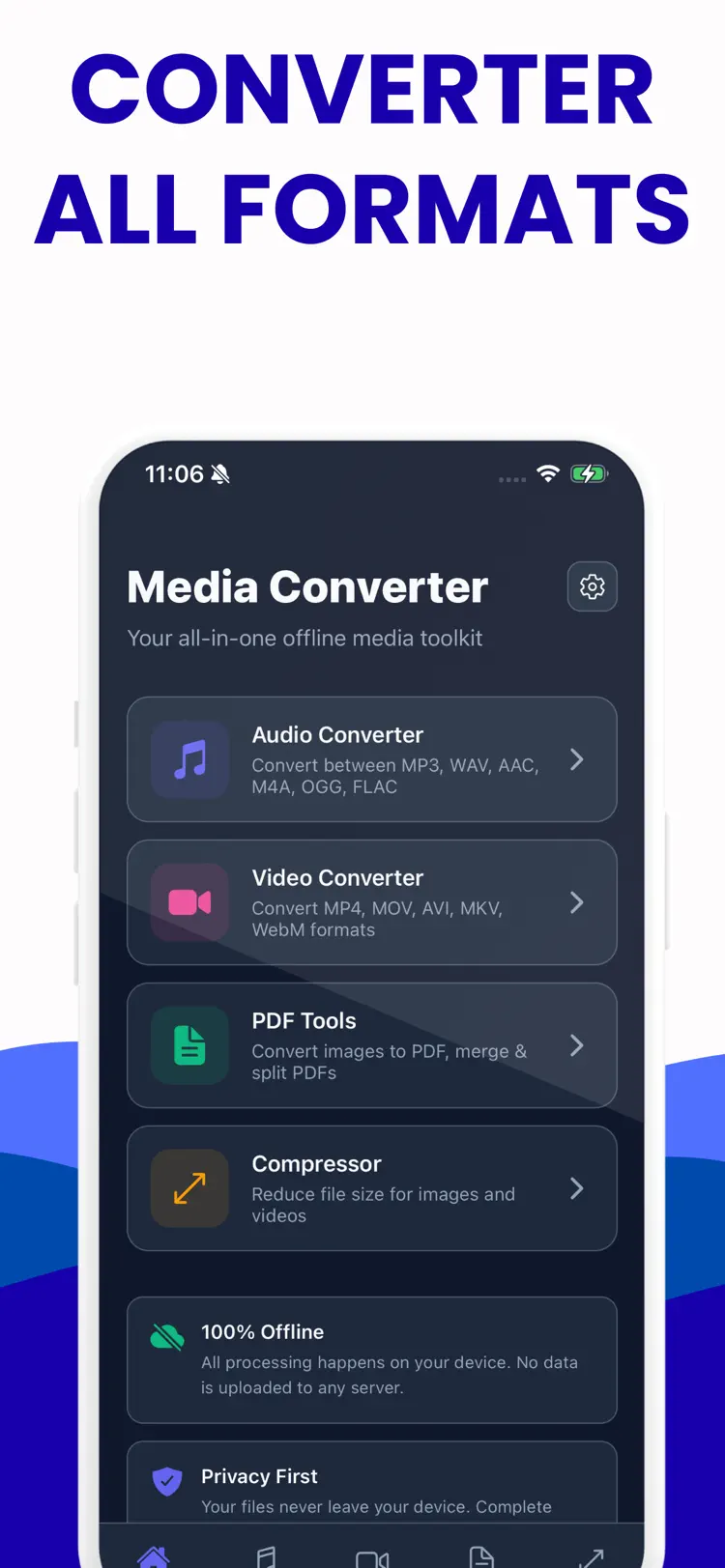
Media Converter is a fast media converter and file converter for video, audio, and images. Convert video to the format you need and reduce file size without losing important details. Convert audio to a share ready format for your device.
Available on the App Store and Google Play. The feature descriptions and screenshots below refer to the iPhone app; check Google Play for Android-specific details. Features and compatibility can vary by platform.
Why people use Media Converter
Highlights taken from the app's current App Store listing.
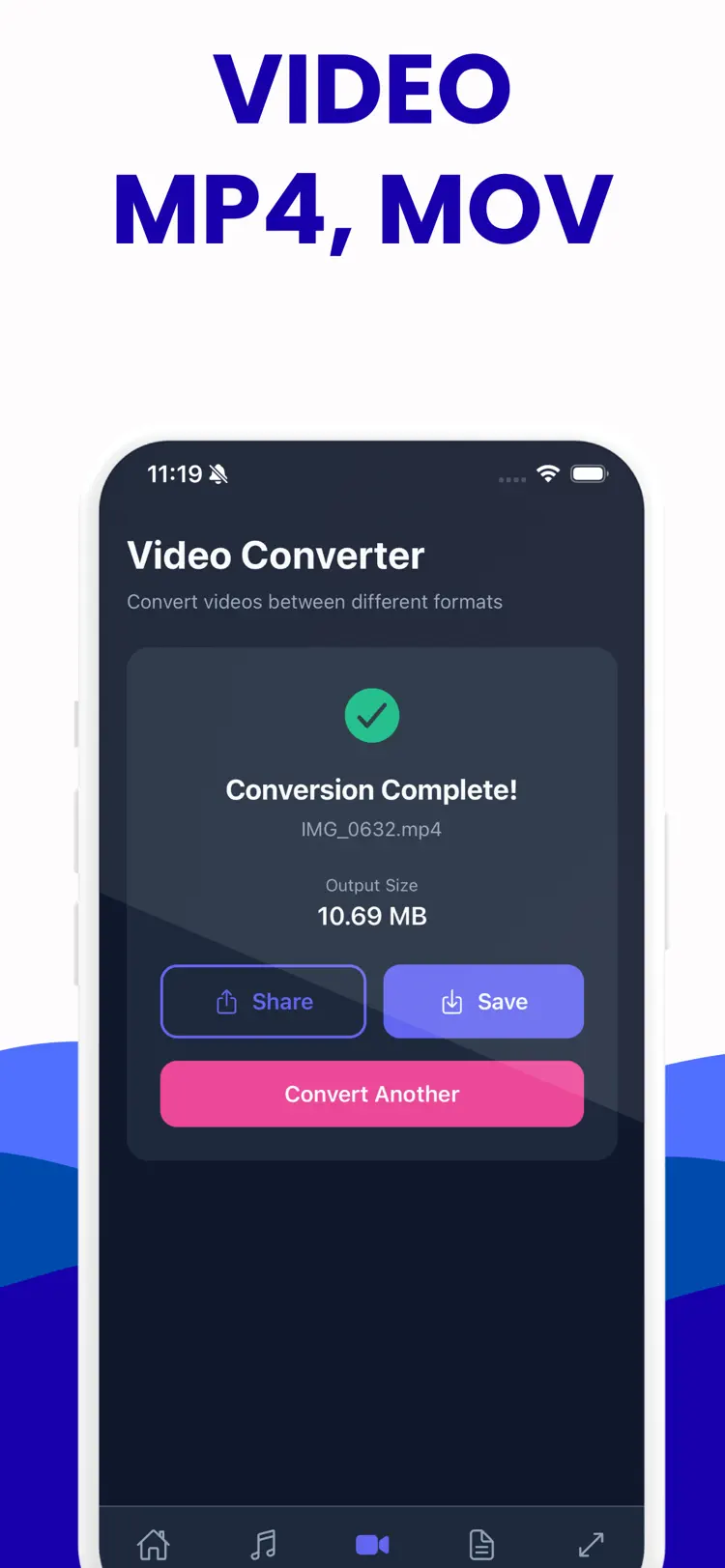
Convert video to the format you
Convert video to the format you need and reduce file size without losing important details.
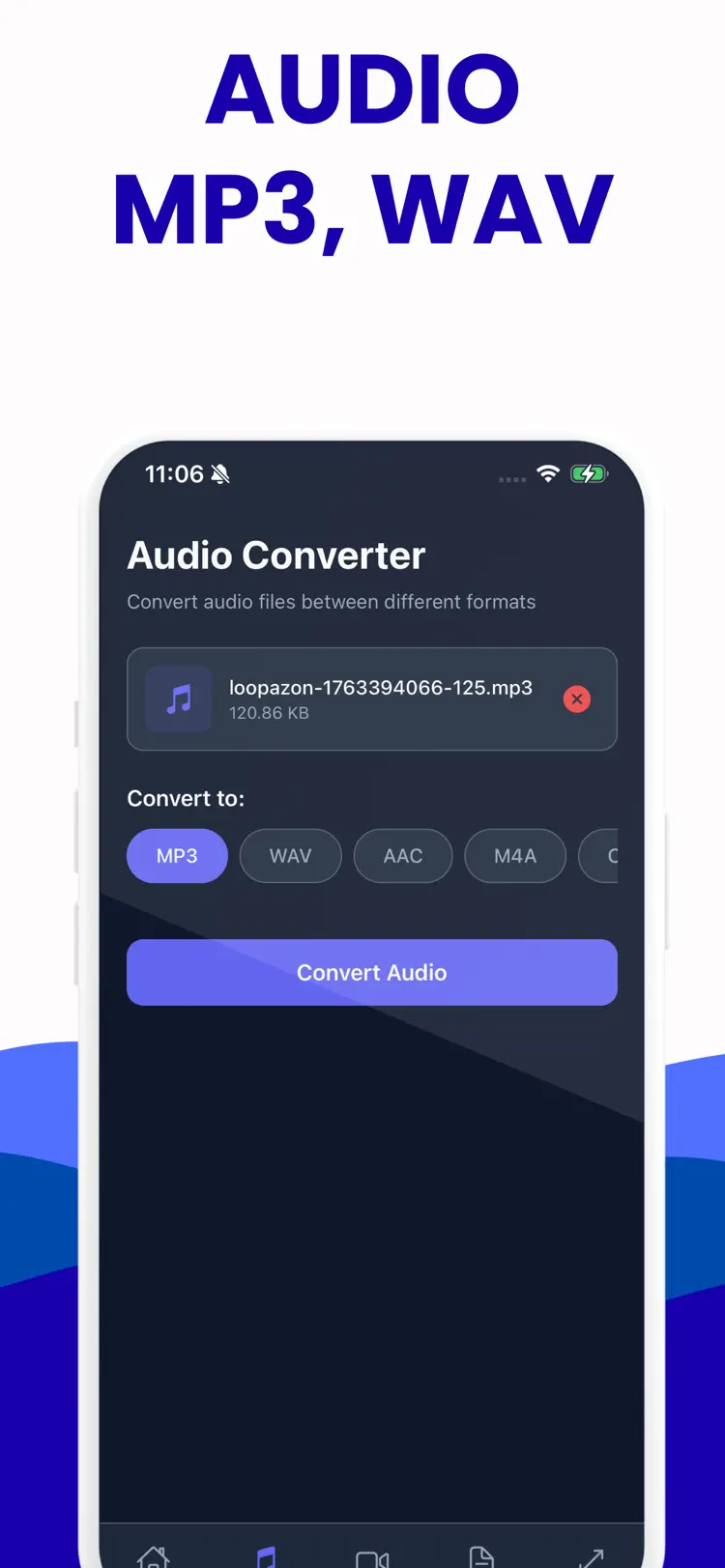
Convert audio to a share ready
Convert audio to a share ready format for your device.
Use Media Converter as a video converter for clips
Use Media Converter as a video converter for clips, lessons, and social posts.
Use it as an audio converter for music
Use it as an audio converter for music, voice notes, and podcasts.
Batch conversion helps you process multiple
Batch conversion helps you process multiple files in less time.
Choose output quality
Choose output quality, save space, and keep your media organized.
How it works
How to convert audio and media files in three steps.
Choose the source
Select a media file from your iPhone.
Set the output
Review the available format, quality, size, and editing options for your result.
Convert and save
Create the new file, then save it to Files or share it with another app.
Frequently asked questions
Quick answers about features, pricing, compatibility, and privacy.
What does Media Converter do?
Is Media Converter free?
Which iPhone version does Media Converter support?
How does Media Converter handle privacy?
When was Media Converter last updated?
Is Media Converter available for both iPhone and Android?
Try Media Converter on iPhone or Android
Choose your platform for current features, compatibility, pricing, and privacy disclosures on the official store listing.