
Increase Volume for iPhone and Android
A smart volume booster and equalizer that makes quiet music, videos and podcasts easier to hear, with bass boost and one-tap presets. No complicated settings.
Available on the App Store and Google Play. The feature descriptions and screenshots below refer to the iPhone app; check Google Play for Android-specific details. Features and compatibility can vary by platform.
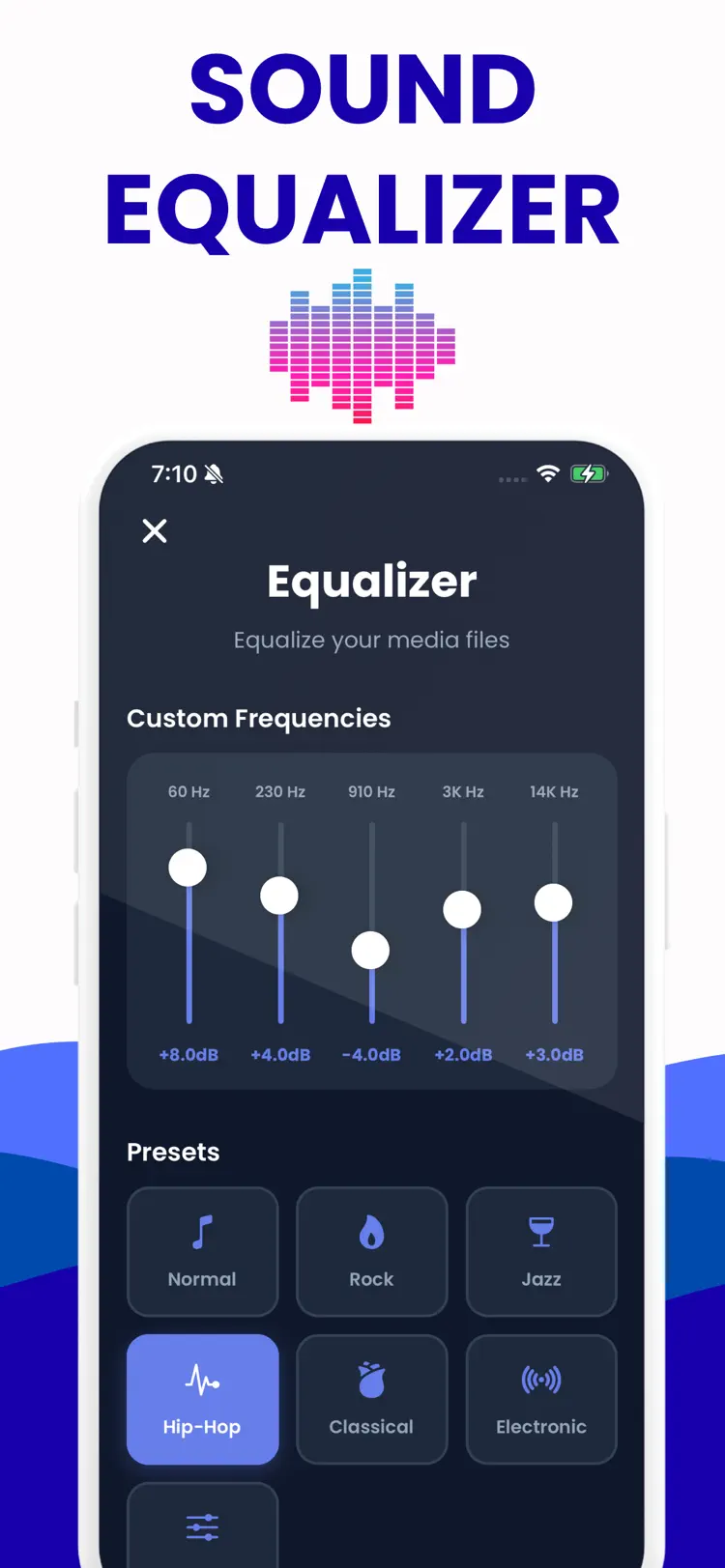
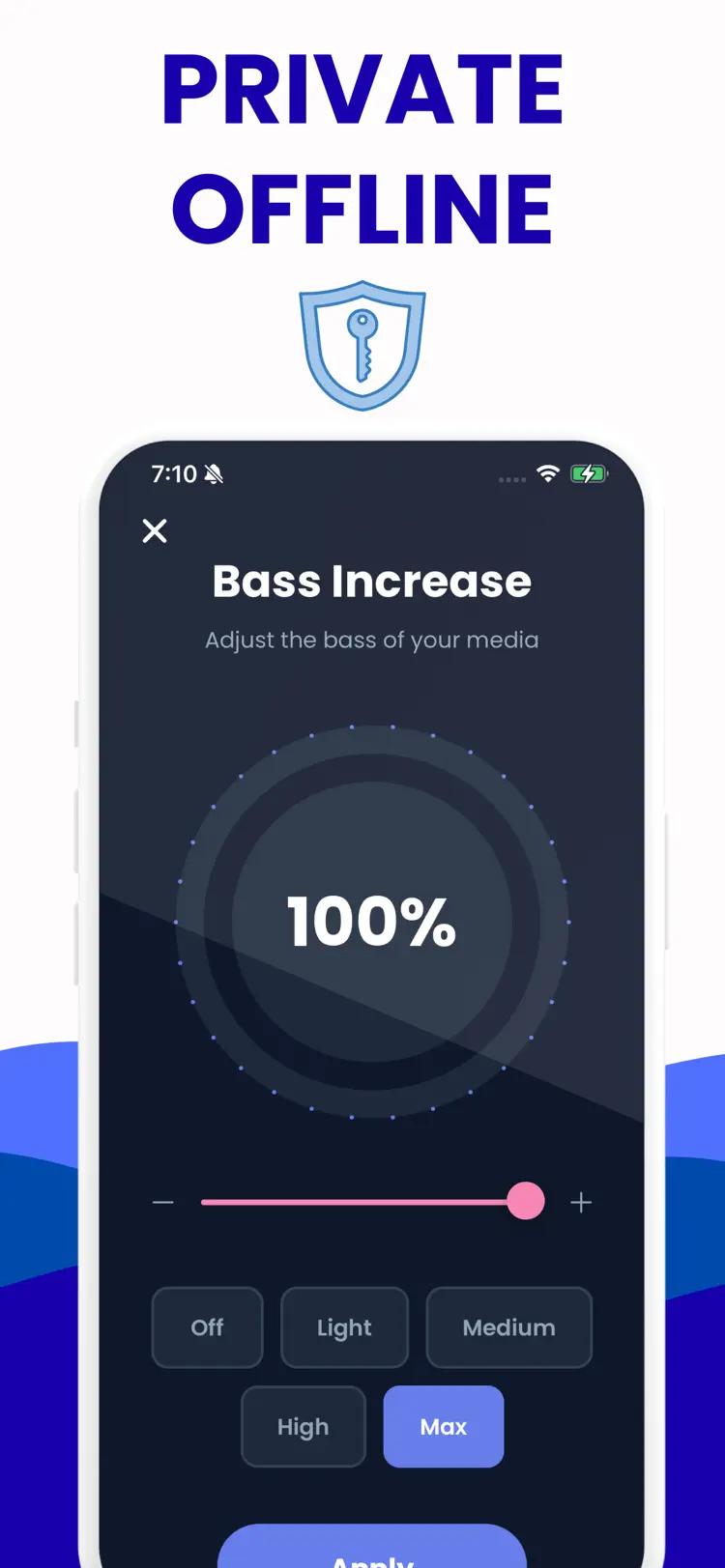
Why people use Increase Volume
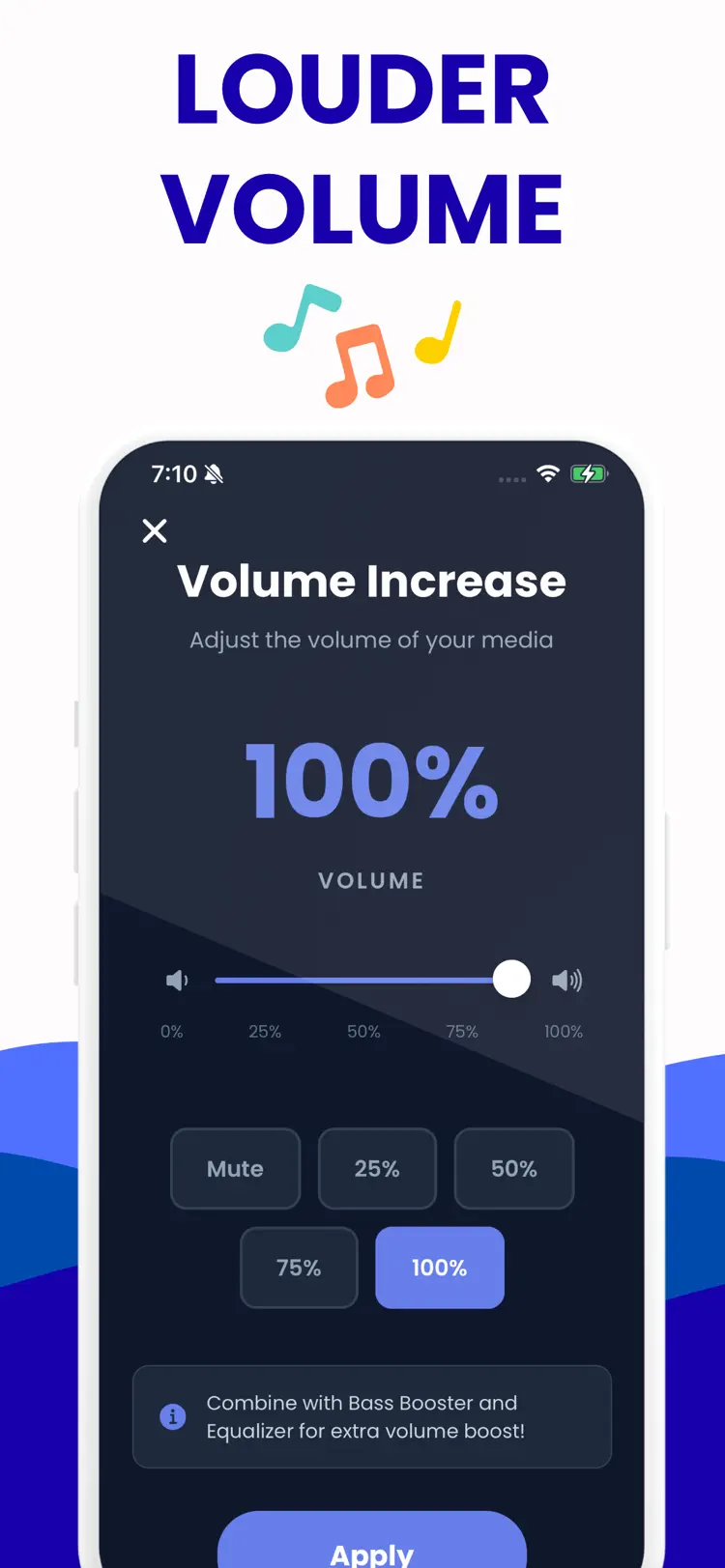
Louder is easy — the app boosts loudness and clarity together so audio doesn't just get noisier.
One-tap Boost
Instantly push quiet audio to a comfortable level without hunting through settings.
Smart loudness + clarity
Audio processing raises perceived volume while keeping speech and music clean, not distorted.
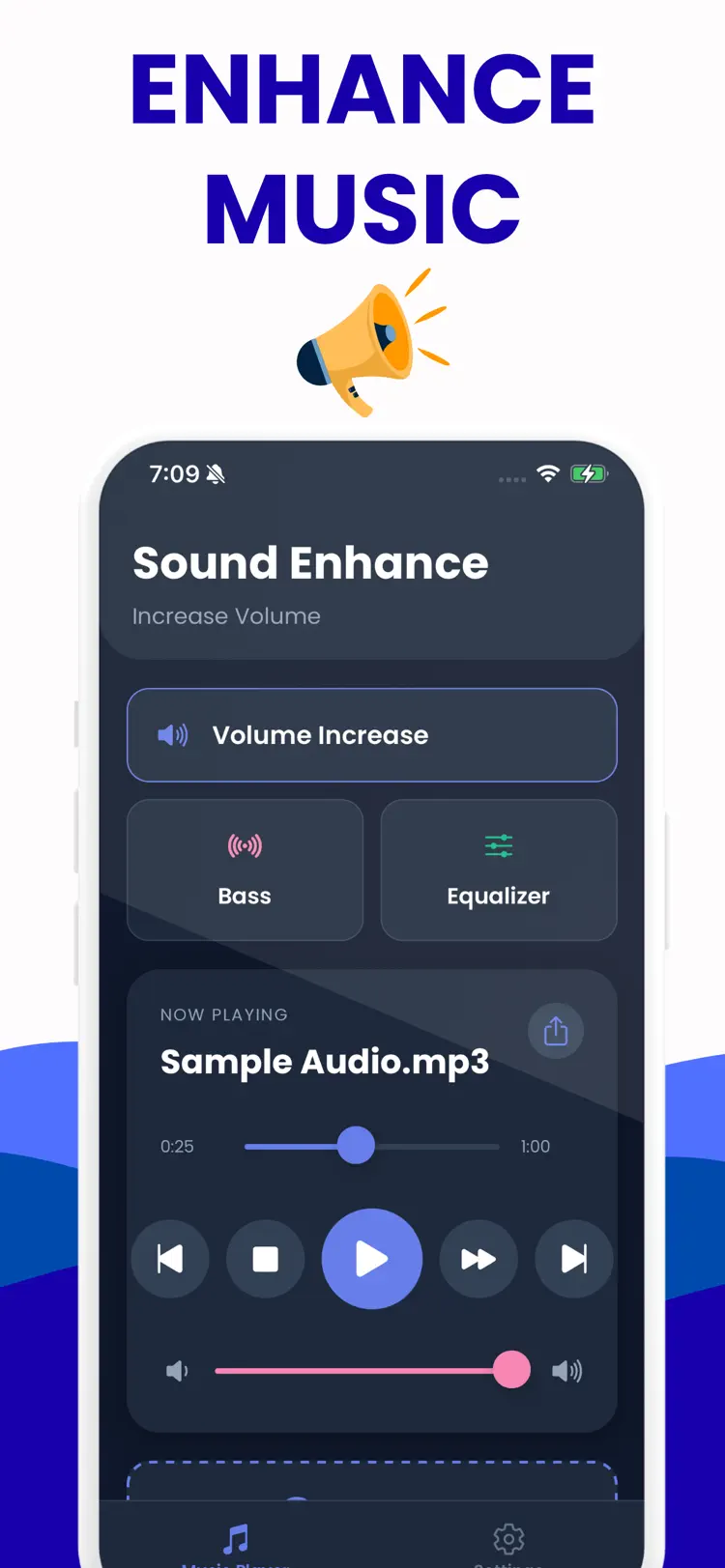
Bass boost
Add depth and warmth to thin-sounding speakers and earbuds.
EQ presets
Purpose-built presets for music, movies, podcasts and more — pick one and go.
Tuned per output
Separate fine-tuning for the built-in speaker, wired headphones and Bluetooth devices.
Hearing-safe
Built-in safe listening reminders help you protect your ears during long sessions.
How it works
Three taps from quiet to clear.
Load your audio
Play your music or video through the app.
Tap Boost
One tap raises loudness and clarity together — or pick an EQ preset for your content.
Fine-tune
Adjust bass and EQ for your speaker or headphones and enjoy fuller, louder sound.
Guides & how-tos
Straight answers to the questions people actually search for — including when the built-in iPhone tools are enough and when the app is the better choice.
How to Make Your iPhone Louder: Every Fix That Works (2026)
iPhone too quiet? Settings that secretly cap your volume, the Late Night EQ trick, speaker cleaning, and when a volume booster app actually helps.
Read the guide →Spotify Too Quiet on iPhone? How to Make It Louder
Spotify quiet on iPhone? Enable Loud volume level, tune Spotify's equalizer, fix iOS caps — and know what booster apps can and can't do for Spotify.
Read the guide →Headphones Too Quiet on iPhone? 6 Fixes That Work
Quiet headphones on iPhone are usually a settings problem: Reduce Loud Audio, EU volume caps, balance slider, Bluetooth quirks — plus when a booster app helps.
Read the guide →Best Free Volume Booster for iPhone: An Honest Guide
What volume booster apps on iPhone can really do, what they can't, the built-in iOS options nobody mentions, and why Increase Volume is worth trying first.
Read the guide →Frequently asked questions
Quick answers about features, pricing, compatibility, and privacy.
Can an app really make my iPhone louder?
Why is my iPhone so quiet in the first place?
Does it work with Spotify?
My headphones are too quiet — will this help?
Is boosting volume safe for my hearing?
Is the app free?
Is Increase Volume available for both iPhone and Android?
Try Increase Volume on iPhone or Android
Choose your platform for current features, compatibility, pricing, and privacy disclosures on the official store listing.