
Convert images between common formats on your iPhone
Image Converter is a fast and reliable image converter for everyday photo tasks. Convert images to PNG JPG WebP or PDF in seconds with high quality results. Choose photos from your gallery or files, set the output format, and convert…
Why people use Image Converter: PNG HEIC JPG
Highlights taken from the app's current App Store listing.
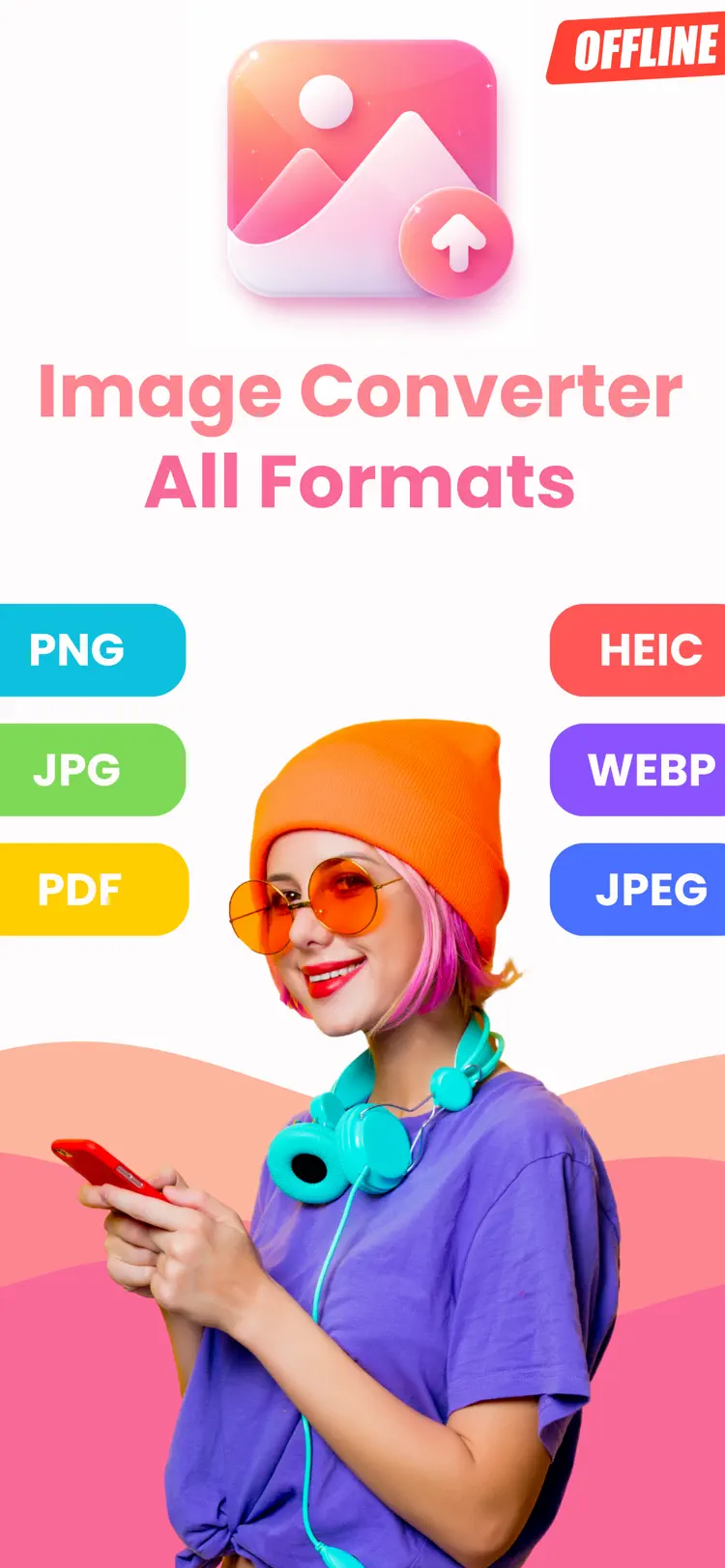
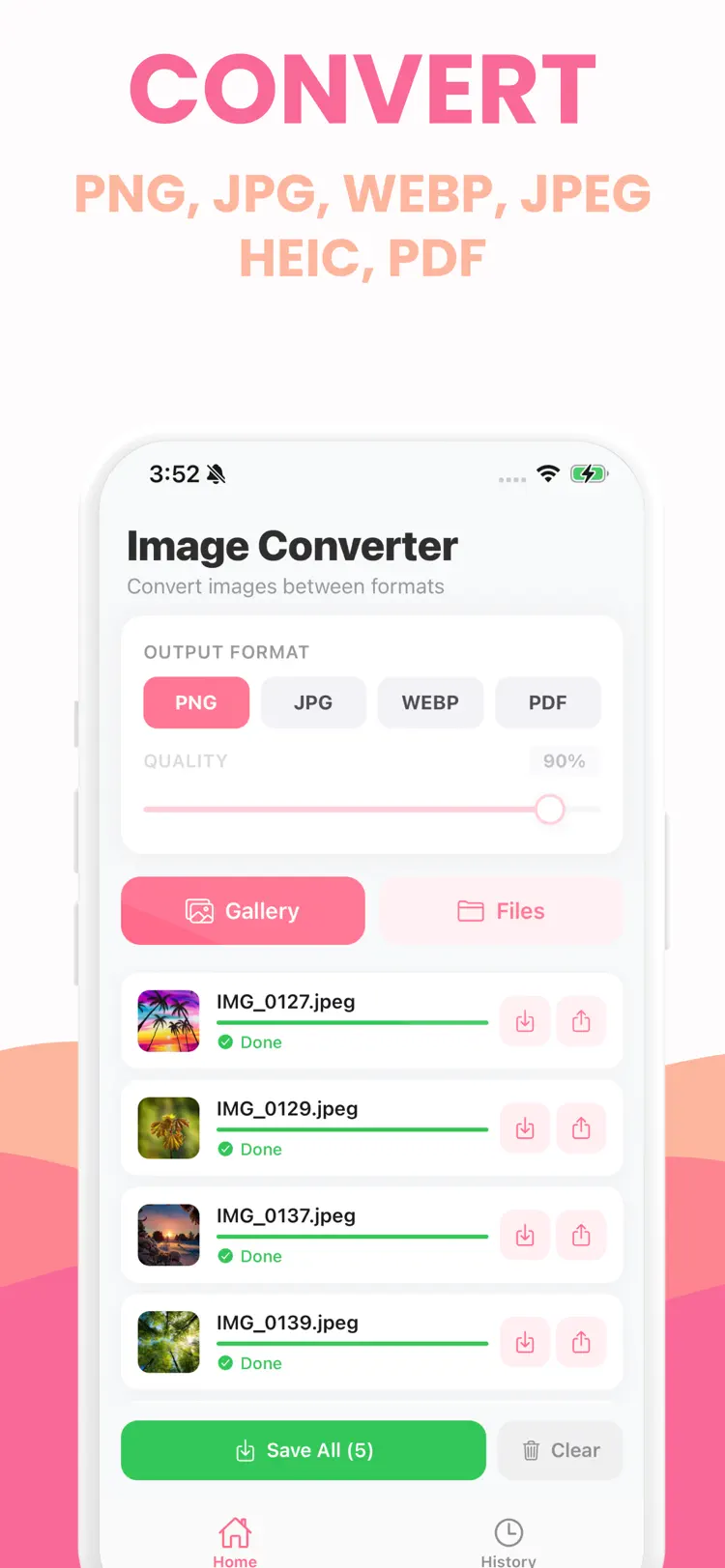
Convert images to PNG JPG WebP
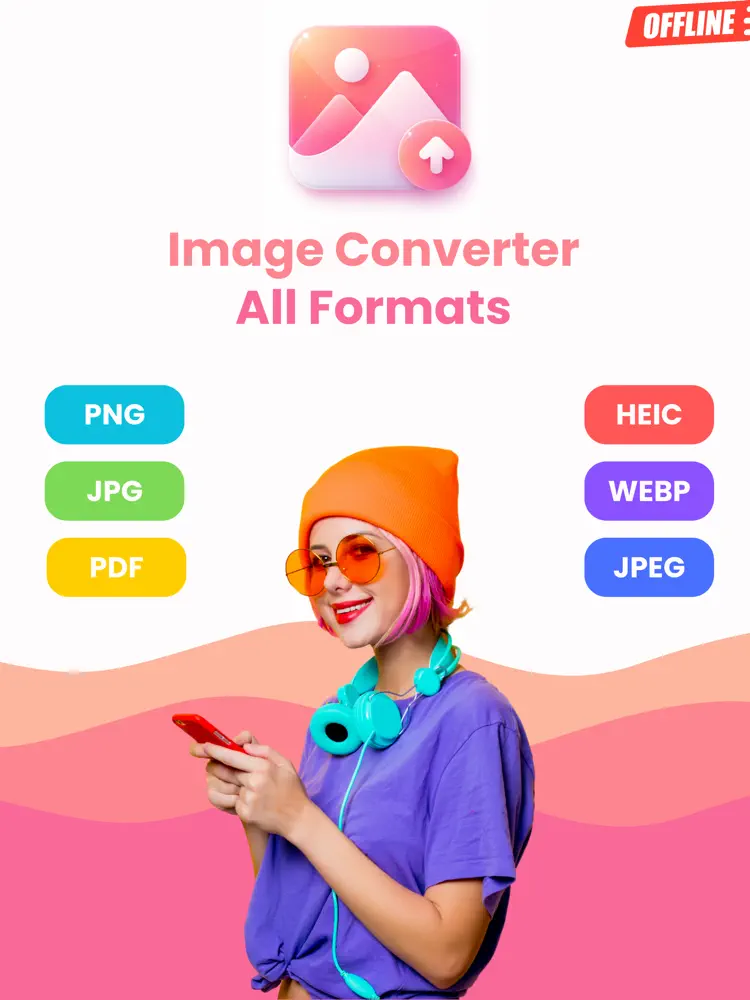
Convert images to PNG JPG WebP or PDF in seconds with high quality results.
Choose photos from your gallery or files
Choose photos from your gallery or files, set the output format, and convert multiple images at once.
No upload is required for conversion
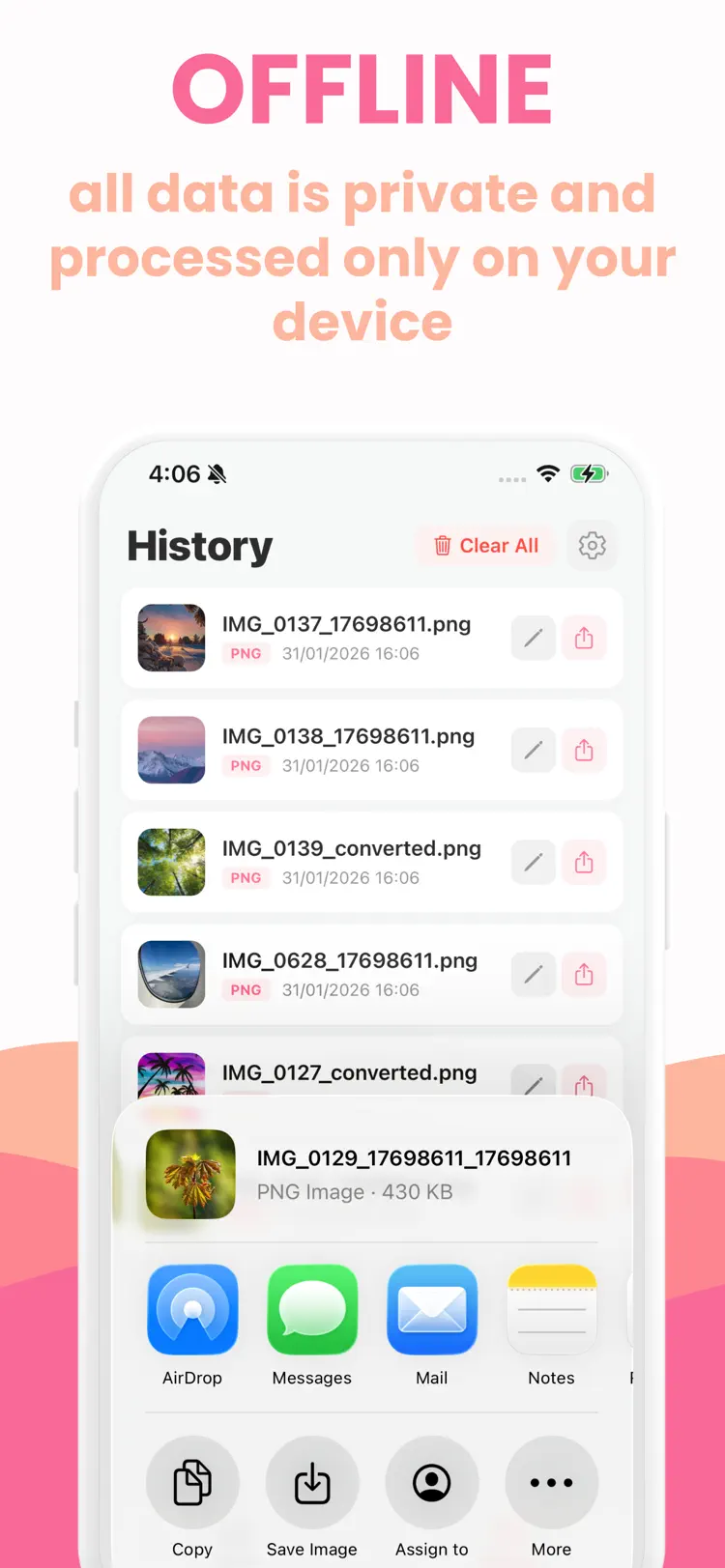
No upload is required for conversion, so it works even when you are offline.
Control output size for lossy formats
Control output size for lossy formats with a simple quality slider and keep full resolution when you need it.
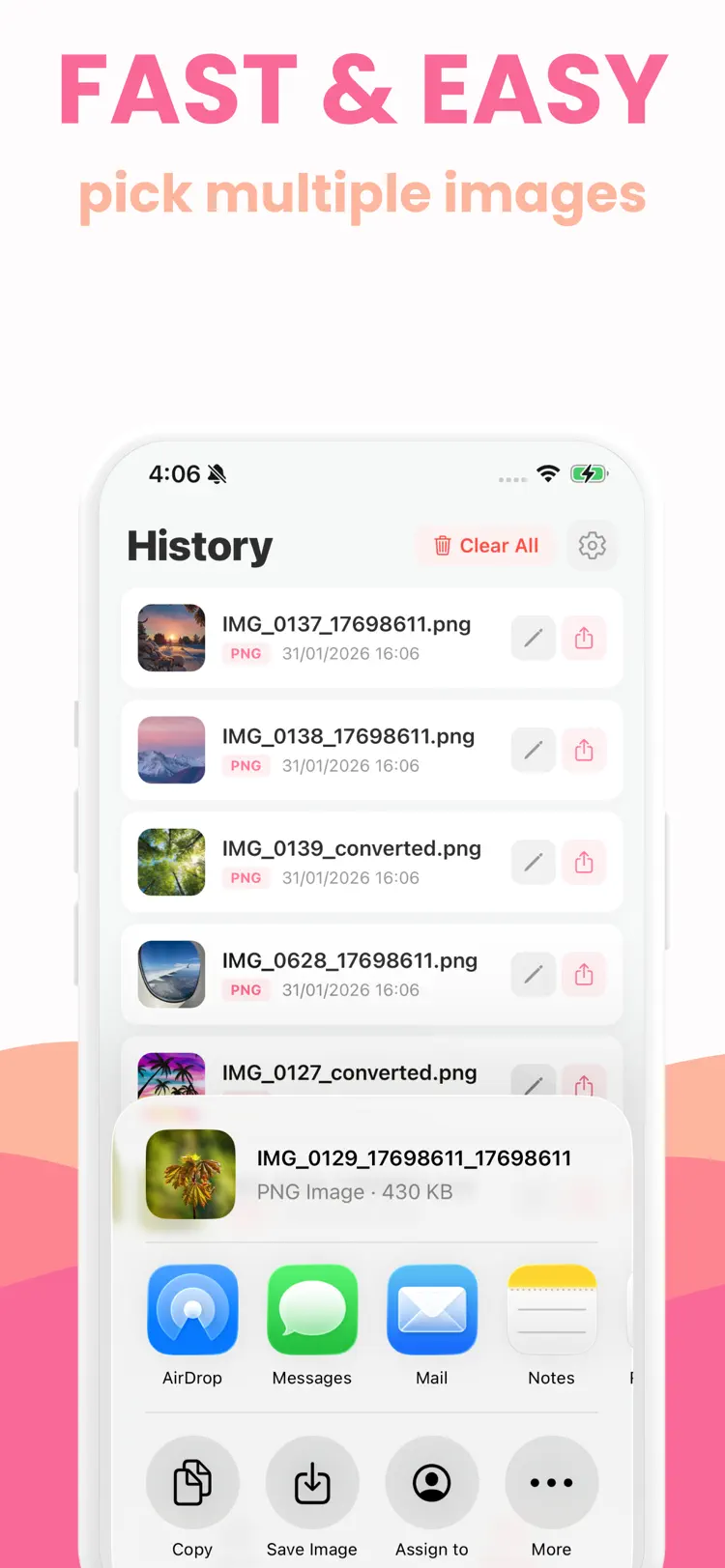
Save converted files to your photo
Save converted files to your photo library or share them right away.
A built in history keeps your
A built in history keeps your recent conversions so you can find and share again.
How it works
How to convert images between common formats in three steps.
Choose the source
Select one or more images from your iPhone.
Set the output
Review the available format, quality, size, and editing options for your result.
Convert and save
Create the new file, then save it to Files or share it with another app.
Frequently asked questions
Quick answers about features, pricing, compatibility, and privacy.
What does Image Converter: PNG HEIC JPG do?
Is Image Converter: PNG HEIC JPG free?
Which iPhone version does Image Converter: PNG HEIC JPG support?
How does Image Converter: PNG HEIC JPG handle privacy?
When was Image Converter: PNG HEIC JPG last updated?
Try Image Converter: PNG HEIC JPG on iPhone
Open the official App Store listing for the latest features, compatibility, pricing, and privacy details.