

Save high-quality frames from video on iPhone and Android
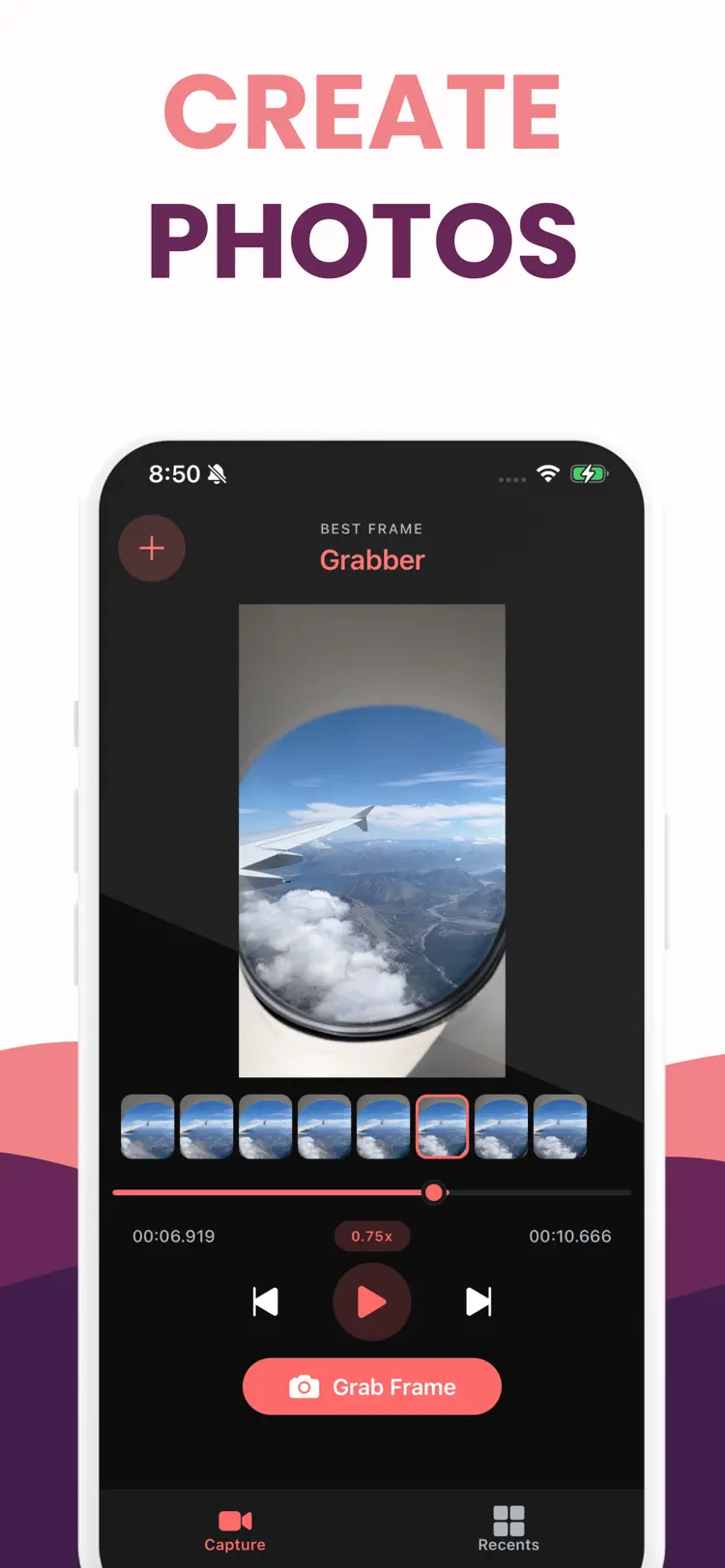
Frame Grabber is a video frame extractor and video to photo tool that lets you capture a video screenshot of any moment. Select a clip from your library, scrub the timeline, and capture the exact frame you want.
Available on the App Store and Google Play. The feature descriptions and screenshots below refer to the iPhone app; check Google Play for Android-specific details. Features and compatibility can vary by platform.


Why people use Frame Grabber
Highlights taken from the app's current App Store listing.
Select a clip from your library
Select a clip from your library, scrub the timeline, and capture the exact frame you want.
Precision tools help you land the right moment.
Use thumbnail previews
Use thumbnail previews, a smooth scrubber, and slow playback speeds down to 0.25x.
Step forward or back for fine control
Step forward or back for fine control, then grab a frame at the current time.
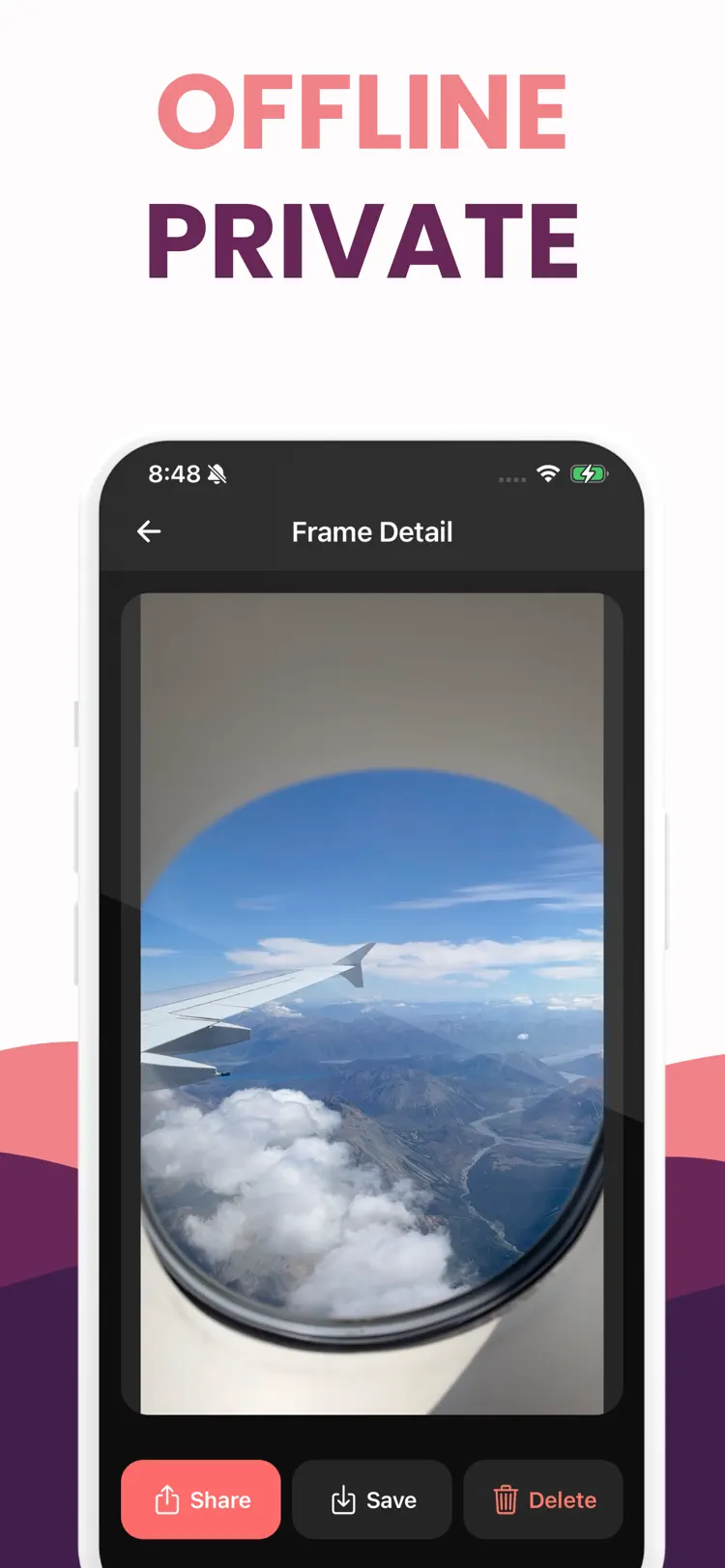
Export your frames in JPEG or PNG
Export your frames in JPEG or PNG, adjust quality, then share or save to Photos.
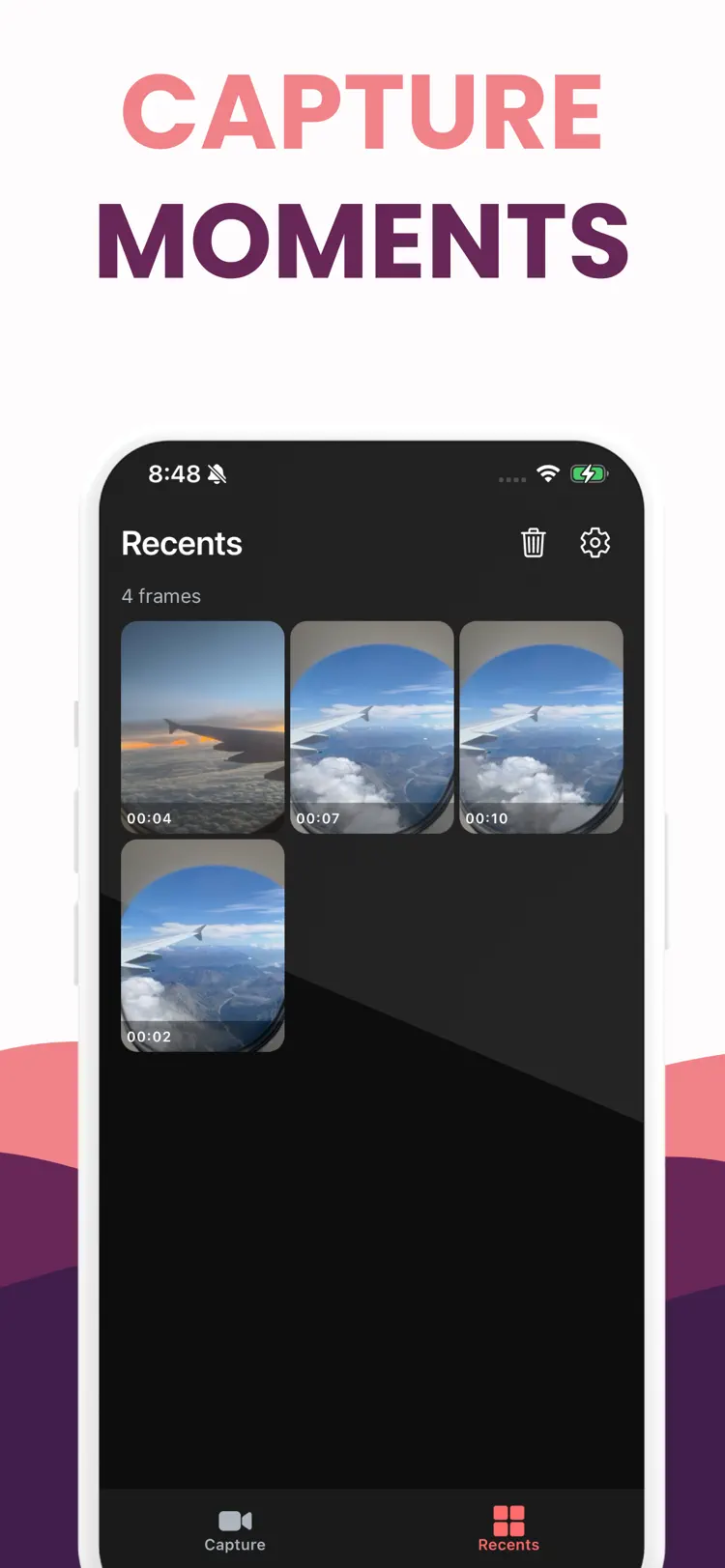
Your captured frames are organized
Your captured frames are organized in Recents so you can view, delete, or export again anytime.
How it works
How to save high-quality frames from video in three steps.
Choose a photo
Take or select a video from your library.
Apply the tools
Use the available controls and preview the result before you finish.
Save or share
Export the finished image while keeping the original available in your library.
Frequently asked questions
Quick answers about features, pricing, compatibility, and privacy.
What does Frame Grabber do?
Is Frame Grabber free?
Which iPhone version does Frame Grabber support?
How does Frame Grabber handle privacy?
When was Frame Grabber last updated?
Is Frame Grabber available for both iPhone and Android?
Try Frame Grabber on iPhone or Android
Choose your platform for current features, compatibility, pricing, and privacy disclosures on the official store listing.