

Sign PDF documents on your iPhone
eSign is a fast, private e signature app for signing documents on iPhone and iPad. Import PDFs or images, add your signature, text, stamps, or drawings, then share a signed copy in minutes. Work fully offline so your files stay on your…

Why people use eSign
Highlights taken from the app's current App Store listing.
Import PDFs or images
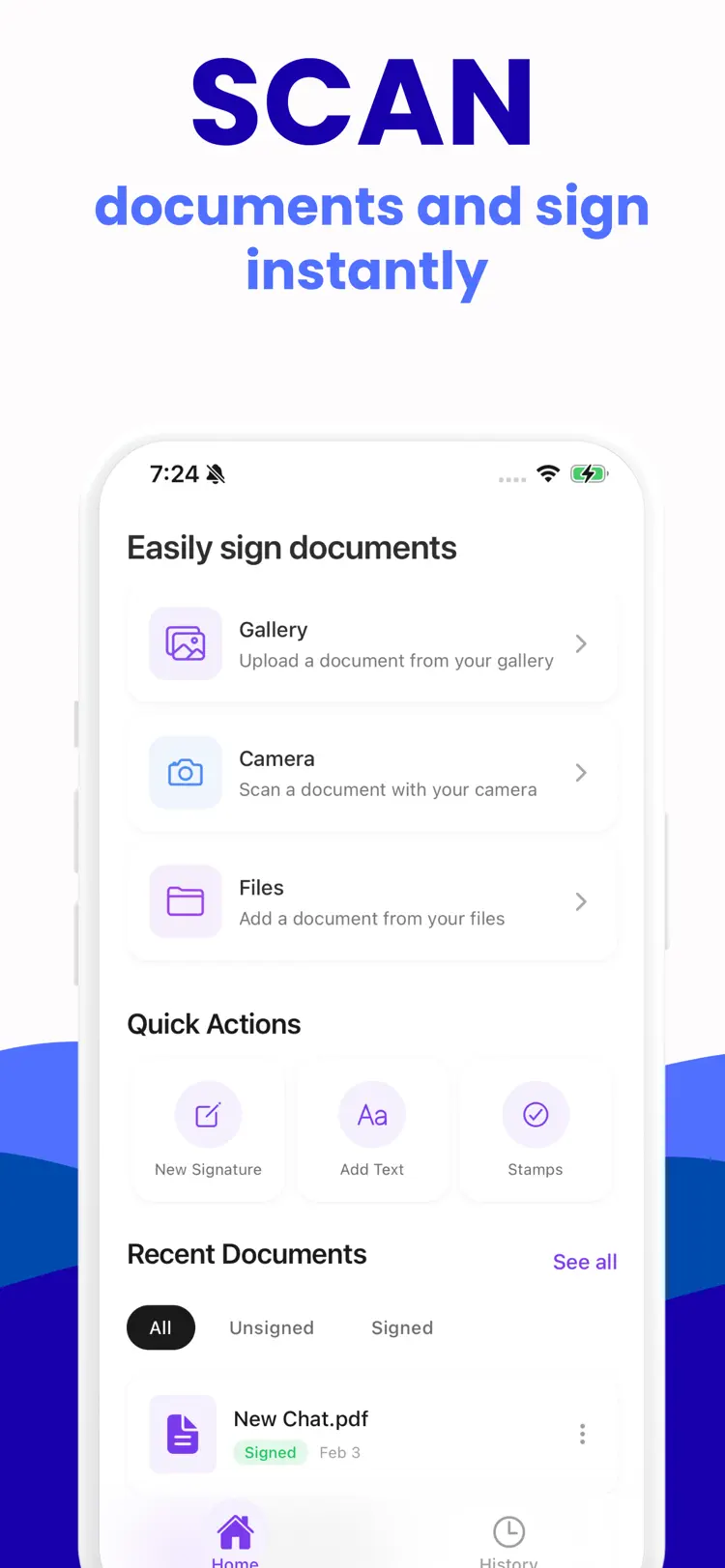
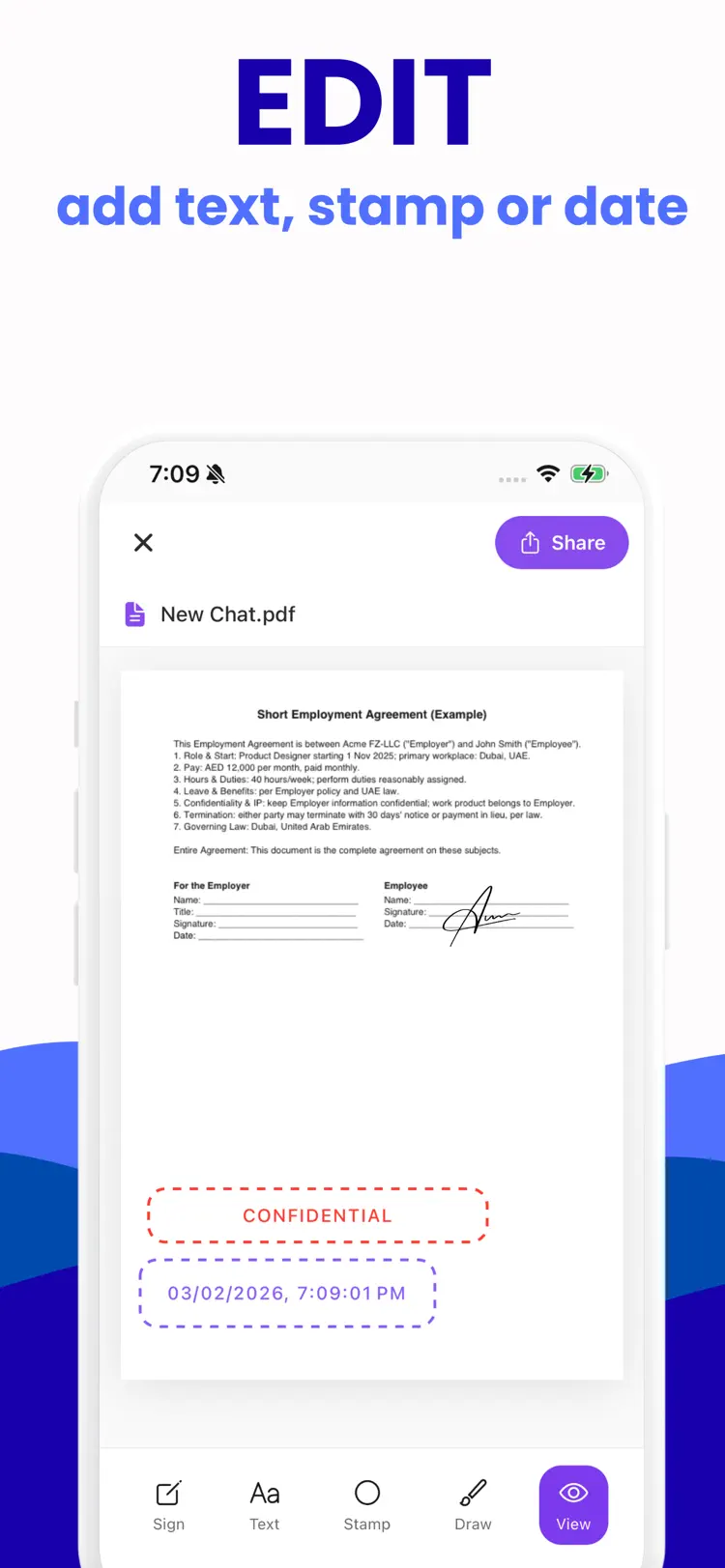
Import PDFs or images, add your signature, text, stamps, or drawings, then share a signed copy in minutes.
Work fully offline so your files
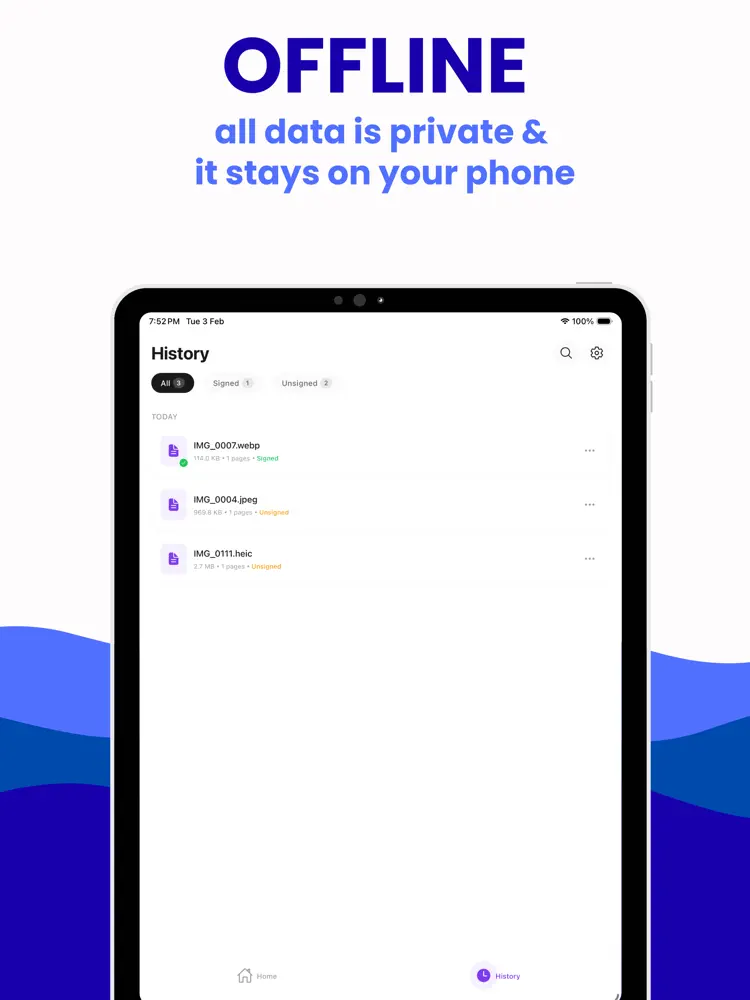
Work fully offline so your files stay on your device.
How it works Import a document from Files
How it works Import a document from Files, your photo library, or the camera.
Create a signature or drawing
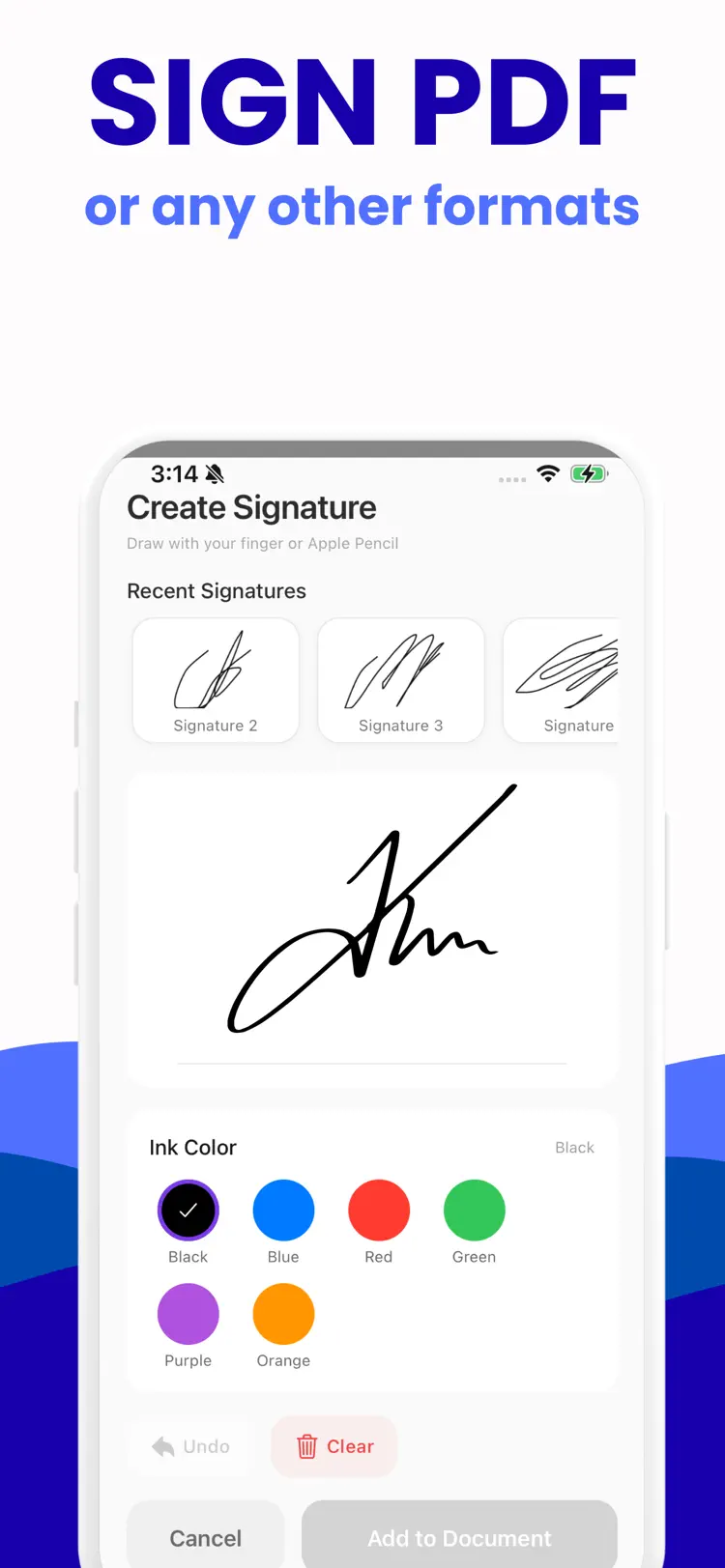
Create a signature or drawing with adjustable color and stroke width.
Add text
Add text, stamps, or initials and move or resize them.
Share a signed copy with any app.
How it works
How to sign PDF documents in three steps.
Start a document
Import or enter a document.
Review the details
Arrange the content and use the available formatting or document tools.
Export the result
Save the finished document and share it through the iPhone share sheet.
Frequently asked questions
Quick answers about features, pricing, compatibility, and privacy.
What does eSign do?
Is eSign free?
Which iPhone version does eSign support?
How does eSign handle privacy?
When was eSign last updated?
Try eSign on iPhone
Open the official App Store listing for the latest features, compatibility, pricing, and privacy details.