

Count objects from a photo on your iPhone
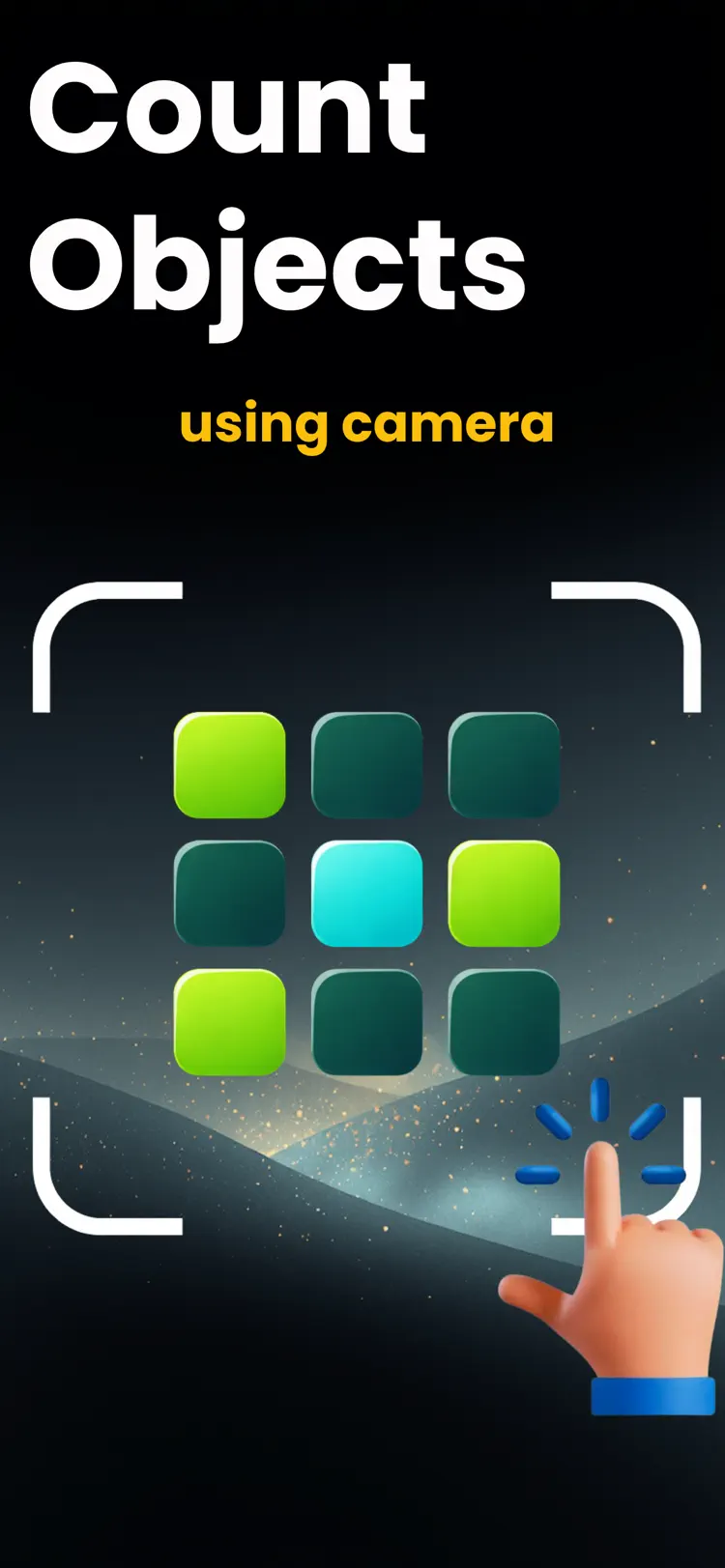
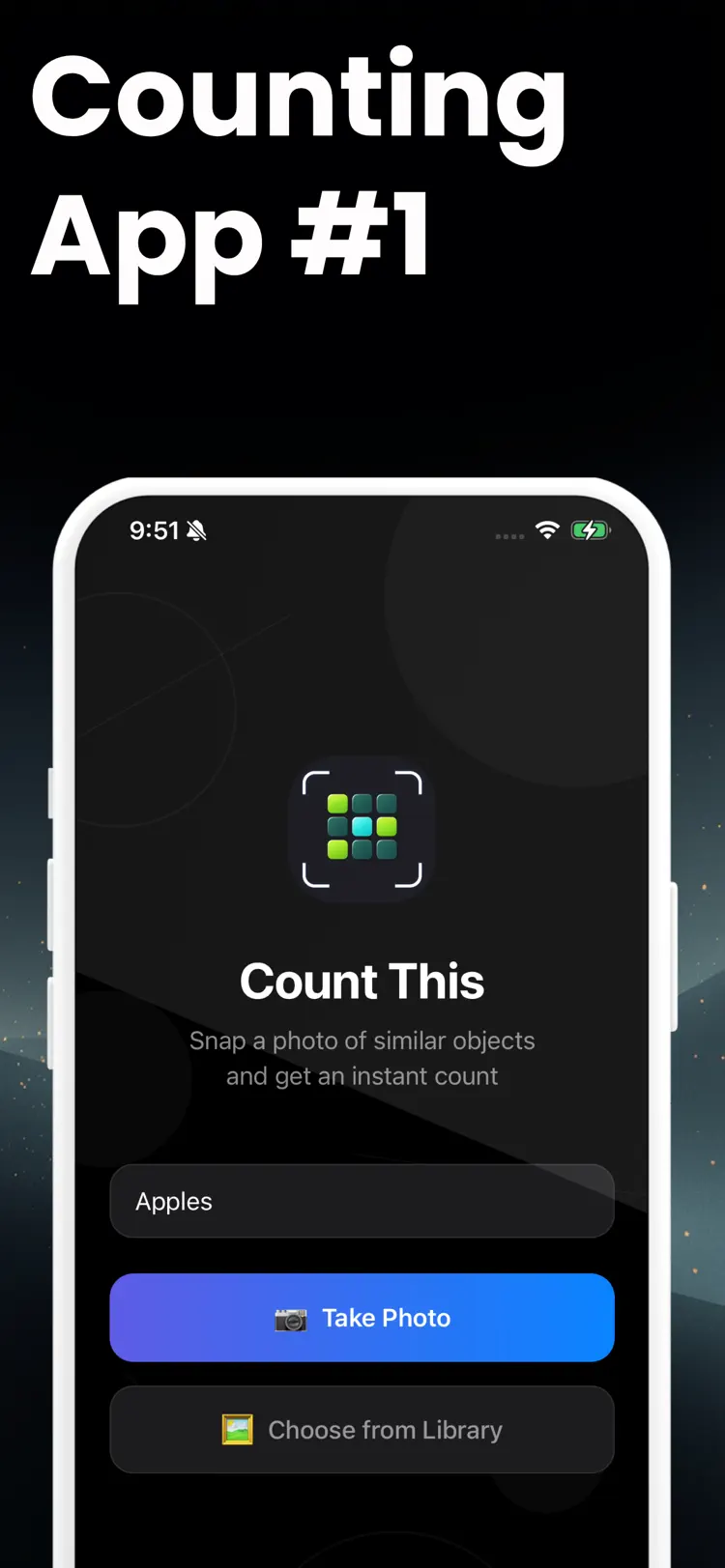
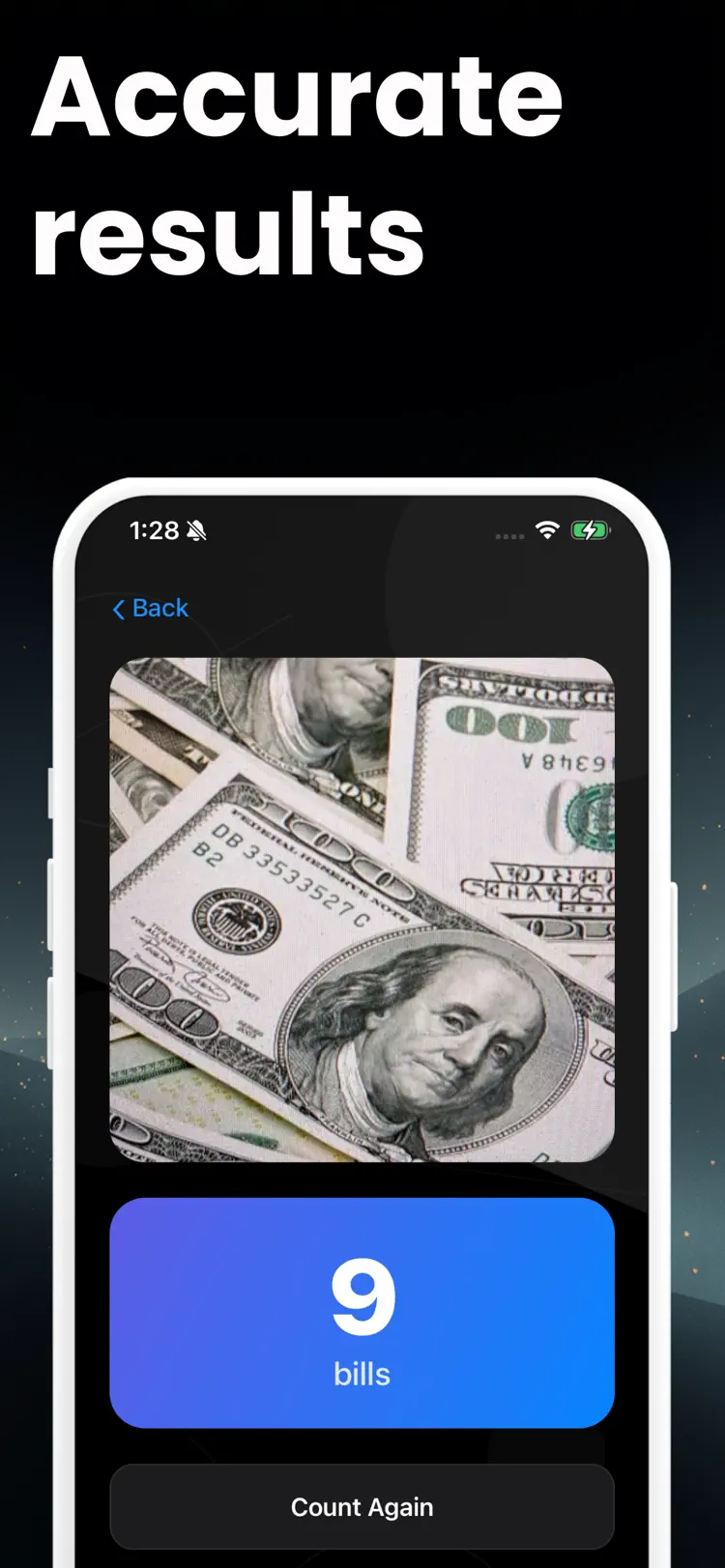
Count This uses AI to count objects in any photo in seconds. Point your camera at a shelf, a crowd, a field, or a floor, and get an accurate number without touching a single item by hand.
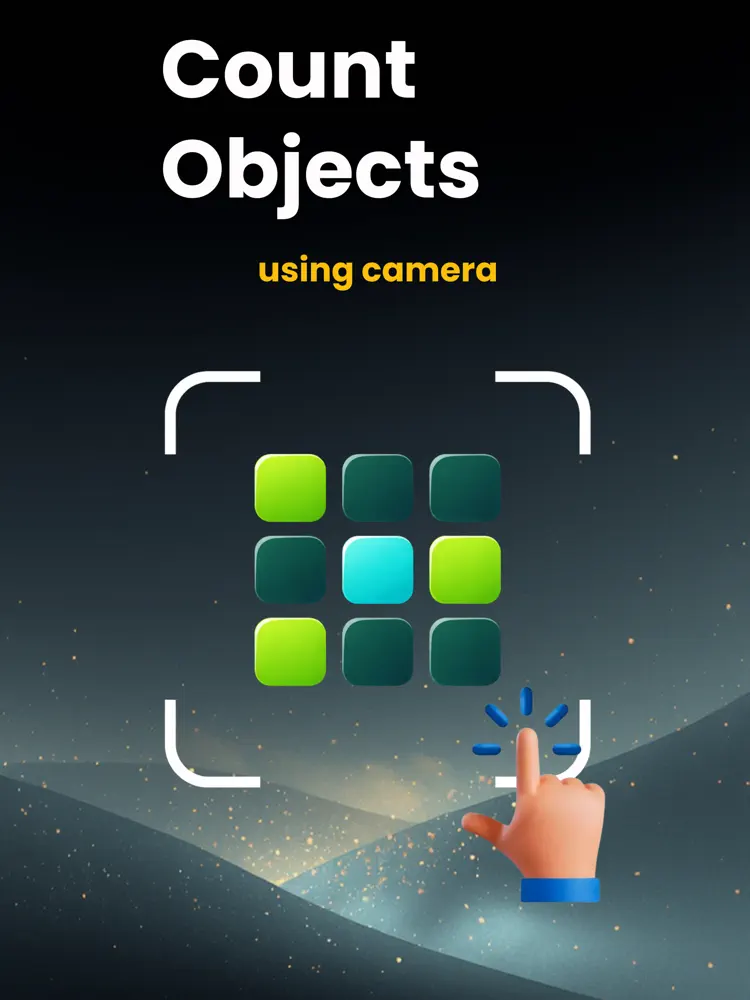
Why people use Count This & Counting App
Highlights taken from the app's current App Store listing.
Retail staff auditing shelves and stockrooms
Warehouse teams doing spot inventory checks
Teachers and event organizers tracking attendance
Scientists and researchers counting samples
Scientists and researchers counting samples and specimens
Farmers and agronomists monitoring crops
Farmers and agronomists monitoring crops and livestock
Coaches and athletes tracking training reps and sets
How it works
How to count objects from a photo in three steps.
Add a clear image
Take or choose a clear photo of the items in good, even light.
Run the scan
Keep the subject centered and let the app process the visible details.
Review the result
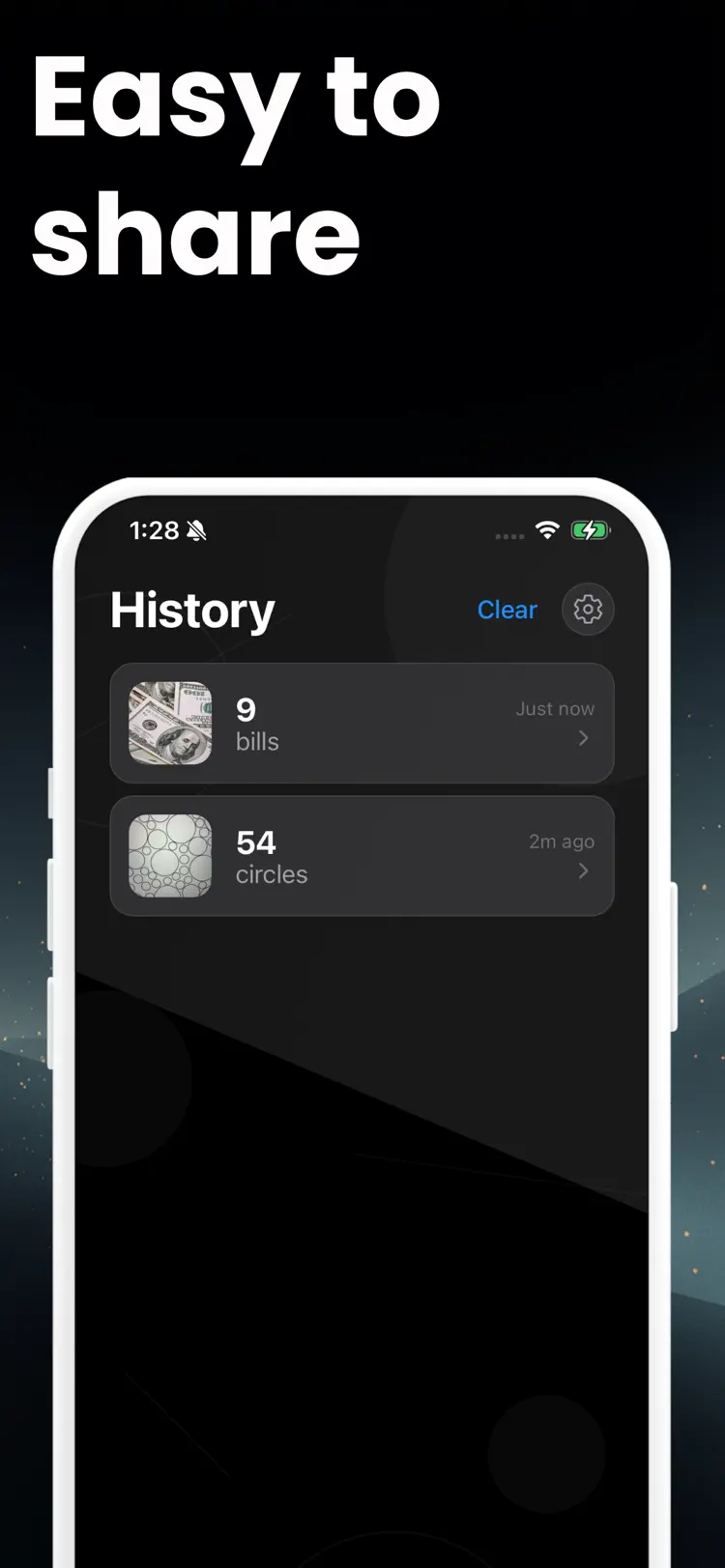
Check the result and supporting information before saving or sharing it.
Frequently asked questions
Quick answers about features, pricing, compatibility, and privacy.
What does Count This & Counting App do?
Is Count This & Counting App free?
Which iPhone version does Count This & Counting App support?
How does Count This & Counting App handle privacy?
When was Count This & Counting App last updated?
Try Count This & Counting App on iPhone
Open the official App Store listing for the latest features, compatibility, pricing, and privacy details.