

Count and tally anything on your iPhone
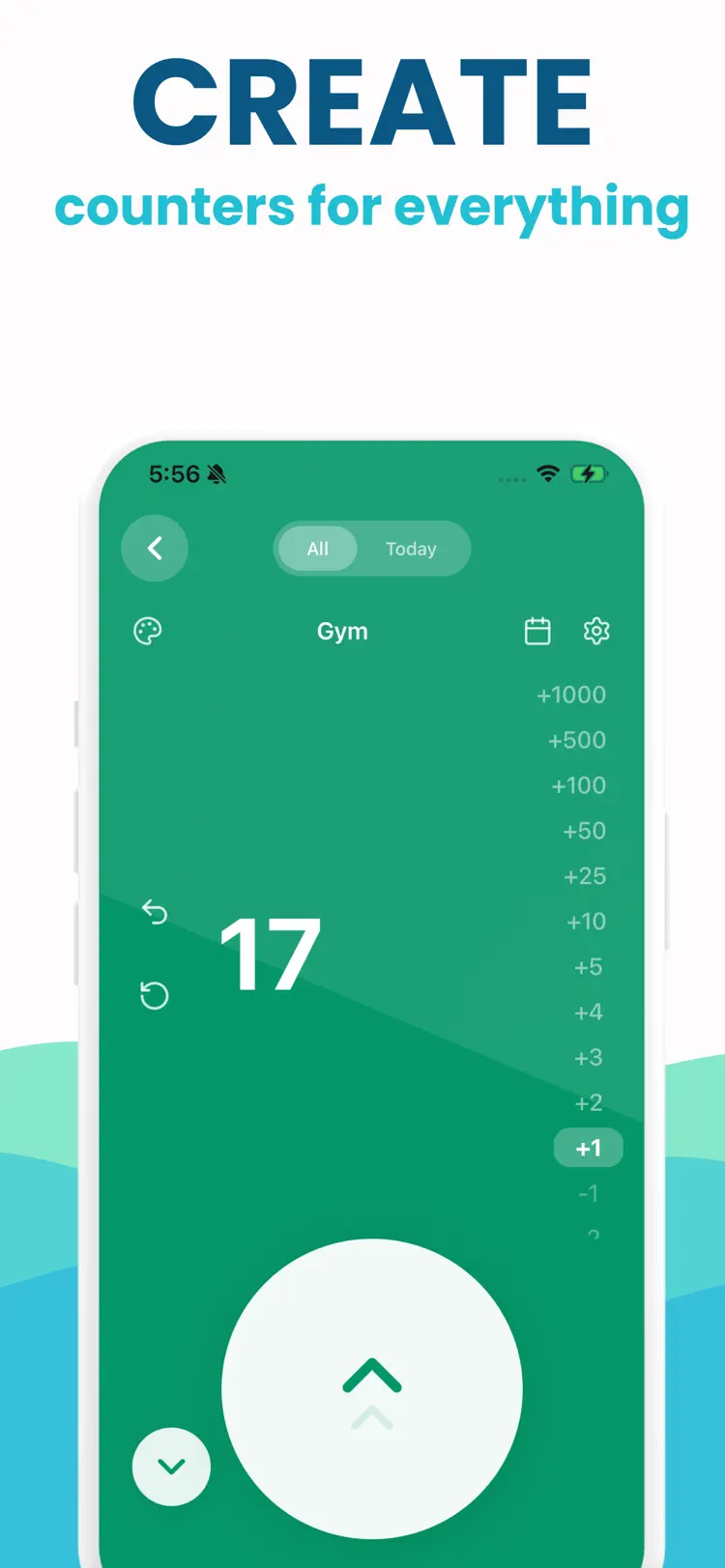
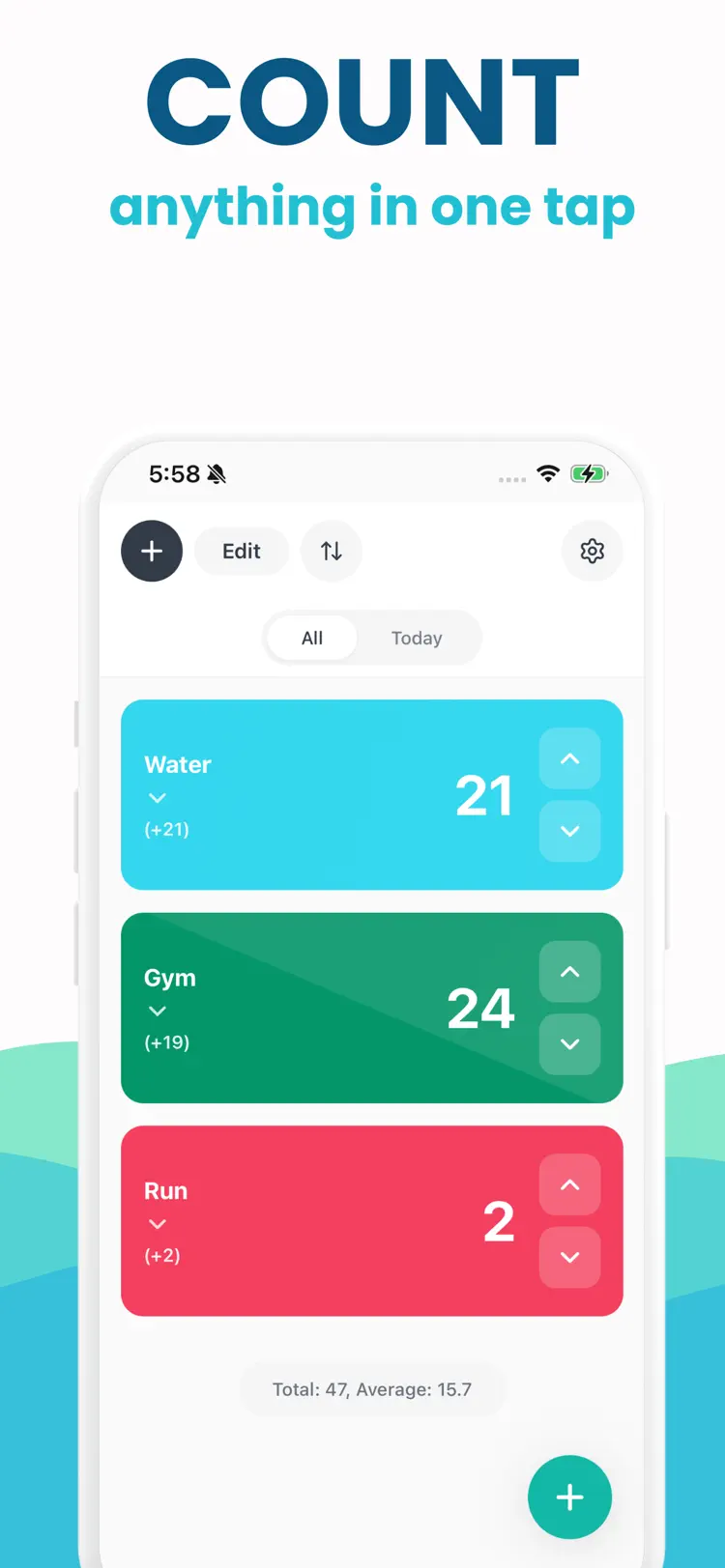
Click Counter is the simple, fast, and reliable tally counter app designed for anyone who needs to count. Whether you are tracking inventory, counting reps at the gym, keeping score, tallying survey responses, or monitoring daily habits,…


Why people use Click Counter
Highlights taken from the app's current App Store listing.
Unlimited counters with Pro subscription
20 beautiful color themes per counter
Step values from 1 to 1000
Full counting history with timestamps
Calendar view for daily activity
CSV and Excel export
How it works
How to count and tally anything in three steps.
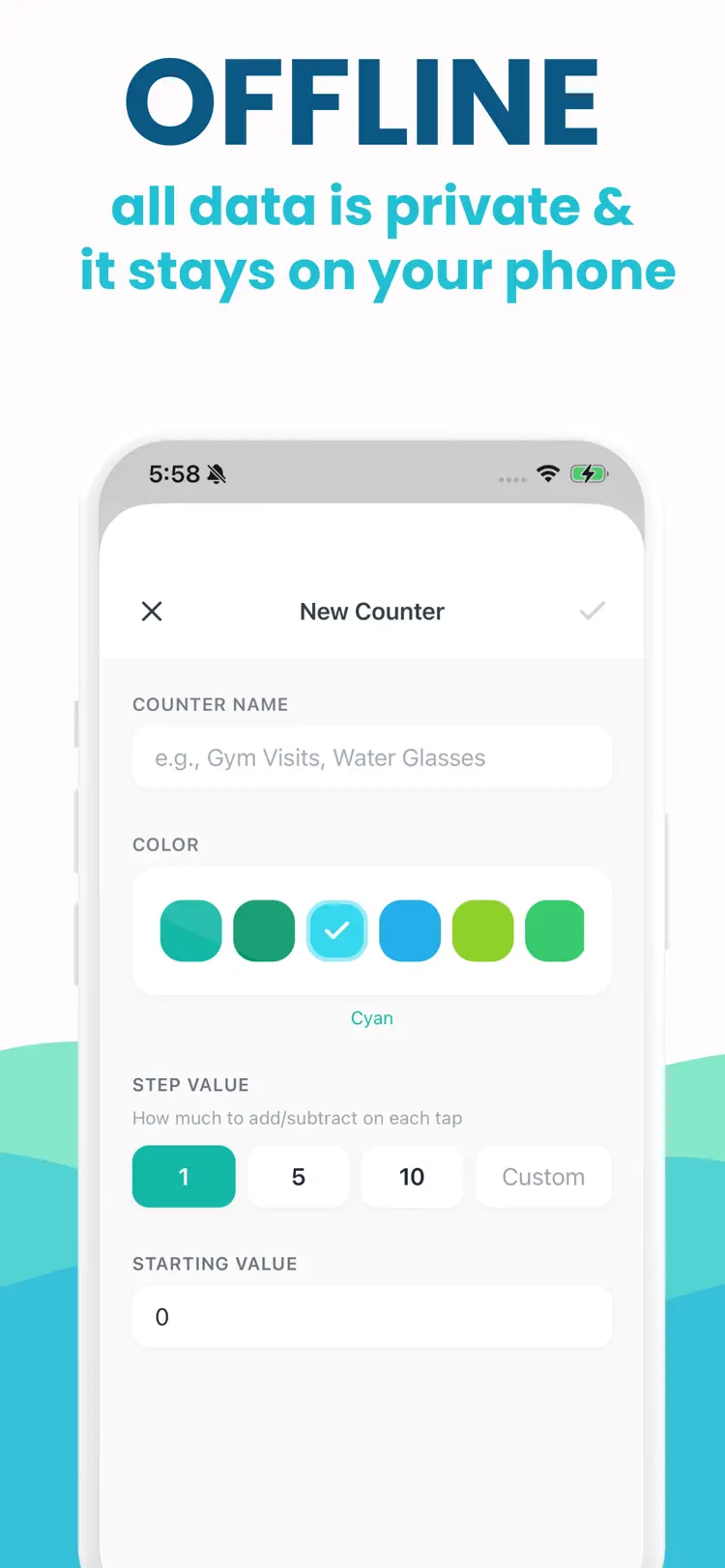
Create a counter
Add a counter name and goal.
Tap as you count
Use the main controls to add or subtract without losing your place.
Review the total
Reset, save, or share the count when the session is complete.
Frequently asked questions
Quick answers about features, pricing, compatibility, and privacy.
What does Click Counter do?
Click Counter is the simple, fast, and reliable tally counter app designed for anyone who needs to count. Whether you are tracking inventory, counting reps at the gym, keeping score, tallying survey responses, or monitoring daily habits,…
Is Click Counter free?
The current App Store listing shows Free. Check the listing before downloading for current in-app purchases, subscriptions, or premium options.
Which iPhone version does Click Counter support?
The app is available through Apple's App Store. The current listing requires iOS 15.1 or later. Compatibility can change with later releases, so confirm it on the current listing.
How does Click Counter handle privacy?
Review the App Privacy section on the official App Store listing for the developer's current data-handling disclosures before installing.
When was Click Counter last updated?
The catalog snapshot shows version 1.0.0, updated February 13, 2026. Open the App Store listing for the newest release notes.
Try Click Counter on iPhone
Open the official App Store listing for the latest features, compatibility, pricing, and privacy details.