
Bluetooth Mic for iPhone and Android
Speak into your phone and hear it live through any Bluetooth speaker, soundbar, headset or car audio. Perfect for events, teaching, karaoke and quick announcements — no extra hardware.
Available on the App Store and Google Play. The feature descriptions and screenshots below refer to the iPhone app; check Google Play for Android-specific details. Features and compatibility can vary by platform.
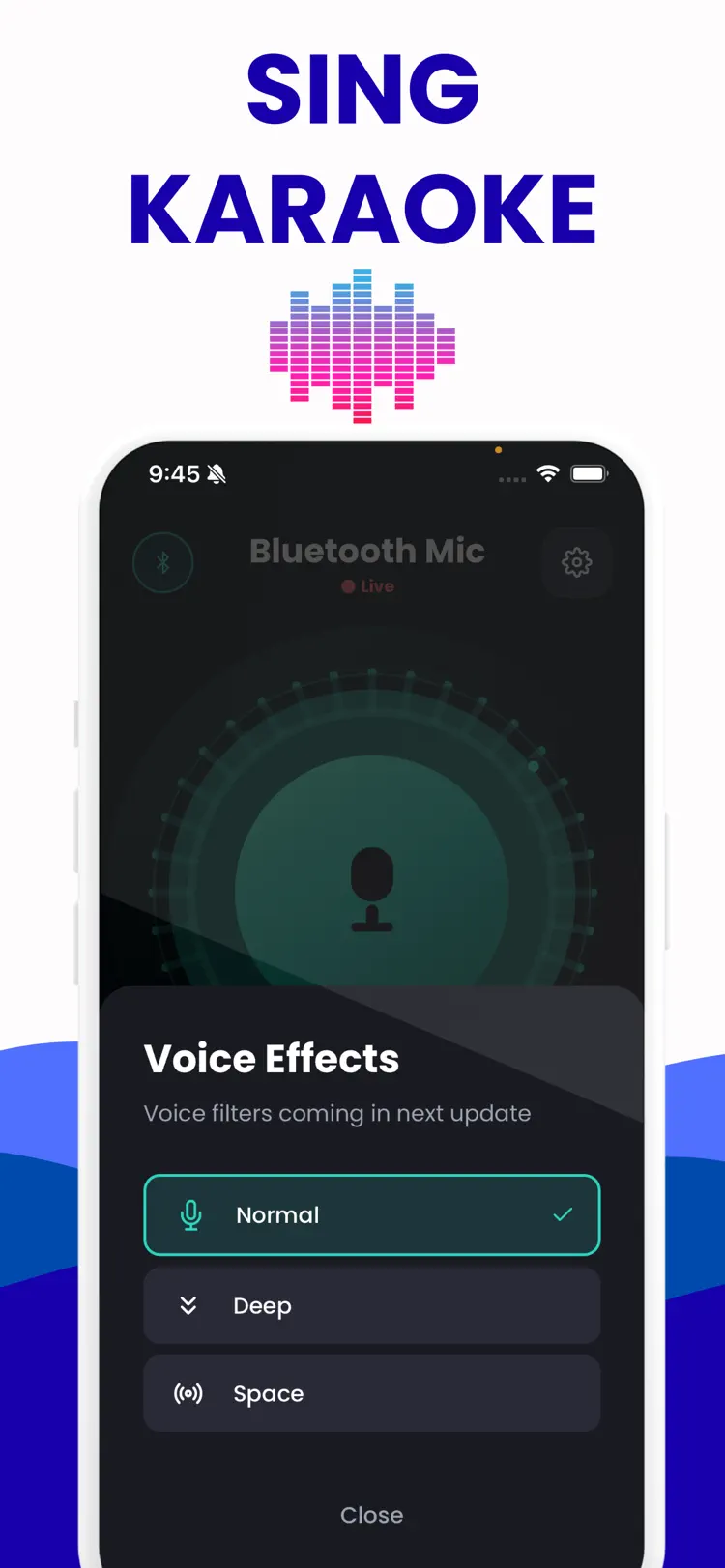
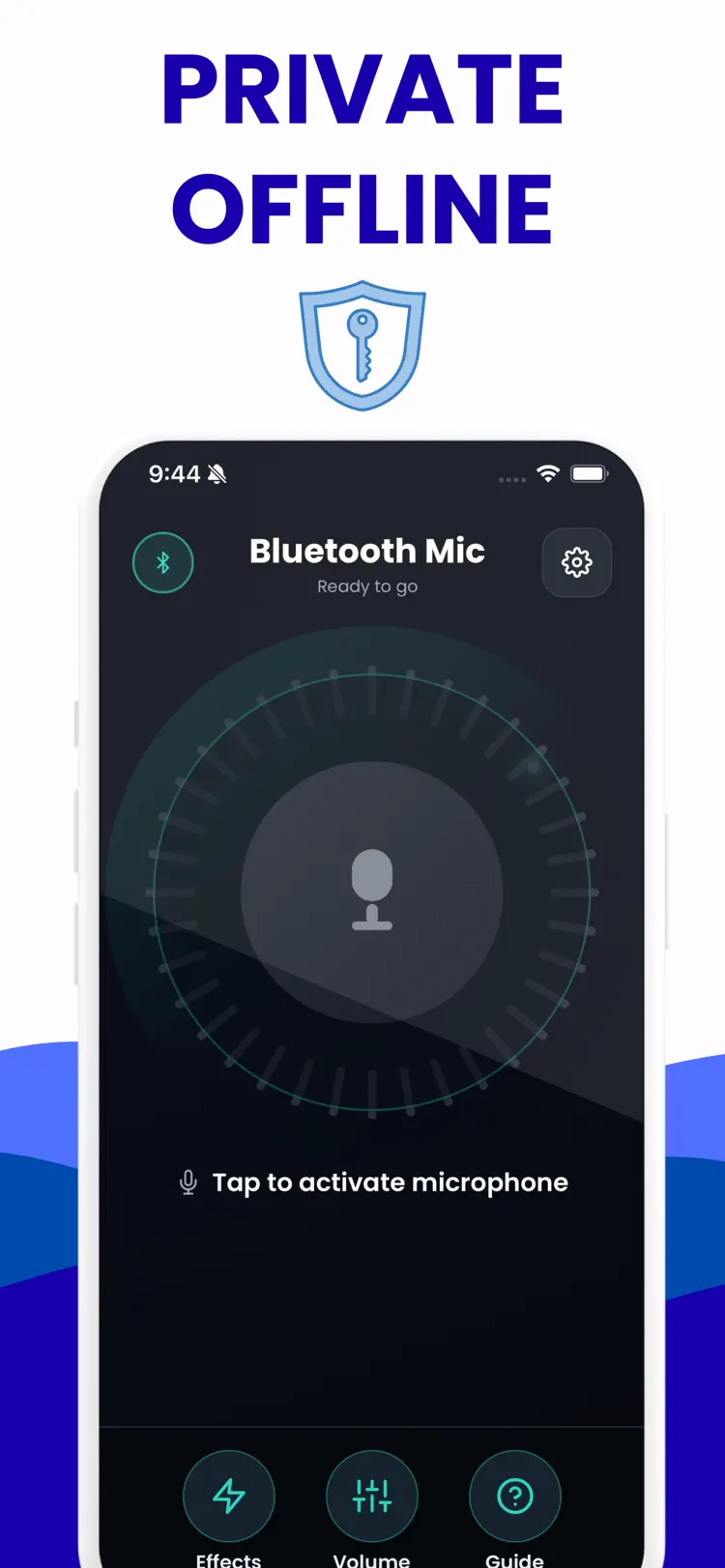
Why people use Bluetooth Mic
One job: your phone becomes the mic, any Bluetooth speaker becomes the PA. No mixer, no receiver, no cables.
Any Bluetooth speaker
Works with speakers, soundbars, headsets and car audio — whatever you can pair.
Live voice monitoring
Real-time feedback so you hear yourself as you speak, with minimal delay.
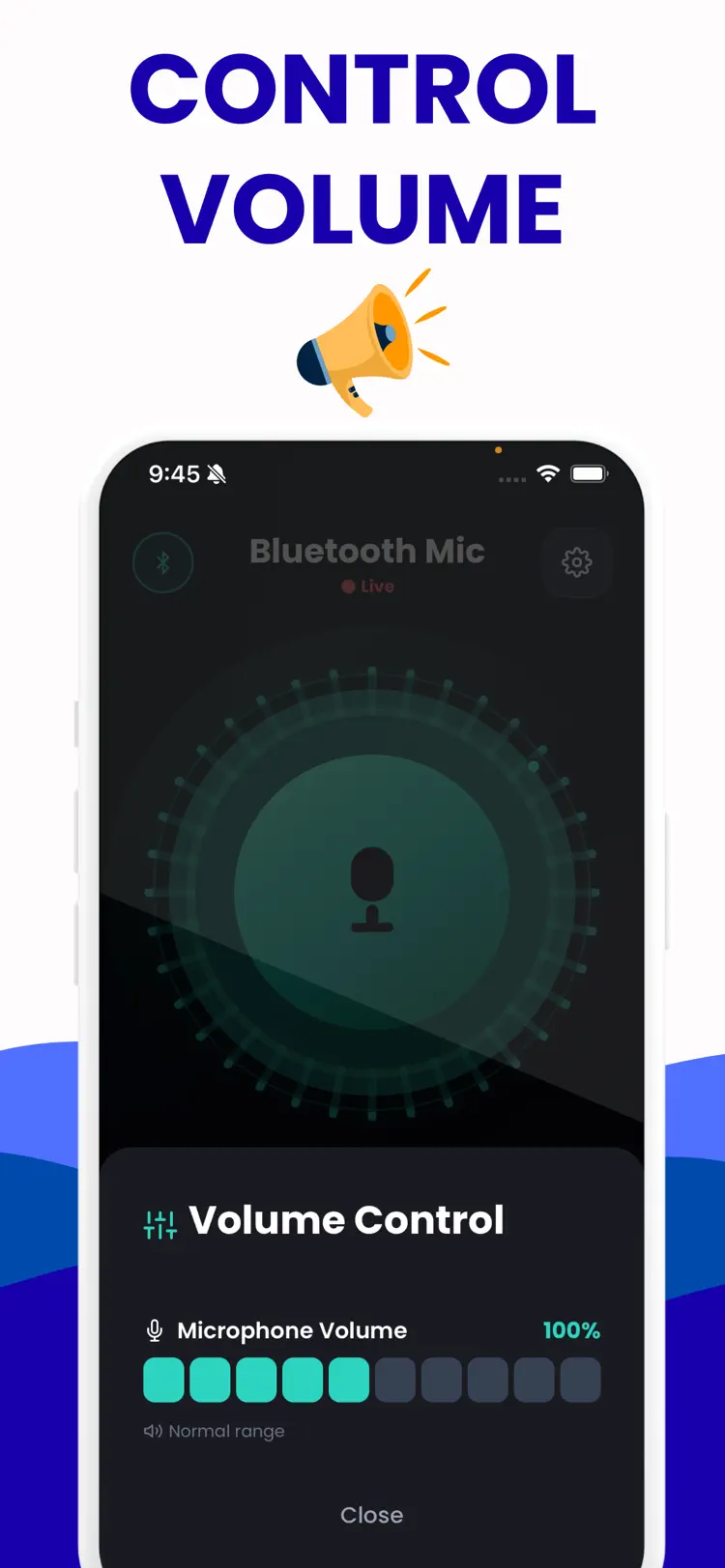
Adjustable gain
Dial the mic level up or down for the room, so you're clear without clipping.
One-tap connect
Pair once and reconnect automatically — no reconfiguring every time.
Works offline
No account and no internet needed; set up and go anywhere.
Nothing recorded
Audio is passed through live and stays on your device — no recordings stored.
How it works
From phone to PA system in under a minute.
Pair your speaker
Connect your Bluetooth speaker, soundbar or car audio to your iPhone as normal.
Open the app and connect
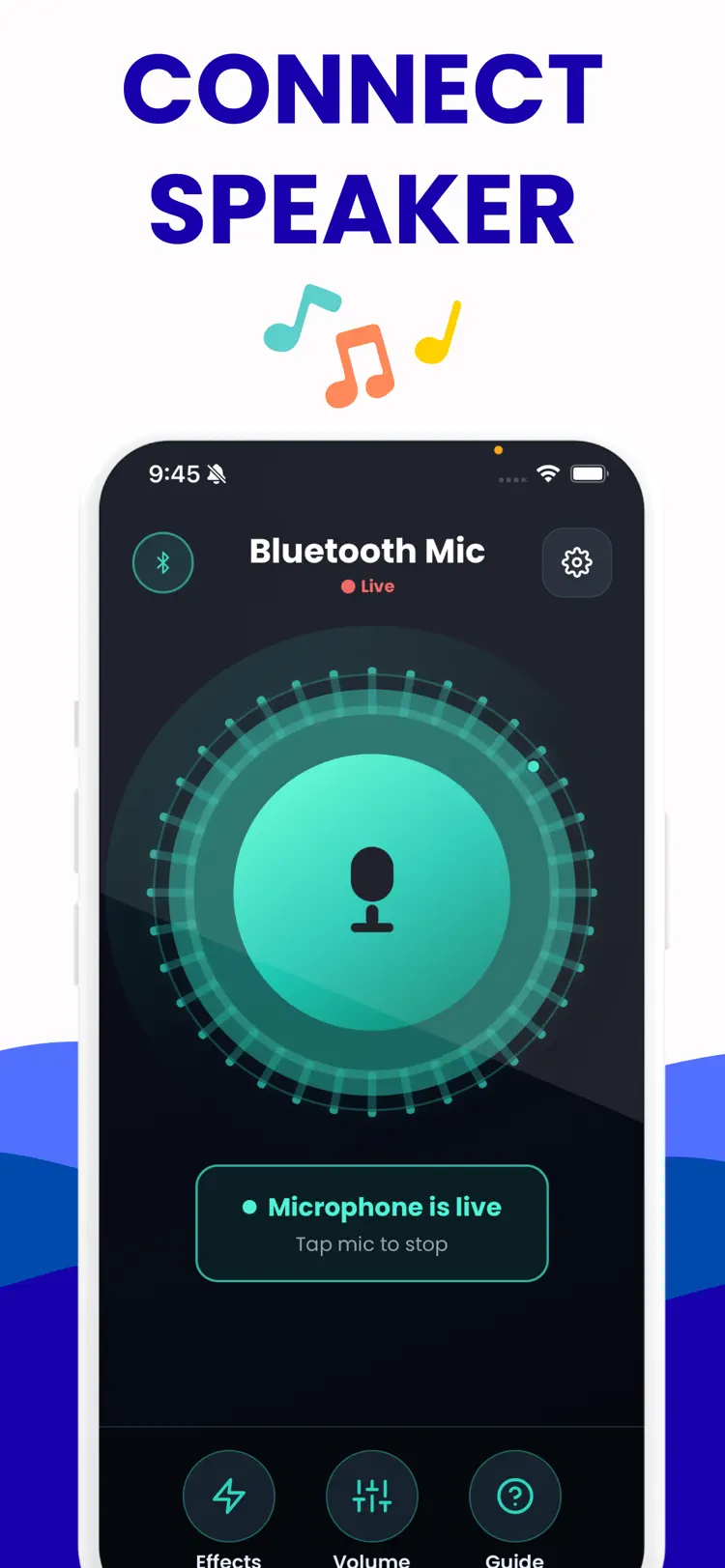
Tap to route the mic to your speaker, and set the gain for the room.
Speak
Your voice plays live through the speaker — announcements, karaoke, teaching, done.
Guides & how-tos
Straight answers to the questions people actually search for — including when the built-in iPhone tools are enough and when the app is the better choice.
How to Use Your iPhone as a Microphone for a Bluetooth Speaker
Step-by-step: turn your iPhone into a live wireless mic that plays through any Bluetooth speaker. Setup, gain, and how to keep delay to a minimum.
Read the guide →iPhone Karaoke: Use Your Phone as the Microphone
Set up karaoke at home using your iPhone as the mic and any Bluetooth speaker. How to play music and mic together, balance levels, and handle delay.
Read the guide →Bluetooth Microphone App With No Delay: What's Actually Possible
There's no such thing as zero Bluetooth mic delay — but you can get close. What causes latency, realistic expectations, and every setting that reduces it.
Read the guide →Turn Your iPhone into a PA System for Announcements
Use your iPhone as a portable PA: route your voice to any Bluetooth speaker for events, classrooms, coaching and announcements. Setup, gain and feedback tips.
Read the guide →Frequently asked questions
Quick answers about features, pricing, compatibility, and privacy.
How do I use my iPhone as a microphone for a Bluetooth speaker?
Can I use it for karaoke?
Is there audio delay (latency)?
Can I use it for announcements or as a PA?
Does it record my voice?
Is it free?
Is Bluetooth Mic available for both iPhone and Android?
Try Bluetooth Mic on iPhone or Android
Choose your platform for current features, compatibility, pricing, and privacy disclosures on the official store listing.