
Boost bass and shape audio on your iPhone
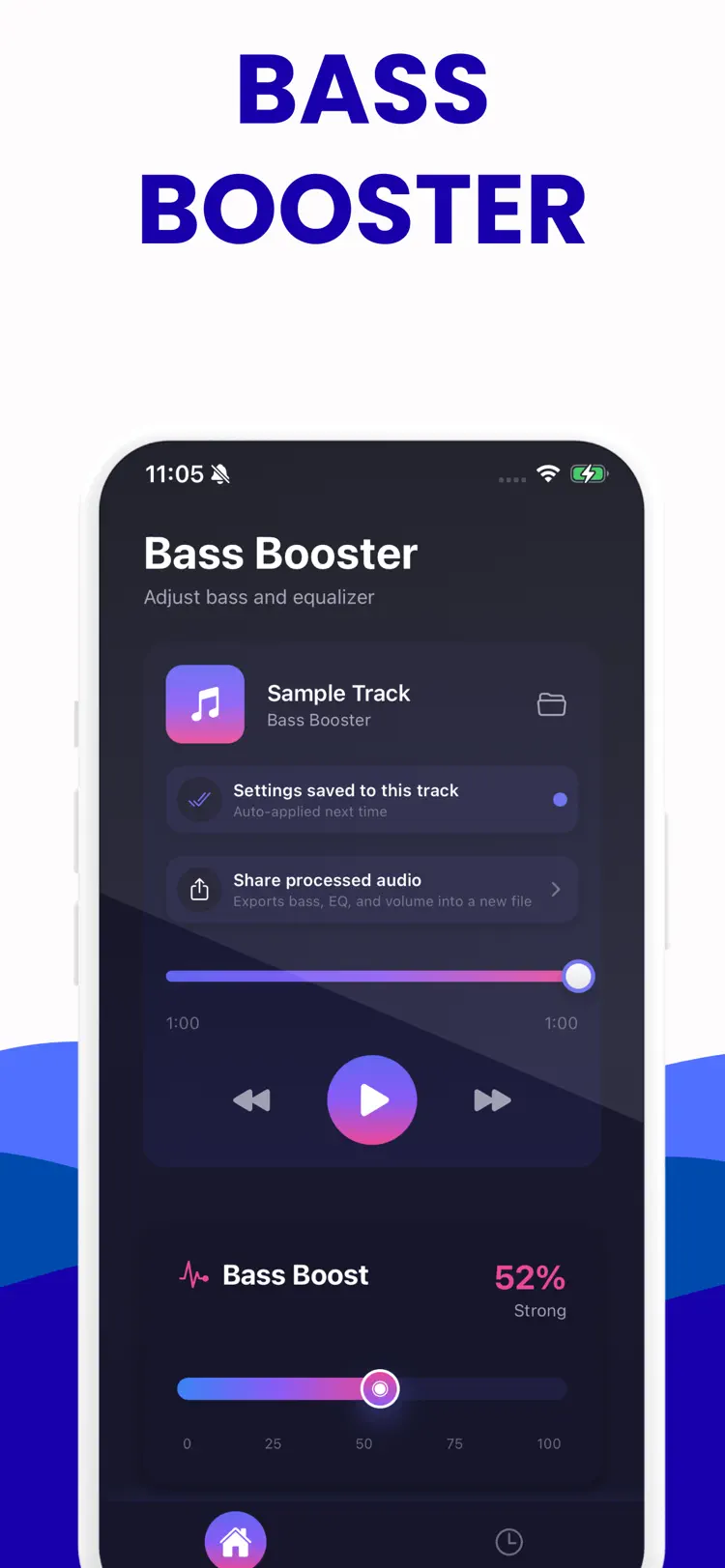
Bass Booster is a bass booster and equalizer built for fast control and big low end. Enhance any audio file with a smooth bass boost slider and a five band equalizer that lets you shape the sound exactly how you want.
Why people use Bass Booster
Highlights taken from the app's current App Store listing.
Enhance any audio file
Enhance any audio file with a smooth bass boost slider and a five band equalizer that lets you shape the sound exactly how you want.
Load your track or start
Load your track or start with the included sample and hear the difference right away.
Increase bass for deeper impact
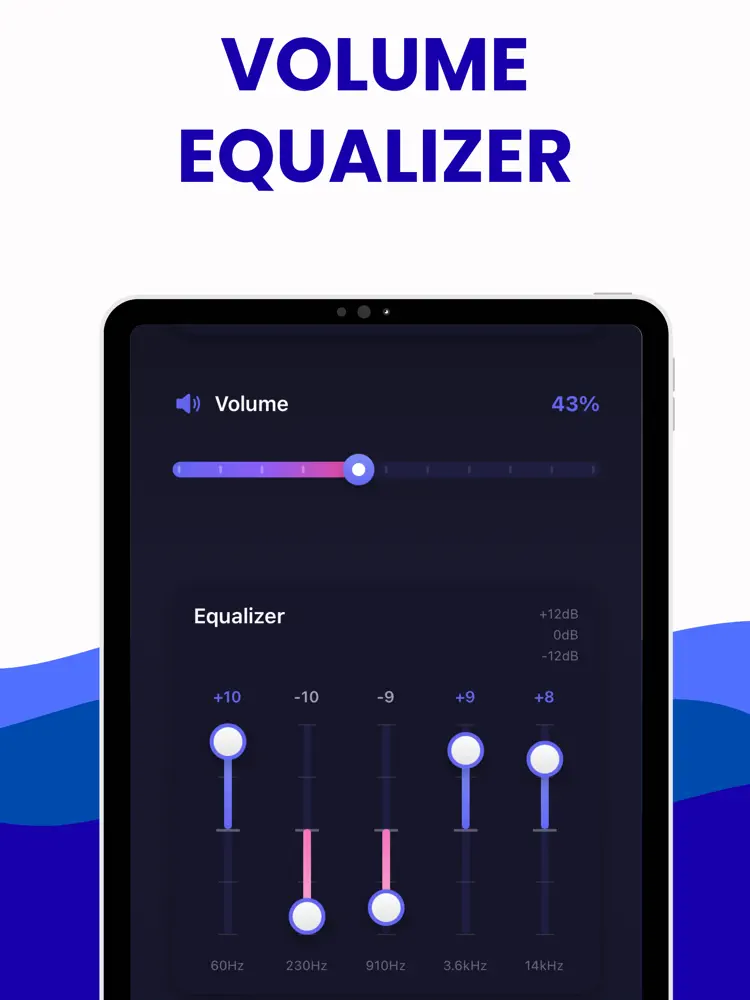
Increase bass for deeper impact, tighten mids for clarity, and brighten highs for detail.
Adjust volume without clipping and keep
Adjust volume without clipping and keep playback smooth while you tune your mix.
Save settings to each track so
Save settings to each track so your sound is always ready.
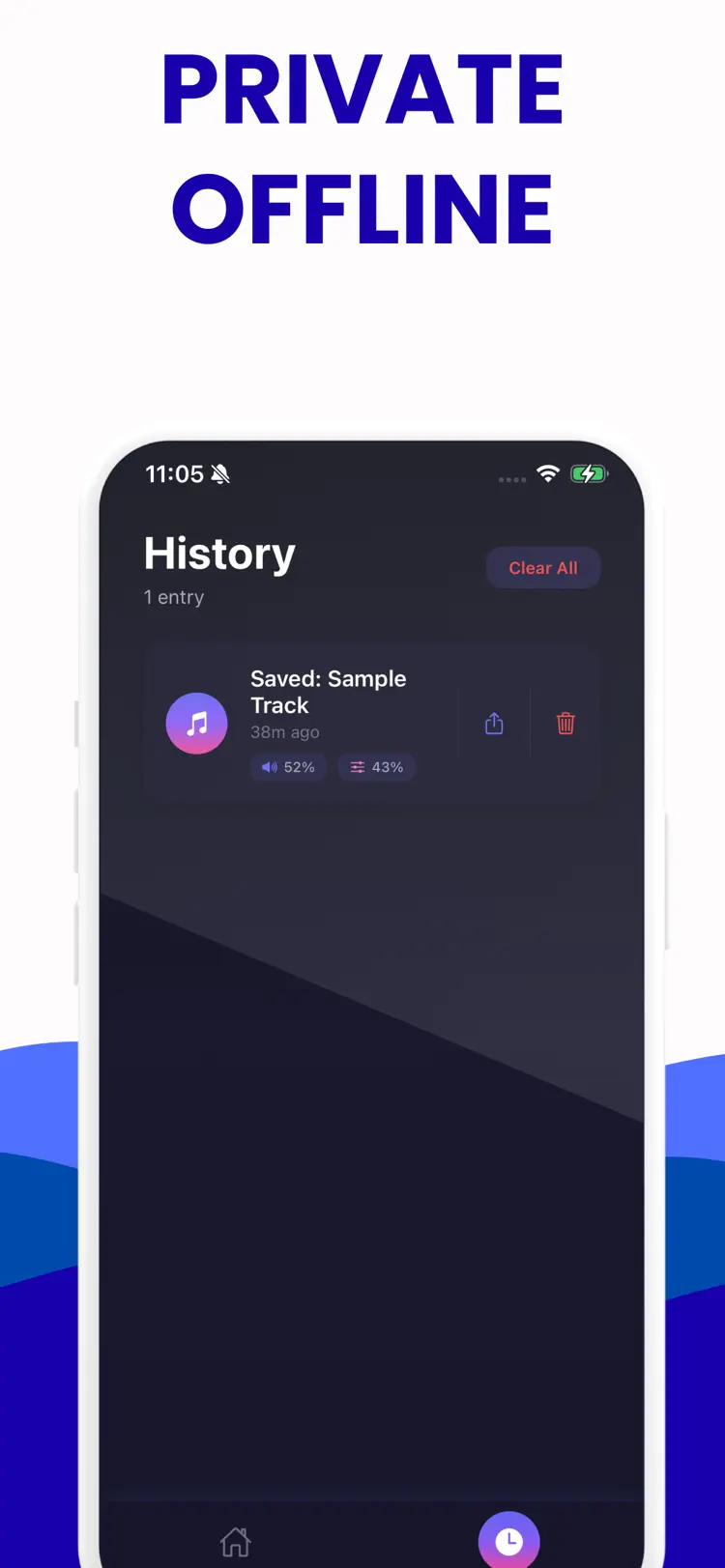
History keeps your previous mixes in one place
History keeps your previous mixes in one place, so you can revisit or share them any time.
How it works
How to boost bass and shape audio in three steps.
Choose the audio setup
Select an audio track and connect the headphones or speaker you plan to use.
Adjust carefully
Start at a moderate level, then change the available sound controls gradually.
Listen and save
Preview the result, protect your hearing, and save or share when the sound is right.
Frequently asked questions
Quick answers about features, pricing, compatibility, and privacy.
What does Bass Booster do?
Is Bass Booster free?
Which iPhone version does Bass Booster support?
How does Bass Booster handle privacy?
When was Bass Booster last updated?
Try Bass Booster on iPhone
Open the official App Store listing for the latest features, compatibility, pricing, and privacy details.