
Create barcodes and scan QR codes on your iPhone
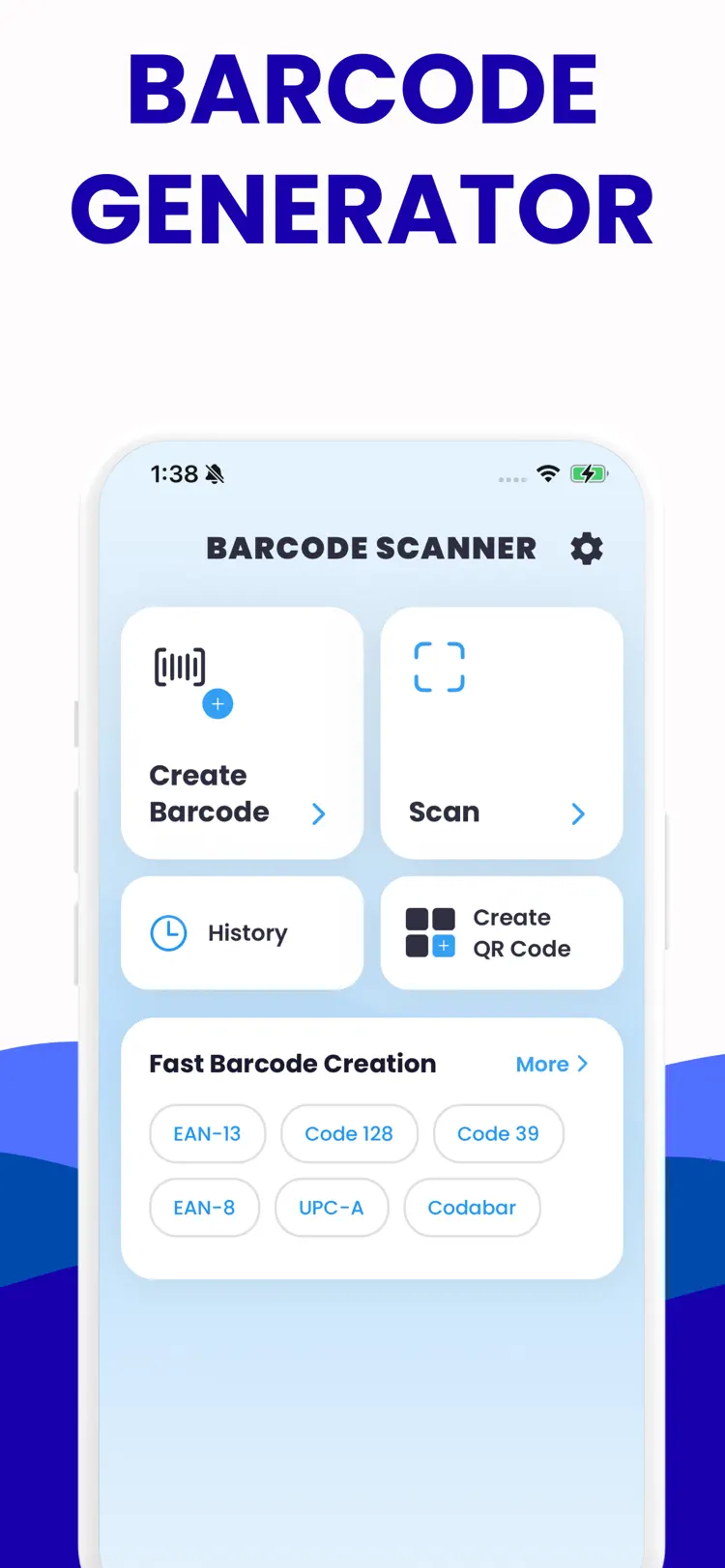
Barcode Generator - QR Scanner. Turn your iPhone into a fast barcode and QR powerhouse. Barcode Generator: QR Scanner lets you create polished codes, scan instantly, and manage them all in one secure place. Perfect for shopping, tickets,…

Why people use Barcode Generator
Highlights taken from the app's current App Store listing.
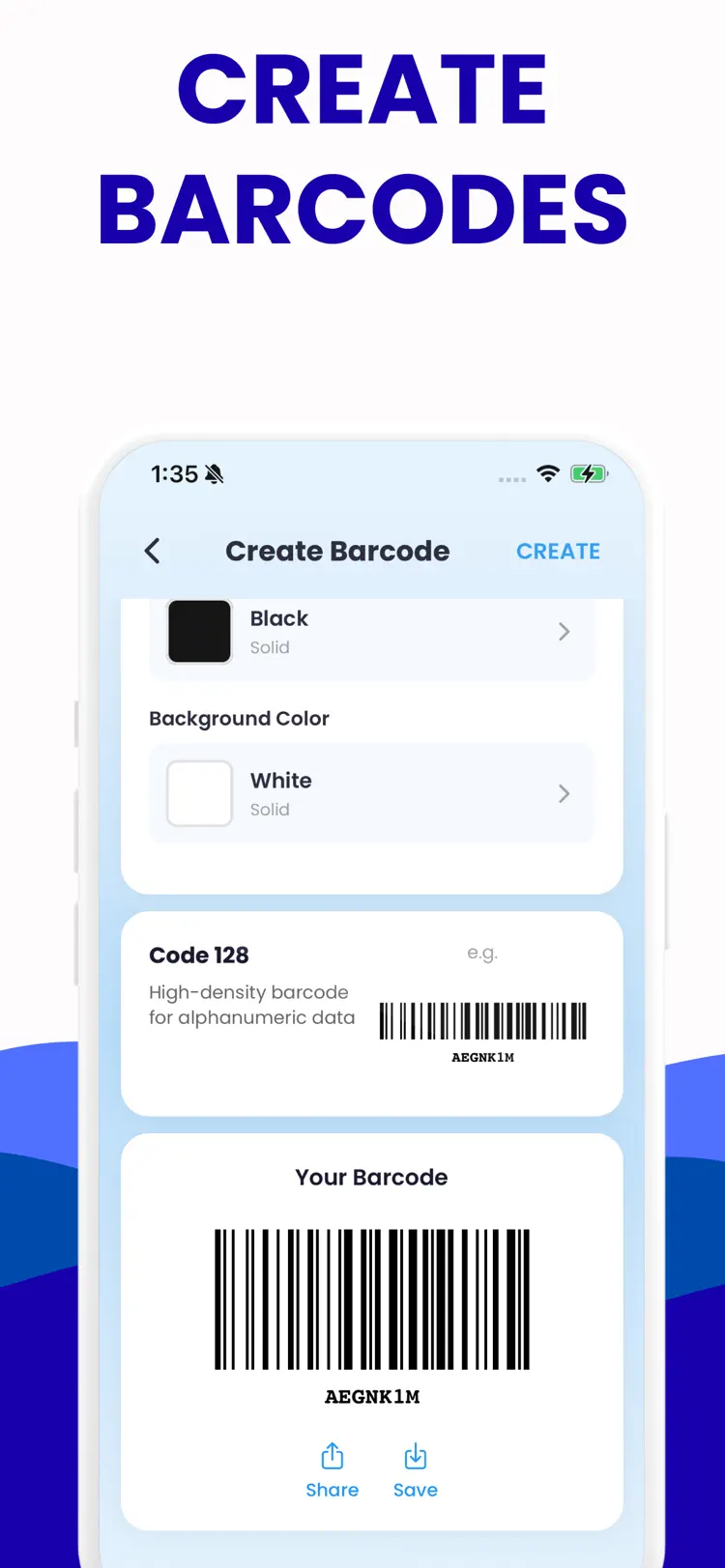
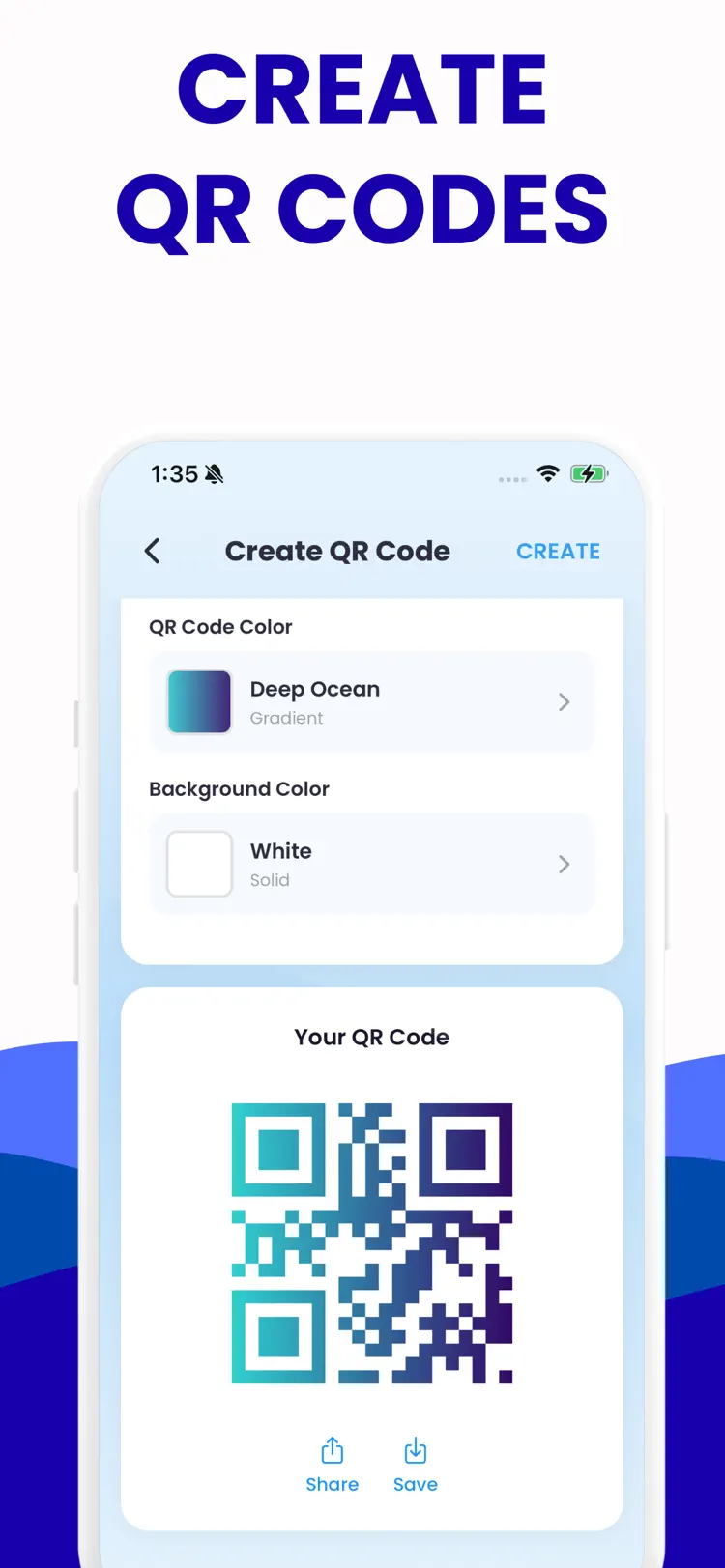
Create barcodes and QR codes with text
Create barcodes and QR codes with text, links, contacts, Wi‐Fi, calendar events, and more
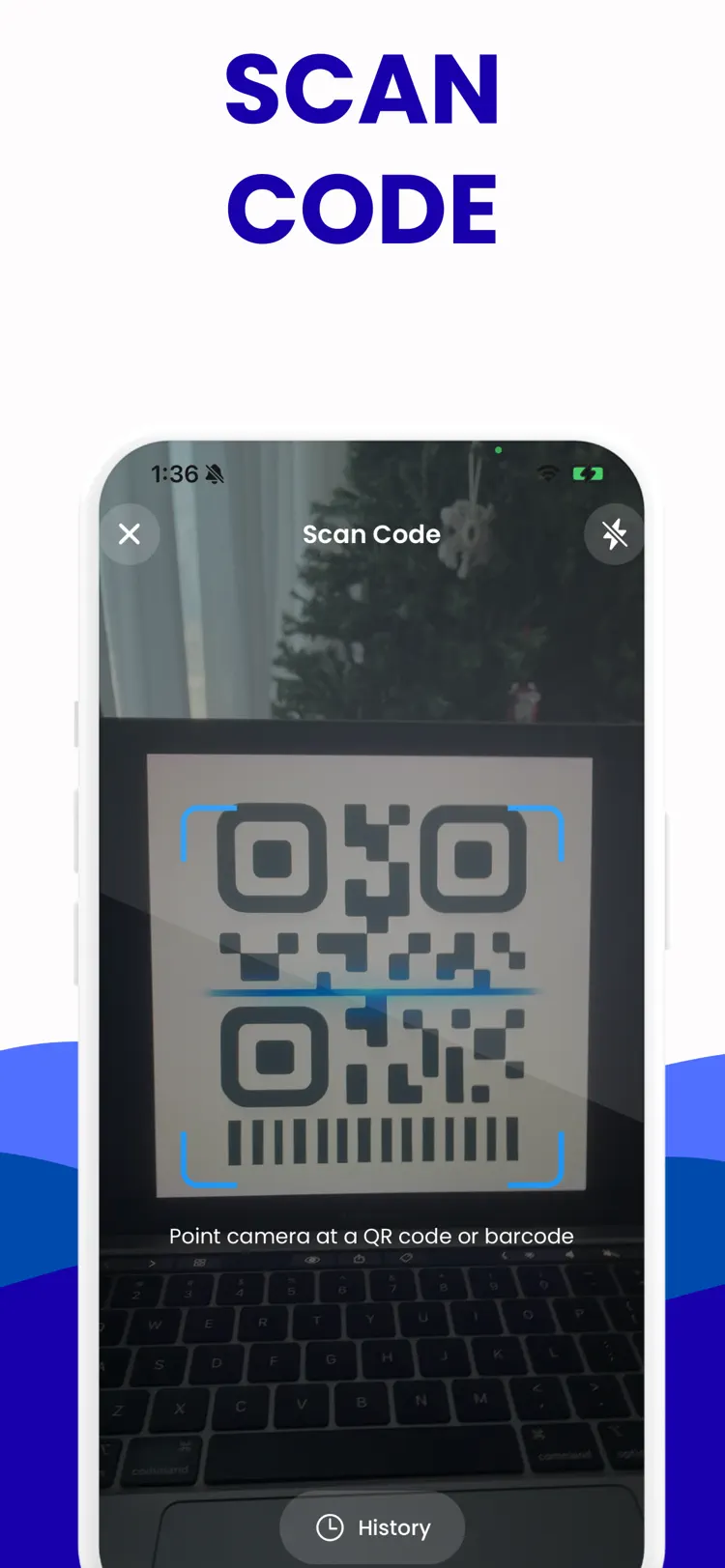
Scan any QR code or barcode
Scan any QR code or barcode quickly with auto-detect and history
Save, favorite, and organize codes
Save, favorite, and organize codes with folders and search
Customize with colors
Customize with colors, labels, and export options
Offline creation and history access; no
Offline creation and history access; no account required
Secure by design
your scans stay on device
How it works
How to create barcodes and scan QR codes in three steps.
Add a clear image
Take or choose code data or a code to scan in good, even light.
Run the scan
Keep the subject centered and let the app process the visible details.
Review the result
Check the result and supporting information before saving or sharing it.
Frequently asked questions
Quick answers about features, pricing, compatibility, and privacy.
What does Barcode Generator do?
Is Barcode Generator free?
Which iPhone version does Barcode Generator support?
How does Barcode Generator handle privacy?
When was Barcode Generator last updated?
Try Barcode Generator on iPhone
Open the official App Store listing for the latest features, compatibility, pricing, and privacy details.