

Convert bank statements to Excel or CSV on your iPhone
Stop retyping bank statements by hand. Bank Statement turns any PDF, scanned page, or photo of a statement into a ready-to-use spreadsheet in seconds.
Why people use Bank Statement Converter Excel
Highlights taken from the app's current App Store listing.
Import from anywhere
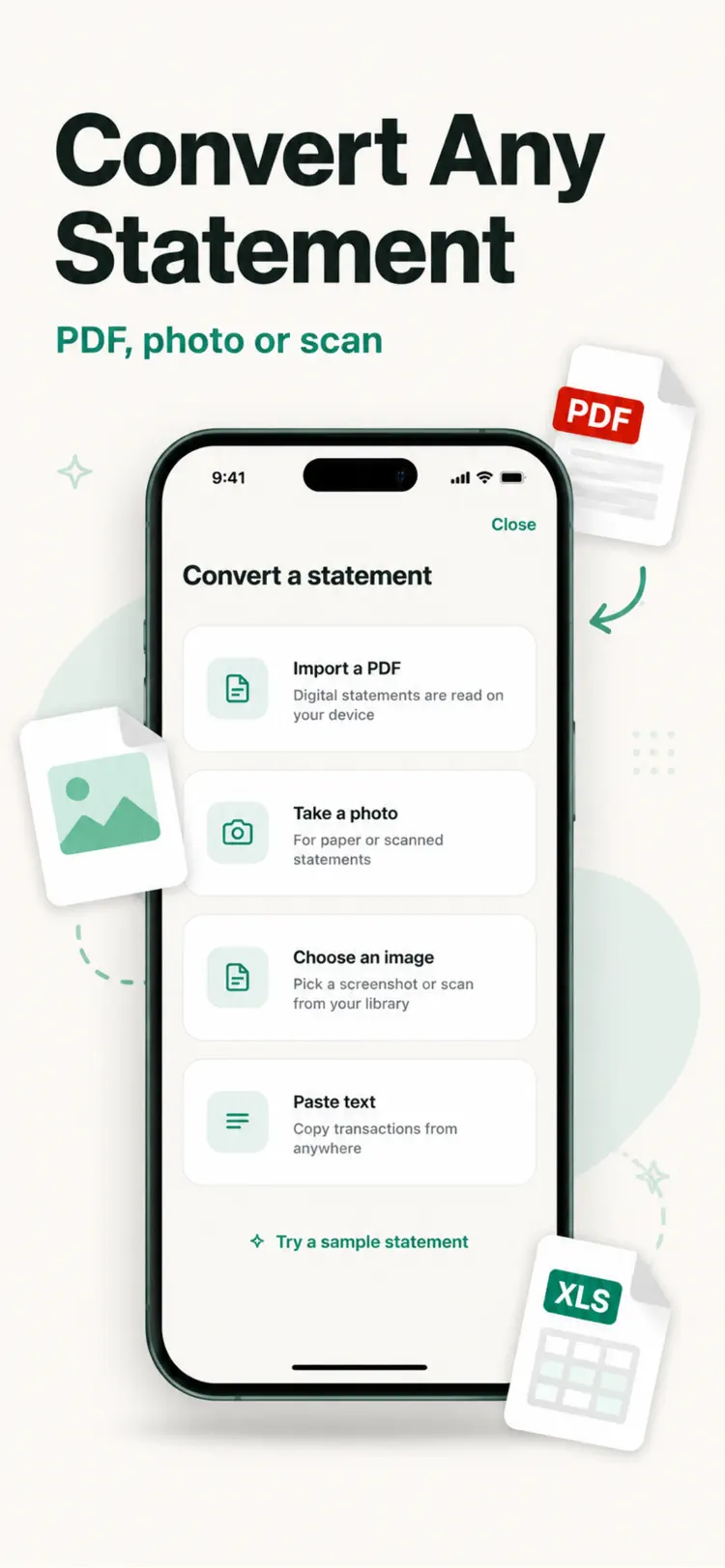
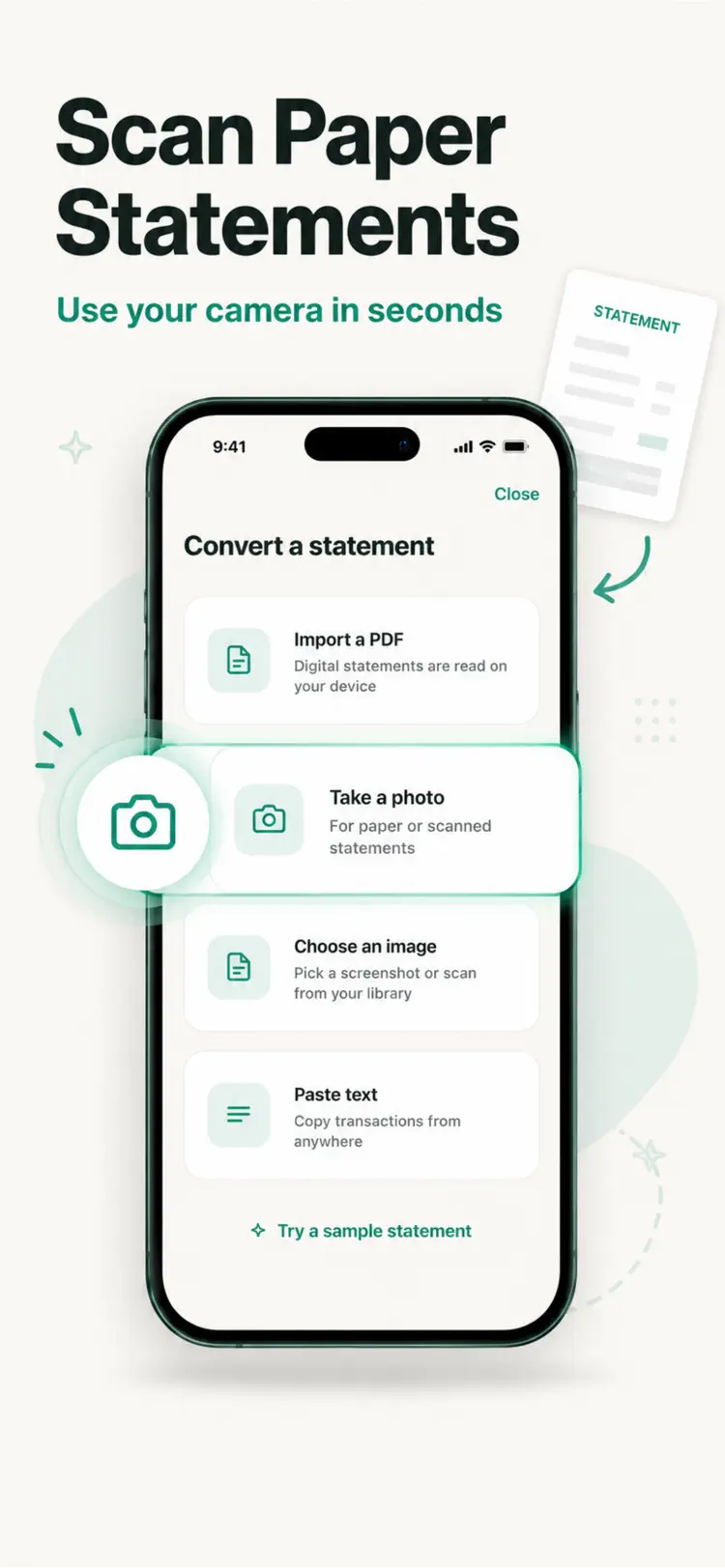
Upload a PDF statement directly from your bank, snap a photo of a paper statement, or choose a screenshot or scan from your photo library.
Accurate transaction parsing
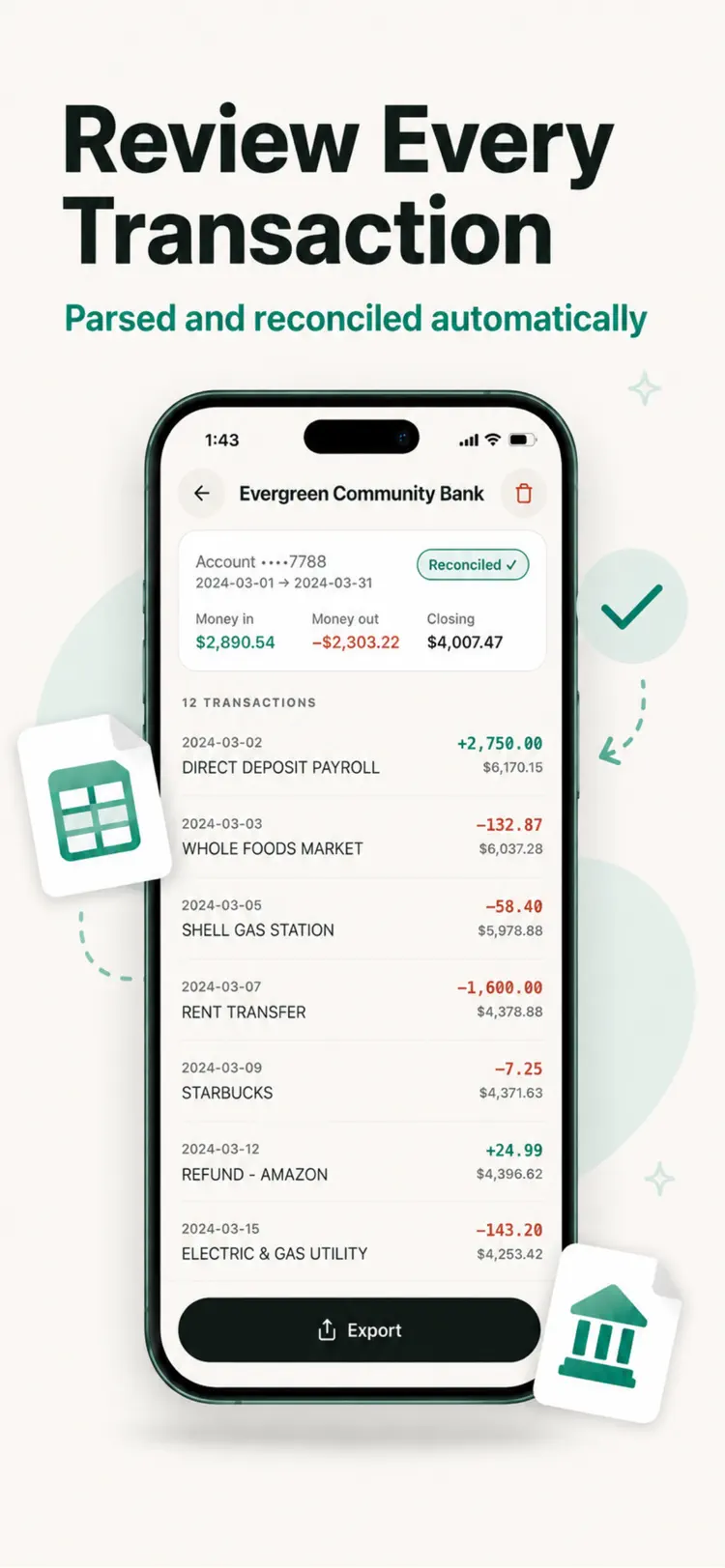
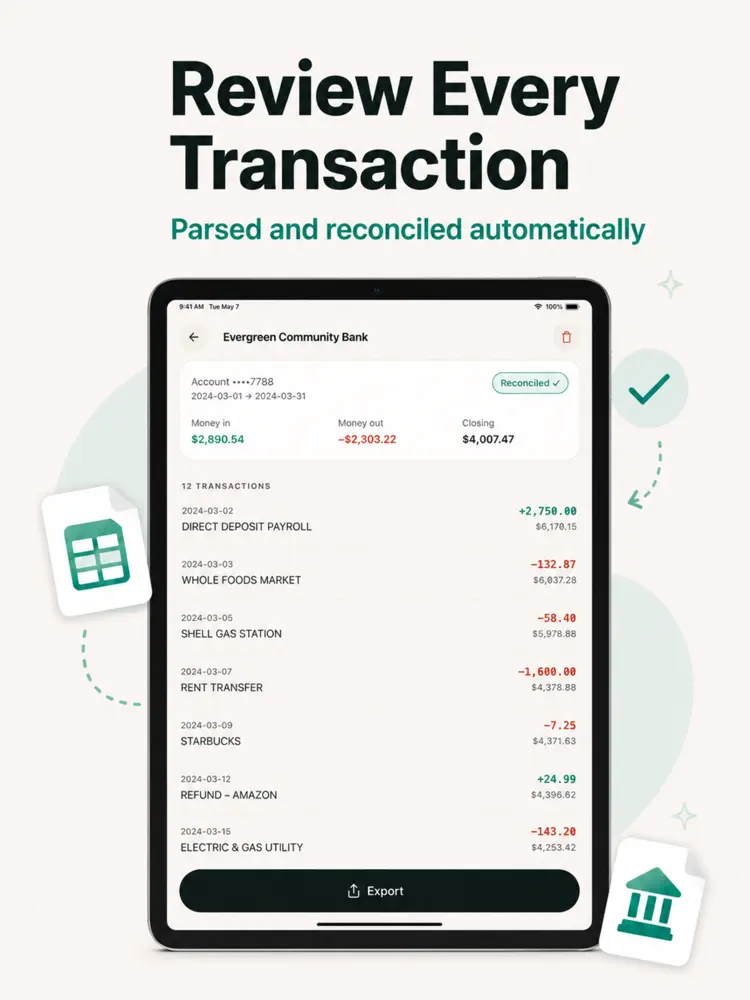
Dates, descriptions, debits, and credits are automatically detected and organized into rows and columns, even across multi-page statements.
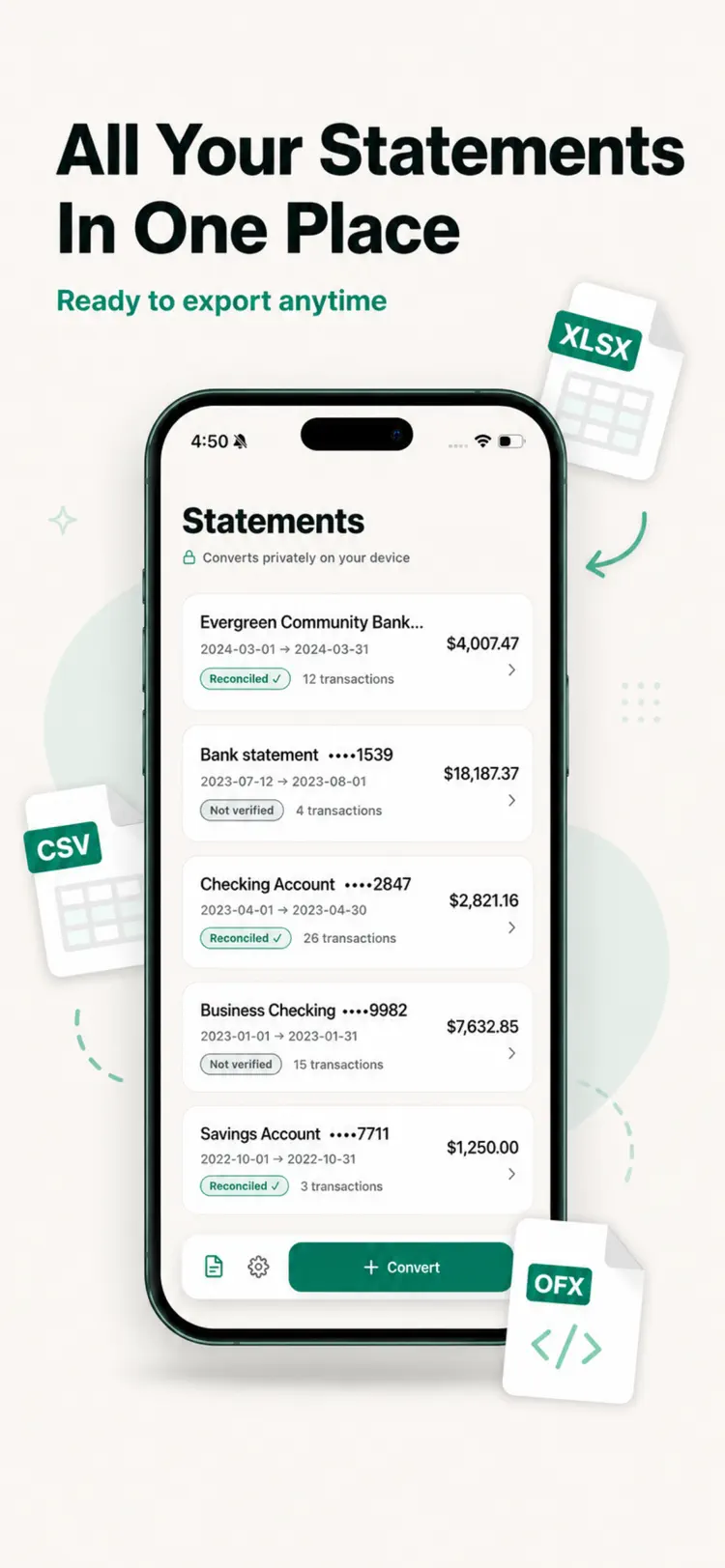
Export to Excel and CSV
Automatic reconciliation
Running balances are checked against transaction totals so you can catch missing or misread entries before you rely on the data.
Multi-currency and multi-language support
Built for real use cases
How it works
How to convert bank statements to Excel or CSV in three steps.
Start a document
Import or enter a bank statement PDF or image.
Review the details
Arrange the content and use the available formatting or document tools.
Export the result
Save the finished document and share it through the iPhone share sheet.
Frequently asked questions
Quick answers about features, pricing, compatibility, and privacy.
What does Bank Statement Converter Excel do?
Is Bank Statement Converter Excel free?
Which iPhone version does Bank Statement Converter Excel support?
How does Bank Statement Converter Excel handle privacy?
When was Bank Statement Converter Excel last updated?
Try Bank Statement Converter Excel on iPhone
Open the official App Store listing for the latest features, compatibility, pricing, and privacy details.