

Caption any video on your phone — no watermark, no upload
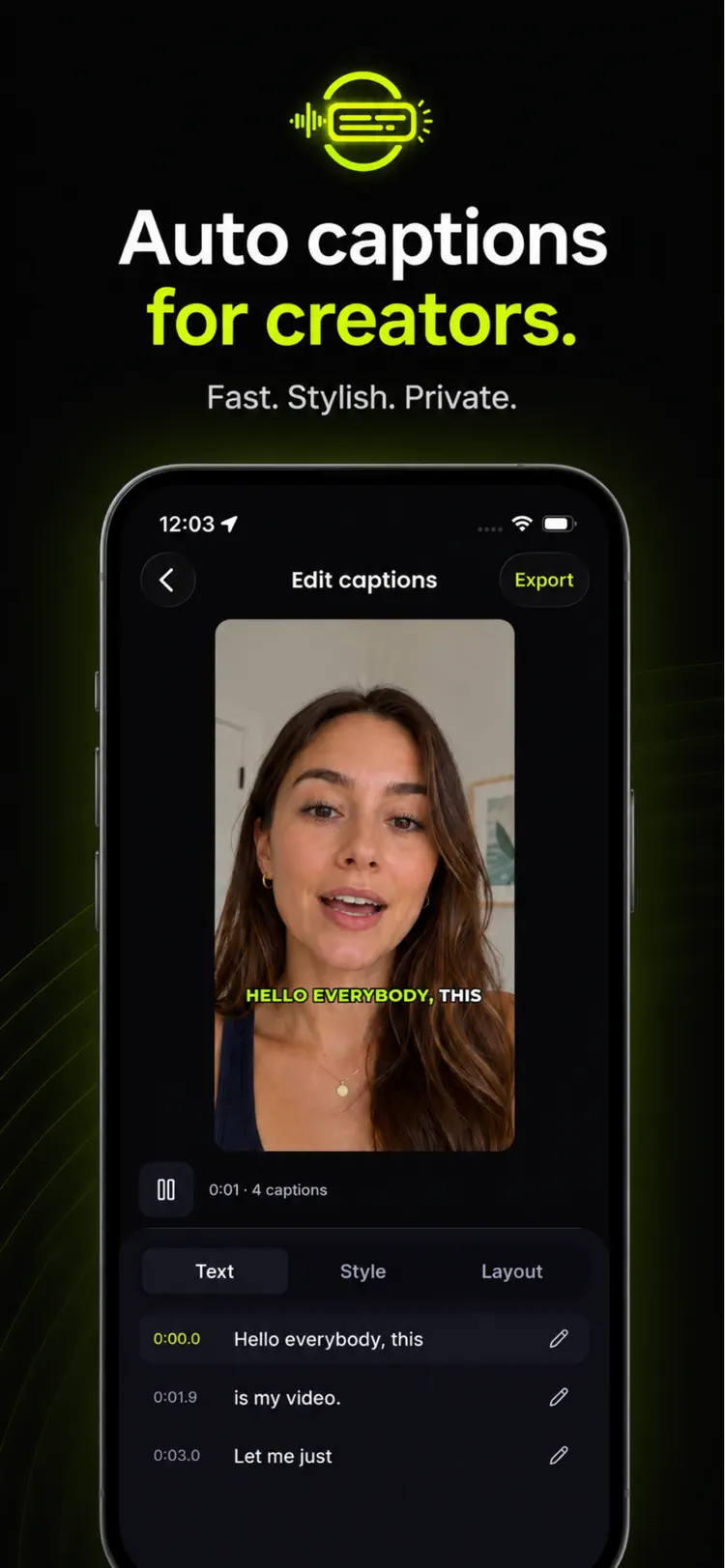
Pick a clip and get word-by-word timed subtitles in seconds. Transcription runs on your device, so the video never leaves your phone, and exports come out clean at full quality. Free on iPhone and Android.
Also available for Android through the official Google Play listing. Features and compatibility can vary by platform.
Why people use Auto Captions
Everything the subscription apps charge for — transcription, styling, a real editor, clean exports — running offline on your phone.
Transcribes on-device
Speech becomes word-by-word timed captions in seconds. Nothing is uploaded, so it works in airplane mode and there is no server to wait on.
No watermark, ever
Exports come out at full quality with nothing stamped on them. It's your video and your brand, not an advert for the app.
Styles that perform
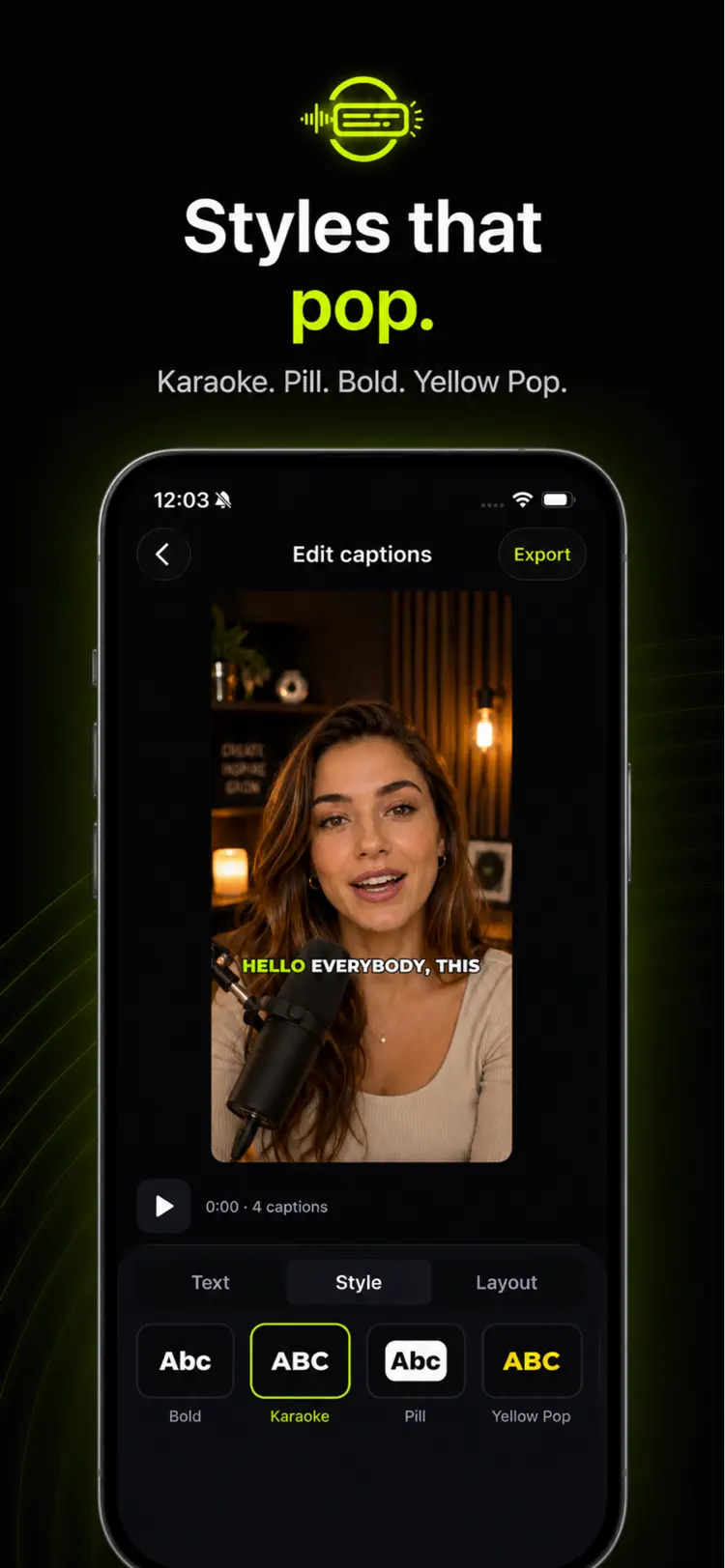
Karaoke highlight, bold outline, yellow pop, caption pill and more. Pick one and every caption in the project updates instantly.
A real caption editor
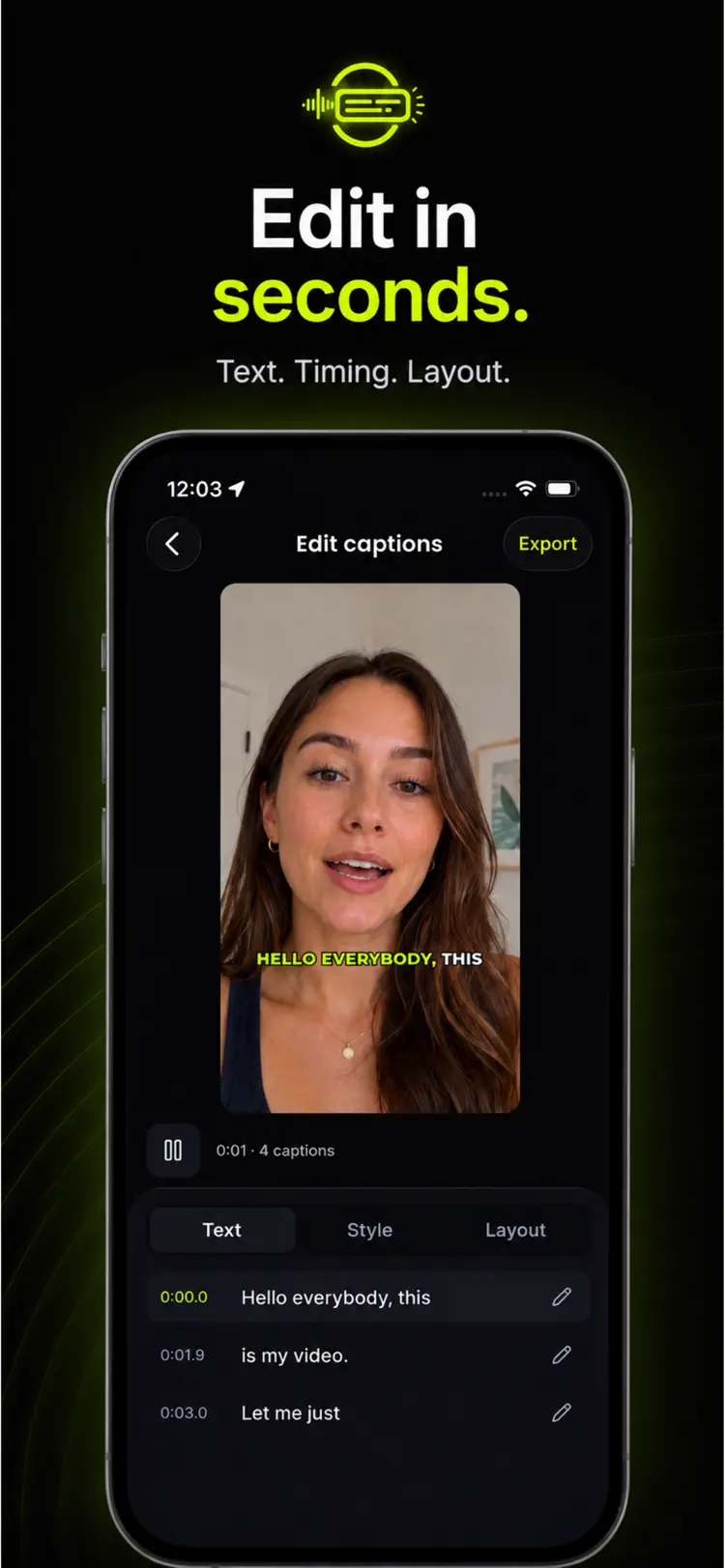
Fix any word with a tap, choose how many words show per line, drag captions anywhere on the frame, resize them, retime them, or add one by hand.
SRT export is always free
Save your captions as a standard .srt file and carry them into any editing app, player or publishing platform — no upgrade required.
Projects stay saved
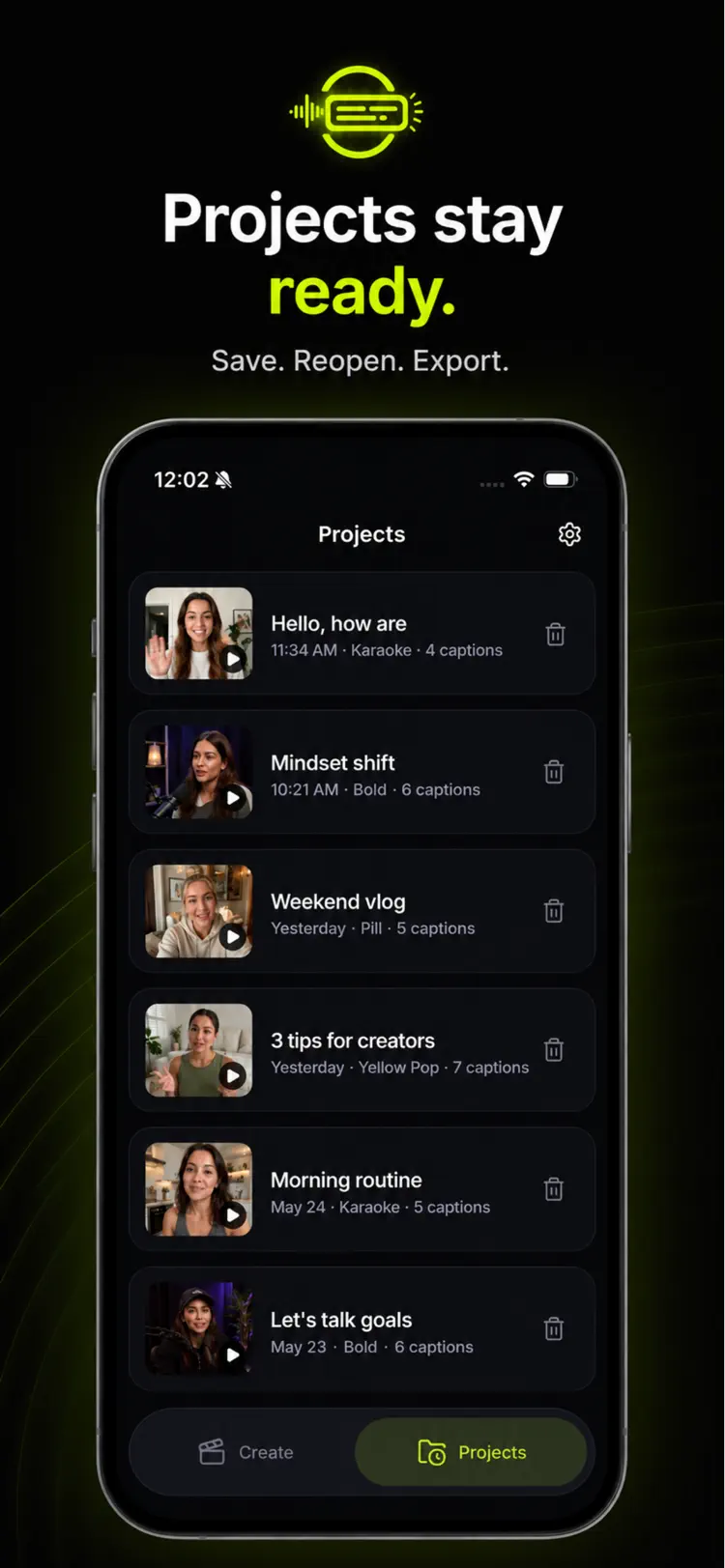
Every caption project stays in the app, so you can reopen it later, restyle it for a different platform, and export it again.
How it works
From raw clip to captioned video in about a minute.
Pick a video
Choose any clip from your photo library. Transcription starts on your device — no account, no upload, no sign-up.
Style and fix
Choose a caption style, then correct any misheard word, set words per line, and drag the captions where you want them on the frame.
Export clean
Save the captioned video with no watermark, or export just the .srt subtitle file to use somewhere else.
Guides & how-tos
Straight answers to the questions people actually search for — including when the built-in iPhone tools are enough and when the app is the better choice.
How to Add Subtitles to a Video on iPhone (Free, 2026)
Three ways to add subtitles to a video on iPhone: an on-device captions app, CapCut's auto-captions, and typing them by hand — with the real catch in each.
Read the guide →Free Auto-Caption Apps for iPhone: What's Actually Free
Most 'free' caption apps watermark your export or cap you at a few clips. Here's what each one really gives you before asking for a subscription.
Read the guide →Auto-Captions Getting Words Wrong? Here's How to Fix It
Why automatic captions mishear names, jargon and accents — plus how to record so it happens less, and how to correct what slips through.
Read the guide →How to Export an SRT Subtitle File from Your iPhone
What an SRT file is, when to use one instead of burned-in captions, and how to get one off your iPhone and into YouTube, Premiere or CapCut.
Read the guide →Frequently asked questions
Quick answers — each one links to a full guide when there's more to know.
Is Auto Captions free?
Do the exported videos have a watermark?
Is my video uploaded to a server?
How accurate are the captions?
Can I use the captions in another editing app?
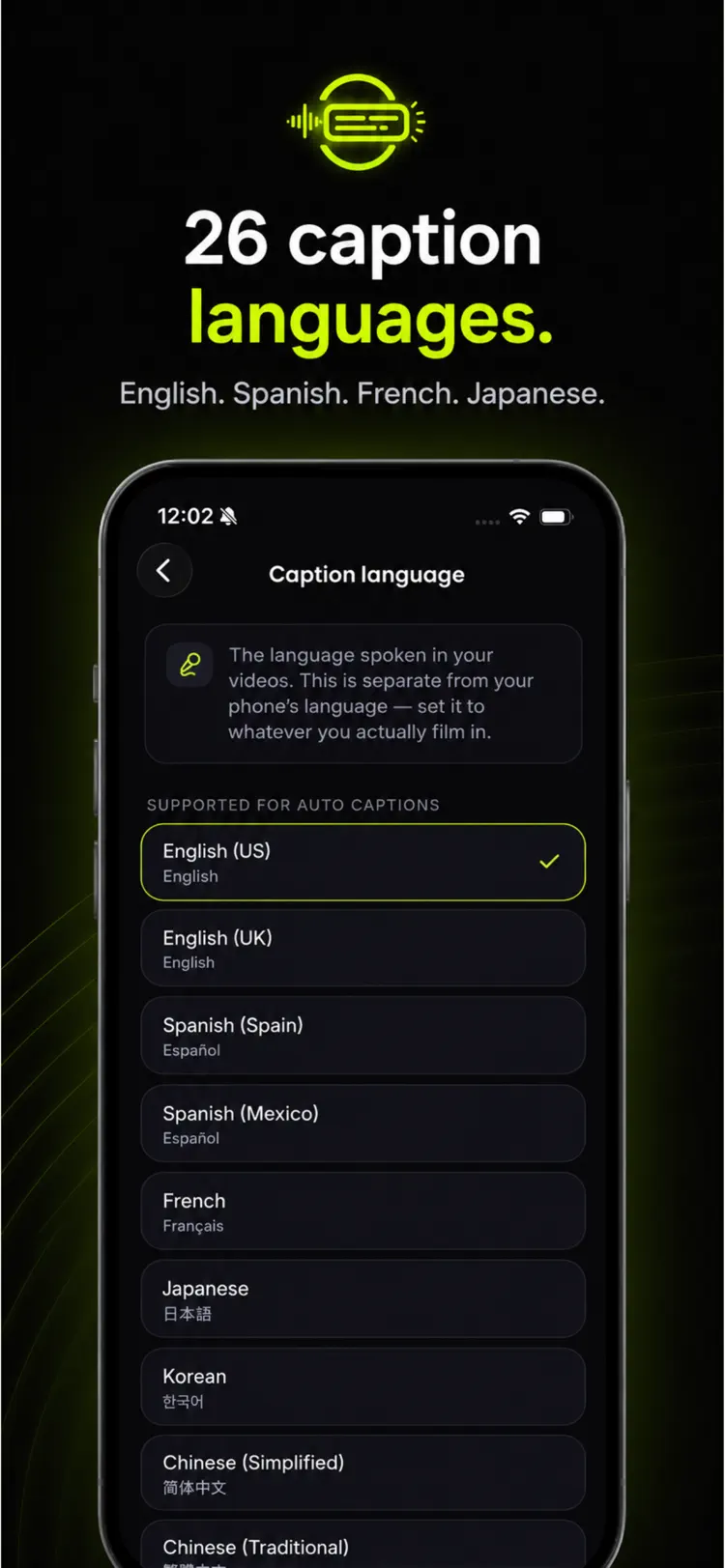
Which languages does it handle?
Caption your next video in a minute
Free to try on iPhone and Android. No account, no upload, no watermark.