

Visualize room and interior design ideas on your iPhone
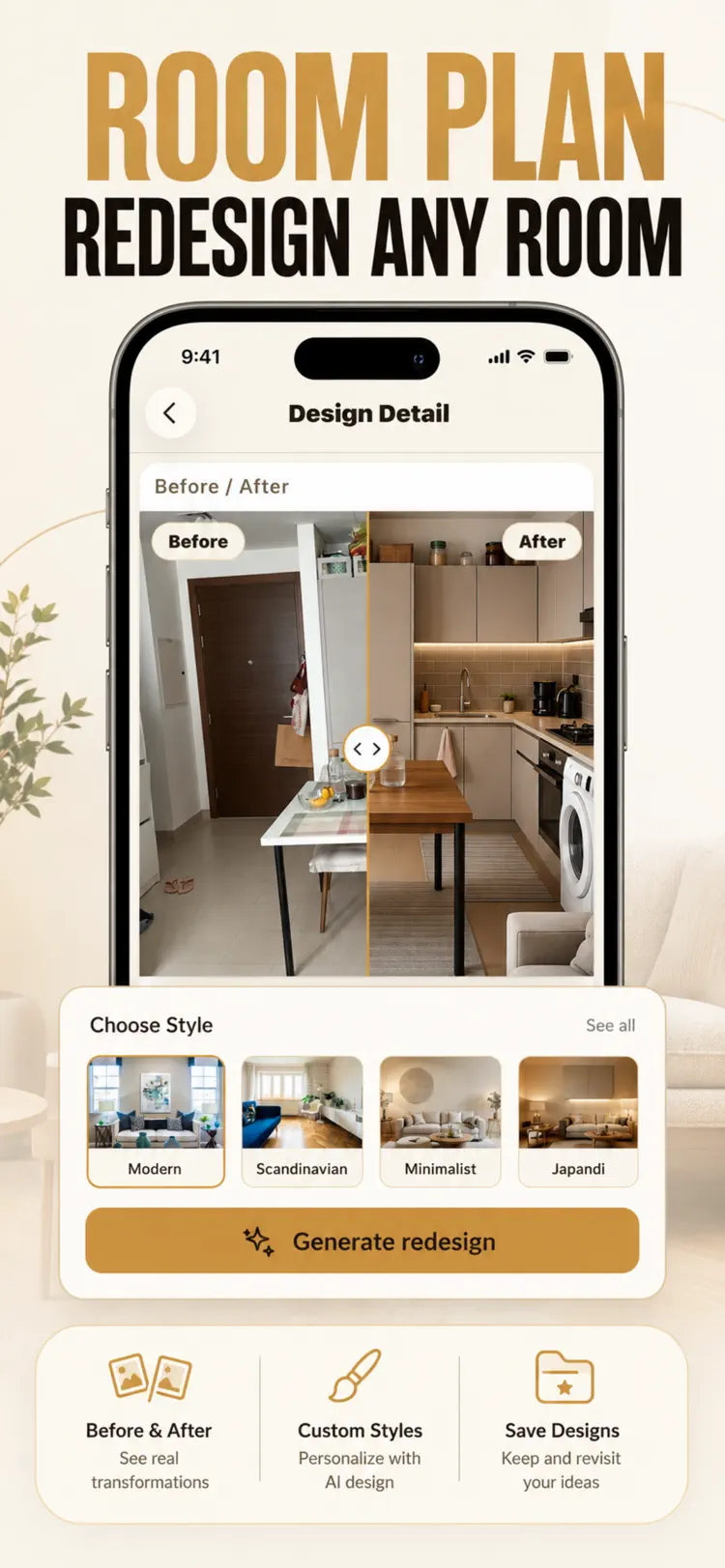
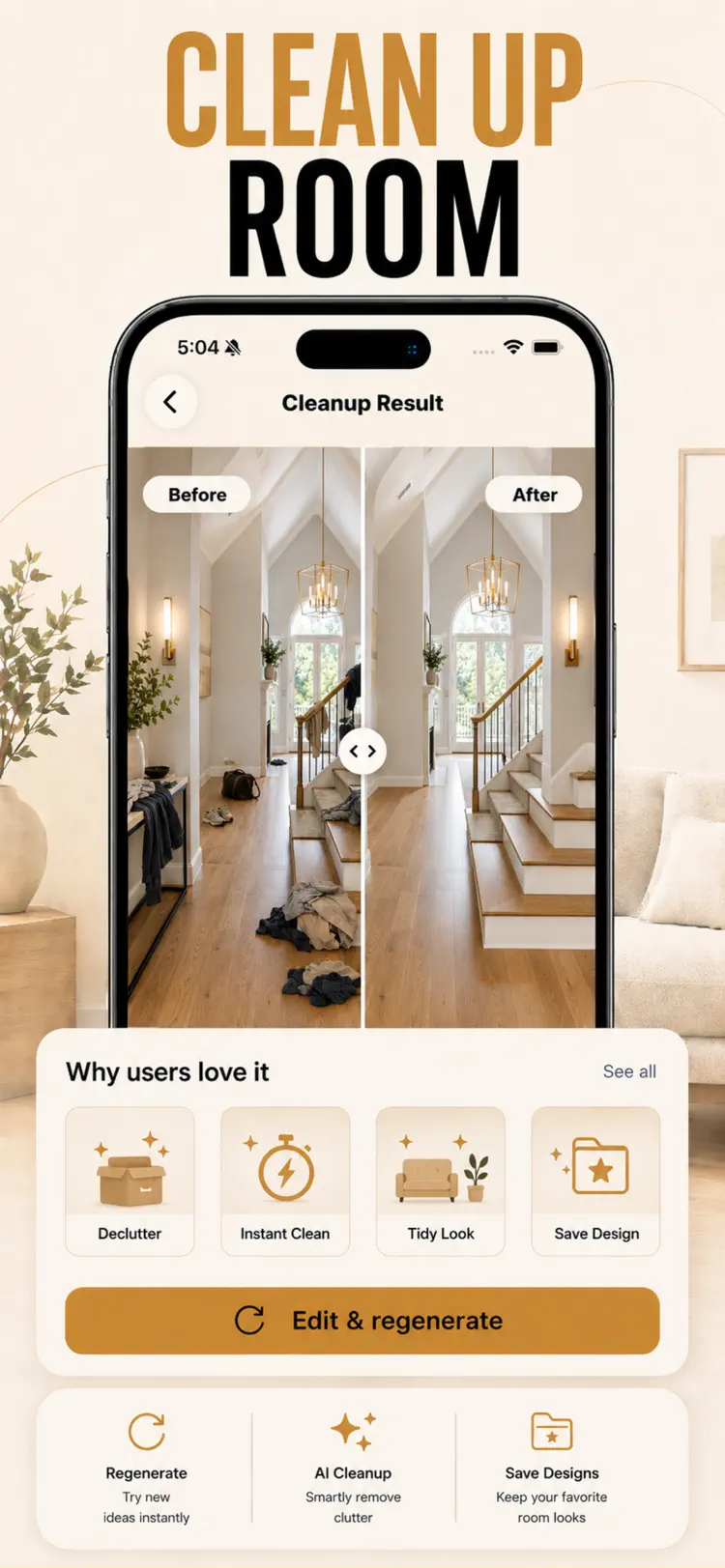
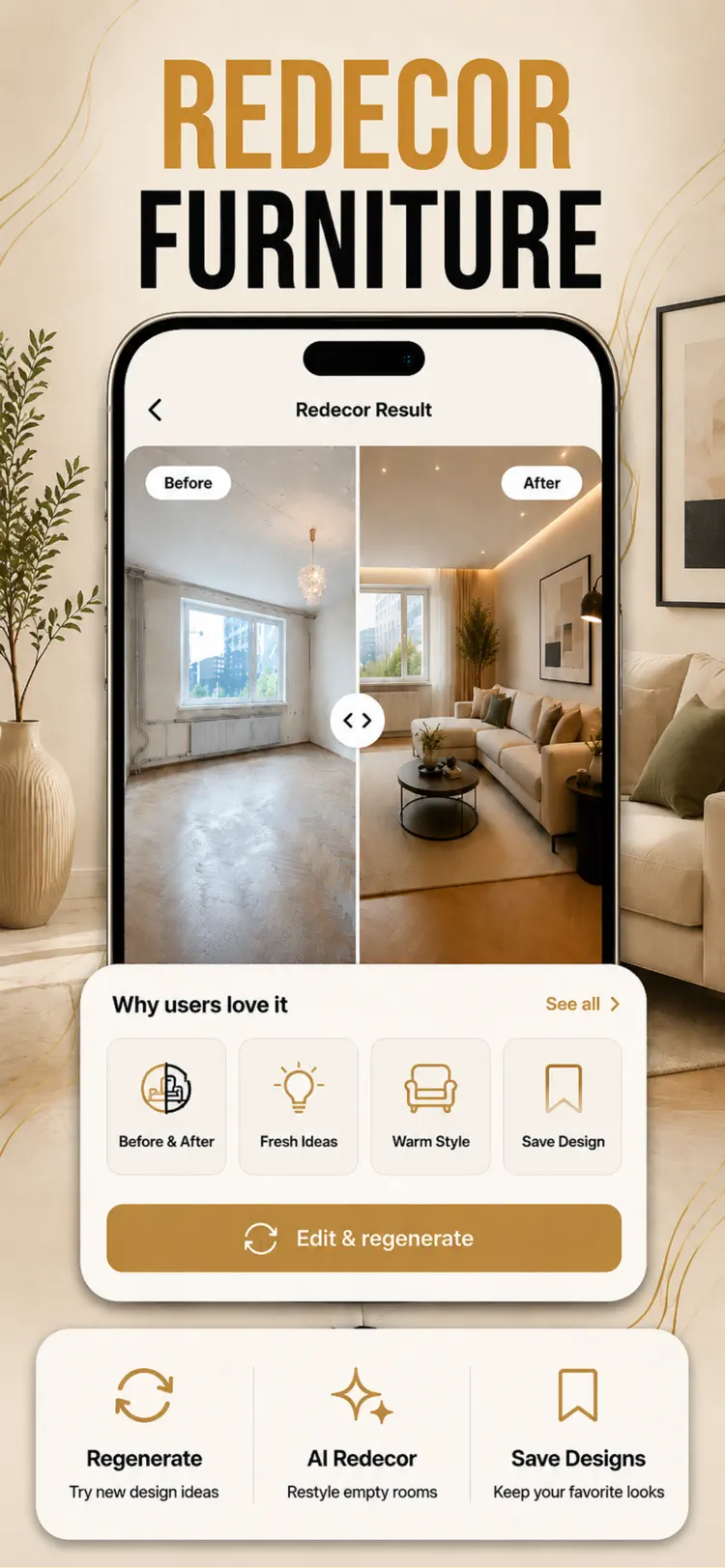
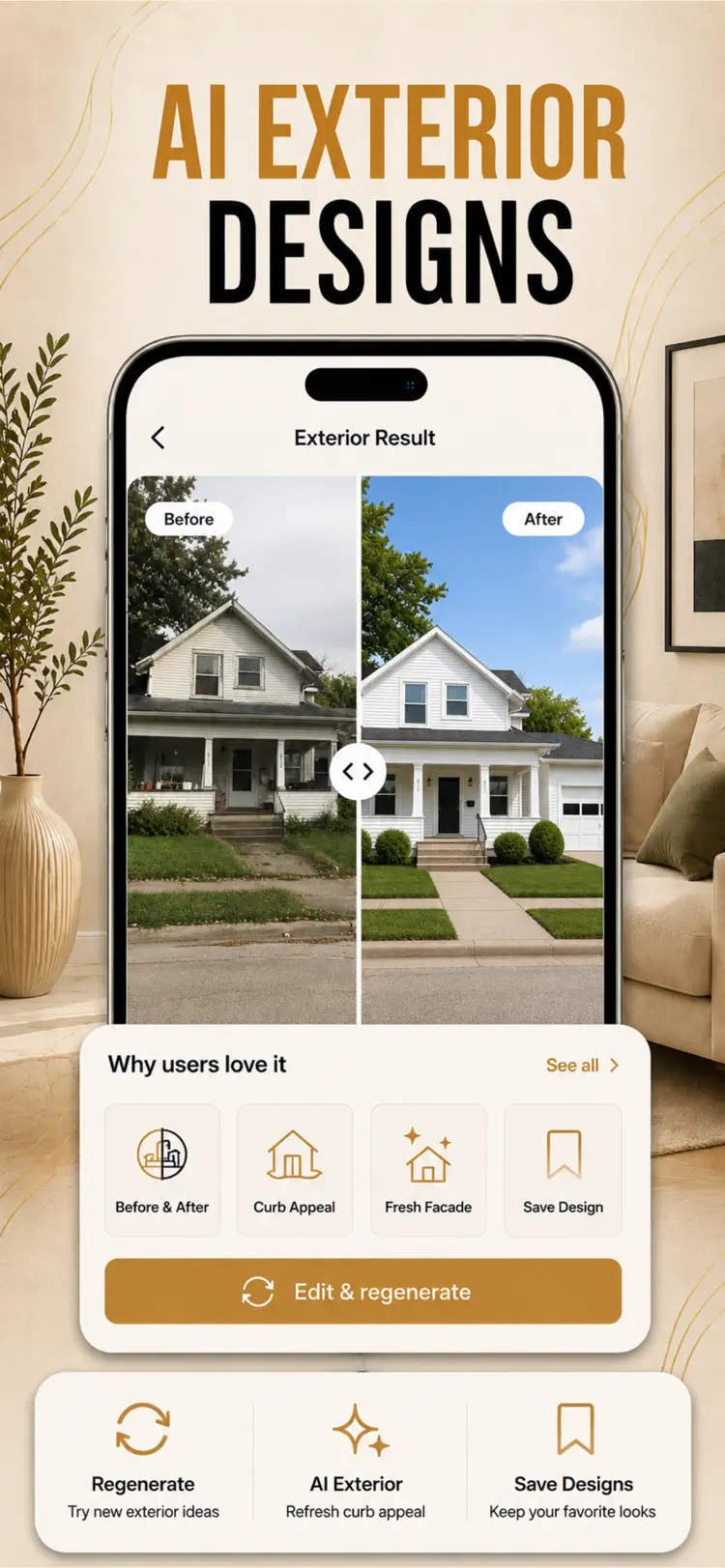
Room Plan turns a single photo of your room, garden, or home exterior into stunning, photoreal redesigns in seconds. Snap a space, choose a style, and watch it transform with a clear side by side before and after. No designer, no…
Why people use AI Interior Design
Highlights taken from the app's current App Store listing.
Snap a space
Snap a space, choose a style, and watch it transform with a clear side by side before and after.
No designer
No designer, no guesswork, no expensive software.
Take or upload a photo of any space.
Choose from curated interior and exterior styles.
Add a short design brief to guide furniture
Add a short design brief to guide furniture, colors, plants, and layout.
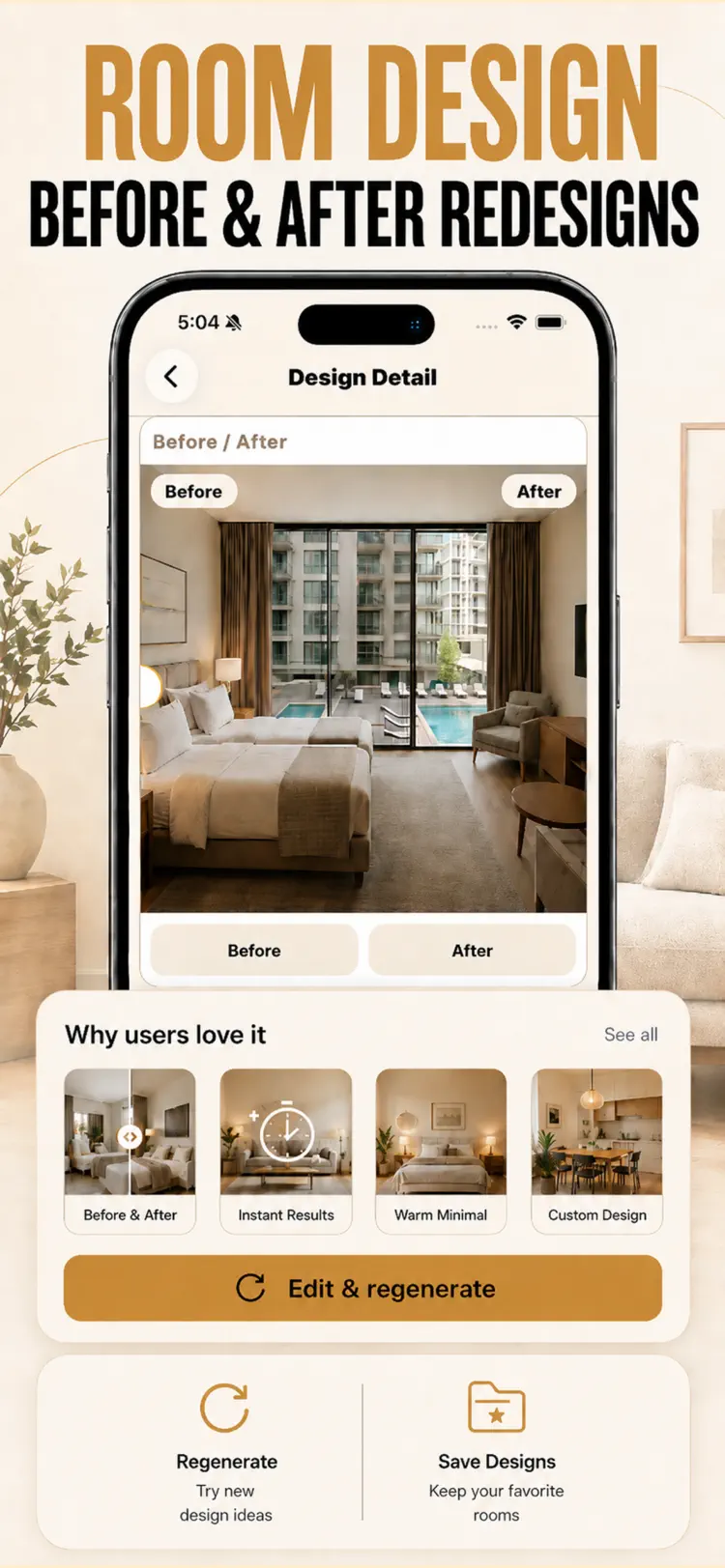
Get a photoreal redesign and compare
Get a photoreal redesign and compare the before and after with a simple slider.
How it works
How to visualize room and interior design ideas in three steps.
Provide the input
Add a room photo with enough detail for a useful result.
Generate the result
Choose the relevant tool or style and let the app process your request.
Review and refine
Treat generated output as a starting point, then edit or verify it before relying on it.
Frequently asked questions
Quick answers about features, pricing, compatibility, and privacy.
What does AI Interior Design do?
Is AI Interior Design free?
Which iPhone version does AI Interior Design support?
How does AI Interior Design handle privacy?
When was AI Interior Design last updated?
Try AI Interior Design on iPhone
Open the official App Store listing for the latest features, compatibility, pricing, and privacy details.